Choosing File Sharing with Granular Permissions in 2026: 6 Options Compared
Best file sharing with granular permissions, compared. 6 tools with published prices, free plans and limits. Hidden costs and gaps are flagged. Choose faster.
- Editor's choice
 OneDrive for Business
Personal and team sharing within Microsoft
Starts atSee websiteVisit microsoft.comFull review - Great alternative
 Google Drive
Accessible sharing with customizable permissions
Starts atSee websiteVisit workspace.google.comFull review - Also consider
 Box
AI-powered content management and collaboration
Starts atSee websiteVisit box.comFull review
Direct answer
OneDrive for Business is the first pick on this list for personal and team sharing within Microsoft. Listed starting prices: Egnyte from $22 per user per month and ShareFile from $16.50 per user per month. Alternatives: Google Drive for accessible sharing with customizable permissions, and Box for AI-powered content management and collaboration. All 6 tools are compared below on price, free plan and limits.
TL;DR:
- OneDrive for Business takes the first slot, best suited to personal and team sharing within Microsoft.
- Dropbox Business suits straightforward sharing with document tracking.
- None of the 6 tools, from OneDrive for Business to Dropbox Business, has a free plan, so budget for a subscription or use a trial.
- ShareFile is the lowest-priced starter here at $16.50 per user per month.
- One limit worth knowing about OneDrive for Business: permission granularity varies by plan.
Last checked November 2026. Prices and plan details were read from the vendors' own pages in November 2026; vendors change plans often, so confirm the current price on the vendor site before you buy.
Quick comparison
| Tool | Best for | Starts at | Free plan? | |
|---|---|---|---|---|
| OneDrive for Business | Personal and team sharing within Microsoft | See website | Not stated | Visit |
| Google Drive | Accessible sharing with customizable permissions | See website | Not stated | Visit |
| Box | AI-powered content management and collaboration | See website | Not stated | Visit |
 Egnyte | Enterprise governance of sensitive content | $22 per user per month | Free trial | Visit |
 ShareFile | Secure document workflows with granular control | $16.50 per user per month | Free trial | Visit |
 Dropbox Business | Straightforward sharing with document tracking | See website | Not stated | Visit |
Tool-by-tool breakdown
LinkVetted compared 6 file sharing with granular permissions. The goal is a practical shortlist: published prices, free plan facts, best-fit use cases and honest limits for every entry.
Think of OneDrive for Business for personal and team sharing within Microsoft. OneDrive for Business offers secure cloud storage and file sharing with integration into Microsoft 365. It permits users to share files with specific people or groups and set permissions, making it a convenient choice for individuals and teams already using Microsoft services.
More specifically, OneDrive's permission controls are solid for everyday sharing but may not offer the depth required for complicated governance. For advanced needs, SharePoint or Egnyte supply more deep choices. Check the vendor site for OneDrive for Business pricing; none is listed in this comparison. Trial and free access: Not stated.
Drawbacks to consider: Permission granularity varies by plan.
- Secure storage
- Simple sharing options
- Restricted standalone features
Google Drive is built with accessible sharing with customizable permissions in mind. Google Drive's permission model is straightforward but may lack the deep governance features of enterprise-focused tools. More specifically, Google Drive is a widely used file sharing product that offers personal and secure cloud storage with customizable sharing permissions.
It permits users to set view, comment, or edit access for individuals and groups, making it a practical choice for teams of all sizes. Beyond that, for stricter control over sensitive content, Egnyte or SharePoint might be better choices. Check the vendor site for Google Drive pricing; none is listed in this comparison. Free options: Not stated.
The main drawbacks: Permission inheritance can confuse.
- Granular sharing choices
- Easy-to-learn interface
- Restricted advanced governance
Box works best for AI-powered content management and collaboration. Box is an intelligent content management system that merges file sharing with workflow automation and AI.
The main drawbacks: Complicated setup for advanced features.
It supports granular permissions for internal and external collaboration, helping organizations protect sensitive data whereas enabling smooth teamwork across departments. Check the vendor site for Box pricing; none is listed in this comparison. Trial and free access: Not stated.
- AI-driven automation
- External collaboration
- Can be expensive for small teams
Egnyte is built with enterprise governance of sensitive content in mind. It gives you granular permission settings and is aimed at organizations that require to manage access across plenty of users and data types.
Beyond that, for more straightforward needs, Dropbox Business or Google Drive may offer sufficient permission controls with less overhead. Starting cost for Egnyte: $22 per user per month. On free options: Free trial.
What to check first: Enterprise-focused complexity.
- Capable governance controls
- AI context layer
- May be excessive for small teams
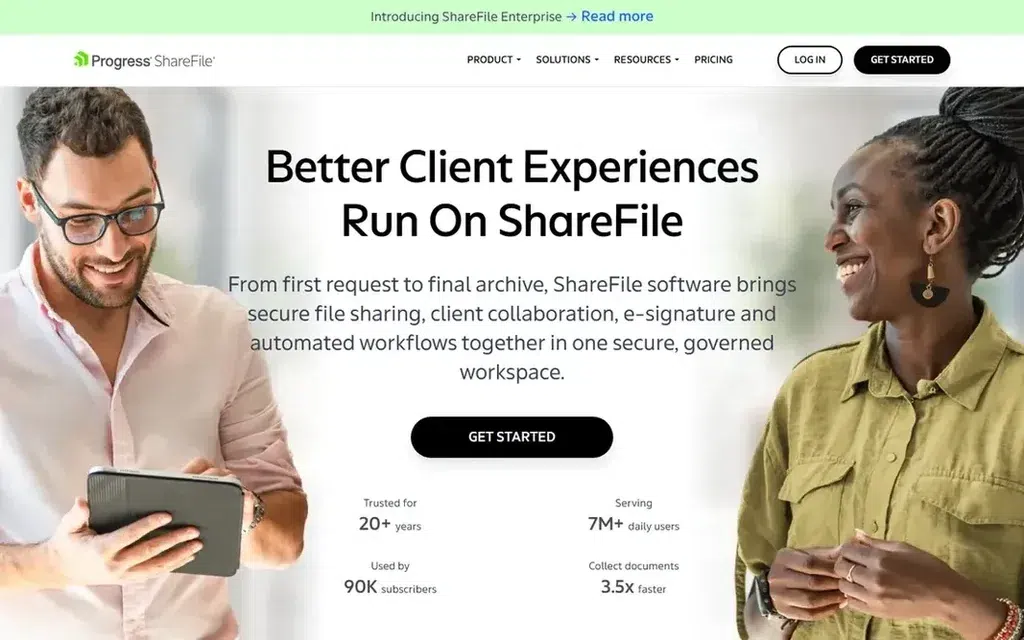
ShareFile is a good fit for secure document workflows with granular control. ShareFile is a secure document workflow and file sharing product aimed at firms that need precise control over access. It lets teams share files with clients and collaborators whereas maintaining strict security, making it a fit for professional services and regulated industries that need in-depth permission settings.
What to check first: Restricted consumer features.
Also, for teams wanting a more straightforward tool with entry-level permissions, Google Drive or Dropbox Business could be a better match. The product may be more than needed for straightforward file sharing, and its interface can take time to learn. Starting cost for ShareFile: $16.50 per user per month. On free options: Free trial.
- Fine-grained permission settings
- Secure client sharing
- Interface can feel complicated
The main drawbacks: Less granular than enterprise tools.
For everyday use, Whereas Dropbox Business includes typical sharing scenarios, its permission granularity may not match specialized governance tools. Beyond that, for complicated access rules, consider ShareFile or Egnyte instead. Dropbox Business shows no starting price here, so confirm the cost on the vendor site. As for free access: Not stated.
- Document tracking
- ESignature integration
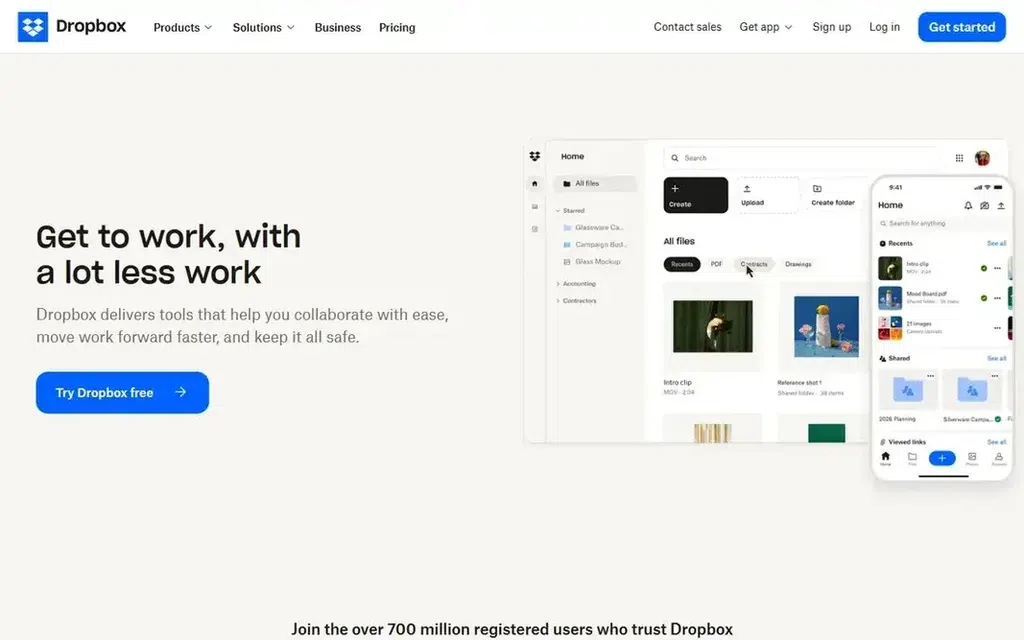
- Restricted advanced permissions Dropbox Business if this describes you: straightforward sharing with document tracking. Dropbox Business gives you cloud storage, sharing, eSignature, and document tracking in an approachable package. It offers permission settings for shared links and folders, making it a good match for teams that want steady sharing without a steep ramp-up time.
How we chose
The comparison looks at four things: starting price, free access, how well the feature set matches file sharing with granular permissions, and the main limit of each tool. Treat prices as a snapshot: vendors change plans often, so check the vendor site for the figure that applies today. The sequence is a judgement call: typical use case first, then pricing transparency, then free access. Use the profiles to check fit.
What to check before you buy
- Ask OneDrive for Business, Google Drive, Box and Dropbox Business for a written quote, since no starting price is shown.
- Use real work to test the free trial from Egnyte and ShareFile, rather than a demo project.
- Before choosing OneDrive for Business, weigh its main limit: permission granularity varies by plan.
- The entry price of OneDrive for Business is only the starting point; model the full cost with seats and extras.
- Test how quickly Egnyte answers a pre-sales question; it hints at how support will feel later.
FAQ
Can I try these tools before paying?
Often, yes. Egnyte and ShareFile offer a free trial. Use your own data and a real task during the test, and check what the free tier or trial limits before you rely on it. Each of the 6 options in this file sharing with granular permissions guide has its own card above with the price, free plan and limits.
Does any tool for file sharing with granular permissions here have a free plan?
A permanent free plan is not offered by OneDrive for Business, Dropbox Business or the other tools here. Egnyte, ShareFile offer a trial. Plan a short evaluation period instead.
What is the cheapest option for file sharing with granular permissions in this list?
On published monthly entry prices, ShareFile is the lowest here at $16.50 per user per month. Entry price is only part of the cost, because seats, add-ons and billing terms can change the total. All 6 picks in this file sharing with granular permissions comparison list a starting price, free plan details and the main limits on their cards above.
Which tool is a good match for highly sensitive documents?
This list starts with OneDrive for Business, which fits personal and team sharing within Microsoft. For other needs, Google Drive is aimed at accessible sharing with customizable permissions, and Box at AI-powered content management and collaboration. Check each tool's price and main limit first.
How are the tools for file sharing with granular permissions ordered?
The order follows typical fit for file sharing with granular permissions, with OneDrive for Business first and Dropbox Business last, then price clarity and free access. It is editorial judgement, not a score, so another team could rank the tools differently.
Sources
- https://www.microsoft.com/en-us/microsoft-365/onedrive/online-cloud-storage
- https://workspace.google.com/products/drive
- https://www.box.com
- https://www.egnyte.com
- https://www.sharefile.com
- https://www.dropbox.com/business