6 Best Field Service Software with Inventory Management for 2026, Vetted and Compared
Best field service software with inventory management: 6 tools compared on price, free plans and fit. Plain-spoken summaries throughout. Pick with confidence.
- Editor's choiceMicrosoft Dynamics 365 Field Service
Bigger organizations needing automation
Starts atSee websiteVisit microsoft.comFull review - Great alternative
 Kickserv
Home service firms needing core tools
Starts at$60 a monthVisit kickserv.comFull review - Also consider
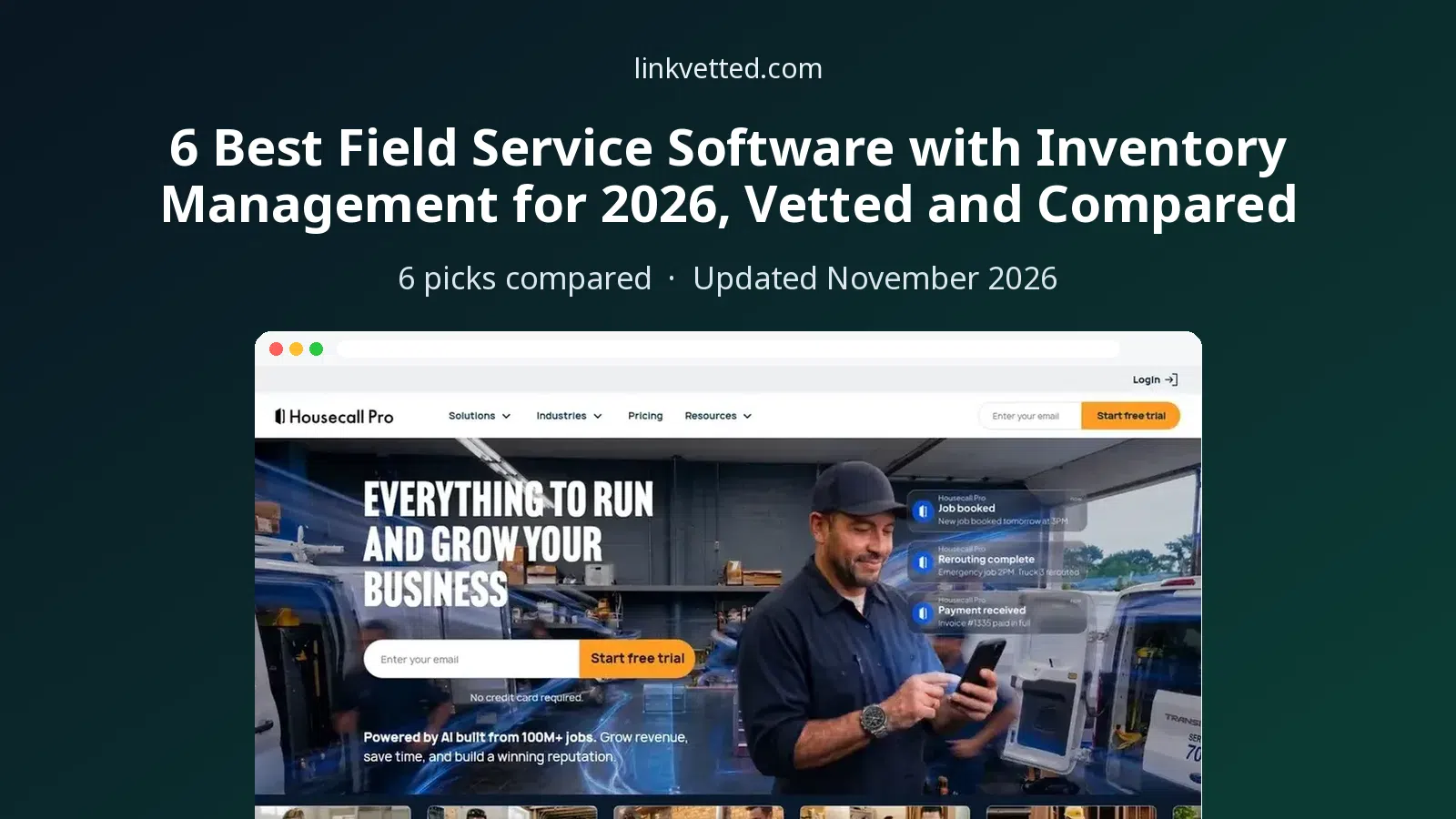
 Housecall Pro
Home service firms
Starts at$59 per monthVisit housecallpro.comFull review
Direct answer
For larger organizations needing automation, Microsoft Dynamics 365 Field Service is where this list starts. Listed starting prices: Kickserv from $60 a month, Housecall Pro from $59 per month and Service Fusion from $220 a month. Kickserv is better for home service firms needing core tools, and Housecall Pro is better for home service companies. Prices, free plans and limits for all 6 tools follow.
TL;DR:
- Microsoft Dynamics 365 Field Service sits first on this list: bigger organizations needing automation.
- Before buying Housecall Pro, weigh this: feature breadth may overwhelm new users.
- The lowest published monthly entry price here is $59 per month, from Housecall Pro.
- A permanent free plan is missing from all 6 tools, Microsoft Dynamics 365 Field Service and Service Fusion included; plan for a trial or a premium start.
- Service Fusion is the one to check for contractors wanting all-in-one management.
Last checked November 2026. Prices and plan details were read from the vendors' own pages in November 2026; vendors change plans often, so confirm the current price on the vendor site before you buy.
Quick comparison
| Tool | Best for | Starts at | Free plan? | |
|---|---|---|---|---|
| Microsoft Dynamics 365 Field Service | Bigger organizations needing automation | See website | Not stated | Visit |
| Kickserv | Home service firms needing core tools | $60 a month | Free trial | Visit |
| Housecall Pro | Home service firms | $59 per month | Free trial | Visit |
 Jobber | Small teams needing straightforward operations | See website | Not stated | Visit |
 ServiceTitan | Home and commercial contractors | See website | Free trial | Visit |
 Service Fusion | Contractors wanting all-in-one management | $220 a month | No | Visit |
Field Service Software with Inventory Management, one by one
Choosing field service software with inventory management usually comes down to price, fit and limits. This LinkVetted guide sets 6 tools side by side on those three points, with the facts kept short and checkable.
Microsoft Dynamics 365 Field Service
Best for: Bigger organizations needing automation
Microsoft Dynamics 365 Field Service is designed for larger organizations needing automation. Enterprise products carry implementation overhead, and smaller teams may find the scope excessive.
As for the details, planning and administrative resources matter for a successful rollout. Firms already invested in Microsoft business tools may find the fit natural. Microsoft Dynamics 365 Field Service does not show a starting price in this comparison, so check the vendor site for current pricing. Trial and free access: Not stated.
What to check first: Enterprise complexity.
- Live data focus
- Automatic scheduling and reminders
- Needs implementation resources
Pick Kickserv if this describes you: home service firms needing core tools. Teams that chiefly need jobs, customers, and payments covered will find it approachable.
Where it is weaker: Restricted advanced inventory controls.
From a buyer's view, the feature set is intentionally focused, so advanced inventory controls and deep reporting are restricted. Also, choose a bigger system once inventory complexity grows beyond entry-level needs. Starting cost for Kickserv: $60 per month. Free plan details: Free trial.
- Job and customer management
- Communication and payments included
- Lighter feature depth
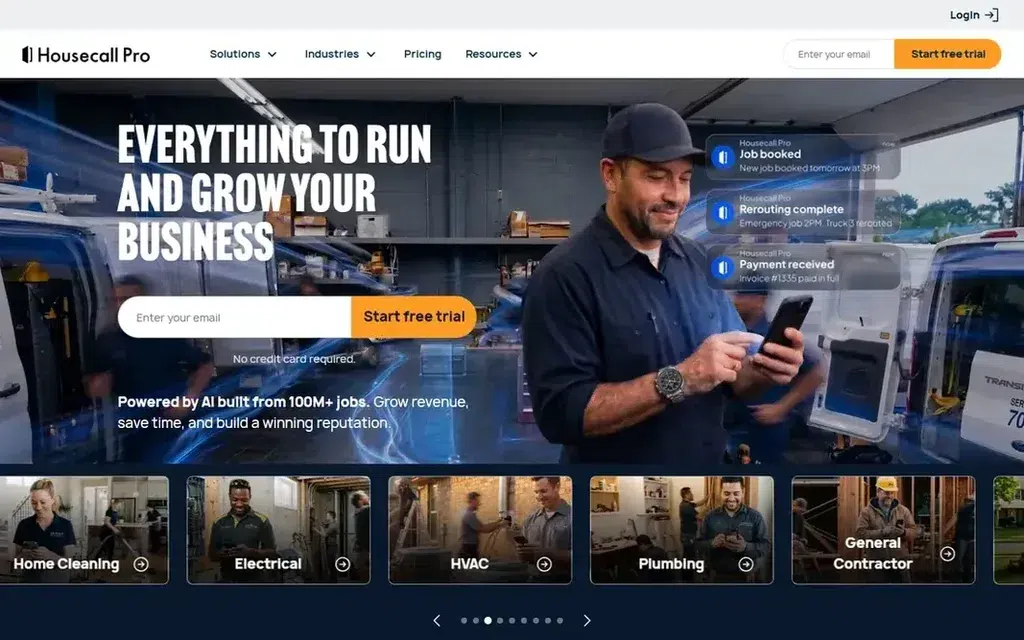
Pick Housecall Pro if this describes you: home service companies. Housecall Pro is presented as a software option for home service firms, geared toward organizing field operations from scheduling through customer communication. More specifically, consider a lighter tool when inventory needs are minimal.
From a buyer's view, the breadth of features can take time to learn, and very small operations may not use everything included. Teams moving off spreadsheets frequently land here. If you need only entry-level job tracking, a more straightforward choice could be simpler to adopt. Entry price for Housecall Pro: $59 per month. As for free access: Free trial.
Points against: Best value at higher volume.
- Wide field service feature set
- Positioned for home service firms
- Feature breadth may overwhelm new users
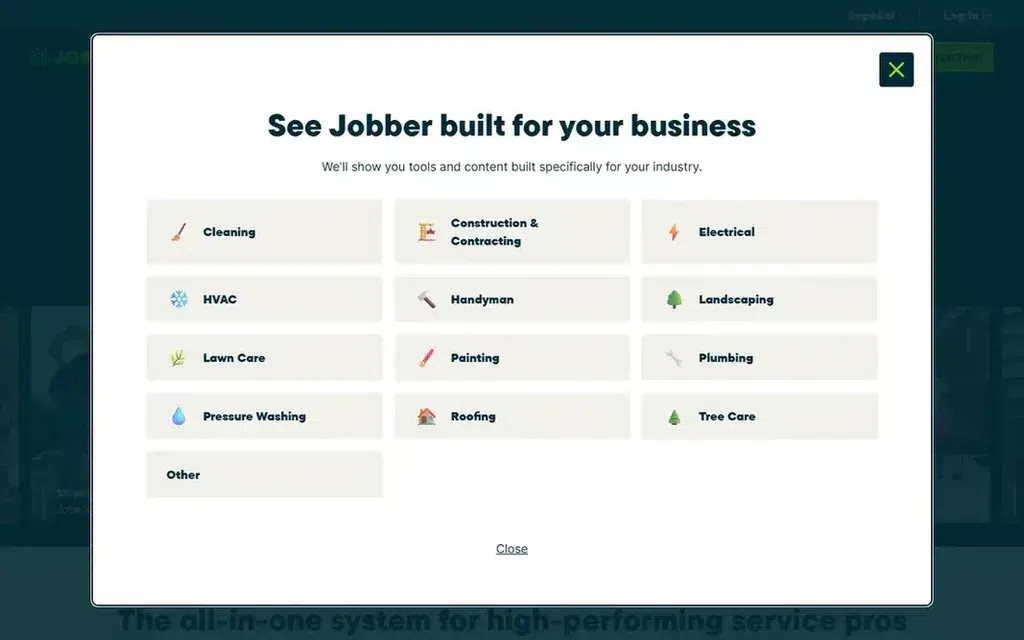
Jobber works best for small teams needing simple operations. Companies managing complicated parts catalogs or multi-stage construction jobs may outgrow it. As for the details, Jobber presents itself as home and commercial service software that organizes a service business, letting you quote, schedule, invoice, and get premium in one place.
Watch-outs: Less depth for complicated project work.
Its app is positioned as straightforward to use, powering sales, operations, and customer service. The emphasis on simplicity means deeper inventory and project controls are restricted compared to bigger systems. Pricing for Jobber is not stated here, so ask the vendor for current figures. Free options: Not stated.
- Invoice in one place
- Quote, schedule
- Inventory handling is entry-level
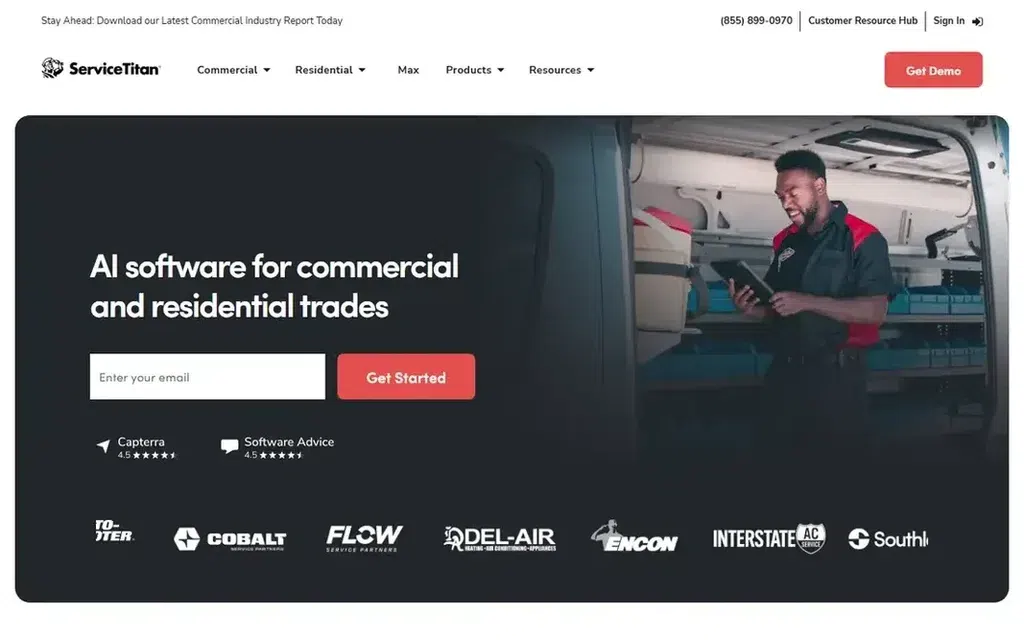
ServiceTitan works best for home and commercial contractors. It suits established trade companies that want scheduling, dispatching, and job tracking under one roof instead of stitching together separate tools.
Also, since it spans service and project work, the product carries more depth than a straightforward scheduling app, which can mean a longer setup. ServiceTitan does not show a starting price in this comparison, so check the vendor site for current pricing. As for free access: Free trial.
Where it falls short: Wide scope may feel heavy for small teams.
- All-in-one operations product
- Designed for service visits and projects
- Setup demands planning
Service Fusion is a good fit for contractors wanting all-in-one management. Service Fusion describes all-in-one field service management software aimed at service companies and contractors, geared toward saving time and increasing productivity.
Honest limits: Vendor productivity claims should be verified.
Also, vendor-stated productivity gains should be confirmed against your own workflow before committing. Module depth can vary, so check that inventory features match your parts handling. On cost, Service Fusion starts like this: $220 per month. There is no free plan with Service Fusion.
- All-in-one field service management
- Aimed at service firms and contractors
- Depth varies by module
Selection criteria
What to confirm before you sign up
- Confirm the entry price on the vendor page. For Microsoft Dynamics 365 Field Service, Jobber and ServiceTitan that means a quote rather than a fixed price.
- Take the trial from Kickserv, Housecall Pro and ServiceTitan and push a live task through it before you pay.
- Read the limits listed for Microsoft Dynamics 365 Field Service first: enterprise complexity.
- Look at the renewal terms for Housecall Pro: auto-renewal, notice periods and price changes can matter more than the first-year price.
- Price Microsoft Dynamics 365 Field Service for your actual team size; headline prices rarely include add-ons or overage.
FAQ
How are the tools for field service software with inventory management ordered?
Microsoft Dynamics 365 Field Service sits first and Service Fusion last because the order follows typical fit for field service software with inventory management, then price clarity and free access. It is a judgement call, so read each profile for fit and limits.
Do these tools publish their prices?
Not all of them. Microsoft Dynamics 365 Field Service, Jobber and ServiceTitan publish no starting price, so expect a quote request for those. The rest, Kickserv included, show a starting price, though seats and billing terms still change the final cost.
Does any tool for field service software with inventory management here have a free plan?
No tool in this list, Microsoft Dynamics 365 Field Service and Service Fusion included, has a permanent free plan. Kickserv, Housecall Pro, ServiceTitan offer a trial. Trials and quotes are the usual route, so plan a short evaluation period.
When should a larger organization consider Dynamics 365 Field Service?
Microsoft Dynamics 365 Field Service flags automatic self-service scheduling, live data, and automatic reminders, which suit organizations with complicated dispatching. Smaller operations may find a lighter tool quicker to adopt.
What is the cheapest option for field service software with inventory management in this list?
On published monthly entry prices, Housecall Pro is the lowest here at $59 per month. Entry price is only part of the cost, because seats, add-ons and billing terms can change the total. For the full picture, the cards above cover all 6 entries of this field service software with inventory management list, including price, free plan and limits.
Sources
- https://www.microsoft.com/en-us/dynamics-365/products/field-service
- https://www.kickserv.com
- https://www.housecallpro.com
- https://www.getjobber.com
- https://www.servicetitan.com
- https://www.servicefusion.com
Related guides
- Best Field Service Management Software in 2026: 9 Tools Compared
- Best Field Service Management Software for Small Business in 2026: 8 Tools Compared
- Best Construction Site Inventory Tracking Apps in 2026: 8 Apps Compared
- Top 6 Blueprint Markup Software for Field Superintendents for 2026 (Prices and Free Plans)