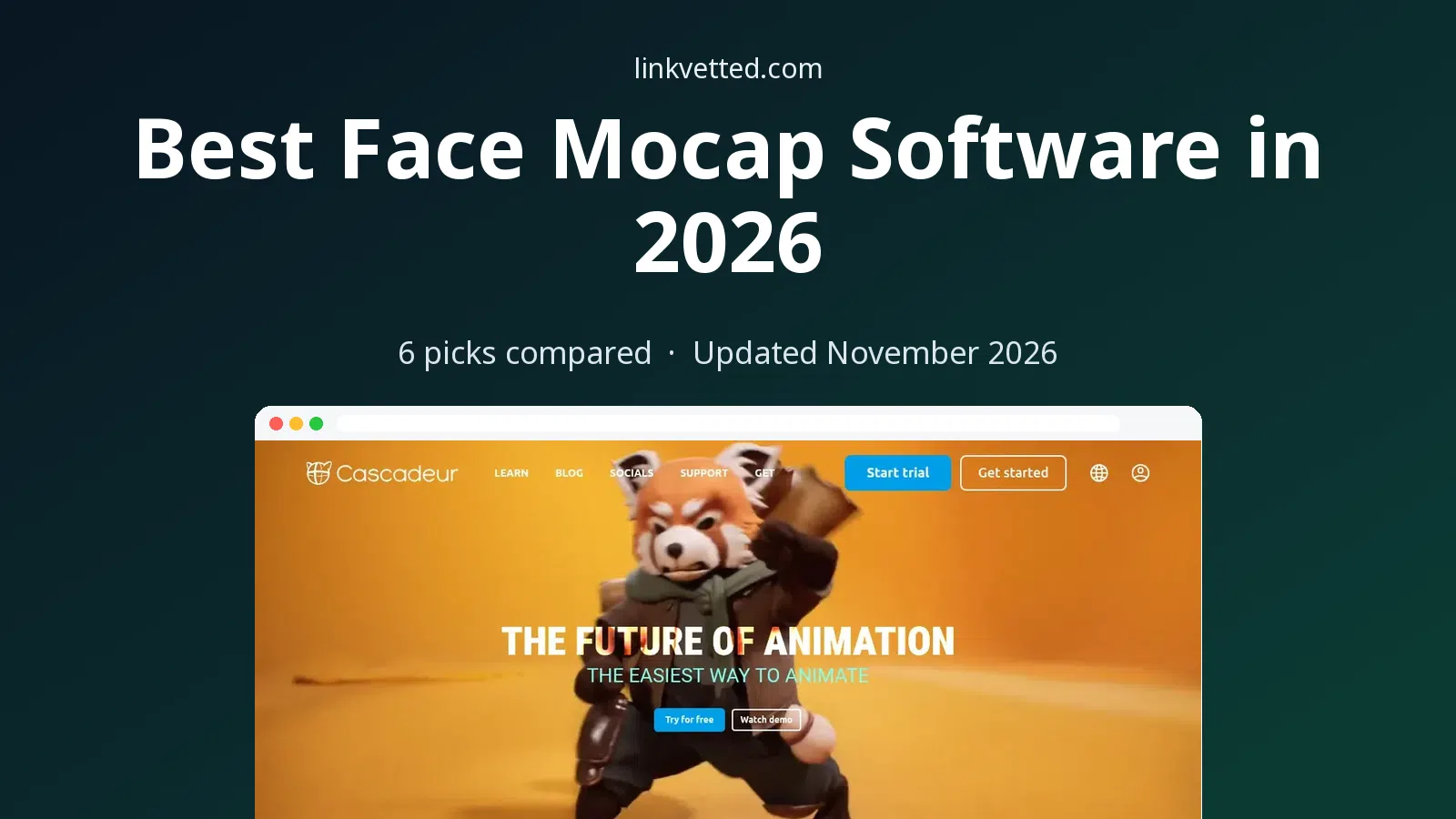
Best Face Mocap Software in 2026: Prices, Free Plans and 6 Picks
Searching for the best face mocap software? Here are 6 options with prices and free plans. Includes honest limits for each tool. Full profiles inside.
- Editor's choiceRokoko Studio
Full-body, finger and face capture workflows
Starts at$10 per monthVisit rokoko.comFull review - Great alternativeCascadeur
AI-assisted keyframe animation and mocap cleanup
Starts at$19 a monthVisit cascadeur.comFull review - Also considerVicon
Professional motion capture systems and pipelines
Starts atSee websiteVisit vicon.comFull review
Direct answer
This list puts Rokoko Studio first for full-body, finger and face capture workflows. Listed starting prices: Rokoko Studio from $10 per month and Cascadeur from $19 a month. For a different need, Cascadeur covers AI-assisted keyframe animation and mocap cleanup and Vicon covers professional motion capture systems and pipelines. The other 3 tools in the list cover narrower or pricier cases.
TL;DR:
- Top of the list is Rokoko Studio, which targets full-body, finger and face capture workflows.
- The lowest published monthly entry price here is $10 per month, from Rokoko Studio.
- Faceware Studio is the one to check for dedicated professional facial performance capture.
- Vicon comes with a trade-off: targeted at professional studios.
- Free plans exist at 2 of 6 tools (Rokoko Studio, Cascadeur).
Last checked November 2026. Prices and plan details were read from the vendors' own pages in November 2026; vendors change plans often, so confirm the current price on the vendor site before you buy.
Quick comparison
| Tool | Best for | Starts at | Free plan? | |
|---|---|---|---|---|
| Rokoko Studio | Full-body, finger and face capture workflows | $10 per month | Yes | Visit |
| Cascadeur | AI-assisted keyframe animation and mocap cleanup | $19 a month | Yes | Visit |
| Vicon | Professional motion capture systems and pipelines | See website | Not stated | Visit |
| DeepMotion | AI motion capture from video in a browser | See website | Not stated | Visit |
| Xsens | Inertial motion capture for body and performance | See website | Not stated | Visit |
| Faceware Studio | Dedicated professional facial performance capture | See website | Not stated | Visit |
Face Mocap Software, one by one
LinkVetted compared 6 tools for face mocap software. The goal is a practical shortlist: published prices, free plan facts, best-fit use cases and honest limits for every entry.
Rokoko Studio
Best for: Full-body, finger and face capture workflows
Rokoko Studio serves full-body, finger and face capture workflows. Rokoko Studio is described as motion capture software for animation, research and robotics, capturing real human motion for character animation and teleoperation with full-body, finger and face mocap. The broad scope means setup and configuration take effort, and studios that only need facial capture may prefer a narrower tool.
Main advantages: Used for animation and research.
It is a solid fit when body, hand and face data must live together in one pipeline. On top of that, check hardware compatibility before committing. Rokoko Studio starts at: $10 per month. You can start on Rokoko Studio without paying. Drawbacks to consider: Face capture is one part of the offering.
- Spans body
- Single studio environment
- Broad scope means more to configure
Cascadeur
Best for: AI-assisted keyframe animation and mocap cleanup
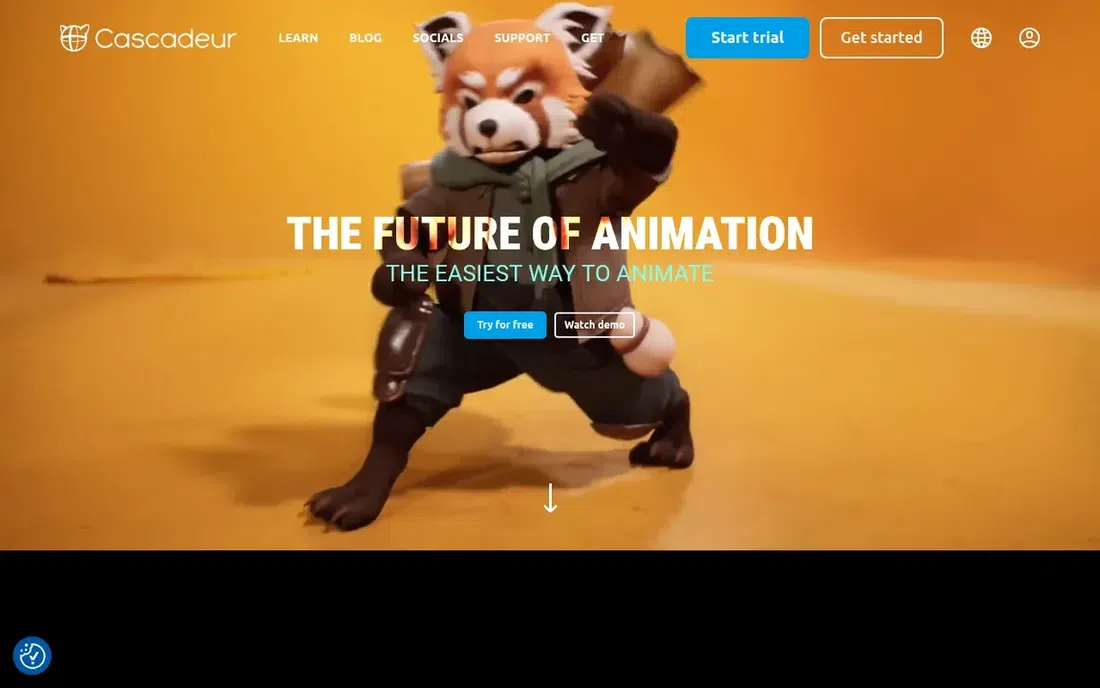
Cascadeur is built with AI-assisted keyframe animation and mocap cleanup in mind. Cascadeur presents itself as an AI-assisted keyframe animation tool for character animation, mocap cleanup, AI motion generation and editing. Also, pick it when your bottleneck is fixing and finishing animation instead of recording faces.
Beyond that, Facial work generally enters through cleanup and editing instead of as a standalone capture product. Cascadeur shines after capture, during cleanup and polish. As for the details, if your goal is live facial performance capture from an actor, a dedicated face mocap tool is the more direct route. Price to start with Cascadeur: $19 per month. Free access exists with Cascadeur.
Downsides: Suited to animators, not casual users.
- Physics-aware posing workflow
- AI-assisted keyframe tools
- Not a dedicated facial capture solution
Vicon
Best for: Professional motion capture systems and pipelines
Vicon makes the most sense for professional motion capture systems and pipelines. This is a studio-scale choice instead of a fast desktop add-on, and smaller creators may find dedicated software simpler to adopt.
Limits to weigh: Needs significant setup and space.
Costs and setup are best confirmed straight with the vendor. Worth adding: choose it when capture quality and pipeline integration justify the investment. Pricing for Vicon is not stated here, so ask the vendor for current figures. Free access: Not stated.
- Hardware and software ecosystem
- Systems used in film and games
- Targeted at professional studios
DeepMotion
Best for: AI motion capture from video in a browser
DeepMotion makes the most sense for AI motion capture from video in a browser. Choose DeepMotion for quick, accessible body motion instead of nuanced facial animation.
Where it is weaker: Body tracking focus over facial detail.
Studios needing precise facial performance should look at dedicated face capture software. From a buyer's view, since it depends on video input, results depend heavily on footage quality, and fine facial detail may need extra tools. DeepMotion does not show a starting price in this comparison, so check the vendor site for current pricing. As for free access: Not stated.
- Browser-based workflow
- Produces animation from video
- Needs clean source video
Xsens
Best for: Inertial motion capture for body and performance
Xsens serves inertial motion capture for body and performance. Worth adding: for animation teams, the appeal is portable capture without a fixed optical stage. In daily use, Facial performance is usually handled by complementary tools, so Xsens suits projects where body motion is the core need.
Pick it when you need dependable body capture that travels with the production. Xsens also targets professional buyers, so budget and setup should be confirmed with the vendor. No starting price is listed for Xsens here; confirm pricing on the vendor site. As for free access: Not stated.
Drawbacks to consider: Body-focused instead of face-first.
- Inertial sensor-based capture
- Used across entertainment and sports
- Professional pricing and setup
Faceware Studio
Best for: Dedicated professional facial performance capture
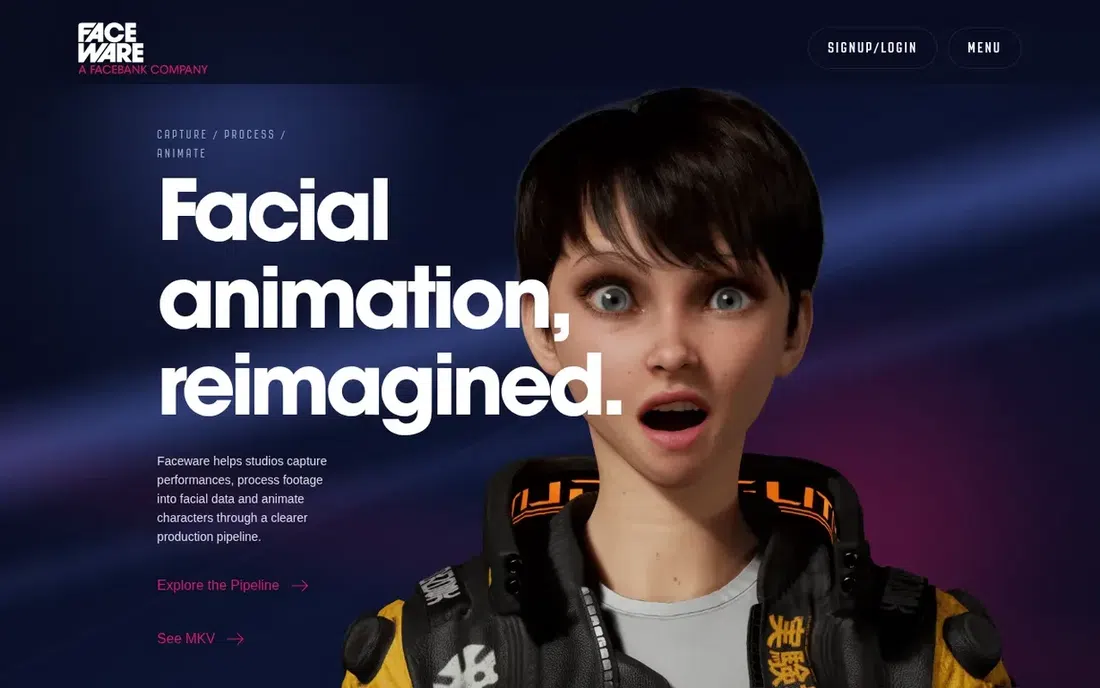
For dedicated professional facial performance capture, Faceware Studio is a natural candidate. Pick it when facial fidelity is the priority and other tools already deal with the rest of the pipeline.
Where it is weaker: Facial capture workflows need setup time.
In practice, since the focus is facial capture, teams that also need full-body mocap or wide keyframe animation may prefer a suite that bundles those features. Faceware Studio shows no starting price here, so confirm the cost on the vendor site. On free options: Not stated.
- Pairs hardware and software
- Concentrated on facial motion capture
- Narrower scope than full animation suites
Our selection method
Selection started from tools commonly considered for face mocap software, then narrowed to 6 that have clear pricing information or a clear quote process. Treat prices as a snapshot: vendors change plans often, so check the vendor site for the figure that applies today. Order on the page follows fit for the typical buyer first, then price transparency and free access. Your own requirements should decide the final pick.
Pre-purchase checklist
- Ask Vicon, DeepMotion, Xsens and Faceware Studio for a written quote, since no starting price is shown.
- Look at free plan limits closely: Rokoko Studio and Cascadeur have one, and the caps decide whether it is usable for real work.
- Before choosing Rokoko Studio, weigh its main limit: wide scope means more to configure.
- Ask Vicon which support channels and response times come with the plan you would buy.
- Add up seats, add-ons and usage charges for Xsens before comparing it with cheaper entries.
FAQ
Can I try these options before paying?
Often, yes. Rokoko Studio and Cascadeur have a free plan. Use your own data and a real task during the test, and check what the free tier or trial limits before you rely on it.
Is Rokoko Studio the right pick for everyone comparing face mocap software?
No single tool suits every team. Rokoko Studio comes first because it fits full-body, finger and face capture workflows, while Cascadeur suits AI-assisted keyframe animation and mocap cleanup and Vicon suits professional motion capture systems and pipelines. Match the tool to your own size, budget and workflow before deciding.
What is the cheapest option for face mocap software in this list?
On published monthly entry prices, Rokoko Studio is the lowest here at $10 per month. Entry price is only part of the cost, because seats, add-ons and billing terms can change the total. All 6 picks in this face Mocap software comparison list a starting price, free plan details and the main limits on their cards above.
Is AI-based face mocap accurate enough for production?
AI tracking has improved and performs well for plenty of projects, but fine facial detail and unusual performances may still benefit from dedicated capture systems.
How are the tools for face mocap software ordered?
Rokoko Studio sits first and Faceware Studio last because the order follows typical fit for face mocap software, then price clarity and free access. It is a judgement call, so read each profile for fit and limits.
Sources
- https://www.rokoko.com
- https://cascadeur.com
- https://www.vicon.com
- https://www.deepmotion.com
- https://www.xsens.com
- https://facewaretech.com