Best Face Swap Video Tools in 2026: 8 Tools Compared
Compare the best face swap video tools for realistic video swaps, with free options, pricing, quality limits and consent and safety advice before you buy.
- Editor's choice
 DeepSwap
Longer videos and group shots
Starts at$9.99 per monthVisit deepswap.aiFull review - Great alternative
 Akool
Marketing teams and multi-face video
Starts atSee websiteVisit akool.comFull review - Also consider
 Vidnoz Face Swap
Quick browser-based video swaps
Starts atSee websiteVisit vidnoz.comFull review
TL;DR:
- DeepSwap and Akool lead for longer, higher quality video swaps, while FaceFusion is the strongest free option if you have a capable computer.
- Most tools work best on short clips with a clear, front-facing face, and results drop on fast movement, side profiles and poor lighting.
- Credit systems make pricing hard to compare, so check how many credits a video of your length and resolution actually uses.
- Only swap faces with clear permission from the person pictured, and never use these tools to create misleading videos of real people.
Quick comparison
| Tool | Best for | Starts at | Free plan? | |
|---|---|---|---|---|
| DeepSwap | Longer videos and group shots | $9.99 per month | No | Visit |
| Akool | Marketing teams and multi-face video | See website | Yes | Visit |
| Vidnoz Face Swap | Quick browser-based video swaps | See website | Yes | Visit |
 Magic Hour | Creators who also make AI video | See website | Yes | Visit |
 Reface | Short social clips and memes | See website | Yes | Visit |
 FaceFusion | Free local swaps on your own computer | Free | Yes | Visit |
 Remaker AI | Simple photo and video swaps | See website | Yes | Visit |
 Swapface | Real-time swaps for streams and calls | See website | Yes | Visit |
The best face swap video tools
We focused on tools that actually swap faces in video, not just still photos. We compared output quality, video length limits, ease of use, pricing model and safety controls, and we weighted consent and misuse controls heavily.
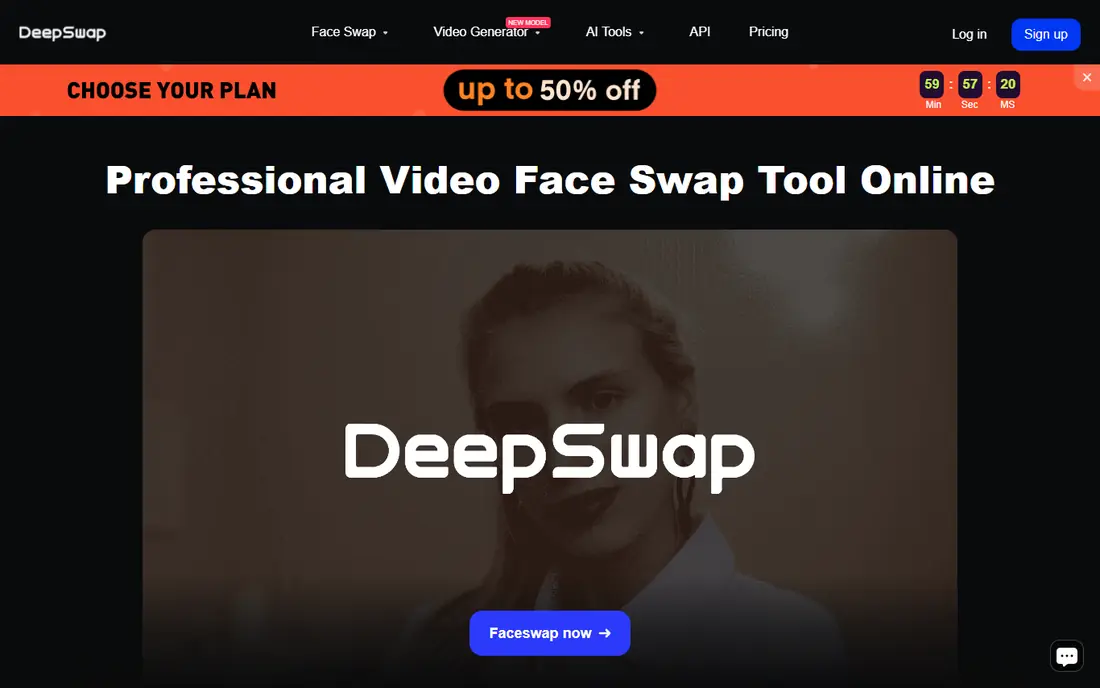
DeepSwap is a practical pick when you need more than a five second clip. It handles longer videos, supports several faces in one scene and offers HD output, which makes it useful for creators who rework existing footage rather than making a quick joke clip. The interface is web based, so you do not need a powerful computer.
The main cost question is credits. Video swaps use credits based on length, so a long project can use a plan faster than the headline price suggests. Test it on a short clip first, and check the credit cost for your usual video length before you pay for a month.
- Supports videos up to 30 minutes on paid plans
- Multi-face swaps
- HD output options
- Credit use rises with video length
- No permanent free tier
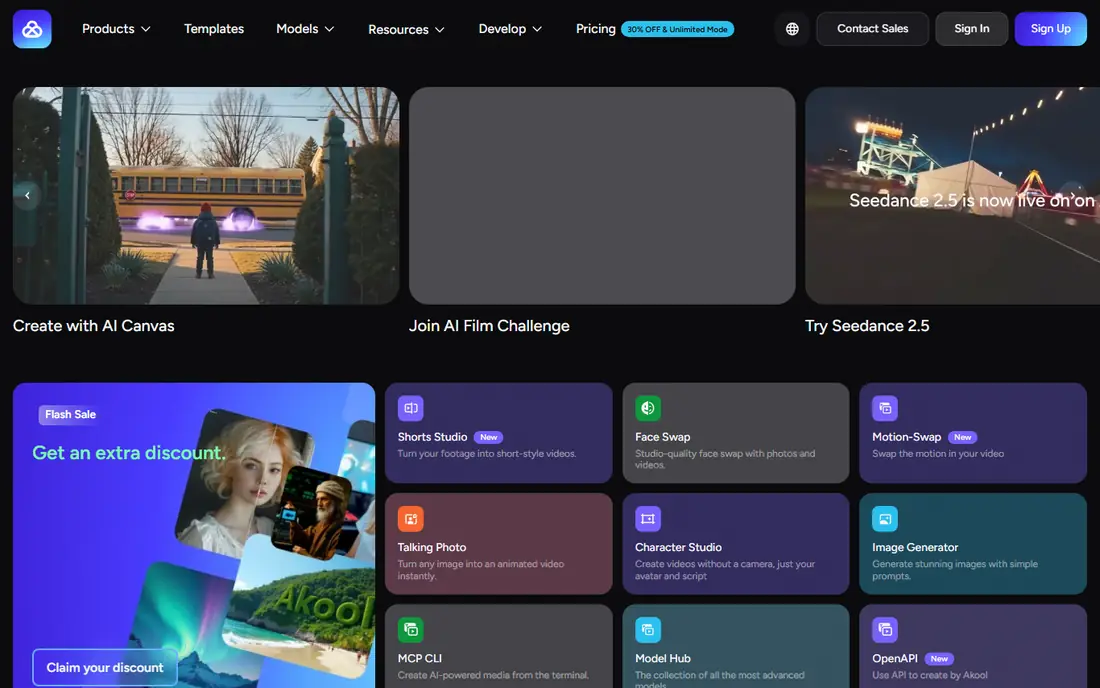
Akool is broader than a single face swap tool. A marketing team can swap talent in a base commercial, create avatar presenters and translate video, all in one account. That breadth helps when one campaign needs several localized versions, and paid plans raise resolution and video length limits.
The trade-off is complexity and cost. Akool uses seats and credits, so budgeting needs care, and free output carries a watermark. It is best for teams that will use more than just face swapping, not for a one-off personal clip.
- Face swap plus avatars and video translation
- Higher resolution on paid plans
- API access on higher tiers
- Pricing varies by credits and seat
- Free output is watermarked and limited
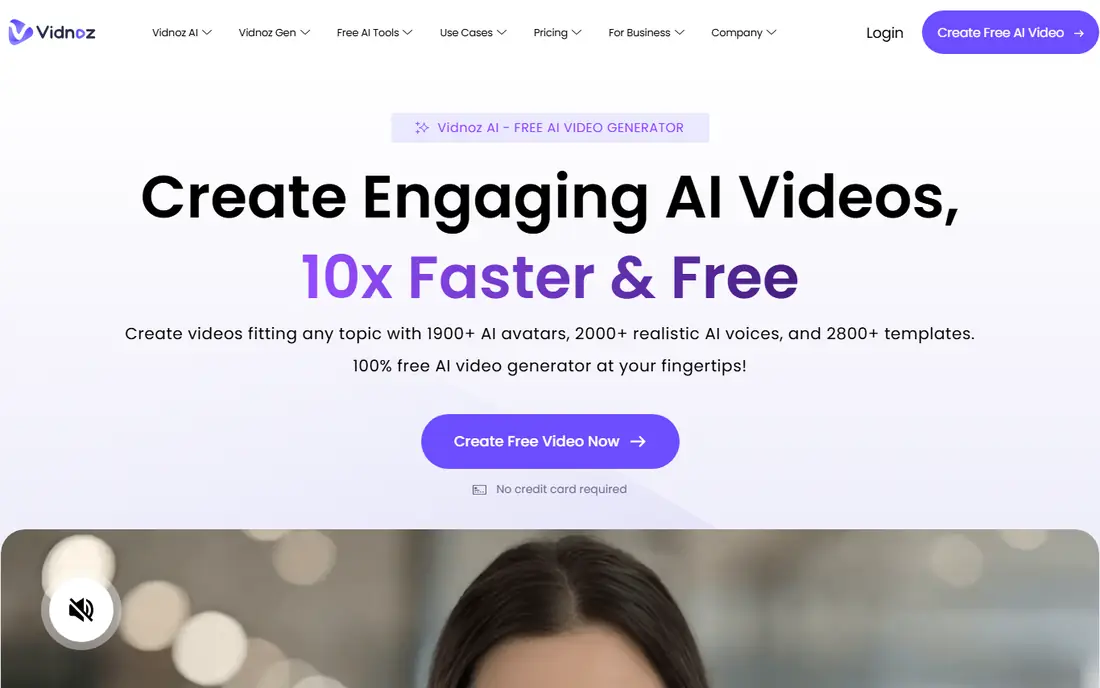
Vidnoz Face Swap is a good first test because it runs in the browser and the steps are simple: upload a video, add a face photo and generate the swap. For short social clips and quick experiments, that low friction matters more than advanced controls. It also sits inside a wider Vidnoz video toolset if you later need avatars or editing.
Quality depends heavily on the source clips. A clear face, steady lighting and a short clip will look far better than a long, shaky video. Use the free tier to test your exact type of footage before you pay for minutes.
- No software install
- Free tier to test
- Simple upload and swap workflow
- Free use is limited
- Paid plans are needed for higher minutes and watermark-free output
Magic Hour suits creators who already make AI video and want face swapping as part of that workflow, not as a standalone purchase. You can generate, edit and swap inside one account, which saves time when a project needs several AI steps. Free credits let you test the result before you commit.
The catch is that a general video suite may not match a specialist tool on a difficult swap. If your main need is long or multi-face video, compare Magic Hour directly with DeepSwap or Akool on the same clip before you choose.
- Face swap inside a full AI video suite
- Free credits to try
- Simple creator workflow
- Video length and resolution limits on lower plans
- Face swap is one feature among many
Reface is the fun, low-effort option. It is built for phones, templates and short clips, so you can swap a face into a popular video format in minutes. For memes, birthday clips and casual social posts, that speed is the whole point.
It is not a production tool for longer video. Clips are short, control over blending and resolution is limited, and free exports carry a watermark. Use Reface for play and social sharing, and choose a desktop or web specialist for client or marketing work.
- Very easy mobile workflow
- Large template library
- Fast results for short clips
- Best for short clips only
- Free output is watermarked
- Limited control over quality
FaceFusion is the strongest free path if you are comfortable installing software and have a computer with a decent graphics card. Because processing runs locally, your video does not need to be uploaded to a third party server, which is a real privacy plus for personal footage. It also handles multiple faces and gives you more control than most mobile apps.
The downside is setup. Installation, model downloads and hardware requirements can frustrate a beginner, and there is no vendor support line to call. If you want a one-click web tool, pay for DeepSwap or Vidnoz instead.
- Free and open source
- Processing stays on your computer
- Supports multiple faces
- Needs a capable computer and setup time
- No official hosted support team
Remaker AI is a straightforward choice for people who want both photo and video swaps without learning a complex tool. The upload, face selection and export steps are clear, and free credits let you judge quality on your own footage. It works well for short clips, social content and quick creative tests.
As with most web tools, the result depends on face angle, lighting and movement. Very fast motion or a partly hidden face will show artifacts. Keep clips short and faces clear for the best result, and check credit costs before a larger project.
- Simple interface
- Photo and video swaps in one place
- Free credits to test
- Quality varies with source footage
- Paid credits needed for regular use
Swapface is different from the rest of this list because it focuses on real-time swapping. A streamer or presenter can appear with a swapped face live, rather than editing a clip after recording. That makes it useful for entertainment streams, virtual characters and privacy-conscious video calls where you do not want to show your real face.
Real-time tools trade polish for speed. Lighting, camera quality and computer power all affect the live result, and the output will rarely look as clean as a carefully rendered edited swap. Use it for live use, and use DeepSwap or Akool for finished edited video.
- Real-time face swapping
- Useful for streams and video calls
- Runs on desktop
- Real-time quality depends on your camera and computer
- Less suited to polished edited video
How we picked these
We compared official feature pages, pricing pages and public documentation for video support, length limits, resolution, multi-face handling and pricing model. We included web, mobile and local tools so readers with different budgets and privacy needs have a real choice. We did not test swaps on real people without permission, and we favored tools with clear terms about consent and misuse.
How to get a better swap and stay on the right side of consent
Start with good source material. Use a sharp, well-lit, front-facing photo for the new face, and a target video where the face stays visible and does not turn sharply away from the camera. Short clips are easier than long ones, and a steady camera beats a shaky phone video every time. Run a five to ten second test before you spend credits on a full video.
Then check consent and context. Only swap the face of someone who has agreed to that use, and be clear with your audience when a video has been altered, especially if it could be mistaken for real footage. Do not use face swap tools to impersonate someone, create misleading news-style clips or make intimate images of a real person. If a tool offers no way to report misuse, treat that as a warning sign.
Finally, compare credit costs on your real clips. A tool that looks cheap per month can become expensive if each minute of video uses many credits, while a free local tool can be cheapest if you already own a capable computer. Save your test outputs and note the credits used, so your next purchase is based on your footage, not a marketing page.
FAQ
What is the best face swap video app?
For longer edited video, DeepSwap and Akool are strong starting points. For a quick mobile clip, Reface is easiest. For a free option, FaceFusion is best if you can install it and have a capable computer.
Can I face swap a video for free?
Yes, several tools offer free credits or a free tier, including Vidnoz, Magic Hour, Reface, Remaker AI and Swapface, and FaceFusion is free to run locally. Free output is often watermarked or limited in length and resolution, so check those limits before you start.
How long can a face swap video be?
It depends on the tool and plan. DeepSwap supports videos up to 30 minutes on paid plans, while mobile tools such as Reface focus on short clips. Always check the length limit and credit cost for your plan, because long videos can use credits quickly.
Is face swapping legal?
It depends on consent, context and local law. Swapping your own face, or a face with clear permission, for creative or marketing use is very different from impersonating someone or creating misleading footage. Get written permission for client work and do not create deceptive videos of real people.
Why does my face swap look fake?
Common causes are poor lighting, side profiles, fast movement, low resolution source video and a face photo that does not match the angle in the video. Use a clear front-facing photo, a steady well-lit clip and a short test before you render the full video.
Do face swap tools keep my videos private?
That depends on the tool. Web tools process video on their servers, so read the privacy policy and delete projects when you finish. FaceFusion processes video locally on your computer, which keeps footage off a third party server, but you still need permission from the people pictured.