Best Expense Reporting Software in 2026: 9 Tools Compared
Need the best expense reporting software? We compare nine expense tools on price, cards, receipt capture, approvals and accounting links for teams now.
- Editor's choice
 Ramp
Cards plus expenses free
Starts at$0 per user per monthVisit ramp.comFull review - Great alternative
 Brex
Cards and spend management free
Starts at$0 per user per monthVisit brex.comFull review - Also consider
 Expensify
Keeping your existing cards
Starts at$5 per user per monthVisit expensify.comFull review
TL;DR:
- Ramp and Brex offer full expense platforms for free to qualifying companies, funded by card use, with paid tiers from $12 to $15 per user per month.
- Expensify remains the classic choice for teams that want to keep their existing cards and still automate receipts and reports.
- Zoho Expense is the lowest-cost paid option here, from $4 per user per month, with a free plan for up to three users.
- SAP Concur, Emburse and Airbase suit larger companies with complex policies, audits and multi-entity structures.
- This article is general information only and is not financial advice. Check card eligibility, fees and accounting treatment before you commit.
Quick comparison
| Tool | Best for | Starts at | Free plan? | |
|---|---|---|---|---|
| Ramp | Cards plus expenses free | $0 per user per month | Yes | Visit |
| Brex | Cards and spend management free | $0 per user per month | Yes | Visit |
| Expensify | Keeping your existing cards | $5 per user per month | Yes | Visit |
 Zoho Expense | Budget-conscious teams | $4 per user per month | Yes | Visit |
 BILL Spend and Expense | Free cards with budgets | $0 per user per month | Yes | Visit |
 Navan | Travel plus expenses together | $15 per user per month | Yes | Visit |
 SAP Concur | Large enterprise travel and expense | See website | No | Visit |
 Emburse | Audited enterprise workflows | See website | Free trial | Visit |
 Airbase | Procure-to-pay control | See website | No | Visit |
The best expense reporting software
Expense reporting software should cut receipt chasing, enforce policy, and feed clean data into accounting. We compared official pricing pages, feature pages and public reviews, focusing on cards, receipt capture, approvals, reimbursements and accounting links.
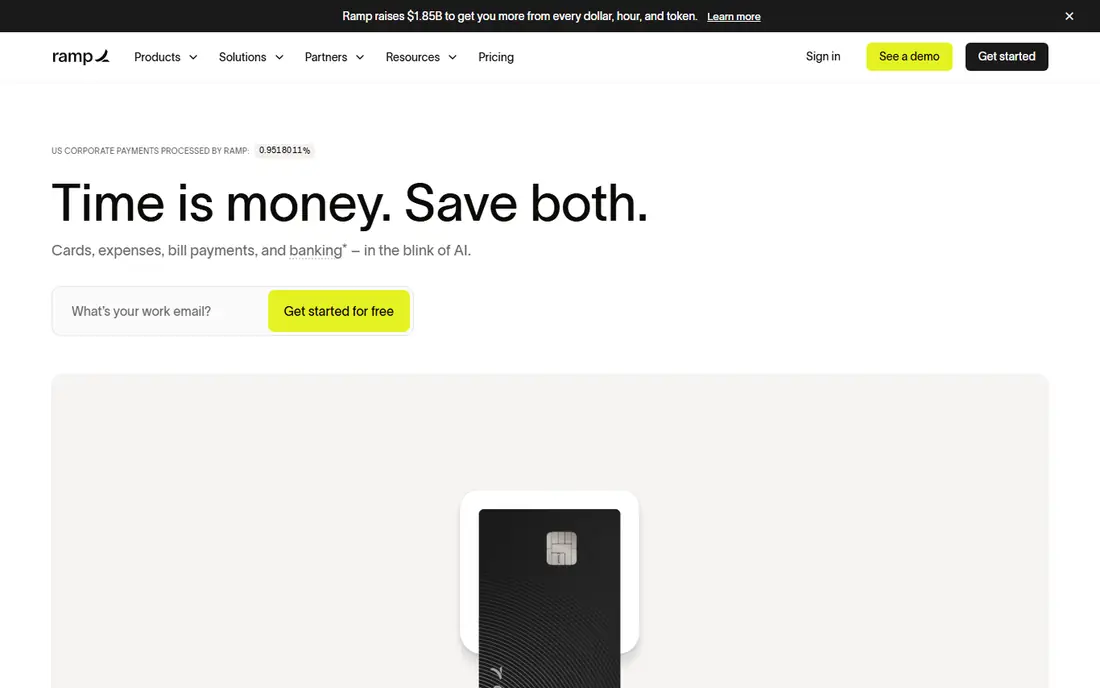
Ramp is our pick for startups and growth companies that want cards and expenses together at no software cost. The free tier covers corporate cards, expense management, bill pay and basic controls, funded by card interchange. Paid Ramp Plus is listed from $15 per user per month plus a platform fee in recent reports, adding advanced controls and automation.
Automation is the strength. Receipts can be captured by app or email, policies flag out-of-policy spend, and accounting codes can be applied automatically. That reduces finance work at month end and gives leaders a live view of spend.
The trade-off is the card model. Ramp works best when your team uses Ramp cards, so companies tied to a bank card program may prefer Expensify. Eligibility also matters, since Ramp underwrites customers rather than selling a simple seat to anyone.
- Corporate cards, expense management and bill pay in one free tier
- Strong automation and policy controls
- Good accounting integrations
- Requires Ramp cards for the full model
- Paid Plus tier adds platform fees
- Eligibility and underwriting apply
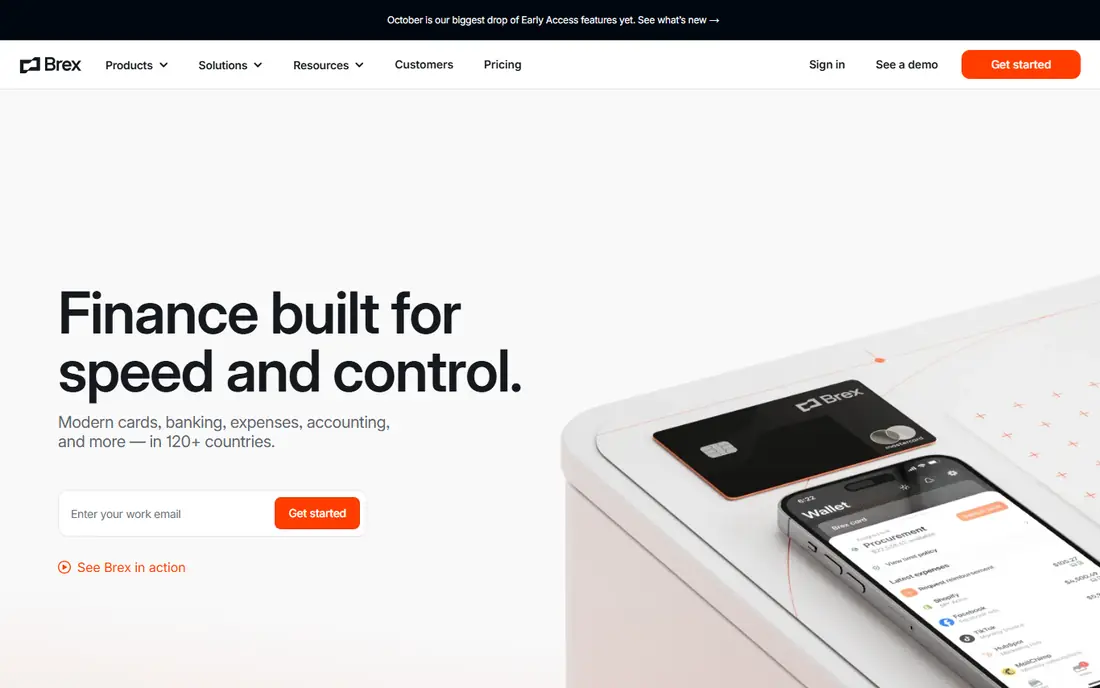
Brex offers a similar card-first model to Ramp, with a free Essentials tier covering cards, expense management and basic controls. Premium is listed at $12 per user per month in recent reports, adding advanced budgets, approvals and reporting. Global reimbursements help teams with staff in several countries.
Live budgets let managers set limits by team, vendor or category, and staff can see remaining budget before they spend. That upfront control prevents many policy problems that expense reports only catch after the fact. Integrations with accounting and HR tools keep employee and spend data in sync.
As with Ramp, Brex works best with Brex cards, and eligibility checks apply. Companies that want to keep existing bank cards should look at Expensify or Zoho Expense instead. For a funded startup or scaling company, Brex is a strong free starting point.
- Free Essentials tier with cards and expense management
- Global reimbursements
- Strong controls and budgets
- Card-first model needs Brex cards
- Premium features at $12 per user per month
- Eligibility applies
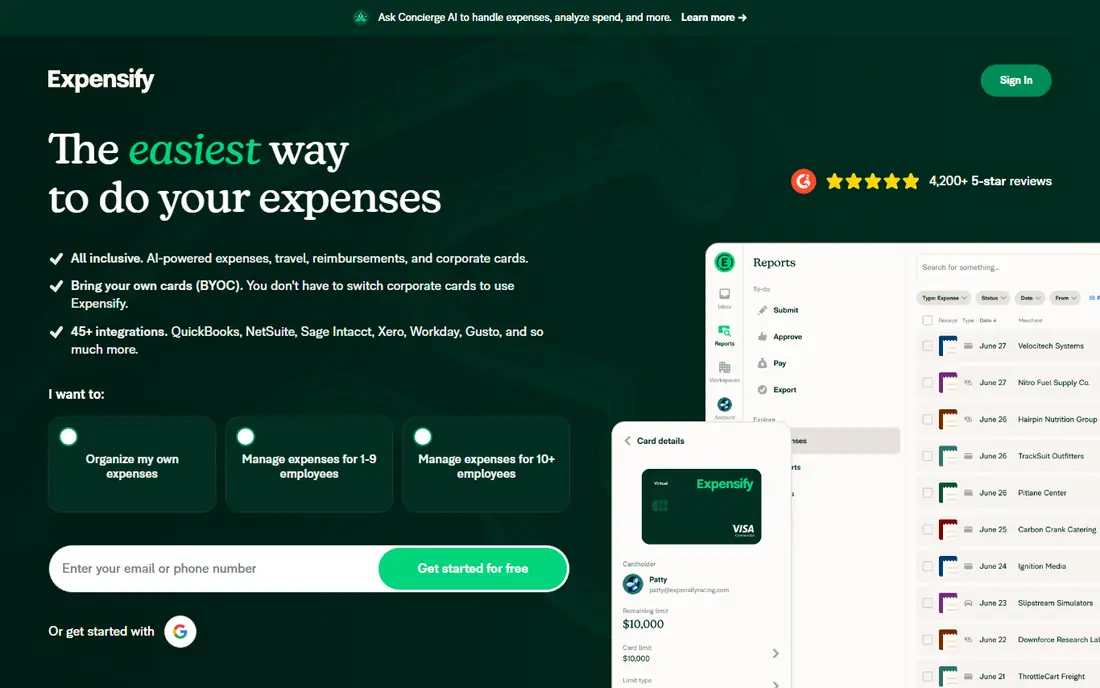
Expensify is the classic expense reporting tool, and it remains the best choice for teams that do not want to switch cards. You can connect cards from thousands of banks, scan receipts with SmartScan, build reports, and reimburse staff without changing your banking setup. That flexibility matters for companies with an existing card program.
Pricing starts at $5 per unique member per month for the Collect plan in recent reports, with higher plans adding controls and approvals. A free tier for individuals is also available in published reports, though team features need a paid plan. An AI concierge can now act on expenses by chat in newer plans.
The main caution is plan churn. Expensify plan names and prices have changed over time, so confirm the current plan at checkout. For a small or midsize team that wants simple, card-flexible expense reports, Expensify is still hard to beat.
- Works with cards from thousands of banks
- SmartScan receipt capture
- Simple reports and reimbursements
- Paid plans needed for advanced controls
- Pricing and plan names have changed in the past, so check checkout
Zoho Expense is the budget pick in this list. Paid plans start at $4 per active user per month on annual billing in recent reports, with a free version for up to three users. OCR receipt capture, expense reports, per diem automation and approval workflows cover most small-team needs.
Active-user pricing helps, since you pay only for users who submit expenses in a given period in some plans. Integration with Zoho Books and other Zoho apps is a bonus for companies already using Zoho, keeping expense and accounting data together.
The interface feels more functional than Ramp or Brex, and some reporting and control features need higher tiers. For a cost-conscious team that wants a solid expense tool without a card switch, Zoho Expense offers excellent value.
- Low starting price
- Free plan for up to three users
- OCR receipts, per diem and approval workflows
- Interface is less polished than Ramp or Brex
- Some advanced features need higher tiers
BILL Spend and Expense, formerly Divvy, offers free spend management with corporate cards, budgets and expense controls. Staff get physical or virtual cards with set limits, managers see spend live, and AI categorization helps code transactions for accounting. That card-plus-budget model suits small teams that want control without a software bill.
Virtual cards are useful for online subscriptions and one-off purchases, since you can set a limit and vendor for each card. Budget controls by team or category help prevent overspend before it happens, rather than catching it in a report later.
As with Ramp and Brex, the free model depends on BILL cards, funded by card use. Companies that must keep existing bank cards will prefer Expensify. For a small team open to new cards, BILL is a compelling free option.
- Free plan with smart cards and budget controls
- AI categorization
- Virtual cards for online spend
- Requires BILL cards for the free model
- Accounting integrations vary by plan
Navan, formerly TripActions, is the natural pick when travel and expenses belong together. Staff book travel in Navan, expenses flow from bookings and card transactions, and receipts can be captured in the same app. That link reduces duplicate entry and missing receipts after trips.
Pricing for the expense plan is listed at $15 per user per month in recent reports, with the first five monthly expensing users free for companies under 300 employees in some reports. Travel booking itself is free in many cases, with fees on other services.
For a team that rarely travels, Navan may be more than needed, and a simpler tool such as Zoho Expense or Expensify may fit better. For a company with frequent business travel, the combined booking and expense flow is a real time saver.
- Travel booking and expense capture in one flow
- First five expensing users free for smaller companies in reports
- Strong policy controls
- Expense plan pricing needs checking for larger teams
- Travel-first design may be more than a non-travel team needs
SAP Concur is the enterprise standard for travel and expense. It handles complex policies, multi-entity structures, global tax and VAT rules, and audits at scale. ExpenseIt AI captures receipts, and integrations with hundreds of travel, HR and accounting systems keep data flowing.
For a large company with offices in many countries, that depth matters. Managers can enforce policy by role, region or spend type, and finance teams get audit trails that stand up to internal and external review. Reporting covers spend by category, vendor and department in detail.
Pricing is by quote and typically enterprise-level, and setup takes time and training. Smaller companies will get faster value from Ramp, Brex or Expensify. Choose Concur when scale, policy complexity and global reach are the deciding factors.
- Deep travel and expense policy controls
- Global reach and multi-entity support
- Large integration ecosystem
- Quote-based enterprise pricing
- Implementation and training take significant time
Emburse, which absorbed Certify, Chrome River and Abacus, serves enterprises that need audited, compliant expense workflows. It offers receipt capture, policy enforcement, approvals, reimbursements and reporting, with controls designed for finance teams that face strict audit requirements.
The platform suits companies with complex approval chains, multi-level policies and a need for detailed audit trails. Travel and expense can be managed together, and integrations with accounting and HR systems keep employee data current.
Pricing is quote-based, with a free trial rather than a free plan. Implementation is heavier than a small-team tool, so budget time for setup and training. For a midsize or large company with strict compliance needs, Emburse is a strong alternative to SAP Concur.
- Audited travel and expense workflows
- Strong policy and approval controls
- Enterprise reporting
- Quote-based pricing
- Free trial only, no free plan
- Setup is heavier than small-team tools
Airbase goes beyond expense reports to cover procure-to-pay work: purchase requests, approvals, corporate cards, bill pay and expense management in one system. That breadth suits mid-market finance teams that want one control point for all non-payroll spend.
Approval workflows can be set by amount, vendor, department or budget, and accounting codes flow through to the general ledger. Managers see committed spend, not just submitted expenses, which helps with cash planning. Integrations with accounting and HR tools support that control.
Pricing is quote-based, with no free plan, and the full value depends on using Airbase cards and procurement workflows. Smaller teams may find Ramp or BILL simpler and cheaper. For a growing finance team that needs procurement control alongside expenses, Airbase is worth a demo.
- Spend management plus procurement and bill pay
- Strong approval workflows
- Good for mid-market finance teams
- Quote-based pricing
- Card model is central to the full value
- Setup needs finance team involvement
How we picked these
We compared official pricing pages, feature pages and public reviews. We looked for tools that handle expense reporting in the United States in 2026, offer receipt capture and approvals, and publish enough pricing detail to compare fairly.
We included card-first free platforms, classic report tools, budget tools and enterprise suites, because expense needs vary by company size and card setup. Where pricing was quote-based, we wrote See website rather than guessing. This article is general information only and is not financial advice.
How to choose an expense tool without a painful switch
Start with cards. If you will switch cards, Ramp, Brex and BILL offer strong free platforms. If you must keep existing cards, Expensify, Zoho Expense and Emburse are better fits. That one decision narrows the list fast.
Receipts, approvals and accounting
Test receipt capture with real receipts, including handwritten and faded ones, and check how approvals work for managers who travel. Confirm how expenses sync to your accounting system, including categories, departments and tax codes. A tool that exports clean data saves finance hours every month.
Policy, fraud and reimbursement speed
Set clear policies for meals, travel, mileage and personal cards before rollout, and test policy flags on sample expenses. Check reimbursement speed and payment options, since slow reimbursements frustrate staff and reduce adoption. A clear policy plus fast payment does more for compliance than a long rulebook alone.
FAQ
What is the best expense reporting software?
Ramp and Brex lead for card-first teams, with free platforms and strong automation. Expensify leads for teams that want to keep existing cards. Zoho Expense is best for a low budget, while SAP Concur and Emburse lead for large enterprises with complex policies. The best tool depends on your card setup and company size.
What is the best expense reporting software for small business?
For small business, Zoho Expense and Expensify are strong picks, with low starting prices and card flexibility. Ramp, Brex and BILL also suit small teams that are open to new corporate cards, since their core platforms are free. Trial two options with real expenses before you choose.
How much does expense reporting software cost?
Card-first platforms such as Ramp, Brex and BILL offer free core tiers, with paid tiers from $12 to $15 per user per month in reports. Expensify starts at $5 per user per month and Zoho Expense at $4 per user per month. SAP Concur, Emburse and Airbase are quote-based.
Do I need to switch corporate cards to use expense software?
Not always. Expensify, Zoho Expense, SAP Concur and Emburse work with existing cards from many banks. Ramp, Brex, BILL and Airbase offer their best value with their own cards, funded by card use. Decide on cards first, then shortlist tools that fit that choice.
Can expense software handle travel expenses?
Yes. Navan and SAP Concur handle travel booking and expenses together, while Expensify, Ramp and other tools in this list handle travel receipts, mileage and per diem. If travel is a large share of spend, Navan or Concur will save more time than a report-only tool.
How fast are reimbursements with expense software?
Reimbursement speed depends on approval workflow, payment method and accounting sync, not just the tool. Tools with automated approvals and direct deposit or accounting links usually pay faster than manual processes. Test the full approval-to-payment flow in a trial, with a real manager approval step.