Best Accounting Software for Reporting in 2026: 8 Tools Compared
Find the best accounting software for reporting, with custom reports, dashboards, cash flow views, and multi-entity reporting compared in detail for 2026.
- Editor's choice
 QuickBooks Online
US small businesses wanting broad reports
Starts at$38 per monthVisit quickbooks.intuit.comFull review - Great alternative
 Xero
Teams needing unlimited users and clean reports
Starts atSee websiteVisit xero.comFull review - Also consider
 Sage Intacct
Mid-market multi-entity reporting
Starts atSee websiteVisit sageintacct.comFull review
TL;DR:
- The best reporting tool is the one your accountant will actually use, so check accountant access and report exports before price.
- QuickBooks Online leads on US accountant support and report breadth, while Xero leads on unlimited users on every plan.
- Sage Intacct and NetSuite suit multi-entity reporting, with dimensions and consolidations that small-business tools cannot match.
- Free tools like Wave and Zoho Books cover basic profit and loss reporting, but custom and departmental reports usually need a paid plan.
Quick comparison
| Tool | Best for | Starts at | Free plan? | |
|---|---|---|---|---|
| QuickBooks Online | US small businesses wanting broad reports | $38 per month | Free trial | Visit |
| Xero | Teams needing unlimited users and clean reports | See website | Free trial | Visit |
| Sage Intacct | Mid-market multi-entity reporting | See website | No | Visit |
 FreshBooks | Service firms wanting simple client reports | See website | Free trial | Visit |
 Zoho Books | Small businesses inside the Zoho suite | $20 per month | Yes | Visit |
 Wave | Very small businesses wanting free basic reports | Free | Yes | Visit |
 NetSuite | Large firms needing ERP-level reporting | See website | No | Visit |
 Fathom | Firms wanting visual reports and forecasting | See website | Free trial | Visit |
The best accounting software for reporting
We compared official pricing pages, report libraries, and dashboard features, with attention to custom reports, cash flow views, budgeting, and exports. These eight cover the range from free basics to enterprise reporting.
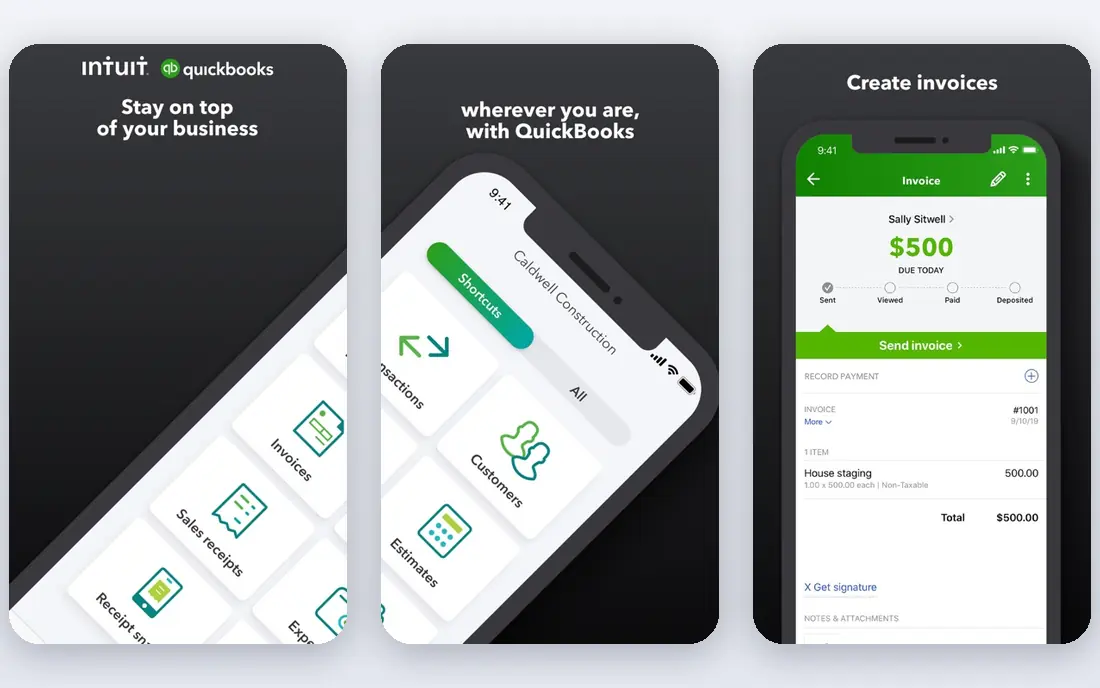
QuickBooks Online is our pick for most US small businesses because its report set covers the daily questions owners ask: profit and loss, balance sheet, cash flow, sales by customer, and expenses by category. Reports can be customized by date, class, and location, and higher plans add deeper tools such as custom report builder features and performance dashboards. The large accountant network also means most US accountants can review your books without learning a new system.
The catch is tiering. Basic plans cover standard reports well, but the most flexible reporting, including advanced custom fields and batch report tools, requires the Advanced plan. If your reporting needs are simple, a lower plan saves money. If you run departments or locations, budget for Advanced and test its report builder during the trial.
- Large report library
- Strong US accountant support
- Budgeting and cash flow tools on higher plans
- Advanced reporting sits on the higher Advanced plan
- Per-user pricing adds up
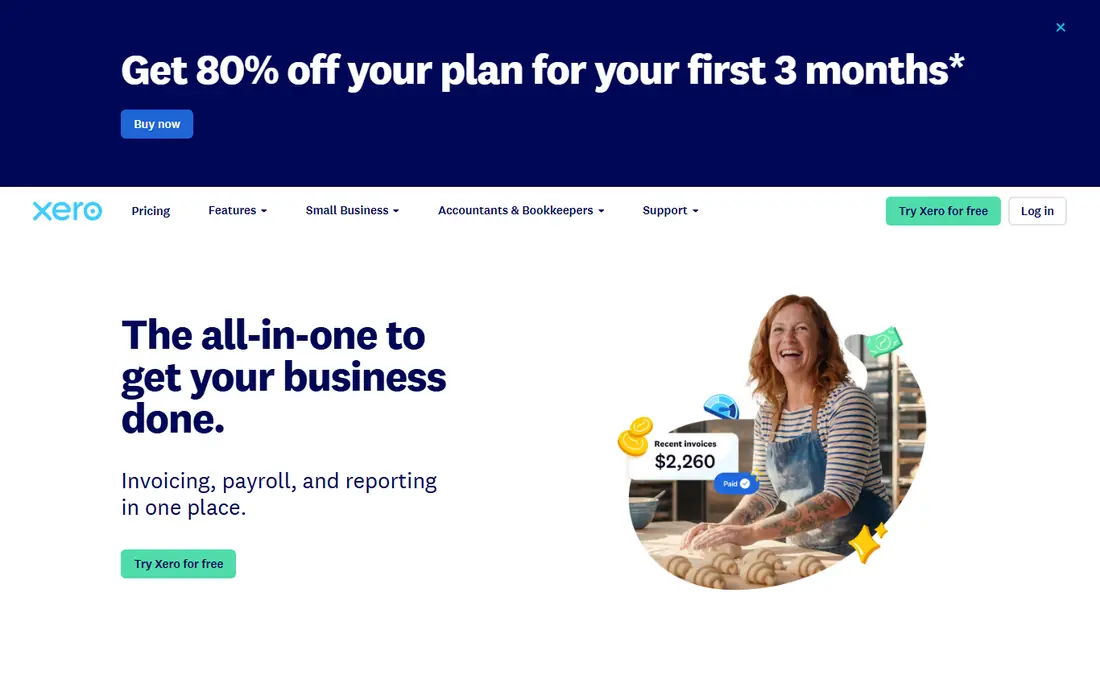
Xero stands out for teams because every plan includes unlimited users, so an owner, a bookkeeper, and an accountant can all view reports without per-seat fees. Its standard reports cover profit and loss, balance sheet, cash flow, and aged payables and receivables, with tracking categories that let firms split results by department, project, or region. The interface is clean, and bank feeds keep reports current without manual entry.
Xero is less US-centric than QuickBooks, so US payroll and some tax workflows need extra steps or add-ons. For reporting alone, though, it is a strong choice, especially for firms with several people who need access. Test tracking categories early, because they shape how useful every later report will be.
- Unlimited users on every plan
- Clear dashboards
- Strong bank reconciliation and report exports
- US payroll needs an add-on
- Some advanced reports need higher tiers or add-ons
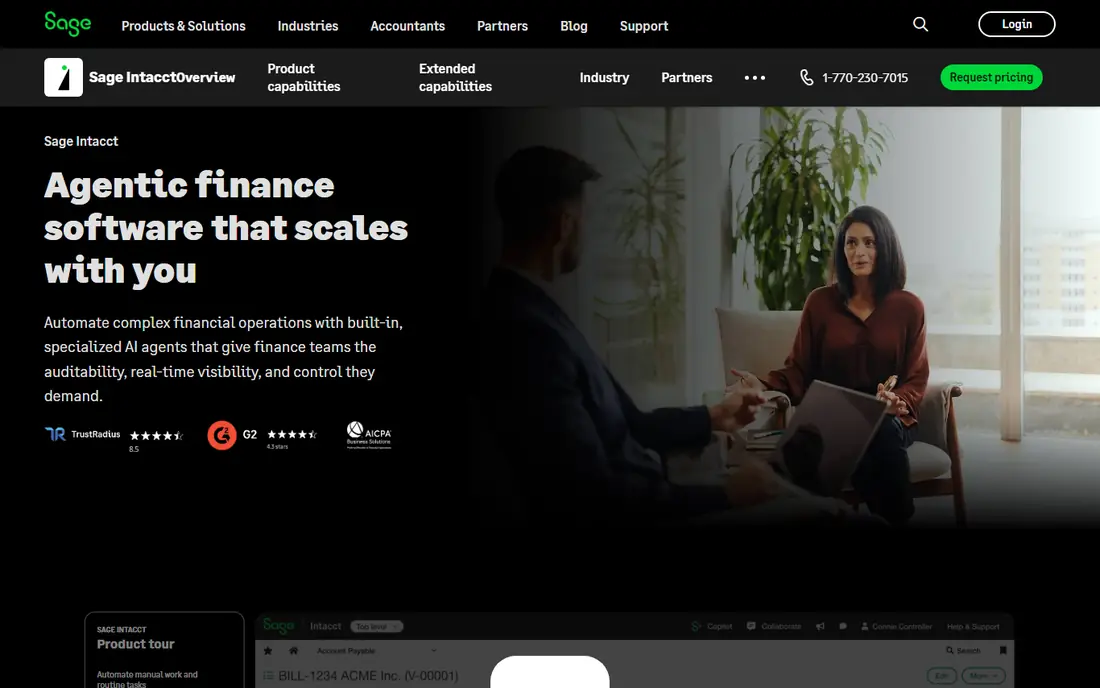
Sage Intacct is built for finance teams that outgrow single-entity tools. Its dimensional chart of accounts lets users tag transactions by entity, department, location, project, and more, then slice reports by any combination without building a new chart for each view. Consolidations, inter-entity transactions, and multi-currency reporting are core strengths, which is why mid-market firms choose it for board and audit reporting.
The trade-off is cost and complexity. Sage Intacct is sold on quote, implementation is a project, and small businesses will find it more than they need. For a firm with several entities or complex revenue rules, however, the reporting depth can replace hours of spreadsheet work each month.
- Dimensional reporting across entities and departments
- Strong consolidations
- Audit-ready financials
- Quote-only pricing
- Implementation and training take time
FreshBooks began as invoicing software, and that strength still shows in its reports: profit and loss, expense reports, sales tax summaries, and client profitability views are clear and easy to share. Service firms that bill by hour or project can track time, expenses, and unbilled work, then turn that data into invoices and reports without extra tools. The interface is friendly for owners who are not accountants.
FreshBooks is not the right reporting tool for product businesses with inventory depth or for firms needing dimensional, multi-entity consolidations. If your reports center on clients, projects, and cash collected, it fits well. If they center on stock and cost of goods, QuickBooks, Xero, or Sage Intacct will serve you better.
- Polished invoicing and client reports
- Time tracking tied to billing
- Easy to learn
- Weak inventory reporting
- Less suited to complex multi-entity books
Zoho Books offers a free tier for the smallest operations and paid plans from 20 dollars per month, making it one of the best-value reporting tools for small businesses. Standard reports cover profit and loss, balance sheet, cash flow, and receivables, and paid plans add custom reports, budgets, and workflow automation. Firms already using Zoho CRM, Inventory, or Projects gain extra value, because data flows between apps without manual exports.
The limit is ecosystem fit. US accountants are less likely to work in Zoho Books daily, so a firm with an outside CPA should confirm that its accountant accepts Zoho files and reports. For owner-managed books inside the Zoho suite, the value is hard to beat.
- Free tier for very small firms
- Good value on paid plans
- Integrates with other Zoho apps
- Smaller US accountant network than QuickBooks
- Advanced reporting needs higher tiers
Wave gives very small businesses free accounting, invoicing, and receipt scanning, with basic reports that cover income, expenses, and cash flow. For a freelancer or sole trader with simple books, that is often enough to see whether the business made money, who owes payment, and what tax time will require. There is no monthly fee for the core plan, which removes the main barrier to keeping proper books.
Wave will not satisfy a firm that needs departmental reports, budgets, or multi-entity consolidations. Its reports are standard, not deeply customizable, and growth usually means moving to QuickBooks, Xero, or Zoho Books. Start with Wave when cost matters most, and plan the move before reporting needs outgrow it.
- Free core accounting and invoicing
- Simple profit and loss and cash flow reports
- No cost to start
- Limited custom reporting
- Payroll and advanced features are paid add-ons
NetSuite, from Oracle, combines accounting with inventory, order management, and customer records, so its reports can follow a transaction from order to cash to financial statement without stitching systems together. Finance teams can build saved searches, custom reports, and dashboards by role, and multi-subsidiary consolidations are built in. For large firms, that breadth is the point: one system of record for the whole operation.
Small businesses should not start here. NetSuite is quote-only, implementation takes months, and the reporting power comes with admin work. For firms that have outgrown Sage Intacct or QuickBooks Advanced and need ERP depth, NetSuite is the natural next step.
- ERP-wide reporting across finance, inventory, and orders
- Strong consolidations
- Role-based dashboards
- Quote-only pricing
- Long implementation
- More system than most small firms need
Fathom is different from the rest of this list: it connects to QuickBooks, Xero, and other ledgers and turns their data into visual reports, dashboards, and forecasts that clients and boards can read at a glance. Accountants use it to package monthly reporting, track key performance indicators, and model cash flow scenarios without rebuilding charts in spreadsheets. For advisory work, that presentation layer matters as much as the numbers.
Fathom does not replace a general ledger, so buyers still need QuickBooks or Xero underneath it. If your books are already in good shape and your problem is presentation, forecasting, and client reporting, Fathom adds real value. If your books are messy, fix the ledger first.
- Clear visual reports and dashboards
- Forecasting and benchmarking
- Built for accountants and advisors
- Works with your accounting data, not as a standalone ledger
- Pricing is on request for some plans
How we picked these
We compared official pricing pages, report libraries, and dashboard features for tools that produce financial reports as a core job, not as a side feature. We favored tools still sold in 2026, with profit and loss, balance sheet, and cash flow reporting, plus customization or multi-entity depth where claimed. Prices marked as See website mean the vendor does not publish a starting price or the price varies by region and plan, so buyers should confirm on the vendor pricing page.
How to judge reporting before you buy
Start by listing the five reports you actually read each month, then test each one in a trial with your own data. A long report library means little if your key report needs manual cleanup. Check customization by date, department, project, and location, and check exports to spreadsheet and PDF, because boards and accountants still ask for both.
Next, check budgeting and forecasting. A tool that only reports the past will not help with hiring or cash decisions. Look for budget versus actual views, cash flow forecasts, and alerts when spending drifts. Finally, check access and audit trails. Reports are only trusted when you can see who changed a transaction, when it changed, and what the original entry was.
Report features worth paying for
Custom report builders, saved report packs, scheduled email delivery, and role-based dashboards save time every month, especially for firms with several readers. Multi-entity consolidations and dimensional tagging are worth paying for only when you run more than one entity or department. For a single-entity firm, a clean standard library plus good exports usually beats an expensive builder you rarely open.
FAQ
What is the best accounting software for reporting for a small business?
QuickBooks Online is the safest default for US small businesses because of its report breadth and accountant support, while Xero is a strong choice for teams that need unlimited users. Zoho Books and Wave suit tighter budgets, with simpler reports to match.
What is accounting software with the best reporting tools for multiple companies?
Sage Intacct and NetSuite lead here, because both handle multi-entity consolidations, dimensional reporting, and inter-entity transactions. QuickBooks Online Advanced can handle classes and locations for simpler multi-unit firms, but it is not a full multi-entity system.
Can free accounting software produce good reports?
Yes, for basic needs. Wave and the free tier of Zoho Books produce profit and loss, balance sheet, and cash flow reports that suit very small firms. Custom, departmental, and forecast reports usually require a paid plan or an add-on like Fathom.
How do I create a custom report in accounting software?
In most tools, you start from a standard report, add filters for date, customer, department, or project, choose columns, and save the result as a custom report. QuickBooks Advanced, Sage Intacct, and NetSuite offer the deepest builders, while smaller tools offer simpler filters and saved views.
Should I use a separate reporting tool like Fathom?
Use one when your ledger is solid but your reports are hard to read, share, or forecast from. Fathom and similar tools add visuals, benchmarking, and forecasting on top of QuickBooks or Xero. If your ledger data is incomplete, fix the books first, because no reporting layer can correct bad entries.