Choosing Event Timeline and Run of Show Software in 2026: 5 Options Compared
Compare 5 picks for the best event timeline and run of show software, with prices, free plans and who each fits. Caveats come with every verdict. Numbers first.
- Editor's choice
 Bizzabo
B2B conferences
Starts atSee websiteVisit bizzabo.comFull review - Great alternative
 Eventbrite
Public event discovery and ticketing
Starts at$15 a monthVisit eventbrite.comFull review - Also considerSocial Tables
Collaborative event diagramming
Starts at$49 a monthVisit socialtables.comFull review
Direct answer
Bizzabo comes first here, mainly for B2B conferences. Listed starting prices: Eventbrite from $15 a month, Social Tables from $49 a month and Airtable from $20 per user per month. Alternatives: Eventbrite for public event discovery and ticketing, and Social Tables for collaborative event diagramming. The remaining 2 options are covered below with prices and limits.
TL;DR:
- This list starts with Bizzabo, which is built for B2B conferences.
- Airtable fits custom workflow building.
- The lowest published monthly entry price here is $15 per month, from Eventbrite.
- One limit worth knowing about Social Tables: concentrated on diagrams, not full timelines.
Last checked November 2026. Prices and plan details were read from the vendors' own pages in November 2026; vendors change plans often, so confirm the current price on the vendor site before you buy.
Quick comparison
| Tool | Best for | Starts at | Free plan? | |
|---|---|---|---|---|
| Bizzabo | B2B conferences | See website | Not stated | Visit |
| Eventbrite | Public event discovery and ticketing | $15 a month | Yes | Visit |
| Social Tables | Collaborative event diagramming | $49 a month | Yes | Visit |
 Cvent | Full event management | See website | Not stated | Visit |
 Airtable | Custom workflow building | $20 per user per month | Yes | Visit |
Tool-by-tool breakdown
LinkVetted compared 5 tools for event timeline and run of show software. The goal is a practical shortlist: published prices, free plan facts, best-fit use cases and honest limits for every entry.
Where Bizzabo fits: B2B conferences. Bizzabo is an event management software aimed at B2B conferences, aiming to raise the event experience. It bundles features for agenda management, attendee engagement, and event marketing.
Where it is weaker: May be tailored to bigger conferences.
Bizzabo may be overkill for small or straightforward events, and its focus on B2B conferences might not align with all event types. In daily use, for smaller events, Airtable or Eventbrite could be more appropriate. Pricing for Bizzabo is not stated here, so ask the vendor for current figures. Free options: Not stated.
- Attendee experience tools
- Integrated event management
- Less suited for small events
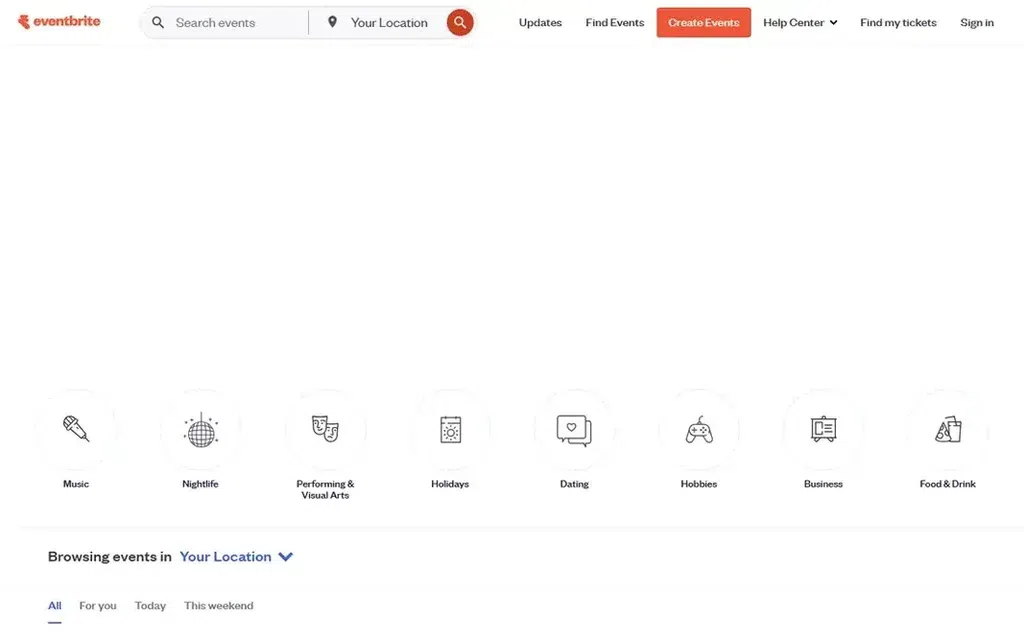
For public event discovery and ticketing, Eventbrite is a natural candidate. Choose Eventbrite when public discovery and ticketing are priorities. For everyday use, Eventbrite is noted for event discovery and ticketing, helping organizers reach attendees and handle registrations.
From a buyer's view, Eventbrite lacks advanced timeline and run of display capabilities, so it may not suit complicated event production. In practice, for in-depth scheduling, consider Cvent or Bizzabo. What you pay to start with Eventbrite: $15 per month. You can start on Eventbrite without paying.
The main drawbacks: Better for public than internal events.
- Broad event discovery system
- Ticketing and registration
- Restricted run of display features
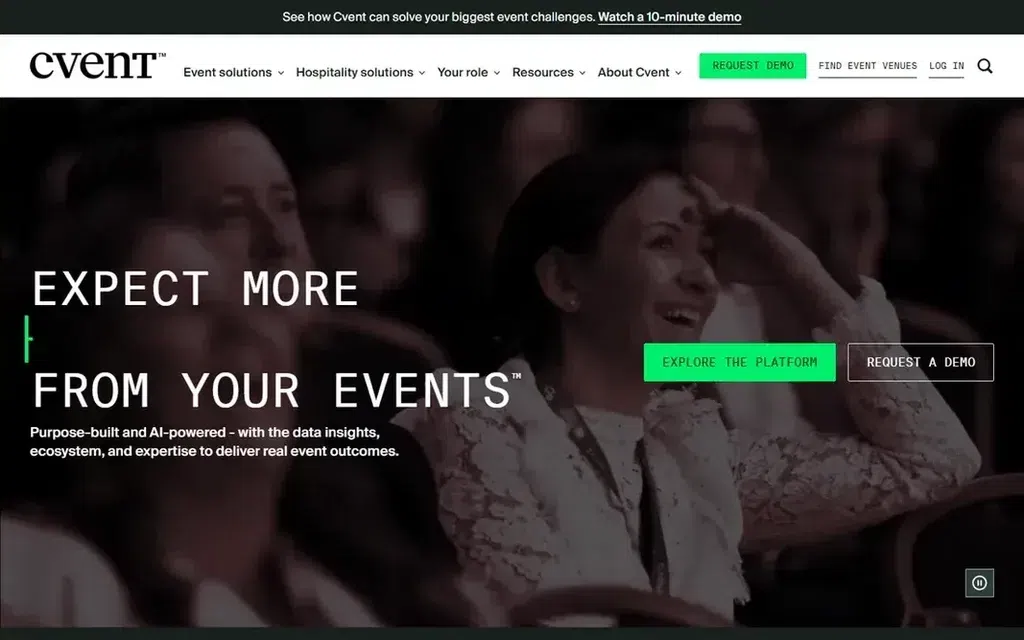
Where Cvent fits: thorough event management. For more straightforward events, lighter tools like Eventbrite or Airtable could be sufficient. In practice, Cvent may be more than small planners need, with a ramp-up time for full adoption.
More specifically, Cvent is an event platform that handles in-person, virtual, and hybrid events and webinars. It supplies planners with tools for event management, marketing, and attendee engagement, and also helps hotels win business through sourcing systems. For everyday use, choose Cvent when you need a solid, integrated option for large or multi-format events. No starting price is listed for Cvent here; confirm pricing on the vendor site. As for free access: Not stated.
Downsides: Needs training to use completely. Strengths: hybrid events.
- Supports in-person, virtual
- End-to-end system
- May be complicated for straightforward events
Airtable is designed for custom workflow building. Airtable is an adaptable product for building enterprise-ready workflows, apps, and agents. It makes it possible for live collaboration and automation, making it right for creating custom event timelines and run of present documents.
For everyday use, choose Airtable when you need a tailored, collaborative workflow that can adapt to any event. Also, Airtable is not purpose-built for event management, so it lacks pre-built run of display templates and may need significant setup. On cost, Airtable starts like this: $20 per user per month. You can start on Airtable without paying.
Where it falls short: Not event-specific.
- Live collaboration
- Highly customizable
- Needs setup for run of present
How the list was put together
Pre-purchase checklist
- Ask Bizzabo and Cvent for a written quote, since no starting price is shown.
- Check what the free option really includes: Eventbrite, Social Tables and Airtable offer a free plan, and usage caps differ.
- Before choosing Bizzabo, weigh its main limit: may be tailored to bigger conferences.
- The entry price of Cvent is only the starting point; model the full cost with seats and extras.
- Ask whether Social Tables integrates with your current software, and whether that comes standard or as an add-on.
FAQ
How are the tools for event timeline and run of show software ordered?
Bizzabo sits first and Airtable last because the order follows typical fit for event timeline and run of show software, then price clarity and free access. It is a judgement call, so read each profile for fit and limits.
Can I try these options before paying?
Often, yes. Eventbrite, Social Tables and Airtable have a free plan. Use your own data and a real task during the test, and check what the free tier or trial limits before you rely on it.
Which tool is a good match for complex event timelines?
Bizzabo is the pick this page puts first, mainly for B2B conferences. If your situation differs, Eventbrite suits public event discovery and ticketing, and Social Tables suits collaborative event diagramming. Compare price and limits before you decide.
Which options for event timeline and run of show software have a free plan?
Eventbrite, Social Tables and Airtable offer a free plan in this list. Free plans usually cap users, projects or features, so check the limits on the vendor page.
Do these tools publish their prices?
Not all of them. Bizzabo and Cvent publish no starting price, so expect a quote request for those. The rest, Eventbrite included, show a starting price, though seats and billing terms still change the final cost.
Sources
- https://www.bizzabo.com
- https://www.eventbrite.com
- https://www.socialtables.com
- https://www.cvent.com
- https://www.airtable.com
Social Tables
Best for: Collaborative event diagramming
Social Tables makes the most sense for collaborative event diagramming. Social Tables, now Cvent Event Diagramming, is a collaborative event design product that helps planners and venues bring events to life. It centres on space management and diagramming, making it simpler to visualize layouts and coordinate with venues.
More specifically, pick Social Tables when spatial planning is a key part of your event preparation. More specifically, Social Tables is not a full timeline or run of present tool on its own; it complements broader event management systems. Social Tables pricing: $49 per month. You can start on Social Tables without paying.
Limits to weigh: May need Cvent for full features.