The 6 Best Enterprise Communication Software in 2026, Ranked
Best enterprise communication software: 6 contenders ranked by fit, with entry costs and free tiers. Every pick gets a straight assessment. See the full list.
- Editor's choice
 Zoom Workplace
Meeting-led collaboration with phone and webinars
Starts atSee websiteVisit zoom.comFull review - Great alternative
 RingCentral
Voice-centric enterprises with AI receptionist needs
Starts at$52 a monthVisit ringcentral.comFull review - Also consider
 Slack
Messaging-first teams with automation needs
Starts at$4.38 per user a monthVisit slack.comFull review
Direct answer
For meeting-led collaboration with phone and webinars, Zoom Workplace is where this list starts. Listed starting prices: RingCentral from $52 a month, Slack from $4.38 per user a month and Dialpad from $15 per user a month. Look at RingCentral for voice-centric enterprises with AI receptionist needs, and at Slack for messaging-first teams with automation needs. The other 3 tools in the list cover narrower or pricier cases.
TL;DR:
- This list starts with Zoom Workplace, which is built for meeting-led collaboration with phone and webinars.
- For AI-driven contact center and sales conversations, Dialpad is worth a look.
- For the cheapest start, look at Slack: $4.38 per user per month.
- A fair warning about RingCentral: meeting and messaging depth varies by configuration.
- Only Slack offers a free plan among these 6 tools.
Last checked November 2026. Prices and plan details were read from the vendors' own pages in November 2026; vendors change plans often, so confirm the current price on the vendor site before you buy.
Quick comparison
| Tool | Best for | Starts at | Free plan? | |
|---|---|---|---|---|
| Zoom Workplace | Meeting-led collaboration with phone and webinars | See website | Not stated | Visit |
| RingCentral | Voice-centric enterprises with AI receptionist needs | $52 a month | Free trial | Visit |
| Slack | Messaging-first teams with automation needs | $4.38 per user a month | Yes | Visit |
 Microsoft Teams | Microsoft-centric organizations needing one hub | See website | Not stated | Visit |
 Google Meet | Google Workspace organizations needing secure meetings | See website | Not stated | Visit |
 Dialpad | AI-driven contact center and sales conversations | $15 per user a month | Free trial | Visit |
The 6 tools in detail
Choosing enterprise communication software usually comes down to price, fit and limits. This LinkVetted guide sets 6 tools side by side on those three points, with the facts kept short and checkable.
Choose Zoom Workplace for meeting-led collaboration with phone and webinars. If your priority is deep messaging automation or a Microsoft-native stack, compare Slack or Teams before committing.
That breadth makes it a natural fit for enterprises that treat meetings as the core of collaboration and want adjacent tools from the same vendor. Zoom Workplace does not show a starting price in this comparison, so check the vendor site for current pricing. Free access: Not stated.
Trade-offs to know: Several modules can complicate administration.
- Wide set of collaboration tools in one system
- Dependable video meetings at scale
- Feature set may exceed basic meeting needs
RingCentral is built with voice-centric enterprises with AI receptionist needs in mind. Teams that communicate chiefly through chat and documents may find a voice-first system less aligned with their daily work.
In practice, organizations modernizing legacy phone systems commonly shortlist it. Price to start with RingCentral: $52 per month. Free access: Free trial.
Points against: Meeting and messaging depth varies by configuration.
- Voice and telephony focus
- AI receptionist and virtual assistant features
- Voice-first design may not suit chat-led teams
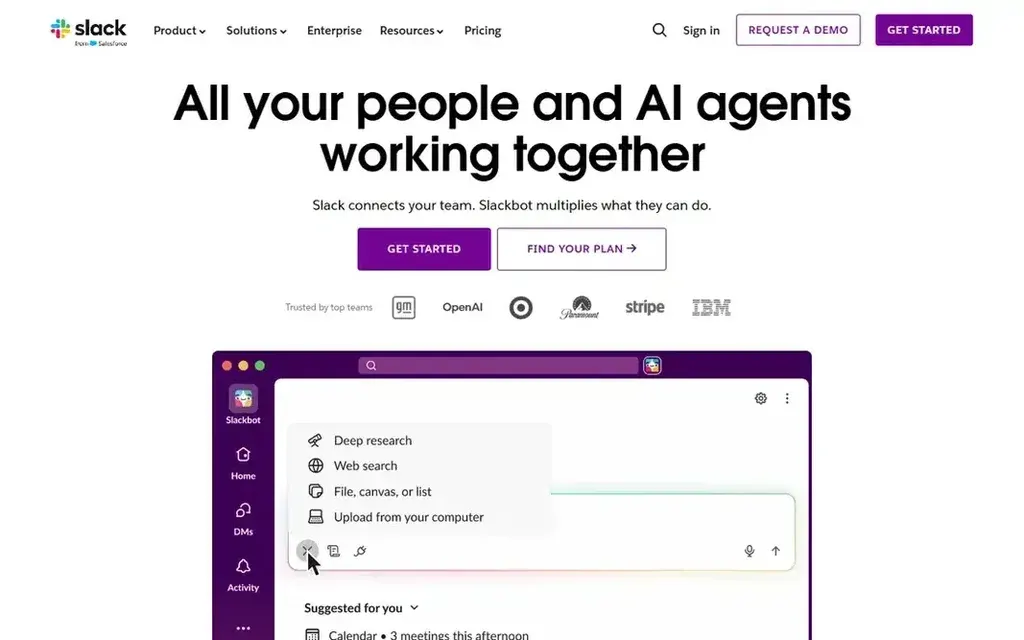
Think of Slack for messaging-first teams with automation needs. Slack describes itself as an AI work product for managing projects, automating workflows and connecting teams securely. Its strength is conversation-centered collaboration: channels, integrations and automation that keep projects moving without long email threads.
Slack is less of a full unified communications suite, so organizations needing built-in calling, contact center or webinar features may need extra products. Worth adding: channel sprawl is a real risk without naming conventions and archiving policies, so plan governance before a large rollout. Slack starts at: $4.38 per user per month. A free plan is available with Slack.
What to check first: Needs discipline to avoid channel sprawl.
- Channel-based messaging keeps work organized
- Workflow automation and AI features
- Voice and meeting depth is more limited
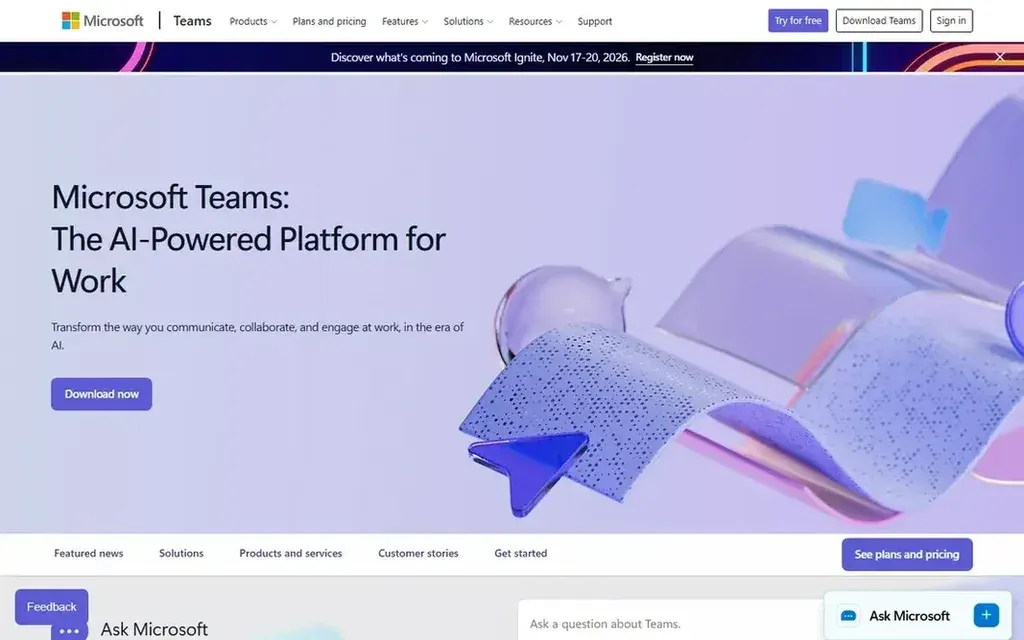
Think of Microsoft Teams for Microsoft-centric organizations needing one hub. Microsoft Teams is a collaboration hub that brings meetings, calling, chat and shared files together. Its homepage emphasizes keeping tools and files available in one place so teams can link naturally and stay organized.
If your organization primarily needs light messaging or standalone video meetings, a more focused tool may be more straightforward to roll out and handle. The breadth of features can feel heavy for smaller teams or those outside the Microsoft ecosystem, and adoption relies on decent governance around channels and notifications. This comparison lists no price for Microsoft Teams; ask the vendor. As for free access: Not stated.
Watch-outs: Best value inside the Microsoft ecosystem.
- Solid chat and channel organization
- Calling and files in one place
- Feature depth can overwhelm new users
For Google Workspace organizations needing secure meetings, Google Meet is a natural candidate. Meet is concentrated on meetings instead of being a complete unified communications suite, so telephony, contact center and advanced messaging may need other tools. Beyond that, enterprises outside Google Workspace should weigh how much value they would get from the surrounding ecosystem before standardizing.
Worth adding: Teams wanting dependable meetings without a large administration burden commonly find it a practical default. It is straightforward to join from a browser and suits organizations that already depend on Google productivity tools for documents, email and calendars. This comparison lists no price for Google Meet; ask the vendor. As for free access: Not stated.
Watch-outs: Narrower scope than full UC suites.
- Secure web and video conferencing
- Straightforward browser-based joining
- Best experience inside Google Workspace
In short, Dialpad is for AI-driven contact center and sales conversations. Dialpad presents itself as an AI customer experience product that brings AI agents, contact center, sales and business communications together, turning conversations into intelligence that drives resolution.
Where it falls short: Best fit for customer-facing teams.
Dialpad pricing: $15 per user per month. Free options: Free trial. Where it shines: Merges contact center.
- AI agents and conversation intelligence
- Sales and communications
- Narrower collaboration scope than full suites
Our selection method
Before you commit
- Confirm the entry price on the vendor page. For Zoom Workplace, Microsoft Teams and Google Meet that means a quote rather than a fixed price.
- Look at the free plan from Slack closely: its caps decide whether it is usable for real work.
- Use real work to test the free trial from RingCentral and Dialpad, rather than a demo project.
- Before choosing Zoom Workplace, weigh its main limit: feature set may exceed entry-level meeting needs.
- Before you load data into Dialpad, check what an export looks like and who can run it.
- A short pilot of Microsoft Teams with your real workflow tells you more than a feature table.
FAQ
What is the difference between collaboration suites and voice products?
Suites like Microsoft Teams, Slack and Zoom Workplace center on meetings, messaging and shared work, whereas voice products for example RingCentral and Dialpad emphasize calling, routing and customer conversations. Start by identifying whether internal collaboration or external voice contact is the larger pain point.
How are the tools for enterprise communication software ordered?
The order follows typical fit for enterprise communication software, with Zoom Workplace first and Dialpad last, then price clarity and free access. It is editorial judgement, not a score, so another team could rank the tools differently.
Can I try these options before paying?
Often, yes. Slack has a free plan and RingCentral and Dialpad offer a free trial. Use your own data and a real task during the test, and check what the free tier or trial limits before you rely on it.
Which options for enterprise communication software have a free plan?
Slack is the only tool in this list with a free plan. Free plans usually cap users, projects or features, so check the limits on the vendor page. Several others offer a trial instead. All 6 picks in this enterprise communication software comparison list a starting price, free plan details and the main limits on their cards above.
Do these tools publish their prices?
Not all of them. Zoom Workplace, Microsoft Teams and Google Meet publish no starting price, so expect a quote request for those. The rest, RingCentral included, show a starting price, though seats and billing terms still change the final cost.
Sources
- https://www.zoom.com
- https://www.ringcentral.com
- https://slack.com
- https://www.microsoft.com/microsoft-teams
- https://meet.google.com
- https://www.dialpad.com