English Translation Software in 2026: The 5 Best Options Side by Side
Compare 5 picks for the best english translation software, with prices, free plans and who each fits. Each listing flags where it falls short. No filler.
- Editor's choice
 Microsoft Translator
Consumer translation across Microsoft contexts
Starts atSee websiteVisit microsoft.comFull review - Great alternative
 Crowdin
All-in-one translation management
Starts atSee websiteVisit crowdin.comFull review - Also considerTranslated (MateCat)
Professional language services and expertise
Starts atSee websiteVisit translated.comFull review
Direct answer
For consumer translation across Microsoft contexts, Microsoft Translator is where this list starts. Listed starting prices: DeepL Pro from $8.74 per month, billed yearly and Lokalise from $149 a month. If your case is different, Crowdin suits all-in-one translation management and Translated (MateCat) suits professional language services and expertise. All 5 tools are compared below on price, free plan and limits.
TL;DR:
- The list opens with Microsoft Translator, aimed at consumer translation across Microsoft contexts.
- The main caution on Translated (MateCat): service-oriented instead of self-serve.
- Lokalise fits continuous localization inside dev workflows.
- The cheapest monthly starting price in the list is $8.74 per month, billed annually, offered by DeepL Pro.
Last checked November 2026. Prices and plan details were read from the vendors' own pages in November 2026; vendors change plans often, so confirm the current price on the vendor site before you buy.
Quick comparison
| Tool | Best for | Starts at | Free plan? | |
|---|---|---|---|---|
| Microsoft Translator | Consumer translation across Microsoft contexts | See website | Not stated | Visit |
| Crowdin | All-in-one translation management | See website | Free trial | Visit |
| Translated (MateCat) | Professional language services and expertise | See website | Not stated | Visit |
 DeepL Pro | Refined text, speech and document translation | $8.74 per month, billed yearly | Free trial | Visit |
 Lokalise | Continuous localization inside dev workflows | $149 a month | Free trial | Visit |
The full english translation software list
LinkVetted compared 5 tools for english translation software. The goal is a practical shortlist: published prices, free plan facts, best-fit use cases and honest limits for every entry.
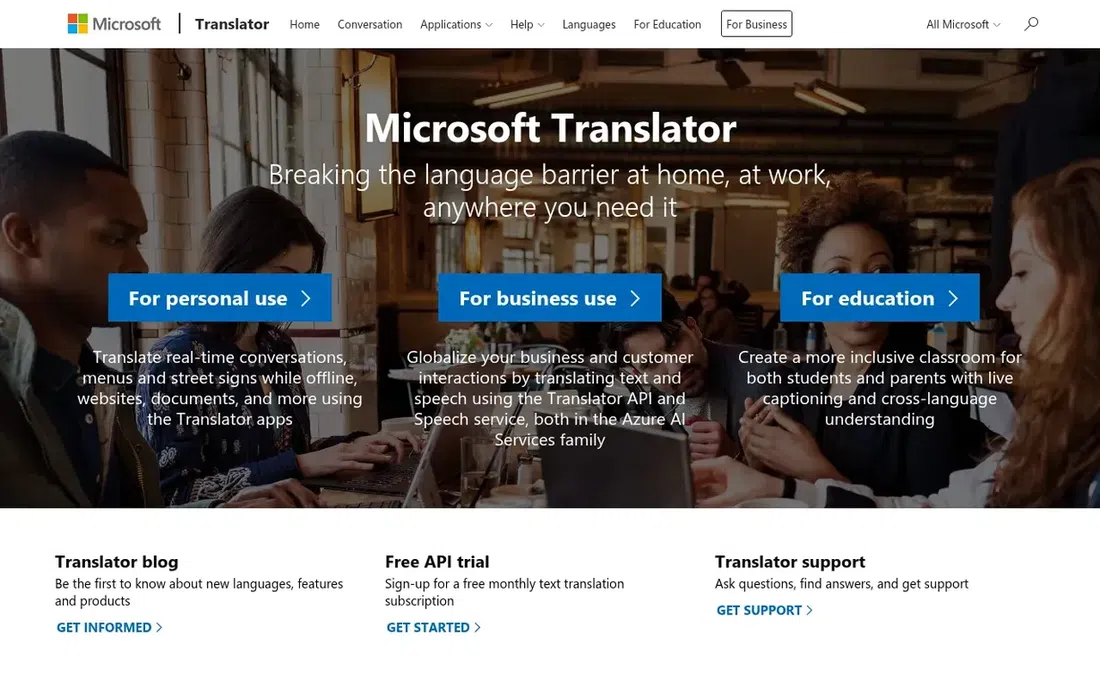
Microsoft Translator was built for consumer translation across Microsoft contexts. If you need continuous localization or professional language services, the dedicated systems here are a better match.
It suits users already working in Microsoft environments who want a dependable general translation tool without additional setup. Pricing for Microsoft Translator is not stated here, so ask the vendor for current figures. Trial and free access: Not stated.
Where it falls short: Consumer focus limits project tooling.
- Suits into broader Microsoft environments
- Handy for general text translation
- Not a full localization suite
Crowdin was built for all-in-one translation management. For fast English translation of a paragraph or a page, a more straightforward consumer tool is the more practical choice.
Honest limits: Overkill for casual translation.
Crowdin does not show a starting price in this comparison, so check the vendor site for current pricing. Free plan details: Free trial.
- Runs translation projects centrally
- Wide set of tools and integrations
- Feature depth takes time to learn
Translated (MateCat)
Best for: Professional language services and expertise
Translated (MateCat) was built for professional language services and expertise. For fast personal use, a consumer translator is the more straightforward route.
Trade-offs to know: Less suited to fast personal translation.
No starting price is listed for Translated (MateCat) here; confirm pricing on the vendor site. On free options: Not stated.
- Professional translation services
- Wide language and domain coverage
- Service-oriented instead of self-serve
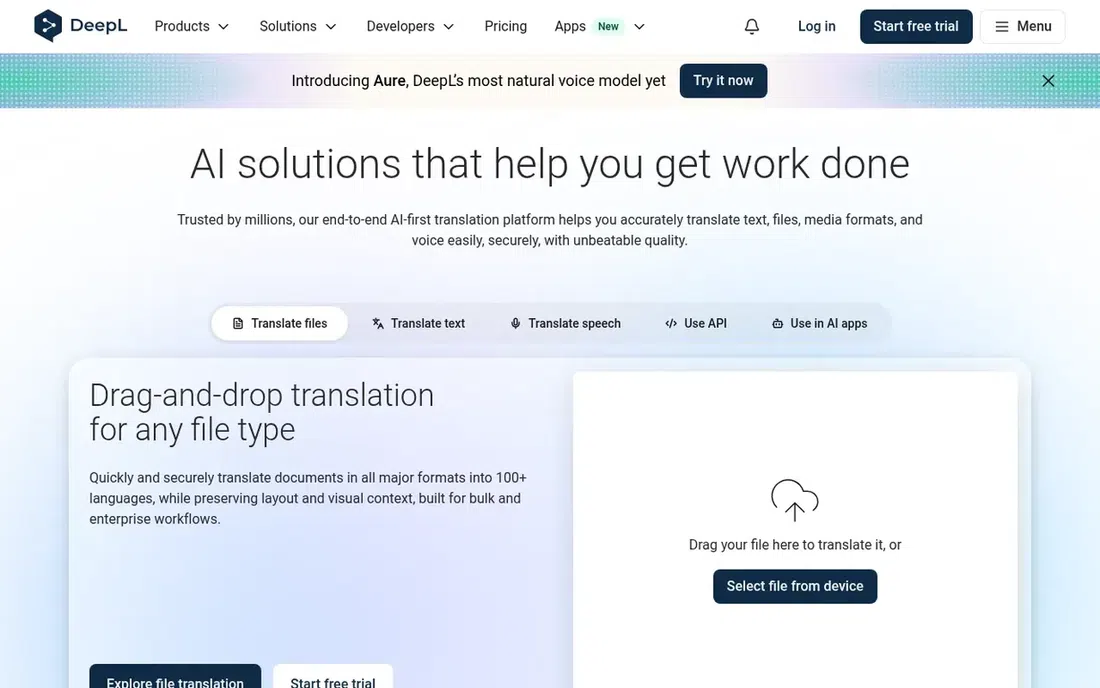
DeepL Pro is a good fit for refined text, speech and document translation. Pick something else if you need continuous localization tied straight into a development workflow or a full service layer alongside software.
It suits individuals and teams that want high-quality English output across documents and spoken content without building a localization pipeline. DeepL Pro pricing: $8.74 per month, billed annually. Trial and free access: Free trial.
Honest limits: Advanced workflow needs the API.
- API for automatic integration
- Speech and media
- Less suited to full localization management
Lokalise is aimed squarely at continuous localization inside dev workflows. Lokalise is a continuous localization and translation management product that integrates into development workflows so teams can ship localized products quicker.
Since it is oriented toward product and development workflows, it may be more structure than a marketing or personal user needs. On top of that, if your translation work is largely documents or ad hoc text, a more straightforward tool will likely serve you better. On cost, Lokalise starts like this: $149 per month. As for free access: Free trial.
Limits to weigh: Needs workflow planning to use well.
- Helps ship localized products quicker
- Integrates into development workflows
- Concentrated on product content
Our selection method
For each of the 5 tools we noted price, free plan or trial, fit for english translation software and the main limit, using vendor pages and documentation. Treat prices as a snapshot: vendors change plans often, so check the vendor site for the figure that applies today. The sequence is a judgement call: typical use case first, then pricing transparency, then free access. Use the profiles to check fit.
Things to verify first
- Get a written quote from Microsoft Translator, Crowdin and Translated (MateCat); the list shows no starting price for them.
- Run a trial of Crowdin, DeepL Pro and Lokalise with real work before paying for a year; your own workflow is the best test.
- Read the limits listed for Microsoft Translator first: consumer focus limits project tooling.
- Find out what support Crowdin includes on your plan, and whether onboarding help costs extra.
- Add up seats, add-ons and usage charges for Lokalise before comparing it with cheaper entries.
FAQ
How are the tools for english translation software ordered?
Microsoft Translator sits first and Lokalise last because the order follows typical fit for english translation software, then price clarity and free access. It is a judgement call, so read each profile for fit and limits.
Is Microsoft Translator the right pick for everyone comparing english translation software?
No single tool suits every team. Microsoft Translator comes first because it fits consumer translation across Microsoft contexts, while Crowdin suits all-in-one translation management and Translated (MateCat) suits professional language services and expertise. Match the tool to your own size, budget and workflow before deciding.
What is the cheapest option for english translation software in this list?
On published monthly entry prices, DeepL Pro is the lowest here at $8.74 per month, billed annually. Entry price is only part of the cost, because seats, add-ons and billing terms can change the total. Each of the 5 options in this English translation software guide has its own card above with the price, free plan and limits.
Do these tools publish their prices?
Not all of them. Microsoft Translator, Crowdin and Translated (MateCat) publish no starting price, so expect a quote request for those. The rest, DeepL Pro included, show a starting price, though seats and billing terms still change the final cost.
Sources
- https://www.microsoft.com/en-us/translator
- https://crowdin.com
- https://www.translated.com
- https://www.deepl.com
- https://lokalise.com