Top 5 Endpoint Management Software Benefits for 2026 (Prices and Free Plans)
Weighing the best endpoint management software benefits? We lined up 5 products by cost, free access and fit. Concise write-ups of every option. Easy to scan.
- Editor's choice
 ManageEngine Endpoint Central
Unified management and security
Starts atSee websiteVisit manageengine.comFull review - Great alternative
 NinjaOne
Unified IT operations
Starts at$1.50 per device a monthVisit ninjaone.comFull review - Also consider
 Ivanti Endpoint Manager
Securing and managing workplace endpoints
Starts atSee websiteVisit ivanti.comFull review
Direct answer
ManageEngine Endpoint Central is the first pick on this list for unified management and security. Listed starting prices: NinjaOne from $1.50 per device a month. NinjaOne is the stronger choice for unified IT operations, while Ivanti Endpoint Manager suits Securing and managing workplace endpoints. Details, prices and limits for the rest of the 5 tools are below.
TL;DR:
- This list starts with ManageEngine Endpoint Central, which is built for unified management and security.
- NinjaOne has the lowest monthly starting price in this list: $1.50 per device per month.
- Kaseya VSA is the one to check for remote monitoring and management.
- What to know about Microsoft Intune first: complicated setup for some teams.
- A permanent free plan is missing from all 5 tools, ManageEngine Endpoint Central and Kaseya VSA included; plan for a trial or a premium start.
Last checked November 2026. Prices and plan details were read from the vendors' own pages in November 2026; vendors change plans often, so confirm the current price on the vendor site before you buy.
Quick comparison
| Tool | Best for | Starts at | Free plan? | |
|---|---|---|---|---|
| ManageEngine Endpoint Central | Unified management and security | See website | Not stated | Visit |
| NinjaOne | Unified IT operations | $1.50 per device a month | Free trial | Visit |
| Ivanti Endpoint Manager | Securing and managing workplace endpoints | See website | Not stated | Visit |
 Microsoft Intune | Unified cloud endpoint management | See website | Not stated | Visit |
| Kaseya VSA | Remote monitoring and management | See website | Not stated | Visit |
The full endpoint management software benefits list
If you are comparing endpoint management software benefits, this page covers 5 tools in one place: what each is best for, what it costs to start, whether it has a free plan, and the main limit to know about.
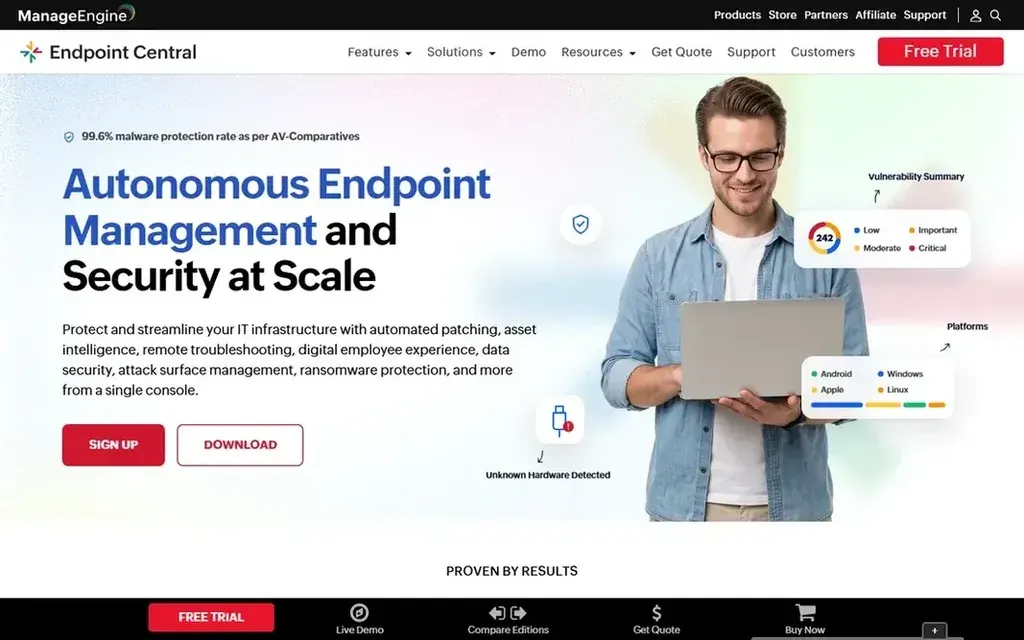
ManageEngine Endpoint Central is designed for unified management and security. It is built to handle and secure servers, desktops, laptops and mobile devices centrally.
IT teams looking for a single console across device types commonly evaluate it. ManageEngine Endpoint Central does not show a starting price in this comparison, so check the vendor site for current pricing. Free access: Not stated.
Trade-offs to know: Interface can feel dense.
- Wide device support
- Handles servers and mobile devices
- Feature depth varies by edition
NinjaOne was built for unified IT operations. NinjaOne is a unified IT operations product for endpoint management, autonomous patching, backup and remote access.
Beyond that, the breadth of features may be more than some teams need for entry-level endpoint management. Entry price for NinjaOne: $1.50 per device per month. Free access: Free trial.
Drawbacks to consider: May be more than endpoint-only needs.
- Endpoint management and patching
- Backup and remote access
- Feature set can be wide to learn
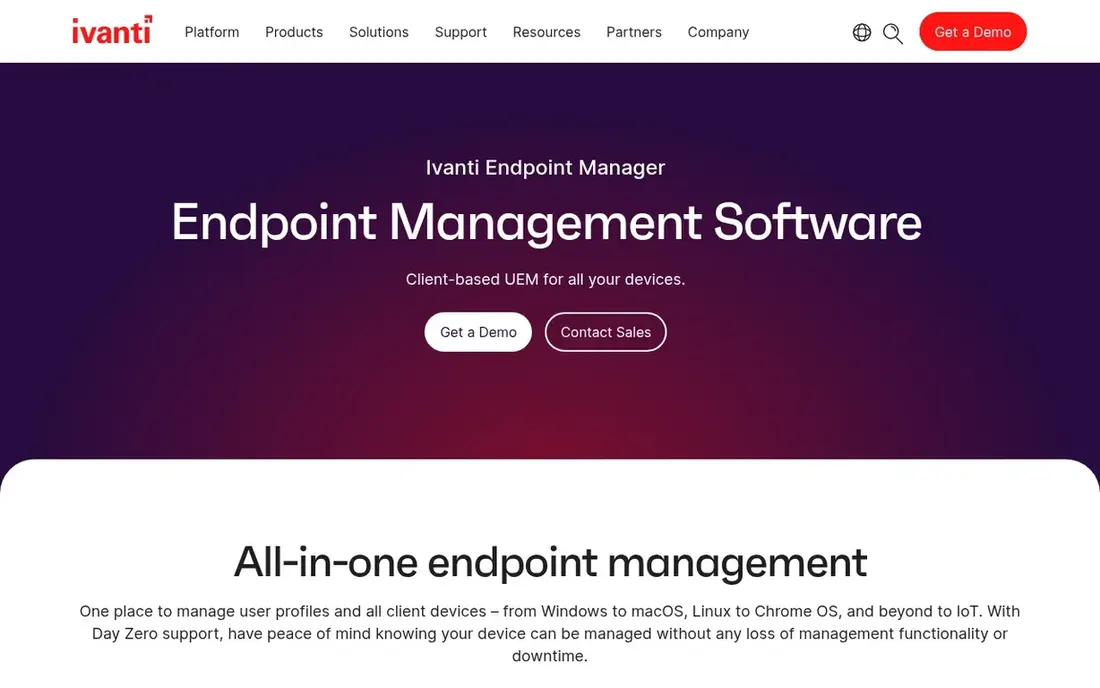
Ivanti Endpoint Manager targets Securing and managing workplace endpoints. Organizations with diverse endpoint fleets and a need for thorough management commonly consider it.
Honest limits: Can need significant setup.
From a buyer's view, the product can involve substantial configuration and may be more than small teams need. Check the vendor site for Ivanti Endpoint Manager pricing; none is listed in this comparison. Free plan details: Not stated.
- Peace of mind for IT
- Handles and secures endpoints
- May be heavy for small teams
Microsoft Intune serves unified cloud endpoint management. It is meant to help organizations handle devices and applications whereas driving operational efficiency.
Trade-offs to know: Complicated setup for some teams.
More specifically, teams already using Microsoft tools often find it a natural fit for centralizing endpoint management and security policies. Microsoft Intune does not show a starting price in this comparison, so check the vendor site for current pricing. On free options: Not stated.
- Links up with Microsoft security
- Unified endpoint management
- Best value within Microsoft ecosystem
Kaseya VSA
Best for: Remote monitoring and management
Kaseya VSA is built with remote monitoring and management in mind. Kaseya VSA is remote monitoring and management software, presented as Datto RMM on its page. It helps handle more endpoints with less manual work by automating monitoring, patching, remediation and remote support whereas connecting IT workflows.
Limits to weigh: RMM focus may overlap with other tools.
MSPs and IT teams commonly evaluate it for RMM capabilities. Its RMM orientation may overlap with existing tools or need integration planning. This comparison lists no price for Kaseya VSA; ask the vendor. Free plan details: Not stated.
- Links IT workflows
- Remote support included
- Setup can be involved
Our selection method
Questions to settle before buying
- Ask ManageEngine Endpoint Central, Ivanti Endpoint Manager, Microsoft Intune and Kaseya VSA for a written quote, since no starting price is shown.
- Use real work to test the free trial from NinjaOne, rather than a demo project.
- Read the limits listed for ManageEngine Endpoint Central first: feature depth varies by edition.
- Compare total cost, not headline price: for Kaseya VSA, add extra seats, add-ons and any usage-based charges.
- Ask Microsoft Intune which support channels and response times come with the plan you would buy.
FAQ
What is the cheapest option for endpoint management software benefits in this list?
On published monthly entry prices, NinjaOne is the lowest here at $1.50 per device per month. Entry price is only part of the cost, because seats, add-ons and billing terms can change the total. For the full picture, the cards above cover all 5 entries of this endpoint management software benefits list, including price, free plan and limits.
Can I try these tools before paying?
Often, yes. NinjaOne offers a free trial. Use your own data and a real task during the test, and check what the free tier or trial limits before you rely on it. Prices, free plan details and limits for all 5 tools in this endpoint management software benefits roundup sit on the individual cards above.
Does any tool for endpoint management software benefits here have a free plan?
No tool in this list, ManageEngine Endpoint Central and Kaseya VSA included, has a permanent free plan. NinjaOne offer a trial. Trials and quotes are the usual route, so plan a short evaluation period.
Is ManageEngine Endpoint Central the right pick for everyone comparing endpoint management software benefits?
No single tool suits every team. ManageEngine Endpoint Central comes first because it fits unified management and security, while NinjaOne suits unified IT operations and Ivanti Endpoint Manager suits Securing and managing workplace endpoints. Match the tool to your own size, budget and workflow before deciding.
Sources
- https://www.manageengine.com/products/desktop-central
- https://www.ninjaone.com
- https://www.ivanti.com/products/endpoint-manager
- https://www.microsoft.com/en-us/security/business/endpoint-management/microsoft-intune
- https://www.kaseya.com/products/vsa