Top 5 Employee Scheduling Software for Startups for 2026 (Prices and Free Plans)
5 products for the best employee scheduling software for startups, ranked by fit, with starting costs and free tiers. Caveats come with every verdict. No hype.
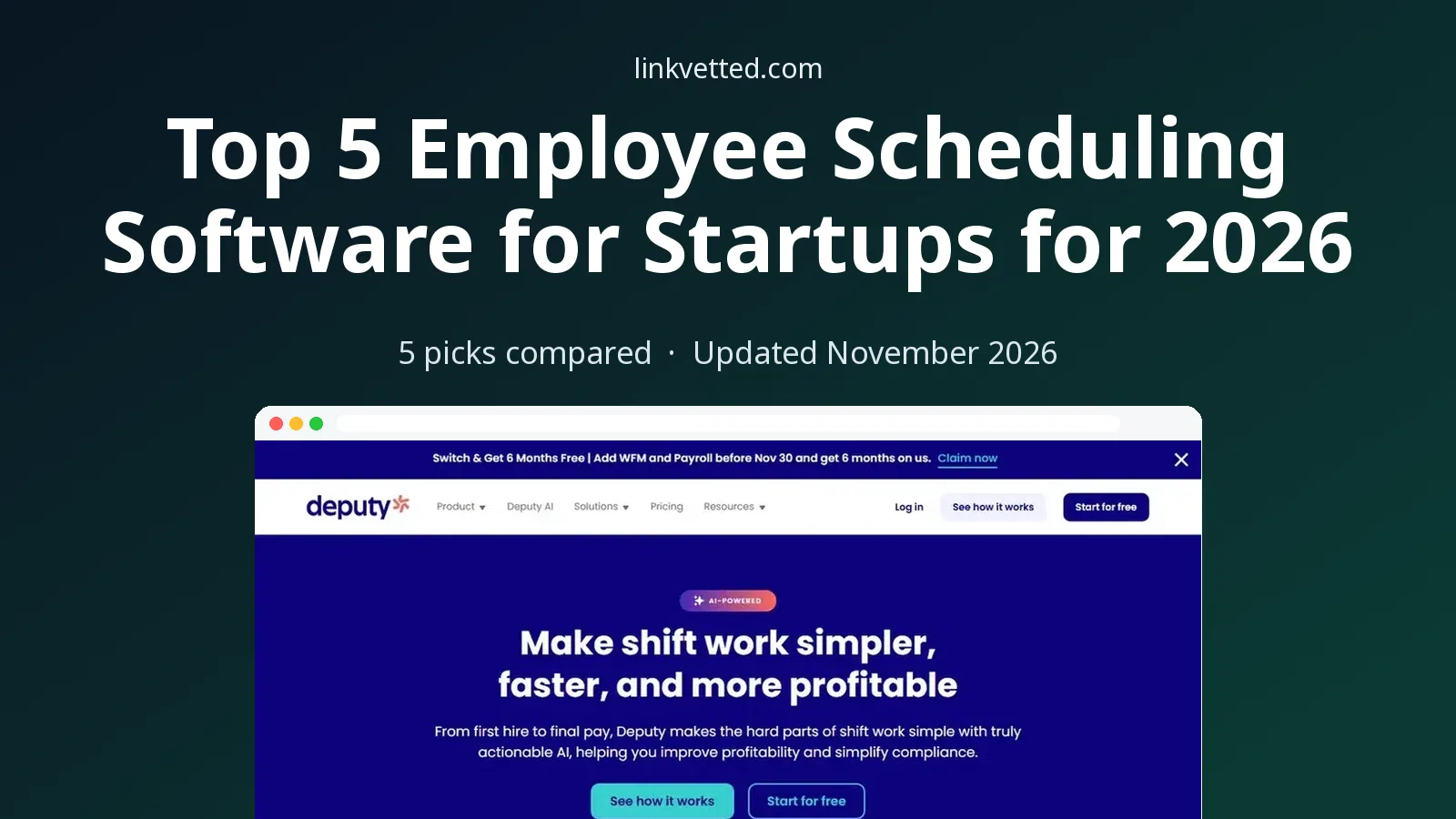
- Editor's choice
 BambooHR
Startups building a full HR foundation
Starts at$10 per employee a monthVisit bamboohr.comFull review - Great alternative
 Deputy
Scheduling with HR and labor forecasting
Starts at$5 per user a monthVisit deputy.comFull review - Also consider
 Shiftboard
Existing customers seeking support information
Starts atSee websiteVisit shiftboard.comFull review
Direct answer
This list puts BambooHR first for startups building a full HR foundation. Listed starting prices: BambooHR from $10 per employee a month, Deputy from $5 per user a month and Homebase from $30 per location a month. Deputy is the stronger choice for scheduling with HR and labor forecasting, while Shiftboard suits existing customers seeking support information. Prices, free plans and limits for all 5 tools follow.
TL;DR:
- Number one here is BambooHR, a fit for startups building a full HR foundation.
- The main caution on BambooHR: scheduling is not the headline feature.
- Homebase is the only tool of the 5 with a free plan.
- When I Work is the one to check for quick shift scheduling for small teams.
Last checked November 2026. Prices and plan details were read from the vendors' own pages in November 2026; vendors change plans often, so confirm the current price on the vendor site before you buy.
Quick comparison
| Tool | Best for | Starts at | Free plan? | |
|---|---|---|---|---|
| BambooHR | Startups building a full HR foundation | $10 per employee a month | No | Visit |
| Deputy | Scheduling with HR and labor forecasting | $5 per user a month | Free trial | Visit |
| Shiftboard | Existing customers seeking support information | See website | Not stated | Visit |
 Homebase | Hourly teams needing scheduling plus payroll | $30 per location a month | Yes | Visit |
 When I Work | Quick shift scheduling for small teams | $2.50 per user per month | Free trial | Visit |
The 5 tools in detail
LinkVetted compared 5 employee scheduling software for startups. The goal is a practical shortlist: published prices, free plan facts, best-fit use cases and honest limits for every entry.
BambooHR is designed for startups building a full HR foundation. BambooHR is HR software including people, payroll and benefits across the employee lifecycle.
It performs well as the HR backbone for an expanding company. Beyond that, pick it when building HR administration is the priority, and add a focused scheduling tool if frontline shifts become central. Entry price for BambooHR: $10 per employee per month. BambooHR has no free plan.
The main drawbacks: Scheduling is not the headline feature.
- Payroll and benefits in one system
- Broad HR coverage from hire onward
- Heavier than a pure scheduler
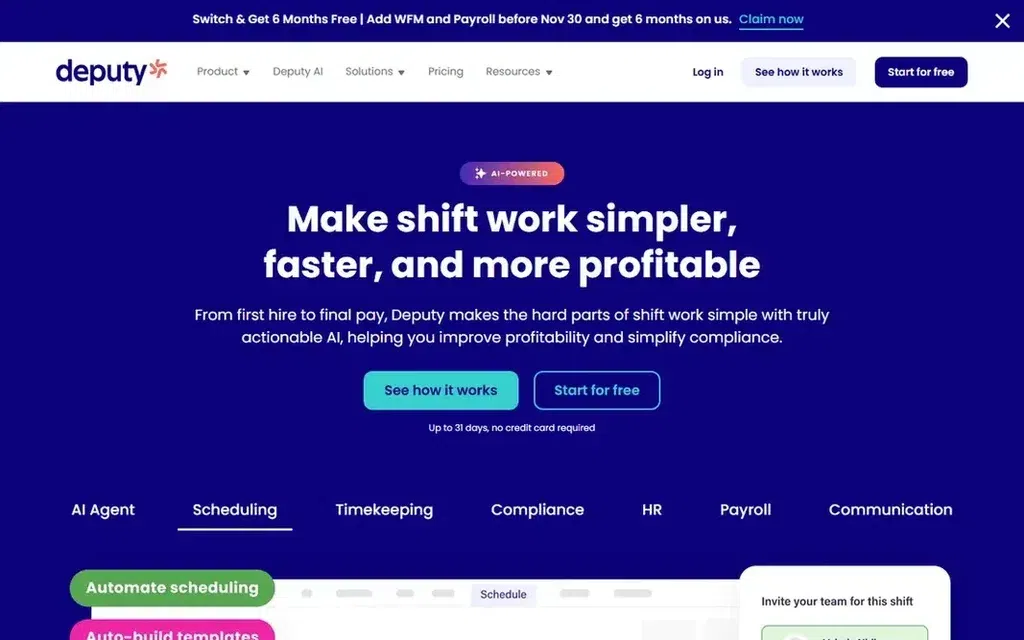
Deputy is aimed squarely at scheduling with HR and labor forecasting. Deputy provides employee scheduling alongside HR, AI labor forecasting and payroll software. The tool aims to cut time spent on manual scheduling tasks.
Limits to weigh: Setup takes more planning.
In practice, the wider feature set can feel heavy for a very small team that only needs entry-level shift planning. From a buyer's view, if your startup has straightforward, fixed schedules, a leaner scheduling app may be simpler to adopt, whereas Deputy makes more sense once labor forecasting and HR records become part of your routine. On cost, Deputy starts like this: $5 per user per month. As for free access: Free trial.
Where it shines: Payroll capabilities included.
- AI labor forecasting support
- Scheduling paired with HR features
- More features than a tiny team needs
Shiftboard is aimed squarely at existing customers seeking support information. Shiftboard is an employee scheduling product, and its current page centers on support, login links and next steps for existing customers following an acquisition.
Drawbacks to consider: Page centres on customer support, not features.
If you are comparing choices for a new startup, gather details from the vendor straight, and lean toward tools with clearer public feature information whereas you shortlist. In practice, since the page emphasizes customer support instead of capabilities, it is hard to assess fit from it alone. No starting price is listed for Shiftboard here; confirm pricing on the vendor site. Free plan details: Not stated.
- Support and login resources for customers
- Guidance on next steps for accounts
- Restricted detail for new buyers
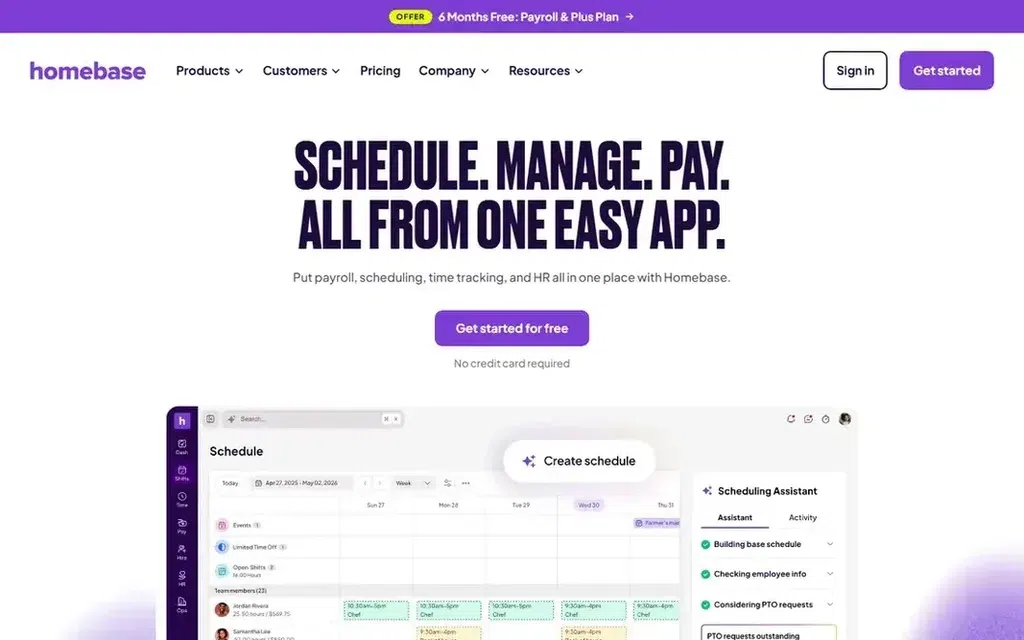
Homebase is a good fit for hourly teams needing scheduling plus payroll. Having payroll and hiring alongside scheduling cuts the number of separate tools.
Downsides: Additional modules add complexity.
Upsides: time clocks and payroll together. Also, choose Homebase when hourly scheduling and payroll are central to your operation, and look at a more straightforward scheduler if you only need shift planning. Homebase starts at: $30 per location per month. Free access exists with Homebase.
- Made for hourly workforces
- Scheduling
- Focus leans toward hourly teams
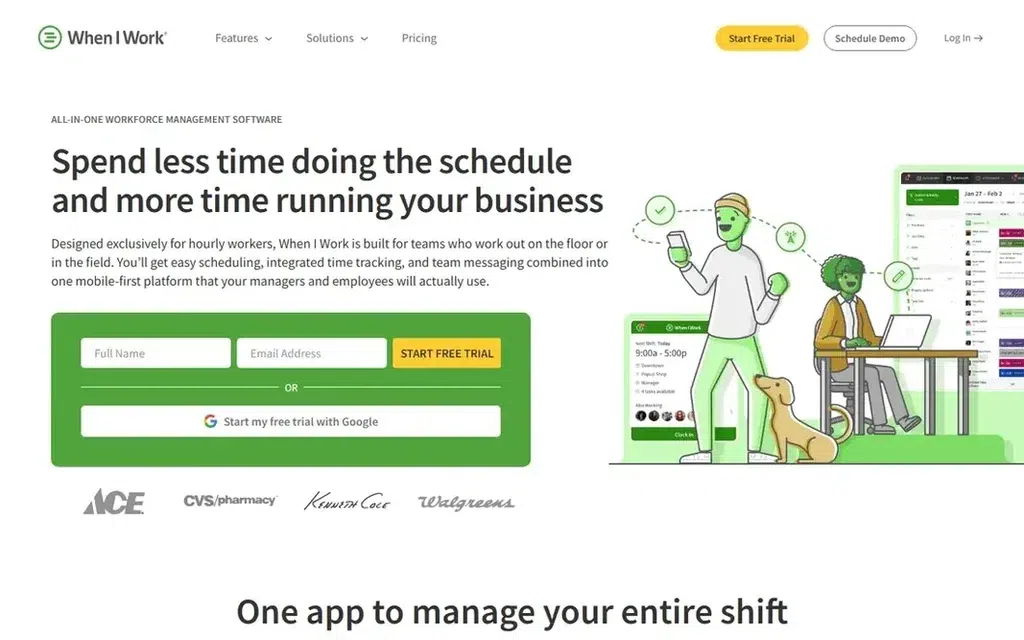
When I Work serves fast shift scheduling for small teams. The mobile-friendly messaging helps small teams stay coordinated without additional tools.
The main drawbacks: Payroll is not the core focus.
Worth adding: since it centers on scheduling and time tracking, teams that require deep HR records, benefits or payroll handling may outgrow it. On cost, When I Work starts like this: $2.50 per user per month. On free options: Free trial.
Highlights: Straightforward shift planning workflow.
- Straightforward team communication built in
- Scheduling
- Restricted depth for complicated HR needs
How the list was put together
Selection started from tools commonly considered for employee scheduling software for startups, then narrowed to 5 that have clear pricing information or a clear quote process. Prices and plan limits come from vendor pages and can change, so confirm them on the vendor site before you buy. Order on the page follows fit for the typical buyer first, then price transparency and free access. Your own requirements should decide the final pick.
Before you commit
- Get a written quote from Shiftboard; the list shows no starting price for them.
- Test the free plan from Homebase against your real workload before relying on it.
- Use real work to test the free trial from Deputy and When I Work, rather than a demo project.
- Before choosing BambooHR, weigh its main limit: scheduling is not the headline feature.
- Confirm that Homebase connects to the apps your team already uses, on the plan you would actually buy.
- Read the plan comparison for When I Work carefully; key features often start on a higher tier.
FAQ
Can these tools manage communication with staff?
Multiple of the compared tools contain team messaging or communication features alongside scheduling, which helps small teams share updates and shift changes. Check that messaging reaches the devices your team actually uses.
How should a small team approach the switch?
List the scheduling tasks that take the most time, then match them against documented features on vendor sites. Run a short evaluation with a handful of staff members before rolling out to everyone so you can catch gaps early.
Is a dedicated scheduler better than a full HR product?
A dedicated scheduler is commonly quicker to adopt when shift planning is the central problem. A full HR product makes sense once you also need personnel records, onboarding and payroll in one place, though it normally takes more setup.
Can I try these tools before paying?
Often, yes. Homebase has a free plan and Deputy and When I Work offer a free trial. Use your own data and a real task during the test, and check what the free tier or trial limits before you rely on it. For the full picture, the cards above cover all 5 entries of this employee scheduling software for startups list, including price, free plan and limits.
Is BambooHR the right pick for everyone comparing employee scheduling software for startups?
No single tool suits every team. BambooHR comes first because it fits startups building a full HR foundation, while Deputy suits scheduling with HR and labor forecasting and Shiftboard suits existing customers seeking support information. Match the tool to your own size, budget and workflow before deciding.
How are the tools for employee scheduling software for startups ordered?
BambooHR sits first and When I Work last because the order follows typical fit for employee scheduling software for startups, then price clarity and free access. It is a judgement call, so read each profile for fit and limits.
Sources
- https://www.bamboohr.com
- https://www.deputy.com
- https://www.shiftboard.com
- https://www.joinhomebase.com
- https://wheniwork.com