Top 5 Employee Scheduling Software for Manufacturers for 2026 (Prices and Free Plans)
Need the best employee scheduling software for manufacturers? We compare 5 tools on cost, free access and who each suits. Each entry gets a plain verdict.
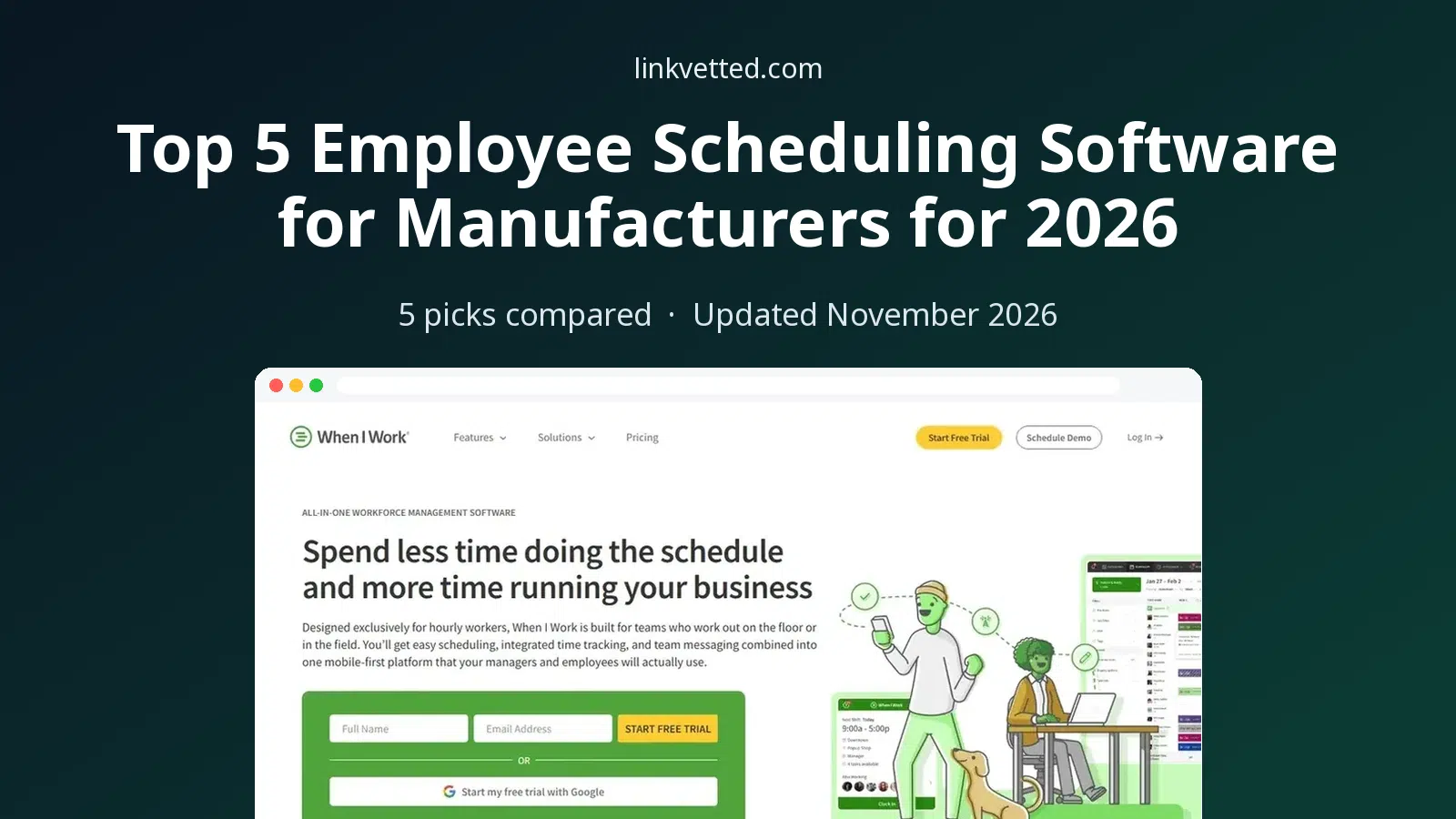
- Editor's choice
 Homebase
Hourly team scheduling and time clocks
Starts at$30 per location a monthVisit joinhomebase.comFull review - Great alternative
 Connecteam
Frontline team scheduling and communication
Starts at$29 a monthVisit connecteam.comFull review - Also consider
 Sling
Shift planning and employee communication
Starts at$1.70 per user a monthVisit getsling.comFull review
Direct answer
Homebase comes first here, mainly for hourly team scheduling and time clocks. Listed starting prices: Homebase from $30 per location a month, Connecteam from $29 a month and Sling from $1.70 per user a month. Connecteam fits frontline team scheduling and communication; Sling fits shift planning and employee communication. Details, prices and limits for the rest of the 5 tools are below.
TL;DR:
- Number one here is Homebase, a fit for hourly team scheduling and time clocks.
- One limit worth knowing about Connecteam: may lack deep manufacturing-specific features.
- A free plan is available from 3 of the 5 tools: Homebase, Connecteam, Sling.
- For the cheapest start, look at Sling: $1.70 per user per month.
- Deputy fits shift scheduling with labor forecasting.
Last checked November 2026. Prices and plan details were read from the vendors' own pages in November 2026; vendors change plans often, so confirm the current price on the vendor site before you buy.
Quick comparison
| Tool | Best for | Starts at | Free plan? | |
|---|---|---|---|---|
| Homebase | Hourly team scheduling and time clocks | $30 per location a month | Yes | Visit |
| Connecteam | Frontline team scheduling and communication | $29 a month | Yes | Visit |
| Sling | Shift planning and employee communication | $1.70 per user a month | Yes | Visit |
 When I Work | Straightforward shift swaps and team messaging | $2.50 per user per month | Free trial | Visit |
 Deputy | Shift scheduling with labor forecasting | $5 per user per month | Free trial | Visit |
The full employee scheduling software for manufacturers list
Short on time? The summary and table above give the quick view of 5 employee scheduling software for manufacturers, and the profiles that follow give the detail behind each entry.
Think of Homebase for hourly team scheduling and time clocks. It is made for small companies managing hourly teams.
Where it is weaker: May not scale to complicated manufacturing rules.
It suits smaller operations that want a simple app to build schedules, track time, and run payroll without a heavy suite. The starting price for Homebase: $30 per location per month. Homebase includes a free tier.
- Scheduling
- Simple app for small firms
- Advanced HR features are restricted
For frontline team scheduling and communication, Connecteam is a natural candidate. Connecteam is an employee management app made for frontline teams to move beyond scattered tools. As for the details, for manufacturers, it can unify shift scheduling and team communication for deskless workers.
Connecteam may not include specialized manufacturing scheduling rules or deep payroll integration. Beyond that, if you need advanced labor forecasting or enterprise HR, a broader system may be better. On cost, Connecteam starts like this: $29 per month. You can start on Connecteam without paying.
Best features of Connecteam: All-in-one app for frontline teams. Points against: May lack deep manufacturing-specific features.
- Scheduling
- Time tracking, communication
- Advanced payroll may need integration
Sling works best for shift planning and employee communication. Sling is employee shift scheduling and planning software that helps firms run shifts and communicate with employees.
Watch-outs: Restricted payroll and HR depth.
It is pitched at teams that require a straightforward way to plan shifts and keep everyone informed. On top of that, for manufacturers, it can support shift planning and communication for smaller production teams. What you pay to start with Sling: $1.70 per user per month. Sling has a free plan.
- Shift scheduling and planning
- Employee communication tools
- May not suit large manufacturing operations
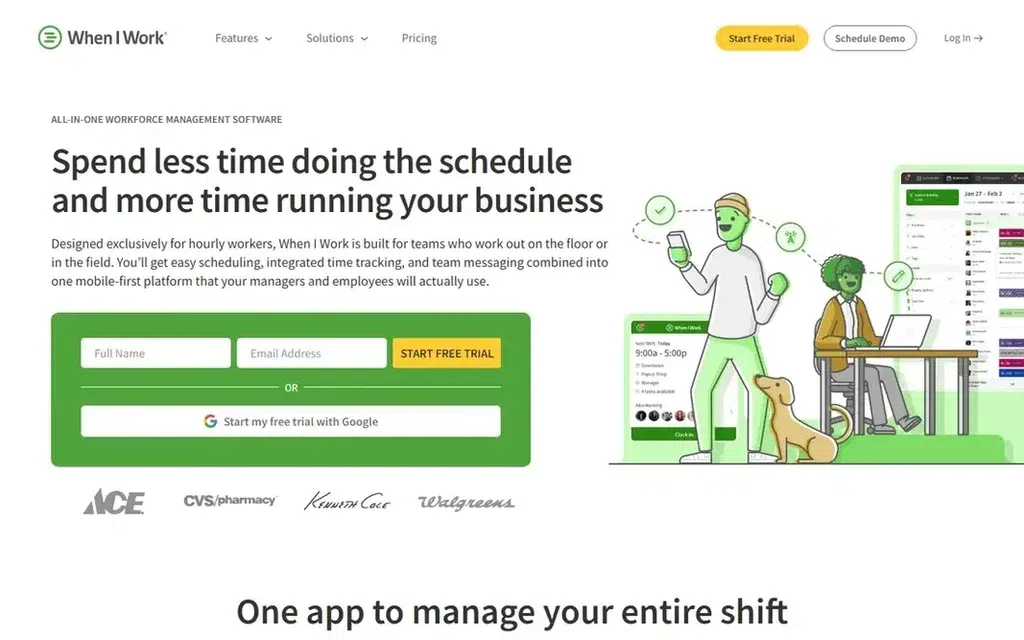
When I Work serves straightforward shift swaps and team messaging. It is pitched at workplaces that require clear shift coverage and simple communication.
Watch-outs: Limited advanced HR features.
As for the details, if you need broad HR or compliance features, a broader system may be better. More specifically, When I Work is less suited to manufacturers that require deep payroll integration or advanced labor forecasting. When I Work cost at the entry level: $2.50 per user per month. Free access: Free trial.
- Schedule shifts and track time in one app
- Built-in team messaging
- May not suit complicated manufacturing pay rules
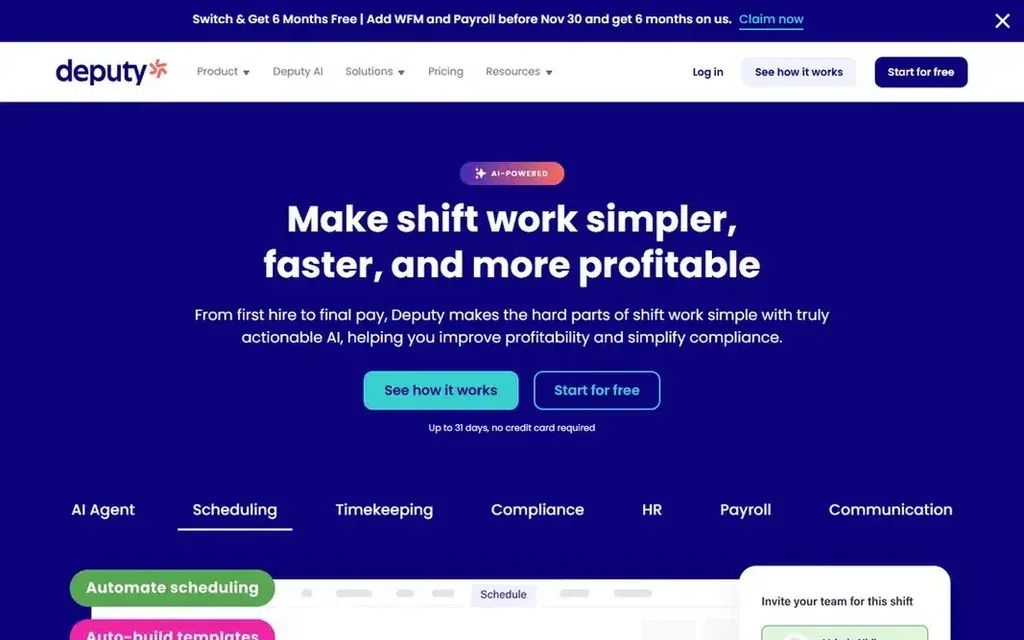
Deputy targets shift scheduling with labor forecasting. It is made for firms that handle shift-based staff and want scheduling, time tracking, and payroll support in one place.
Highlights: Easy-to-use scheduling interface.
Downsides: Advanced payroll may need extras. Also, for manufacturers, it can help plan production shifts and forecast labor needs. What you pay to start with Deputy: $5 per user per month. Free options: Free trial.
- Payroll support
- AI labor forecasting for shift planning
- Setup can take time for complicated rules
How the list was put together
What to check before you buy
- Check the vendor page for the current price: Sling starts at $1.70 per user per month here, and seats or billing terms can move it.
- Read the fine print on the free plans from Homebase, Connecteam and Sling; seat, project and feature caps differ.
- Take the trial from When I Work and Deputy and push a live task through it before you pay.
- Read the limits listed for Homebase first: may not scale to complicated manufacturing rules.
- Price Deputy for your actual team size; headline prices rarely include add-ons or overage.
- Check whether the features you need in When I Work sit on the entry plan or only on higher tiers.
FAQ
What is the cheapest option for employee scheduling software for manufacturers in this list?
On published monthly entry prices, Sling is the lowest here at $1.70 per user per month. Entry price is only part of the cost, because seats, add-ons and billing terms can change the total. Each of the 5 options in this employee scheduling software for manufacturers guide has its own card above with the price, free plan and limits.
Is Homebase the right pick for everyone comparing employee scheduling software for manufacturers?
No single tool suits every team. Homebase comes first because it fits hourly team scheduling and time clocks, while Connecteam suits frontline team scheduling and communication and Sling suits shift planning and employee communication. Match the tool to your own size, budget and workflow before deciding.
Do these tools publish their prices?
Yes. Every tool from Homebase to Deputy shows a starting price, though seats, add-ons and billing terms still change the final cost.
Which options for employee scheduling software for manufacturers have a free plan?
Homebase, Connecteam and Sling offer a free plan in this list. Free plans usually cap users, projects or features, so check the limits on the vendor page. Several others offer a trial instead. All 5 picks in this employee scheduling software for manufacturers comparison list a starting price, free plan details and the main limits on their cards above.
Is mobile access important for manufacturing teams?
Yes, plenty of manufacturing employees work on the floor without desk access. Mobile apps let them view schedules, swap shifts, and communicate from their phones.
Sources
- https://www.joinhomebase.com
- https://connecteam.com
- https://getsling.com
- https://wheniwork.com
- https://www.deputy.com