6 Employee Scheduling Software for Healthcare Practices Worth Shortlisting in 2026
Best employee scheduling software for healthcare practices: 6 tools compared on price, free plans and fit. Hidden costs and gaps are flagged. No hype.
- Editor's choice
 Homebase
Small practices managing hourly teams
Starts at$30 per location a monthVisit joinhomebase.comFull review - Great alternative
 Sling
Straightforward shift planning and communication
Starts at$1.70 per user per monthVisit getsling.comFull review - Also considerShiftWizard
Aligning schedules with patient demand
Starts atSee websiteVisit shiftwizard.comFull review
Direct answer
Start with Homebase if you need small practices managing hourly teams. Listed starting prices: Homebase from $30 per location a month, Sling from $1.70 per user per month and Deputy from $5 per user per month. Alternatives: Sling for straightforward shift planning and communication, and ShiftWizard for aligning schedules with patient demand. The full list of 6 tools follows, with prices and free plan facts.
TL;DR:
- Number one here is Homebase, a fit for small practices managing hourly teams.
- When I Work fits straightforward shift scheduling and messaging.
- ShiftWizard comes with a trade-off: part of the HealthStream ecosystem.
- 2 of 6 tools offer a free plan: Homebase, Sling.
Last checked November 2026. Prices and plan details were read from the vendors' own pages in November 2026; vendors change plans often, so confirm the current price on the vendor site before you buy.
Quick comparison
| Tool | Best for | Starts at | Free plan? | |
|---|---|---|---|---|
| Homebase | Small practices managing hourly teams | $30 per location a month | Yes | Visit |
| Sling | Straightforward shift planning and communication | $1.70 per user per month | Yes | Visit |
| ShiftWizard | Aligning schedules with patient demand | See website | Not stated | Visit |
 Deputy | Scheduling with HR and payroll | $5 per user per month | Free trial | Visit |
| QGenda | Healthcare-specific workforce management | See website | Not stated | Visit |
 When I Work | Straightforward shift scheduling and messaging | $2.50 per user per month | Free trial | Visit |
The 6 tools in detail
LinkVetted put together this guide to employee scheduling software for healthcare practices for readers who want a clear shortlist without reading every vendor page. It compares 6 tools on starting price, free plans, who each one suits and where each one falls short.
Homebase was built for small practices managing hourly teams. Homebase is not designed around clinical staffing, so practices with provider-level scheduling complexity should look at healthcare-focused choices.
Trade-offs to know: Pitched at small companies usually.
A smaller practice with hourly staff can use it to build schedules, track time and manage payroll without stitching multiple tools together. What you pay to start with Homebase: $30 per location per month. You can start on Homebase without paying.
Reasons to shortlist it: Scheduling.
- Hiring tools included
- Made for hourly teams
- Not tailored to clinical scheduling
In short, Sling is for straightforward shift planning and communication. Sling presents itself as employee shift scheduling and planning software that helps companies run shifts and communicate with employees.
What Sling does well: Straightforward.
Watch-outs: Restricted healthcare-specific features.
From a buyer's view, practices that want a clear, straightforward way to publish shifts and keep staff informed may find it a practical starting point for administrative and support teams. As for the details, Sling is a general scheduling tool, so specialized clinical coverage requirements may not be addressed. Sling cost at the entry level: $1.70 per user per month. Free access exists with Sling.
- Employee shift scheduling and planning
- Staff communication tools
- Entry-level fit for complicated clinical needs
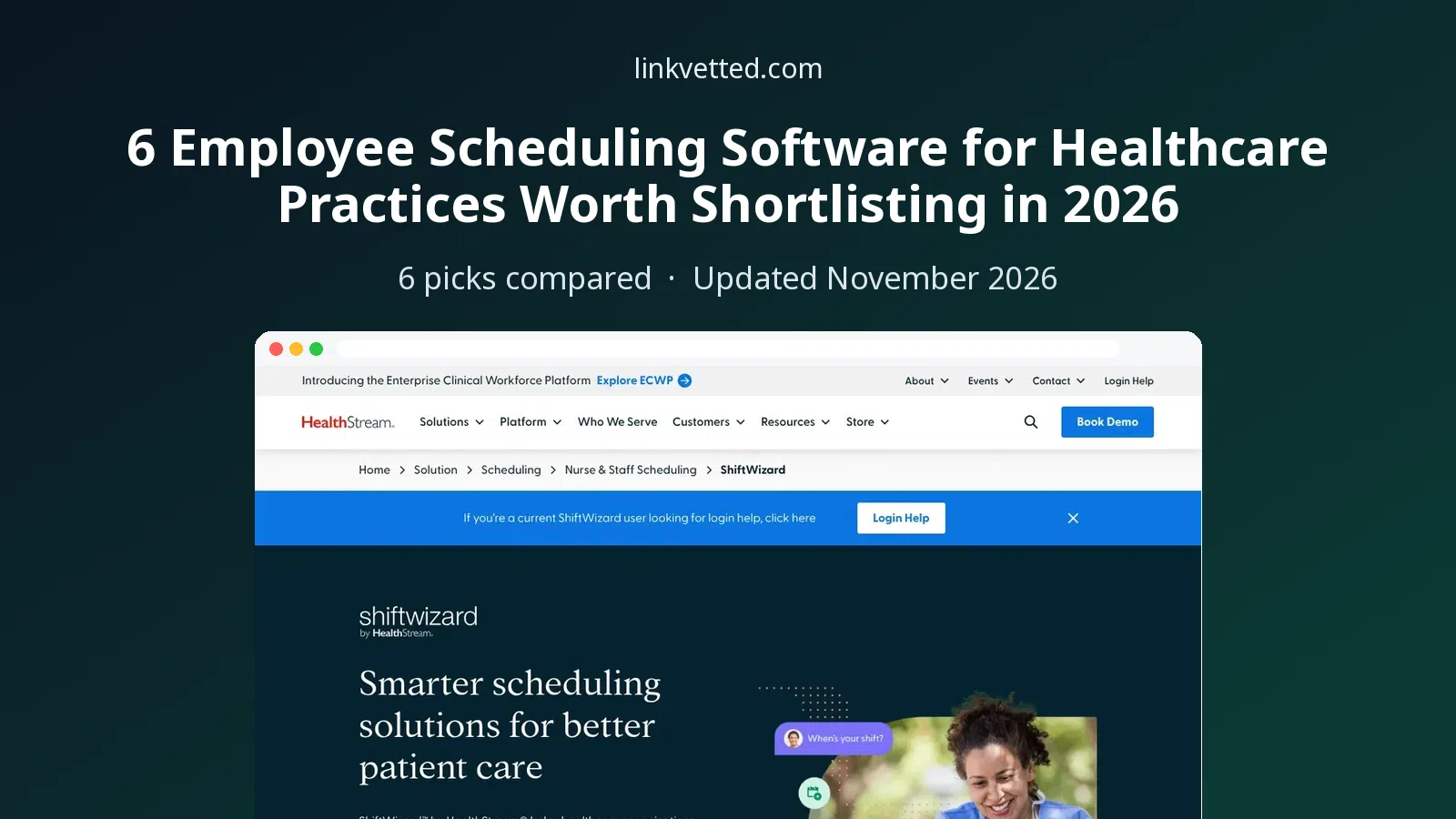
ShiftWizard
Best for: Aligning schedules with patient demand
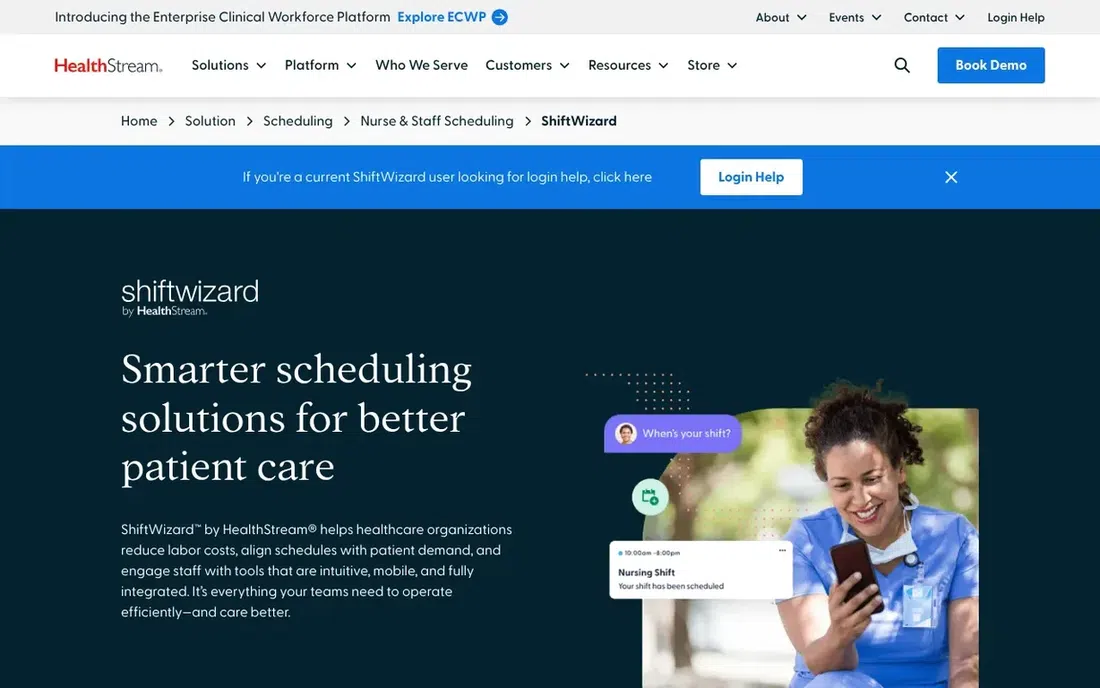
ShiftWizard is built with aligning schedules with patient demand in mind. Since ShiftWizard sits within the HealthStream family, practices already using that ecosystem may see the smoothest fit.
For everyday use, ShiftWizard, offered by HealthStream, is a healthcare scheduling product that aims to cut labor costs, align schedules with patient demand and engage staff through easy-to-learn mobile and integrated tools. A very small office with entry-level shift needs could weigh more straightforward general scheduling apps instead. This comparison lists no price for ShiftWizard; ask the vendor. As for free access: Not stated.
Downsides: May suit bigger clinical teams better.
- Scheduling made for healthcare teams
- Aims to align schedules with patient demand
- Part of the HealthStream ecosystem
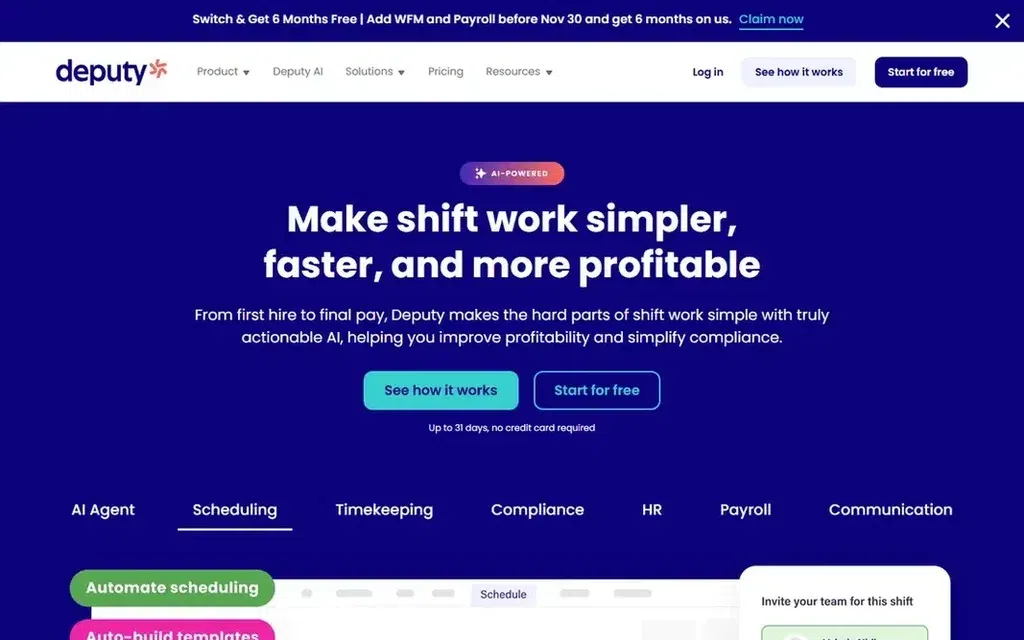
Deputy serves scheduling with HR and payroll. Deputy is not designed for clinical scheduling, so practices with complicated provider rotations may have to check how well it deals with those patterns.
It is a reasonable choice when HR and payroll integration matter as much as the schedule itself. Deputy cost at the entry level: $5 per user per month. Free plan details: Free trial.
What to check first: Not healthcare-specific.
- Employee scheduling plus HR features
- Payroll and labor forecasting tools
- Broader feature set may be more than needed
QGenda
Best for: Healthcare-specific workforce management
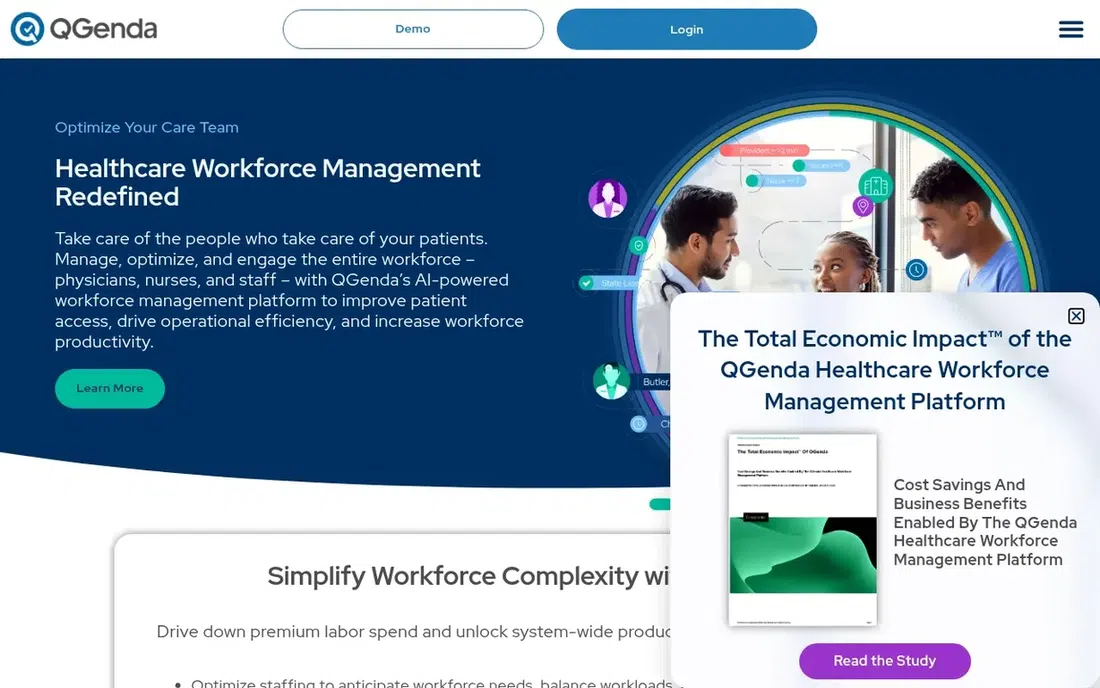
Where QGenda fits: healthcare-specific workforce management. Practices that schedule clinicians and clinical staff with complicated coverage rules are the clearest fit, since the product is framed around healthcare operations instead of general shift work.
QGenda presents itself as a healthcare workforce management product, with messaging around boosting engagement and retention, optimizing staffing and reducing labor costs. No starting price is listed for QGenda here; confirm pricing on the vendor site. Free plan details: Not stated.
Honest limits: Narrower fit for non-clinical teams.
- Aims to optimize staffing and engagement
- Focus on reducing labor costs
- Healthcare focus may be more than small offices need
When I Work serves straightforward shift scheduling and messaging. Choose it when simplicity and team messaging outweigh specialized healthcare features.
Limits to weigh: General instead of healthcare-specific.
For everyday use, practices with predictable shift structures, like front office and support staff, can use it to keep schedules and communication in a single place. When I Work pricing: $2.50 per user per month. On free options: Free trial.
- Schedule shifts and track time in one app
- Team messaging included
- Advanced clinical rules may need workarounds
How we chose
We compared the tools on published pricing, free plan or trial availability, feature coverage for employee scheduling software for healthcare practices, and the limits each vendor documents. Where a price is missing, the vendor does not list one publicly or ties it to a quote. Always confirm before budgeting. The order reflects how well each tool fits the most common buying scenario for employee scheduling software for healthcare practices, then price clarity, then free plan access. It is a starting point, not a verdict.
Before you commit
- Ask ShiftWizard and QGenda for a written quote, since no starting price is shown.
- Look at free plan limits closely: Homebase and Sling have one, and the caps decide whether it is usable for real work.
- Take the trial from Deputy and When I Work and push a live task through it before you pay.
- Before choosing Homebase, weigh its main limit: targeted at small companies usually.
- Find out whether the entry plan of Deputy covers your must-haves or only a trimmed-down version.
- Test how quickly When I Work answers a pre-sales question; it hints at how support will feel later.
FAQ
Is Homebase the right pick for everyone comparing employee scheduling software for healthcare practices?
No single tool suits every team. Homebase comes first because it fits small practices managing hourly teams, while Sling suits straightforward shift planning and communication and ShiftWizard suits aligning schedules with patient demand. Match the tool to your own size, budget and workflow before deciding.
How should a small practice narrow down the options?
Start with the size and mix of your team and how frequently schedules change. If hourly staff and payroll are the primary concern, tools like Homebase or Deputy may fit.
Can general scheduling apps deal with clinical staff rotations?
General apps focus on shifts, time tracking and messaging, so complicated provider rotations may need workarounds or manual checks. A healthcare-focused product is typically safer for those patterns.
What is the cheapest option for employee scheduling software for healthcare practices in this list?
On published monthly entry prices, Sling is the lowest here at $1.70 per user per month. Entry price is only part of the cost, because seats, add-ons and billing terms can change the total. Prices, free plan details and limits for all 6 tools in this employee scheduling software for healthcare practices roundup sit on the individual cards above.
Can I try these tools before paying?
Often, yes. Homebase and Sling have a free plan and Deputy and When I Work offer a free trial. Use your own data and a real task during the test, and check what the free tier or trial limits before you rely on it. Each of the 6 options in this employee scheduling software for healthcare practices guide has its own card above with the price, free plan and limits.
Which options for employee scheduling software for healthcare practices have a free plan?
Homebase and Sling offer a free plan in this list. Free plans usually cap users, projects or features, so check the limits on the vendor page. Several others offer a trial instead. All 6 picks in this employee scheduling software for healthcare practices comparison list a starting price, free plan details and the main limits on their cards above.
Sources
- https://www.joinhomebase.com
- https://getsling.com
- https://www.shiftwizard.com
- https://www.deputy.com
- https://www.qgenda.com
- https://wheniwork.com