The 6 Best Bug Tracking Software for Healthcare Practices in 2026, Ranked
Best bug tracking software for healthcare practices in 2026: 6 contenders with entry costs and free tiers. Prices and drawbacks included. Skim the table first.
- Editor's choice
 Azure DevOps
Development and bug tracking integration
Starts atSee websiteVisit azure.microsoft.comFull review - Great alternative
 Freshdesk
Omnichannel support with automation
Starts atSee websiteVisit freshworks.comFull review - Also consider
 MantisBT
Straightforward, free web-based bug tracking
Starts atSee websiteVisit mantisbt.orgFull review
Direct answer
For development and bug tracking integration, Azure DevOps is where this list starts. Listed starting prices: Zendesk from $19 agent/month premium yearly. Freshdesk is the stronger choice for omnichannel support with automation, while MantisBT suits straightforward, free web-based bug tracking. The remaining 3 options are covered below with prices and limits.
TL;DR:
- The list opens with Azure DevOps, aimed at development and bug tracking integration.
- For patient and staff support ticketing, Zendesk is worth a look.
- What to know about Freshdesk first: restricted deep bug lifecycle tools.
- None of the 6 tools, from Azure DevOps to Zendesk, has a free plan, so budget for a subscription or use a trial.
Last checked November 2026. Prices and plan details were read from the vendors' own pages in November 2026; vendors change plans often, so confirm the current price on the vendor site before you buy.
Quick comparison
| Tool | Best for | Starts at | Free plan? | |
|---|---|---|---|---|
| Azure DevOps | Development and bug tracking integration | See website | Not stated | Visit |
| Freshdesk | Omnichannel support with automation | See website | Not stated | Visit |
| MantisBT | Straightforward, free web-based bug tracking | See website | Not stated | Visit |
 Bugzilla | Open-source, self-hosted bug tracking | See website | Not stated | Visit |
 Jira | Configurable bug and project tracking | See website | Not stated | Visit |
 Zendesk | Patient and staff support ticketing | $19 agent/month premium yearly | Free trial | Visit |
Every option for bug tracking software for healthcare practices explained
LinkVetted compared 6 bug tracking software for healthcare practices. The goal is a practical shortlist: published prices, free plan facts, best-fit use cases and honest limits for every entry.
Azure DevOps targets development and bug tracking integration. Azure DevOps from Microsoft provides agile tools, CI/CD, and agentic AI to help teams plan and ship software.
Where it falls short: Microsoft ecosystem focus.
If your bug tracking is primarily for IT support instead of software development, a service desk tool may work better. Azure DevOps is developer-centric, so clinical or administrative staff may find it less easy-to-learn. Pricing for Azure DevOps is not stated here, so ask the vendor for current figures. Free options: Not stated.
- Agentic AI features
- Agile planning tools
- Can be complicated for non-developers
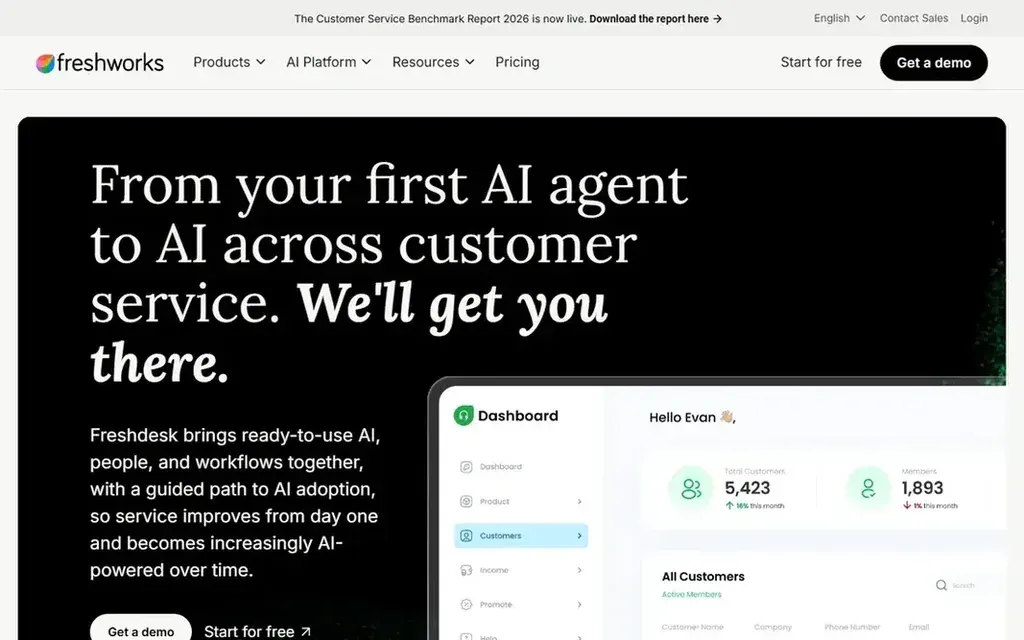
Freshdesk is a good fit for omnichannel support with automation. If your priority is in-depth defect triage, consider a dedicated issue tracker instead.
Practices can centralize requests from several channels and assign them to staff, which helps keep issue resolution organized. Freshdesk is an AI-powered customer service option with omnichannel ticketing and automatic workflows. Freshdesk does not show a starting price in this comparison, so check the vendor site for current pricing. On free options: Not stated.
Where it falls short: Customization may need setup.
- AI-powered service features
- Automatic workflows
- Restricted deep bug lifecycle tools
MantisBT was built for straightforward, free web-based bug tracking. It can be installed on Windows, Linux, Mac OS, and other products, making it accessible for practices with modest IT support.
In daily use, MantisBT provides a more straightforward feature set than commercial systems, so complex workflows may be harder to model. Worth adding: if you need advanced automation or AI features, consider a broader service or project management tool. Pricing for MantisBT is not stated here, so ask the vendor for current figures. Free plan details: Not stated.
Where it falls short: Entry-level feature set.
- Runs on plenty of products
- Free and open-source
- Needs self-hosting
Bugzilla is designed for open-source, self-hosted bug tracking. Bugzilla is an open-source bug tracking system meant to help teams plan, organize, and release software.
From a buyer's view, Bugzilla needs technical setup and continuing maintenance, and its interface is less modern than commercial alternatives. Practices without dedicated IT staff may prefer a hosted option. Pricing for Bugzilla is not stated here, so ask the vendor for current figures. On free options: Not stated.
Where it falls short: Needs technical administration.
- Highly configurable
- Mature bug lifecycle model
- Interface feels dated
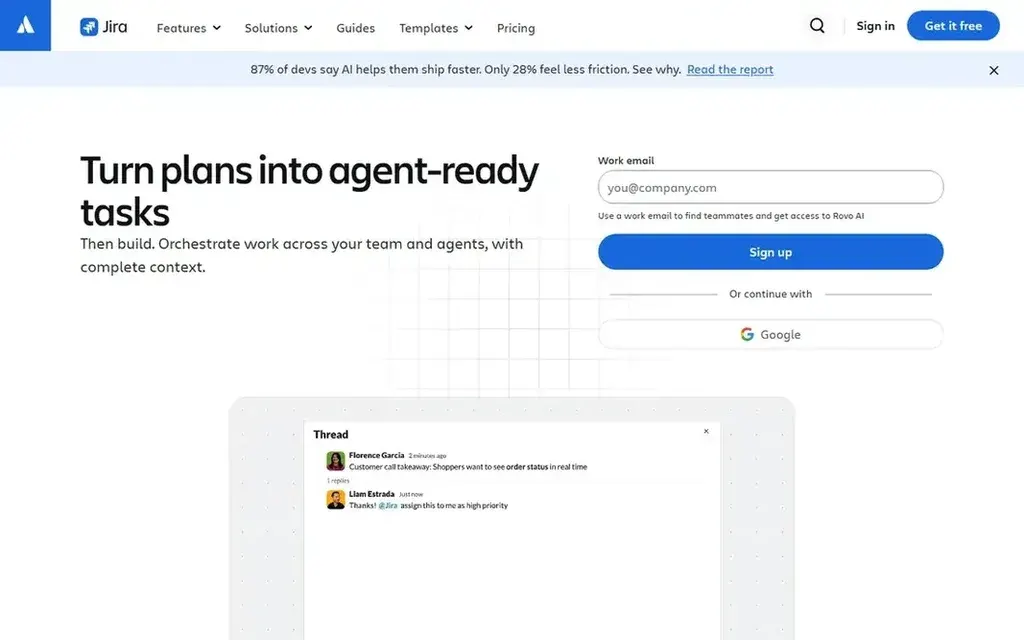
Jira is aimed squarely at configurable bug and project tracking. If you primarily need a straightforward help desk for patient inquiries, a customer service system may be a better fit.
Watch-outs: Setup can be complex.
Check the vendor site for Jira pricing; none is listed in this comparison. On free options: Not stated.
- Highly customizable workflows
- Solid issue linking and audit history
- May need admin support

In short, Zendesk is for patient and staff support ticketing. Smaller practices may also find the system more than they need if support volume is low.
Honest limits: Can be expensive for small teams.
Worth adding: Zendesk is an AI-powered customer service system that helps teams resolve issues end to end. As for the details, healthcare practices can use it to run patient or staff requests in a structured queue, with automation that routes and tracks each ticket. Price to start with Zendesk: $19 agent/month premium yearly. As for free access: Free trial.
- Unified support inbox
- Scalable service workflows
- Bug tracking is secondary to support
What went into this list
Questions to settle before buying
- Confirm the entry price on the vendor page. For Azure DevOps, Freshdesk, MantisBT and others that means a quote rather than a fixed price.
- Run a trial of Zendesk with real work before paying for a year; your own workflow is the best test.
- Read the limits listed for Azure DevOps first: Microsoft ecosystem focus.
- Ask Azure DevOps which support channels and response times come with the plan you would buy.
- Before rolling out Zendesk, verify the integrations your workflow depends on.
FAQ
Can I try these tools before paying?
Often, yes. Zendesk offers a free trial. Use your own data and a real task during the test, and check what the free tier or trial limits before you rely on it. Prices, free plan details and limits for all 6 tools in this Bug tracking software for healthcare practices roundup sit on the individual cards above.
Do these tools publish their prices?
Not all of them. Azure DevOps, Freshdesk, MantisBT and others publish no starting price, so expect a quote request for those. The rest, Zendesk included, show a starting price, though seats and billing terms still change the final cost.
Is Jira a good match for small healthcare practices?
Jira can work for small practices, but its adaptability may need admin time to configure. In practice, evaluate whether the customization benefits outweigh the overhead.
How are the tools for bug tracking software for healthcare practices ordered?
Azure DevOps sits first and Zendesk last because the order follows typical fit for bug tracking software for healthcare practices, then price clarity and free access. It is a judgement call, so read each profile for fit and limits.
What is the cheapest option for bug tracking software for healthcare practices in this list?
On published monthly entry prices, Zendesk is the lowest here at $19 agent/month premium yearly. Entry price is only part of the cost, because seats, add-ons and billing terms can change the total.
What should a healthcare practice look for in bug tracking software?
Look for clear audit trails, configurable workflows, and appropriate data hosting. Support for role-based access and integration with existing systems also helps.
Sources
- https://azure.microsoft.com/en-us/products/devops
- https://www.freshworks.com/freshdesk
- https://www.mantisbt.org
- https://www.bugzilla.org
- https://www.atlassian.com/software/jira
- https://www.zendesk.com