Top 5 Employee Scheduling Software for Healthcare Clinics for 2026 (Prices and Free Plans)
Best employee scheduling software for healthcare clinics in 2026: 5 contenders with entry costs and free tiers. Strengths and gaps are listed per tool. No hype.
- Editor's choice
 When I Work
Straightforward shift scheduling and messaging
Starts at$2.50 per user a monthVisit wheniwork.comFull review - Great alternativeNurseGrid
Nurse-focused shift calendar
Starts atSee websiteVisit nursegrid.comFull review - Also consider
 Sling
Simple shift planning and communication
Starts at$1.70 per user a monthVisit getsling.comFull review
Direct answer
If you need straightforward shift scheduling and messaging, When I Work is the first tool to look at here. Listed starting prices: When I Work from $2.50 per user a month, Sling from $1.70 per user a month and Deputy from $5 per user per month. NurseGrid fits Nurse-focused shift calendar; Sling fits simple shift planning and communication. Details, prices and limits for the rest of the 5 tools are below.
TL;DR:
- Top of the list is When I Work, which targets straightforward shift scheduling and messaging.
- For Scheduling with HR and payroll, Deputy is worth a look.
- Check the limits for NurseGrid before you commit: may focus on individual nurses instead of clinic-wide scheduling.
- Just one of the 5 tools, Sling, has a free plan.
- The cheapest monthly starting price in the list is $1.70 per user per month, offered by Sling.
Last checked November 2026. Prices and plan details were read from the vendors' own pages in November 2026; vendors change plans often, so confirm the current price on the vendor site before you buy.
Quick comparison
| Tool | Best for | Starts at | Free plan? | |
|---|---|---|---|---|
| When I Work | Straightforward shift scheduling and messaging | $2.50 per user a month | Free trial | Visit |
| NurseGrid | Nurse-focused shift calendar | See website | Not stated | Visit |
| Sling | Simple shift planning and communication | $1.70 per user a month | Yes | Visit |
| QGenda | Healthcare-specific workforce management | See website | Not stated | Visit |
 Deputy | Scheduling with HR and payroll | $5 per user per month | Free trial | Visit |
Our 5 employee scheduling software for healthcare clinics
LinkVetted compared 5 employee scheduling software for healthcare clinics. The goal is a practical shortlist: published prices, free plan facts, best-fit use cases and honest limits for every entry.
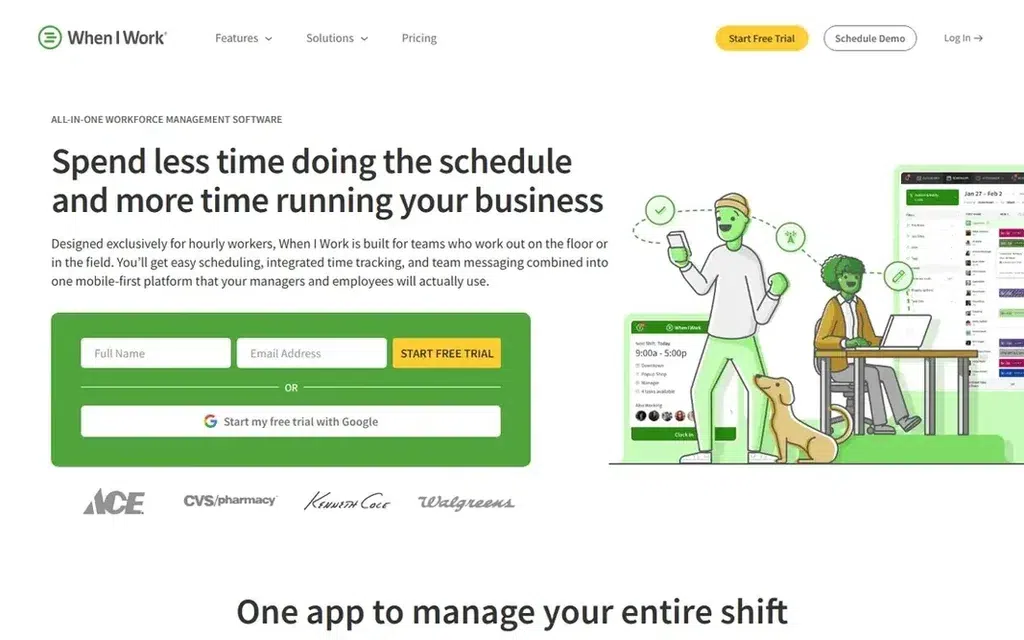
In short, When I Work is for straightforward shift scheduling and messaging. It suits clinics looking for a straightforward way to coordinate front-desk and clinical staff schedules without a steep ramp-up time.
Worth adding: consider a healthcare-focused choice if those capabilities are essential. When I Work cost at the entry level: $2.50 per user per month. Free access: Free trial.
Drawbacks to consider: Advanced workforce analytics may be restricted.
- Team messaging in one app
- Simple for staff to adopt
- Healthcare-specific features not emphasized
NurseGrid
Best for: Nurse-focused shift calendar
In short, NurseGrid is for Nurse-focused shift calendar. NurseGrid is a nurse app for scheduling and shift management that helps nurses run schedules, link with colleagues, grow skills, and find jobs.
What to check first: May focus on individual nurses instead of clinic-wide scheduling.
It fits clinics where nurses want a familiar mobile tool to view shifts and coordinate with peers. NurseGrid shows no starting price here, so confirm the cost on the vendor site. On free options: Not stated.
- Designed for nurse scheduling
- Links colleagues
- Restricted administrative features highlighted
For easy shift planning and communication, Sling is a natural candidate. Sling is employee shift scheduling and planning software that helps businesses handle shifts and communicate with employees.
Consider a healthcare-focused product if those requirements are critical for your clinic. Sling starts at: $1.70 per user per month. Free access exists with Sling.
Points against: Healthcare-specific features not highlighted.
- Team communication tools
- Free and straightforward to use
- May lack advanced compliance tools
QGenda
Best for: Healthcare-specific workforce management
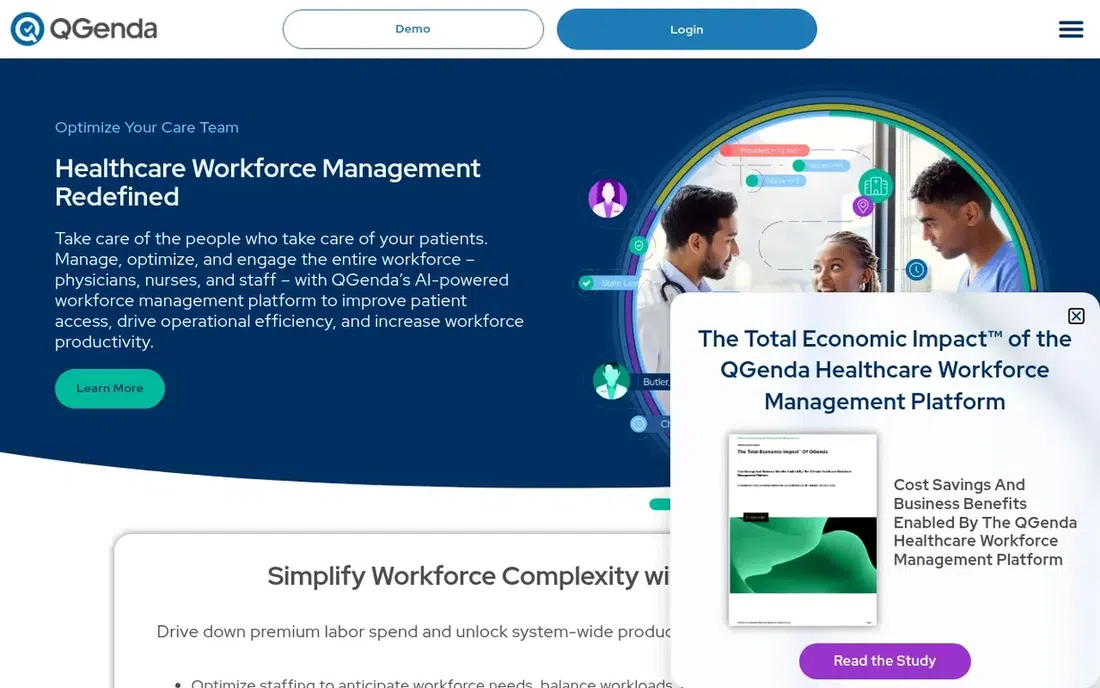
QGenda was built for Healthcare-specific workforce management. QGenda is a healthcare workforce management system built to optimize staffing and cut labor costs whereas improving staff engagement and retention.
Watch-outs: Restricted public detail on clinic-specific features.
Since QGenda targets healthcare workforce management, smaller clinics with straightforward shift patterns might find it more solid than necessary. Also, consider a lighter scheduling tool if you chiefly need entry-level shift swaps and time tracking without deeper workforce optimization. QGenda shows no starting price here, so confirm the cost on the vendor site. Free options: Not stated.
- Helps cut labor costs
- Aims to boost engagement and retention
- May be more than small clinics need
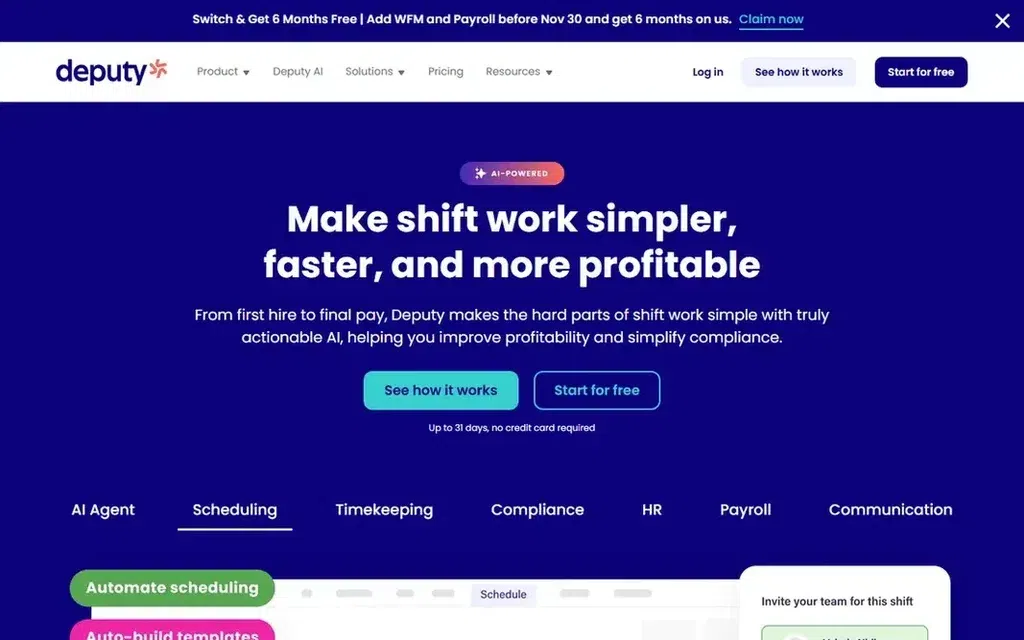
Deputy is designed for Scheduling with HR and payroll. It fits clinics that want to simplify shift planning, track time, and run payroll without juggling several systems, especially when labor forecasting can help match staffing to patient demand.
Limits to weigh: Healthcare-specific compliance features not highlighted.
Pick a healthcare-focused tool if scheduling must align tightly with clinical roles and patient acuity. Starting cost for Deputy: $5 per user per month. As for free access: Free trial.
- AI labor forecasting
- Contains HR and payroll features
- May need setup for clinic rules
How we built this list
We compared the tools on published pricing, free plan or trial availability, feature coverage for employee scheduling software for healthcare clinics, and the limits each vendor documents. Prices and plan limits come from vendor pages and can change, so confirm them on the vendor site before you buy. We ordered the tools by general fit, then by how clearly pricing is shown, then by free access. A buyer with unusual needs may reorder them.
What to confirm before you sign up
- Ask NurseGrid and QGenda for a written quote, since no starting price is shown.
- Test the free plan from Sling against your real workload before relying on it.
- Take the trial from When I Work and Deputy and push a live task through it before you pay.
- Before choosing When I Work, weigh its main limit: Healthcare-specific features not emphasized.
- List the apps you already depend on and check that Sling supports each one on the plan you would buy.
- Run a one or two week pilot of NurseGrid with the people who will use it every day.
FAQ
Is When I Work the right pick for everyone comparing employee scheduling software for healthcare clinics?
No single tool suits every team. When I Work comes first because it fits simple shift scheduling and messaging, while NurseGrid suits Nurse-focused shift calendar and Sling suits easy shift planning and communication. Match the tool to your own size, budget and workflow before deciding.
What should a healthcare clinic look for in scheduling software?
Clinics should prioritize tools that manage shift coverage, staff communication, and healthcare-specific needs like credential tracking or patient demand alignment. Simplicity for both managers and staff is also important to ensure adoption.
Which options for employee scheduling software for healthcare clinics have a free plan?
Sling is the only tool in this list with a free plan. Free plans usually cap users, projects or features, so check the limits on the vendor page. Several others offer a trial instead. Prices, free plan details and limits for all 5 tools in this employee scheduling software for healthcare clinics roundup sit on the individual cards above.
Is NurseGrid right for clinic-wide scheduling?
NurseGrid is designed as a nurse-focused app for managing schedules and connecting with colleagues. It may be best used alongside a clinic-wide scheduling system instead of as the sole administrative tool.
Do these tools publish their prices?
Not all of them. NurseGrid and QGenda publish no starting price, so expect a quote request for those. The rest, When I Work included, show a starting price, though seats and billing terms still change the final cost.
How are the tools for employee scheduling software for healthcare clinics ordered?
When I Work sits first and Deputy last because the order follows typical fit for employee scheduling software for healthcare clinics, then price clarity and free access. It is a judgement call, so read each profile for fit and limits.
Sources
- https://wheniwork.com
- https://www.nursegrid.com
- https://getsling.com
- https://www.qgenda.com
- https://www.deputy.com