Best Employee Scheduling Software for Dental Practices for 2026: Our 5 Vetted Picks
Best employee scheduling software for Dental practices: 5 tools compared on price, free plans and fit. Weak spots flagged for every entry. Checked this month.
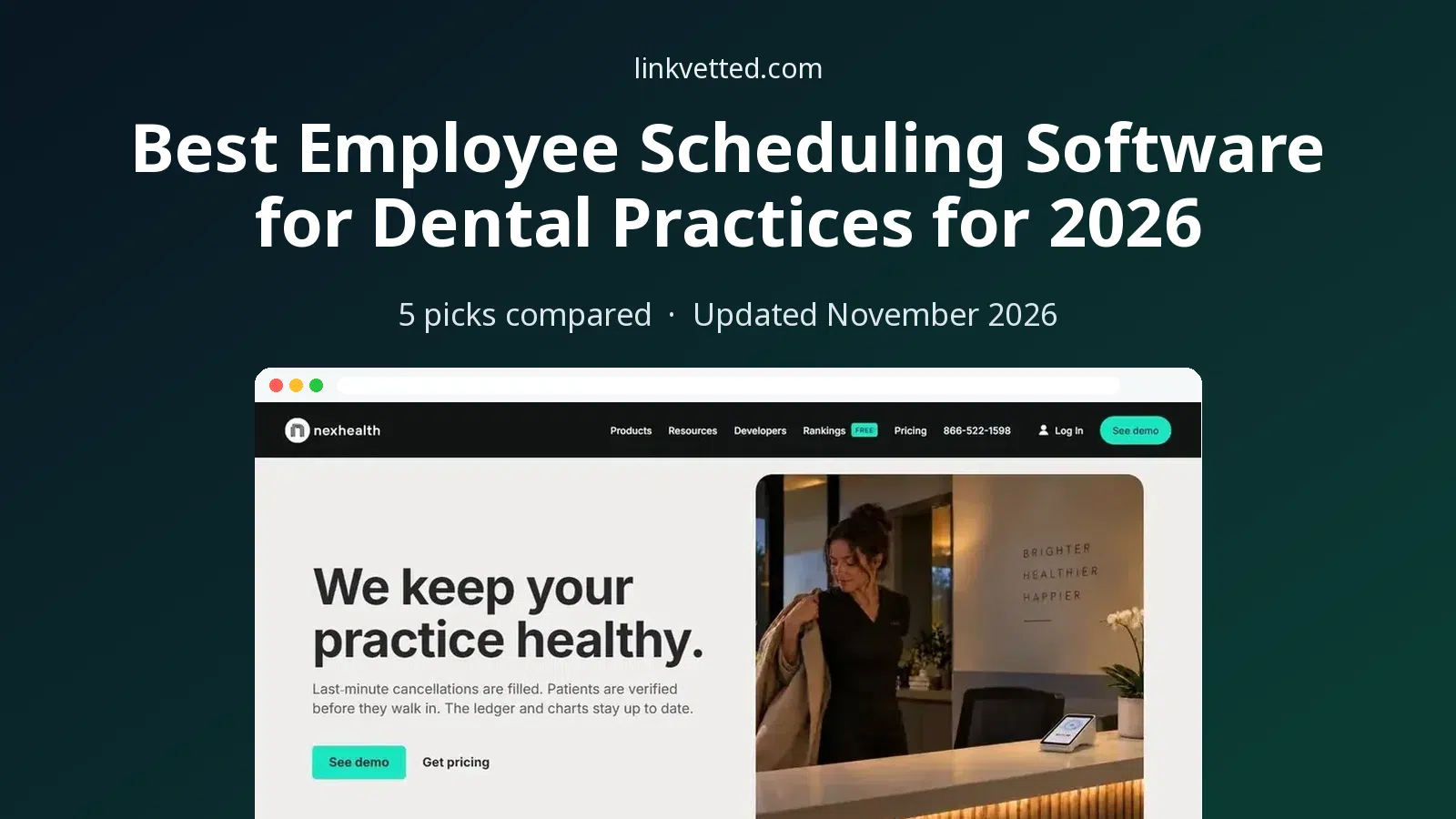
- Editor's choiceCarestream Dental
Dental imaging and connected software
Starts atSee websiteVisit carestreamdental.comFull review - Great alternative
 Deputy
Employee scheduling and HR
Starts at$5 per user a monthVisit deputy.comFull review - Also consider
 When I Work
Shift scheduling and team messaging
Starts at$2.50 per user a monthVisit wheniwork.comFull review
Direct answer
Carestream Dental comes first here, mainly for Dental imaging and connected software. Listed starting prices: Deputy from $5 per user a month, When I Work from $2.50 per user a month and Homebase from $30 per location a month. Deputy is better for employee scheduling and HR, and When I Work is better for shift scheduling and team messaging. Details, prices and limits for the rest of the 5 tools are below.
TL;DR:
- Carestream Dental is the opening pick, best for Dental imaging and connected software.
- One limit worth knowing about Carestream Dental: primary focus is imaging instead of scheduling.
- Just one of the 5 tools, Homebase, has a free plan.
- Homebase is the one to check for small business scheduling and payroll.
Last checked November 2026. Prices and plan details were read from the vendors' own pages in November 2026; vendors change plans often, so confirm the current price on the vendor site before you buy.
Quick comparison
| Tool | Best for | Starts at | Free plan? | |
|---|---|---|---|---|
| Carestream Dental | Dental imaging and connected software | See website | Not stated | Visit |
| Deputy | Employee scheduling and HR | $5 per user a month | Free trial | Visit |
| When I Work | Shift scheduling and team messaging | $2.50 per user a month | Free trial | Visit |
 NexHealth | Patient scheduling synced to practice management | See website | Not stated | Visit |
 Homebase | Small business scheduling and payroll | $30 per location a month | Yes | Visit |
Every option for employee scheduling software for Dental practices explained
Short on time? The summary and table above give the quick view of 5 employee scheduling software for Dental practices, and the profiles that follow give the detail behind each entry.
Carestream Dental
Best for: Dental imaging and connected software
Where Carestream Dental fits: Dental imaging and connected software. Carestream Dental offers dental imaging systems and software, from intraoral X-ray and sensors to extraoral and CBCT imaging, along with connected options.
In daily use, practices seeking staff shift management should pair it with or choose a dedicated scheduling system. Carestream Dental is centered on imaging hardware and software, not employee scheduling, so it is unlikely to serve as a standalone scheduling option. Check the vendor site for Carestream Dental pricing; none is listed in this comparison. Free plan details: Not stated.
What to check first: Primary focus is imaging instead of scheduling.
- Connected options for dental practices
- Software supports clinical workflows
- Employee scheduling is not a core offering
Choose Deputy for employee scheduling and HR. Deputy is employee scheduling, HR, and payroll software with AI labor forecasting, meant to ease shift management and time tracking.
Trade-offs to know: Patient scheduling is not a focus.
Beyond that, Deputy is a general workforce management tool instead of a dental-specific product, so it does not manage patient appointments or clinical records. More specifically, practices wanting a single system for both patient and staff scheduling may prefer an all-in-one dental product. What you pay to start with Deputy: $5 per user per month. Free access: Free trial.
- AI labor forecasting
- Comes with HR and payroll features
- Not specific to dental practices
In short, When I Work is for shift scheduling and team messaging. It suits dental offices that require a straightforward way to coordinate staff shifts, manage shift swaps, and keep the team informed without a complicated setup.
Watch-outs: Not tailored to dental workflows.
In daily use, When I Work centres on employee scheduling and time tracking, not patient appointments or dental practice management. Entry price for When I Work: $2.50 per user per month. Free plan details: Free trial.
- Schedule shifts and track time in one app
- Team messaging built in
- Patient scheduling is not included
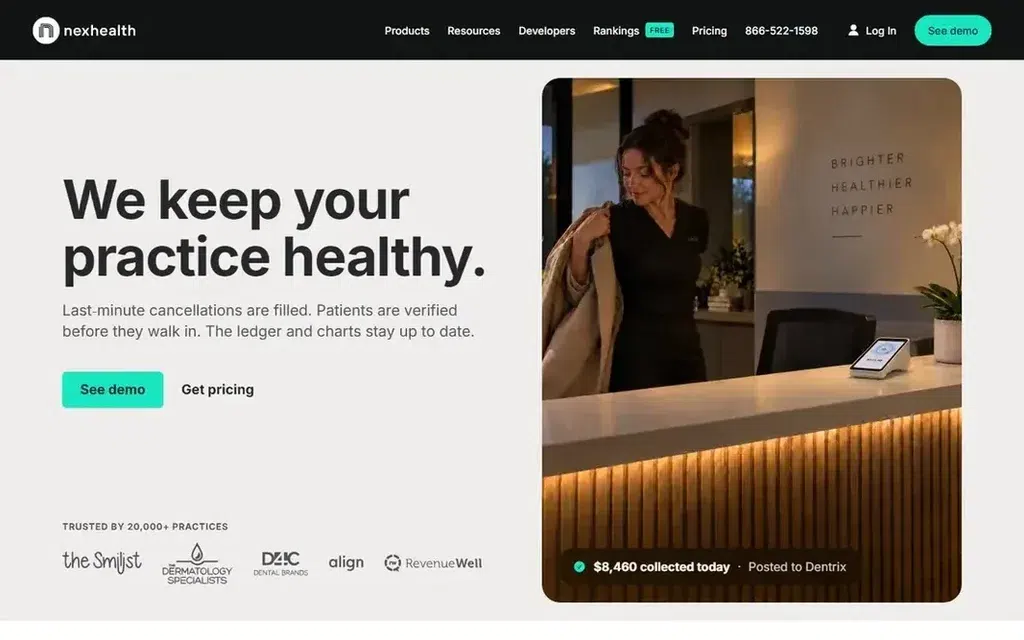
Choose NexHealth for patient scheduling synced to practice management. Beyond that, NexHealth is oriented toward patient scheduling and engagement instead of employee shift scheduling.
So it may not replace a dedicated staff scheduling tool. Pricing for NexHealth is not stated here, so ask the vendor for current figures. Free options: Not stated.
The main drawbacks: Focus is patient-facing instead of staff shift management.
- Contains forms, communications, payments, verification
- Syncs scheduling with your practice management system or EHR
- May need integration setup with existing systems
Pick Homebase if this describes you: small business scheduling and payroll. Homebase is an all-in-one employee scheduling, time clock, payroll, and hiring app aimed at small companies with hourly teams.
In daily use, Homebase is targeted at general small business workforce management and does not contain dental patient scheduling or clinical features. Practices that require an integrated practice management system should look at a dental-specific choice. Homebase starts at: $30 per location per month. Homebase has a free plan.
Limits to weigh: No dental-specific patient scheduling.
- Build schedules and track time
- Payroll and hiring in one app
- General small business focus
How we compared the tools
We compared the tools on published pricing, free plan or trial availability, feature coverage for employee scheduling software for Dental practices, and the limits each vendor documents. Where a price is missing, the vendor does not list one publicly or ties it to a quote. Always confirm before budgeting. We ordered the tools by general fit, then by how clearly pricing is shown, then by free access. A buyer with unusual needs may reorder them.
Before you commit
- Confirm the entry price on the vendor page. For Carestream Dental and NexHealth that means a quote rather than a fixed price.
- Test the free plan from Homebase against your real workload before relying on it.
- Take the trial from Deputy and When I Work and push a live task through it before you pay.
- Read the limits listed for Carestream Dental first: primary focus is imaging instead of scheduling.
- Check whether Deputy bills monthly or annually, and what cancelling early costs.
- Run a one or two week pilot of NexHealth with the people who will use it every day.
FAQ
What is the cheapest option for employee scheduling software for Dental practices in this list?
On published monthly entry prices, When I Work is the lowest here at $2.50 per user per month. Entry price is only part of the cost, because seats, add-ons and billing terms can change the total. Prices, free plan details and limits for all 5 tools in this employee scheduling software for Dental practices roundup sit on the individual cards above.
Which options for employee scheduling software for Dental practices have a free plan?
Homebase is the only tool in this list with a free plan. Free plans usually cap users, projects or features, so check the limits on the vendor page. Several others offer a trial instead. Each of the 5 options in this employee scheduling software for Dental practices guide has its own card above with the price, free plan and limits.
How are the tools for employee scheduling software for Dental practices ordered?
Carestream Dental sits first and Homebase last because the order follows typical fit for employee scheduling software for Dental practices, then price clarity and free access. It is a judgement call, so read each profile for fit and limits.
Do these tools publish their prices?
Not all of them. Carestream Dental and NexHealth publish no starting price, so expect a quote request for those. The rest, Deputy included, show a starting price, though seats and billing terms still change the final cost.
Can I use a general employee scheduling tool in a dental office?
That said, they do not run patient appointments or clinical records. So you may have to run them alongside your dental practice management software.
Sources
- https://www.carestreamdental.com
- https://www.deputy.com
- https://wheniwork.com
- https://www.nexhealth.com
- https://joinhomebase.com
Related guides
- AI Receptionist Software for Dental Practices in 2026: The 5 Best Options Side by Side
- 5 Booking Software for Dental Practices Worth Shortlisting in 2026
- 5 Best Client Portal Software for Dental Practices for 2026, Vetted and Compared
- Best CRM for Dental Practices (2026): 6 Picks Checked on Vendor Pages