Employee Scheduling Software for Assisted Living in 2026: The 5 Best Options Side by Side
Best employee scheduling software for assisted living in 2026: 5 tools with starting prices, free plans and limits. Short verdicts, no fluff. Pick by budget.
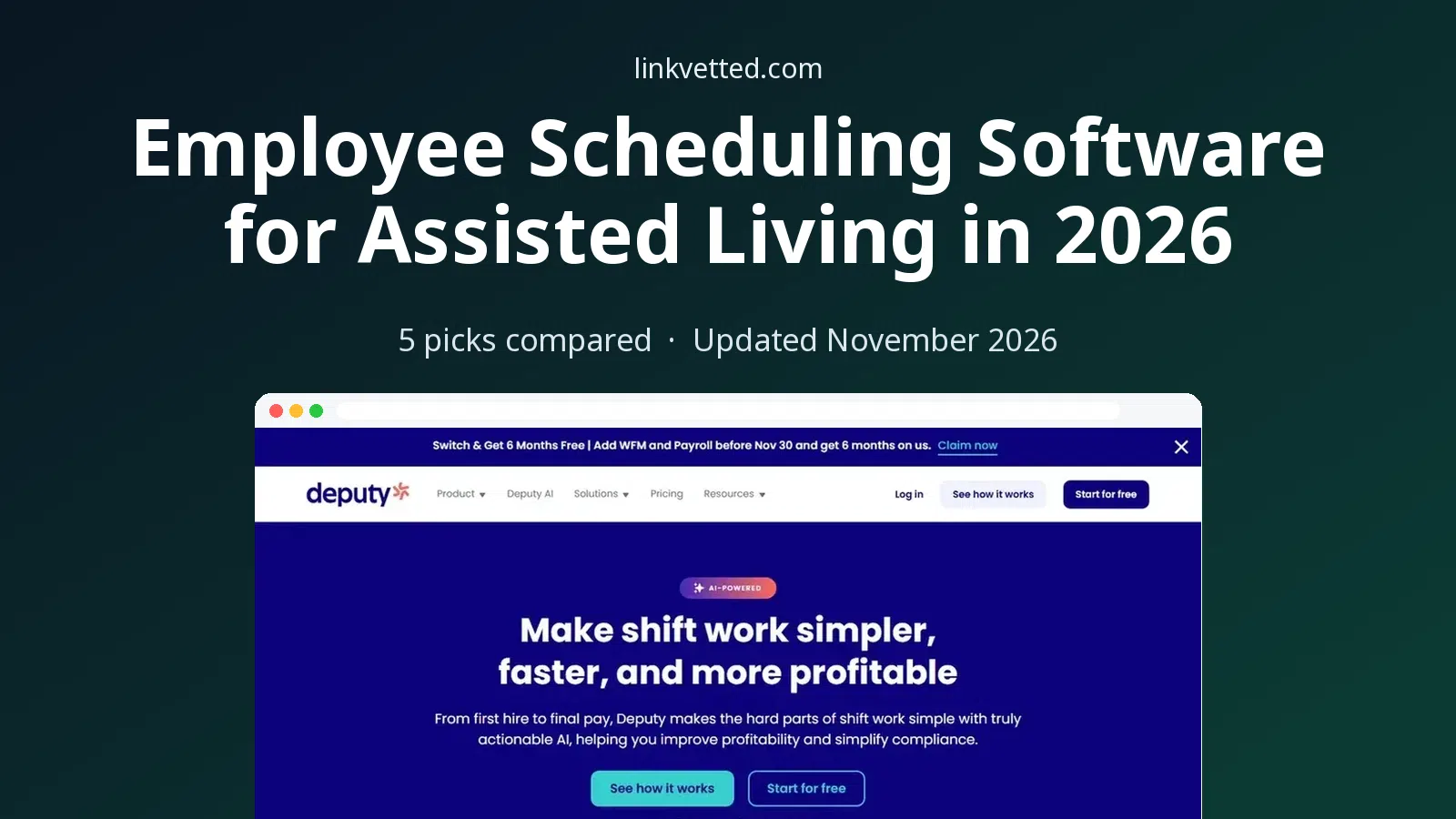
- Editor's choice
 Deputy
Scheduling with labor forecasting and HR
Starts at$5 per user a monthVisit deputy.comFull review - Great alternative
 Shiftboard
Teams evaluating a transition
Starts atSee websiteVisit shiftboard.comFull review - Also consider
 When I Work
Straightforward shift scheduling and team messaging
Starts at$2.50 per user per monthVisit wheniwork.comFull review
Direct answer
For scheduling with labor forecasting and HR, Deputy is where this list starts. Listed starting prices: Deputy from $5 per user a month, When I Work from $2.50 per user per month and Sling from $1.70 per user a month. Look at Shiftboard for teams evaluating a transition, and at When I Work for straightforward shift scheduling and team messaging. Details, prices and limits for the rest of the 5 tools are below.
TL;DR:
- Deputy is the opening pick, best for scheduling with labor forecasting and HR.
- Sling fits straightforward shift planning and communication.
- Sling stands alone as the one tool in this list with a free plan.
- Sling is the lowest-priced starter here at $1.70 per user per month.
- The main caution on Deputy: broad feature set may need setup time.
Last checked November 2026. Prices and plan details were read from the vendors' own pages in November 2026; vendors change plans often, so confirm the current price on the vendor site before you buy.
Quick comparison
| Tool | Best for | Starts at | Free plan? | |
|---|---|---|---|---|
| Deputy | Scheduling with labor forecasting and HR | $5 per user a month | Free trial | Visit |
| Shiftboard | Teams evaluating a transition | See website | Not stated | Visit |
| When I Work | Straightforward shift scheduling and team messaging | $2.50 per user per month | Free trial | Visit |
| Smartlinx | Senior living payroll and PBJ reporting | See website | Not stated | Visit |
 Sling | Straightforward shift planning and communication | $1.70 per user a month | Yes | Visit |
Our 5 picks for employee scheduling software for assisted living
LinkVetted put together this guide to employee scheduling software for assisted living for readers who want a clear shortlist without reading every vendor page. It compares 5 tools on starting price, free plans, who each one suits and where each one falls short.
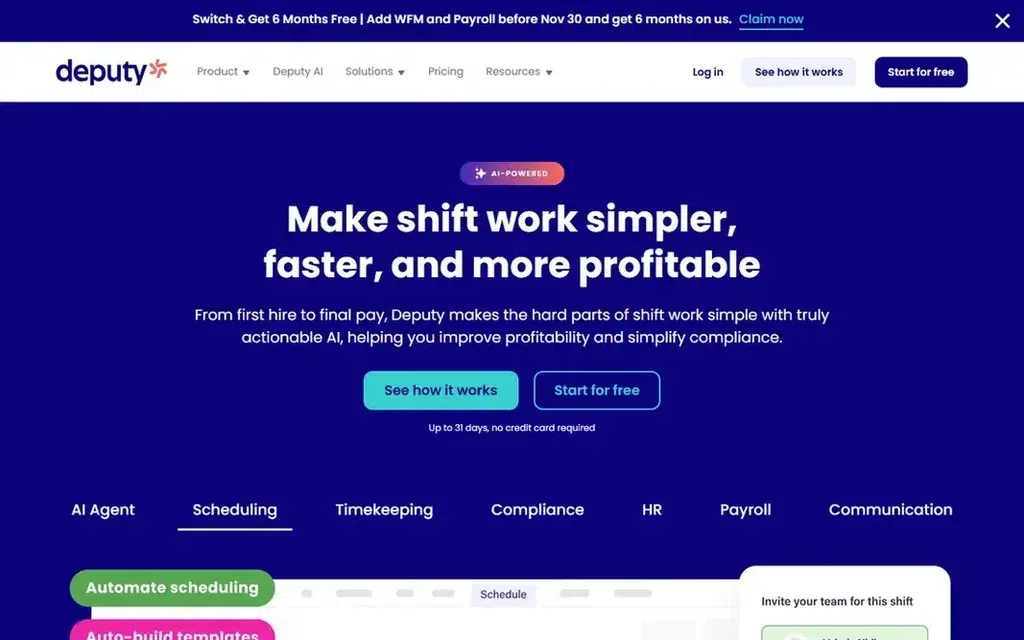
Deputy is aimed squarely at scheduling with labor forecasting and HR. Deputy is employee scheduling, HR, labor forecasting and payroll software pitched at making shift management simpler.
It fits communities that are outgrowing entry-level scheduling apps. Deputy pricing: $5 per user per month. As for free access: Free trial.
Limits to weigh: Senior care reporting not the focus.
What works well: Scheduling.
- HR and payroll in one suite
- Easy-to-use interface
- Wide feature set may need setup time
Choose Shiftboard for teams evaluating a transition. The vendor page now points customers to support and next steps following an acquisition, so assisted living communities considering it should confirm the current product and roadmap straight with the vendor before planning a rollout.
Limits to weigh: Confirm current availability straight.
In daily use, communities that require stability and senior care specific reporting may prefer a product with a clear senior living focus. Shiftboard does not show a starting price in this comparison, so check the vendor site for current pricing. On free options: Not stated.
- Supports complicated shift operations
- Relevant for organizations reviewing choices
- Ownership change affects product direction
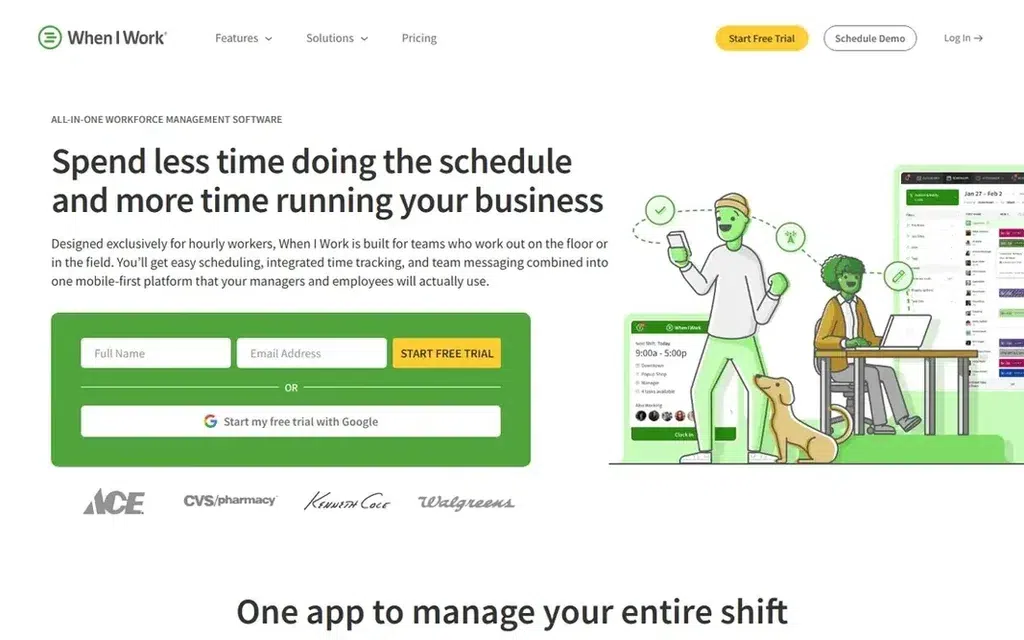
When I Work is designed for straightforward shift scheduling and team messaging. When I Work is an employee scheduling and management app that lets you build shifts, track time and message your team from one place.
Communities that require payroll, PBJ reporting or clinical staffing tools built in will likely need a dedicated senior care system or integrations. When I Work is best treated as a scheduling and communication layer, so check how it would link to your existing payroll and records systems before committing. Entry price for When I Work: $2.50 per user per month. Free access: Free trial.
Limits to weigh: Restricted senior care specific reporting.
- Schedule shifts and message staff in one app
- Straightforward setup for hourly teams
- Payroll handled through integrations
Smartlinx
Best for: Senior living payroll and PBJ reporting
Think of Smartlinx for senior living payroll and PBJ reporting. That combination is handy for assisted living communities that want scheduling tied to payroll and regulatory reporting instead of managed in separate systems. On top of that, the senior care focus means it is not a general purpose scheduling tool, and interested teams have to request a demo to evaluate fit.
Consider Smartlinx when payroll and reporting integration matter most. On top of that, smaller communities without PBJ reporting obligations may find a more straightforward scheduling app sufficient. No starting price is listed for Smartlinx here; confirm pricing on the vendor site. Free access: Not stated.
Points against: Concentrated on senior care only.
- Workforce management and HR for senior care
- Payroll and PBJ reporting in one product
- Demo required to see the system
Sling is built with straightforward shift planning and communication in mind. Sling is employee shift scheduling and planning software concentrated on helping firms handle shifts and communicate with employees. In daily use, for assisted living, it handles the basics of posting schedules, assigning shifts and keeping staff informed, which fits communities that want a clean scheduling tool without a large suite.
It can work well alongside separate payroll or records systems. In daily use, Sling is lighter on payroll, HR and senior care reporting than broader systems. So it may not replace a full workforce system. What you pay to start with Sling: $1.70 per user per month. Sling offers a free plan.
Trade-offs to know: Senior care reporting not included.
- Easy-to-use approach
- Shift scheduling and planning tools
- Fewer payroll and HR features
Our selection method
The comparison looks at four things: starting price, free access, how well the feature set matches employee scheduling software for assisted living, and the main limit of each tool. Prices and plan limits come from vendor pages and can change, so confirm them on the vendor site before you buy. We ordered the tools by general fit, then by how clearly pricing is shown, then by free access. A buyer with unusual needs may reorder them.
Questions to settle before buying
- Ask Shiftboard and Smartlinx for a written quote, since no starting price is shown.
- Test the free plan from Sling against your real workload before relying on it.
- Run a trial of Deputy and When I Work with real work before paying for a year; your own workflow is the best test.
- Before choosing Deputy, weigh its main limit: wide feature set may need setup time.
- Before rolling out Deputy, verify the integrations your workflow depends on.
- Total up the real monthly cost of Smartlinx, including add-ons, extra users and usage-based fees.
FAQ
What should assisted living communities look for in scheduling software?
Look for shift scheduling that manages coverage across care shifts, mobile access for caregivers, and time tracking that feeds payroll. Communities with regulatory reporting needs should also confirm whether PBJ reporting or senior care specific features are included.
Can I try these tools before paying?
Often, yes. Sling has a free plan and Deputy and When I Work offer a free trial. Use your own data and a real task during the test, and check what the free tier or trial limits before you rely on it.
How are the tools for employee scheduling software for assisted living ordered?
Deputy sits first and Sling last because the order follows typical fit for employee scheduling software for assisted living, then price clarity and free access. It is a judgement call, so read each profile for fit and limits.
What is the cheapest option for employee scheduling software for assisted living in this list?
On published monthly entry prices, Sling is the lowest here at $1.70 per user per month. Entry price is only part of the cost, because seats, add-ons and billing terms can change the total. Prices, free plan details and limits for all 5 tools in this employee scheduling software for Assisted living roundup sit on the individual cards above.
Do these tools publish their prices?
Not all of them. Shiftboard and Smartlinx publish no starting price, so expect a quote request for those. The rest, Deputy included, show a starting price, though seats and billing terms still change the final cost.
Sources
- https://www.deputy.com
- https://www.shiftboard.com
- https://wheniwork.com
- https://www.smartlinx.com
- https://getsling.com