Best Email Service Provider in 2026: 10 Providers Compared
We compared the best email service provider options in 2026, including Gmail, Outlook, Proton Mail, Fastmail, and Zoho Mail, on price, privacy, and storage.
- Editor's choice
 Gmail
Most personal users
Starts atFreeVisit mail.google.comFull review - Great alternative
 Outlook
Microsoft 365 and Windows users
Starts atFreeVisit outlook.live.comFull review - Also consider
 Proton Mail
Privacy-first users
Starts atFreeVisit proton.meFull review
TL;DR:
- Gmail is our pick for most people because it is free, fast, and tied to Docs, Drive, Calendar, and Android.
- Proton Mail and Tuta are the strongest picks when privacy matters most, thanks to end-to-end encryption for mail between their users.
- Fastmail is the best paid pick for people who want a clean, fast inbox with strong custom domain support and no ads.
- Google Workspace and Microsoft 365 make sense for businesses that need email plus office apps, storage, and admin controls.
- Zoho Mail offers strong value for small businesses, with a free plan for up to five users and low-cost paid plans.
Quick comparison
| Tool | Best for | Starts at | Free plan? | |
|---|---|---|---|---|
| Gmail | Most personal users | Free | Yes | Visit |
| Outlook | Microsoft 365 and Windows users | Free | Yes | Visit |
| Proton Mail | Privacy-first users | Free | Yes | Visit |
 Fastmail | Power users and custom domains | $3 per user per month | Free trial | Visit |
 Zoho Mail | Small businesses on a budget | Free | Yes | Visit |
 Yahoo Mail | Simple free mail with large storage | Free | Yes | Visit |
 iCloud Mail | Apple device users | Free | Yes | Visit |
 Tuta | Encrypted mail and calendar on a budget | Free | Yes | Visit |
 GMX | Free mail with a second address | Free | Yes | Visit |
 Google Workspace | Businesses that want Gmail plus office apps | $7 per user per month | Free trial | Visit |
The best email service providers
The best email service provider is not the same for everyone. Some people want the largest free inbox and the best search. Others want encryption, a custom domain, or a business suite with admin controls. We compared these providers on price, storage, spam filtering, apps, custom domains, and privacy, using official pricing and feature pages.

Gmail is our pick for most people because it does the basics extremely well. Search is fast, spam filtering is strong, and the mobile apps are polished. A free Google account includes 15 GB shared across Gmail, Drive, and Photos, plus access to Docs, Calendar, and Meet. For most personal users, that is enough.
The honest catch is privacy and ads. Google says it does not scan Gmail messages to show ads, but Gmail is part of a large data ecosystem, and some users prefer a provider with a different model. If you want Google's convenience and are comfortable with that trade-off, Gmail is hard to beat. If privacy is your top concern, look at Proton Mail or Tuta below.
- Excellent search and spam filtering
- 15 GB shared storage free
- Deep Google app integration
- Ads appear in the free consumer version
- Privacy trade-offs from Google data use
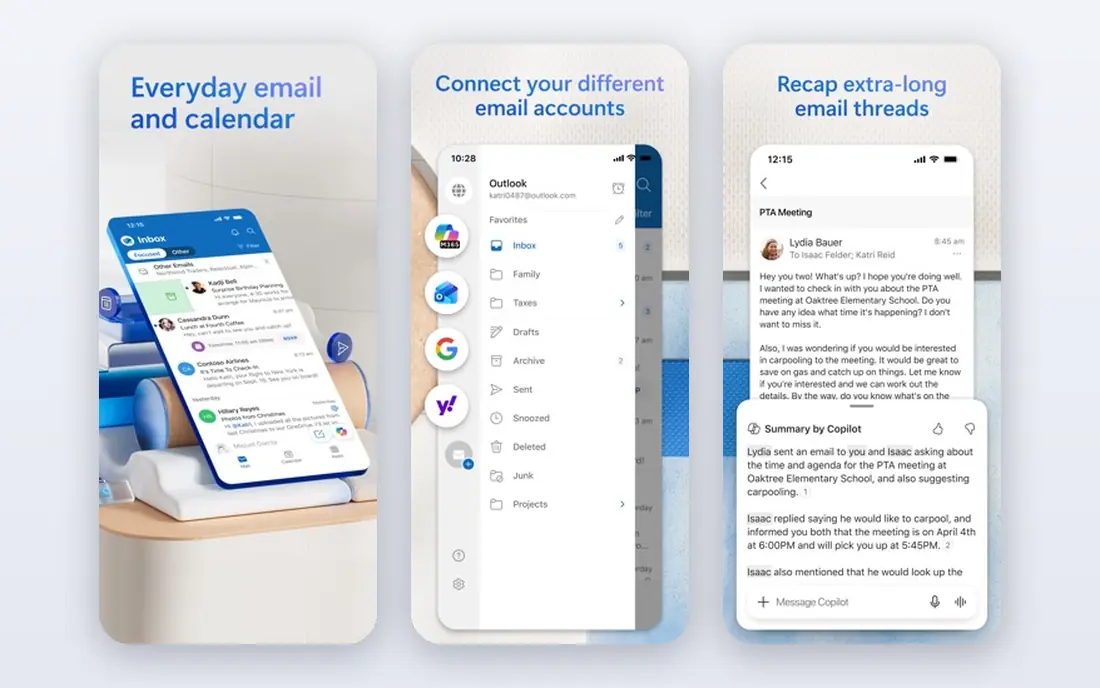
Outlook, from Microsoft, is a strong alternative to Gmail, especially if you use Word, Excel, Teams, or Windows. The web and mobile apps are clean, the calendar integration is excellent, and Focused Inbox helps separate important mail from newsletters. A free Outlook.com account works well for personal mail.
The paid version, through Microsoft 365, adds more storage, an ad-free inbox, and the full Office suite. That makes Outlook a good business pick too, especially for companies already on Microsoft tools. If you live in Google apps, Gmail will feel more natural. If you live in Microsoft apps, Outlook is the obvious match.
- Clean inbox with Focused Inbox
- Strong calendar integration
- Works well with Office apps
- Free storage is smaller than Gmail
- Best features come with a paid Microsoft 365 plan
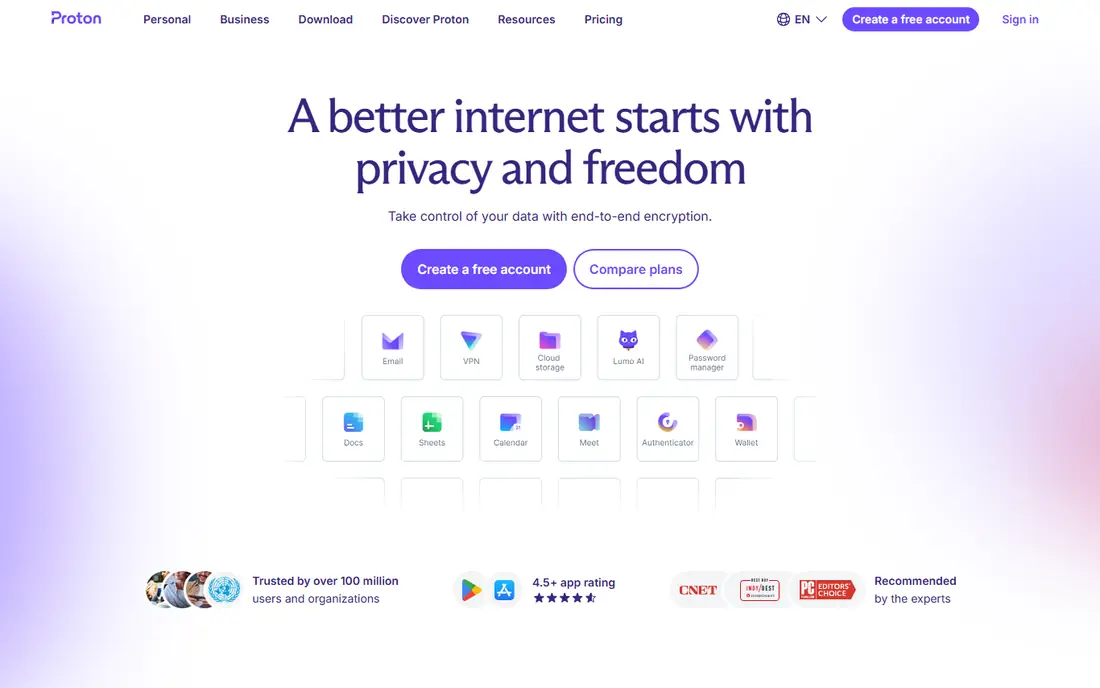
Proton Mail is built around privacy. Messages between Proton users are end-to-end encrypted, and Proton uses zero-access encryption for stored mail, so it cannot read your messages. The free plan includes 1 GB of storage, and paid plans add more storage, custom domains, and the Proton Bridge for desktop apps. Mail Plus starts at about $3.99 per month on annual billing.
The trade-off is search. Because the server cannot read encrypted message bodies, search works on your device in the web app, which feels different from Gmail's instant server search. If privacy matters more than that convenience, Proton Mail is our top privacy pick. It also bundles Calendar, Drive, and Pass on higher plans.
- End-to-end encryption between Proton users
- Based in Switzerland
- No ads
- Search works differently due to encryption
- Bridge needed for some desktop mail apps
Fastmail is the pick for people who want email done well, without ads and without a huge ecosystem attached. The inbox is fast, search is strong, and custom domain support is excellent, with generous alias options. Business plans start at $3 per user per month, with higher plans adding more storage and admin controls.
Fastmail does not include a Docs-style office suite, so you will pair it with other apps for documents and storage. That is fine for many users, and the focus is a strength. If you want a paid inbox that respects your attention and handles domains well, Fastmail is our favorite paid option.
- Fast, clean inbox
- Strong custom domain and alias support
- No ads or tracking
- No free plan beyond a trial
- No built-in office suite
Zoho Mail offers the best value for a small business that needs a custom domain on a tight budget. The free plan covers up to five users, and the paid Mail Lite plan starts at about $1 per user per month. Paid plans add IMAP access, more storage, and admin tools, plus integration with other Zoho apps such as Writer and Sheet.
The free plan is web-only, so you cannot use Outlook or Apple Mail with it, and the interface is functional rather than beautiful. For a business that mainly needs reliable, low-cost email with its own domain, Zoho Mail is hard to argue against on price alone.
- Free plan for up to five users
- Very low paid prices
- Calendar, tasks, and notes included
- Free plan is web-only
- Interface is less polished than Gmail or Fastmail
Yahoo Mail remains a solid free option, especially for users who have used it for years or want a separate address for newsletters and signups. Storage is generous, the interface is simple, and the mobile app covers the basics well. It is a good second inbox for shopping, subscriptions, and accounts you do not want in your main mail.
Yahoo Mail does not match Gmail or Outlook on ecosystem depth, and the free version includes ads. For a primary work inbox, Gmail, Outlook, or a paid provider will serve you better. As a free, low-effort extra inbox, Yahoo Mail still does the job.
- Large free storage
- Simple interface
- Disposable addresses on paid plans
- Ads in the free version
- Fewer ecosystem apps than Google or Microsoft
iCloud Mail comes with every Apple account and works best on Apple devices. Mail, Calendar, and Contacts sync across iPhone, iPad, and Mac, and iCloud Plus plans add Hide My Email, which creates random addresses for signups and forwards to your real inbox. That is a useful privacy feature for everyday accounts.
The web version at iCloud.com is functional but simpler than Gmail or Outlook, and Windows and Android users will find the experience thinner. If you use Apple devices as your main tools, iCloud Mail is a clean, ad-free choice. If you mix platforms, Gmail or Fastmail will be more flexible.
- Clean integration with iPhone, iPad, and Mac
- Hide My Email for signups
- No ads
- Web app is simpler than Gmail
- Best experience requires Apple devices
Tuta, formerly Tutanota, encrypts mailboxes, calendars, and contacts end to end, including subject lines, which goes further than some rivals. The free plan is usable for personal mail, and paid plans add custom domains, more storage, and extra addresses at a low price. It is a good privacy pick for users who want encryption without paying much.
The main limit is that Tuta does not support IMAP, so you need to use its own apps and web client rather than Outlook or Apple Mail. If you are happy to use those apps, Tuta offers strong privacy value. If you need your mail in a third-party client, Proton Mail with Bridge or Fastmail will fit better.
- End-to-end encryption for mail and calendar
- Based in Germany
- Affordable paid plans
- No IMAP support, so you must use Tuta apps
- Smaller ecosystem than Proton
GMX is a long-running free mail provider that suits users who want a no-cost address with generous storage. It works well as a second inbox for newsletters, online shopping, or accounts you want to keep separate from your main mail. Setup is quick, and the web and mobile apps cover the basics.
GMX is not the best choice for a primary business inbox, since it lacks the admin controls, custom domain depth, and ecosystem of Google Workspace, Microsoft 365, or Fastmail. As a free extra address, though, it is a practical option, and it costs nothing to try.
- Free with large storage
- Simple signup
- Useful as a backup or signup address
- Ads in the free version
- Fewer advanced features than paid providers
Google Workspace is the business version of Gmail. It gives each user a mailbox on your own domain, plus Docs, Sheets, Slides, Drive storage, Meet, and Calendar, with admin controls for security and user management. Business Starter starts at about $7 per user per month, with higher plans adding more storage and advanced controls.
For a small business that already uses Google apps, Workspace is the natural upgrade from free Gmail, because staff keep the same inbox style with a professional address. Larger teams should compare it with Microsoft 365, since per-user costs and app preferences differ. If your team prefers Microsoft Office, Outlook with Microsoft 365 is the closer match.
- Business Gmail on your own domain
- Docs, Drive, Sheets, Meet, and Calendar included
- Strong admin controls
- Per-user cost adds up for larger teams
- Privacy model is the same as consumer Google
How we picked these
We compared official pricing pages, feature pages, and privacy policies for each provider, focusing on price, storage, spam filtering, apps, custom domain support, and encryption. We favored providers that are widely available in the US, that work today, and that cover different needs, from free personal mail to business suites and privacy-first options. We did not claim hands-on testing, and we note that storage limits and prices change, so confirm the current plan details before you switch.
How to choose the right email provider
Start with how you use email. If you mainly need personal mail and Google apps, free Gmail is enough. If you run a business, a custom domain matters, because an address at your own domain looks more professional and stays yours if you change providers. Check whether the plan includes IMAP, so you can use your preferred mail app, and whether it supports aliases for different roles or signups.
Privacy is the next filter. If you want end-to-end encryption, choose Proton Mail or Tuta and accept their app limits. If you want a paid inbox without ads, Fastmail is a strong middle ground. If you need office apps and admin controls, compare Google Workspace and Microsoft 365 on the apps your team already uses, not just the mailbox price.
Migration deserves a plan. Export contacts, set up forwarding from the old address, and update important accounts before you cancel anything. Keep the old inbox active for a few months while you catch stragglers. A careful switch takes an afternoon, but it saves the pain of a lost password reset or a missed invoice later.
FAQ
What is the best email service provider overall?
For most people, Gmail is the best overall pick because it is free, fast, and connected to useful apps. For privacy, Proton Mail is our top pick. For a paid inbox with strong domain support, Fastmail leads. The best provider depends on whether you value convenience, privacy, price, or business tools most.
What are the 10 best email service providers for business?
The business shortlist here includes Google Workspace, Microsoft 365 through Outlook, Proton Mail for business, Fastmail, and Zoho Mail. Google Workspace and Microsoft 365 suit teams that need office apps, while Fastmail and Zoho Mail suit teams that mainly need reliable mail on a custom domain. Proton Mail suits businesses with strict privacy needs.
Is Proton Mail better than Gmail?
Proton Mail is better for privacy, thanks to end-to-end encryption and a no-ads model. Gmail is better for search speed, app integration, and free storage. If you search your inbox constantly and use Google apps all day, Gmail will feel faster. If you want your provider unable to read your stored mail, Proton Mail is the stronger choice.
What is the best rated email service provider for privacy?
Proton Mail and Tuta are the highest-rated privacy options here, because both encrypt mailboxes end to end and avoid advertising. Proton Mail has a larger ecosystem, including Calendar, Drive, and Pass, while Tuta encrypts subject lines and calendar data too. Either is a solid privacy pick, and the choice often comes down to whether you need IMAP support.
Can I use my own domain with a free email provider?
Some providers, such as Zoho Mail, allow a custom domain on a free plan for a small team, while Gmail and Outlook require a paid business plan for a custom domain address. Fastmail, Proton Mail, and Tuta support custom domains on paid plans. Check the current plan details, since domain rules and user limits change.
How do I switch email providers without losing mail?
Export your contacts and, where possible, your mail archive, set up forwarding from the old address, and import mail into the new provider if it offers an import tool. Update your most important accounts first, such as banking, shopping, and password resets, then keep the old inbox open for a few months. Do not close the old account until you are sure no important mail still goes there.