Best Email Service for Small Business in 2026: 8 Services Compared
Find the best email service for small business in 2026. We compare 8 business email services on price, storage, privacy, and ease of use for growing teams.
- Editor's choice
 Google Workspace
Small businesses that want Gmail, Docs, and Meet in one suite
Starts at$7 per user per monthVisit workspace.google.comFull review - Great alternative
 Microsoft 365
Teams that live in Outlook, Word, Excel, and Teams
Starts at$7 per user per monthVisit microsoft.comFull review - Also consider
 Zoho Mail
Budget-conscious teams that want solid email at a low price
Starts at$1 per user per monthVisit zoho.comFull review
TL;DR:
- Google Workspace is our pick for most small businesses because Gmail, Docs, and Meet work well together.
- Microsoft 365 leads for teams that already rely on Outlook and desktop Office apps.
- Zoho Mail is the lowest-cost credible option here, starting at $1 per user per month.
- Check storage and admin needs first, because the cheapest plan can cost more once you add a higher tier.
Quick comparison
| Tool | Best for | Starts at | Free plan? | |
|---|---|---|---|---|
| Google Workspace | Small businesses that want Gmail, Docs, and Meet in one suite | $7 per user per month | Free trial | Visit |
| Microsoft 365 | Teams that live in Outlook, Word, Excel, and Teams | $7 per user per month | Free trial | Visit |
| Zoho Mail | Budget-conscious teams that want solid email at a low price | $1 per user per month | Yes | Visit |
 Fastmail | Teams that want email only, done well, without ads | $5 per user per month | Free trial | Visit |
 Proton Mail | Privacy-focused businesses and regulated work | See website | Free trial | Visit |
 Tuta Mail | Small teams that want encrypted mail at a modest price | See website | Yes | Visit |
 Hostinger Mail | Small sites that want email bundled with hosting | See website | Free trial | Visit |
 Apple iCloud+ | Very small Apple-focused teams that want custom-domain mail | See website | No | Visit |
The best email services for small business
We compared business email services on custom domains, storage, spam controls, admin tools, and total cost, and we kept only services that suit a real small team. Google Workspace is our pick for most small businesses, while Zoho Mail leads on price.
Google Workspace
Best for: Small businesses that want Gmail, Docs, and Meet in one suite
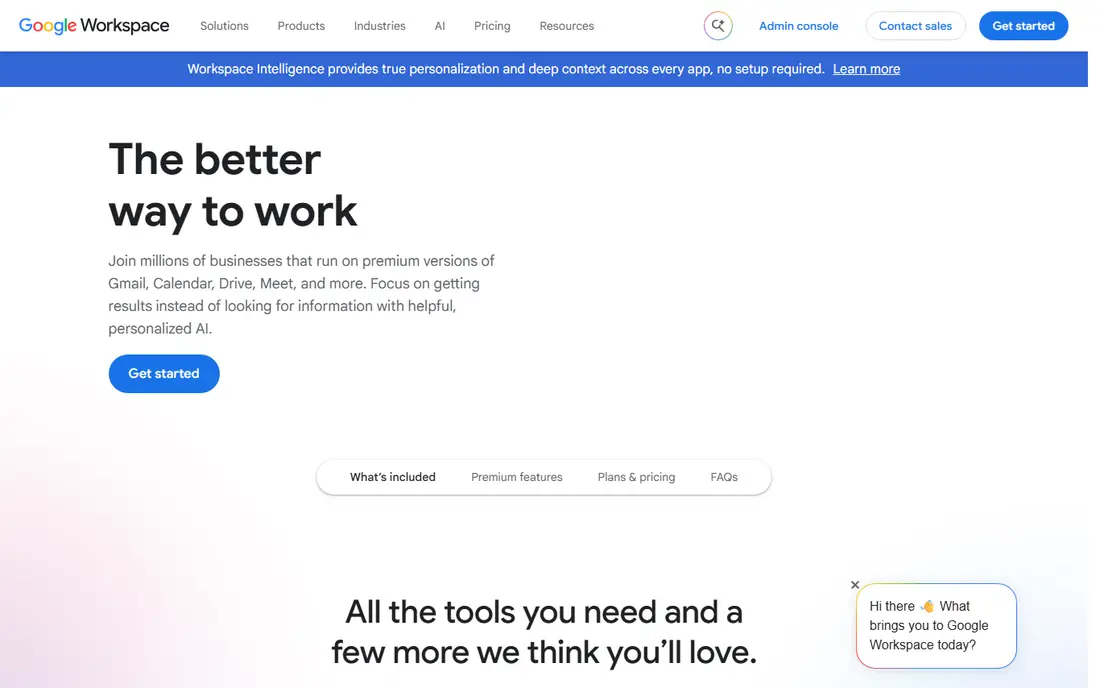
For many teams, Google Workspace is the first name that comes up in this category, and there is a good reason for that. Its strength is a suite most staff already know, with email, calendar, docs, and video in one login.
A small business can set up a custom domain, share files, and run meetings without buying separate tools. Admin controls cover accounts, groups, and security basics.
The catch is storage. The entry plan pools 30 GB per user, so teams with large files may need a higher tier sooner than expected.
- Familiar Gmail with custom domain
- Docs and Drive included
- Simple admin
- Storage is pooled and can feel tight on the entry plan
- Costs rise with tiers
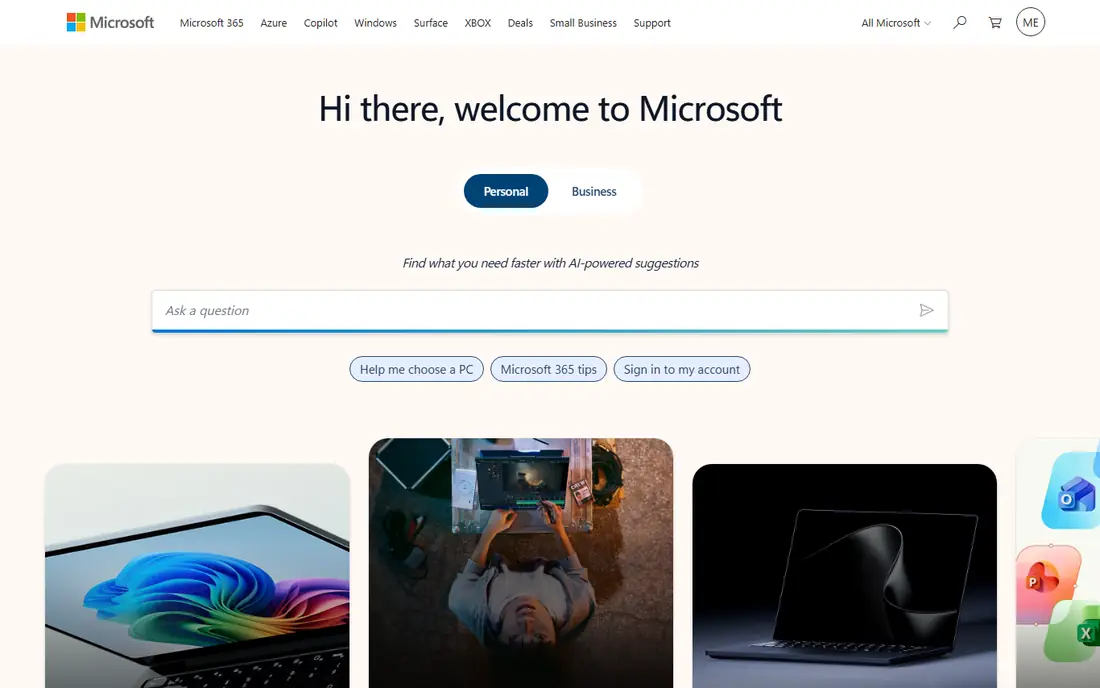
If your shortlist is getting long, Microsoft 365 is worth a closer look before you decide. Its strength is Outlook and the Office apps that many clients already use for documents and spreadsheets.
Business Basic gives email, Teams, and web Office apps, while higher tiers add desktop apps and stronger security. Shared mailboxes and calendars help small teams coordinate.
The catch is admin depth. The control panel has many settings, so a small team should plan time for setup or get help for the first configuration.
- Outlook and Exchange depth
- Teams and Office apps
- Strong compliance options
- Admin centre takes learning
- Desktop apps need higher tiers
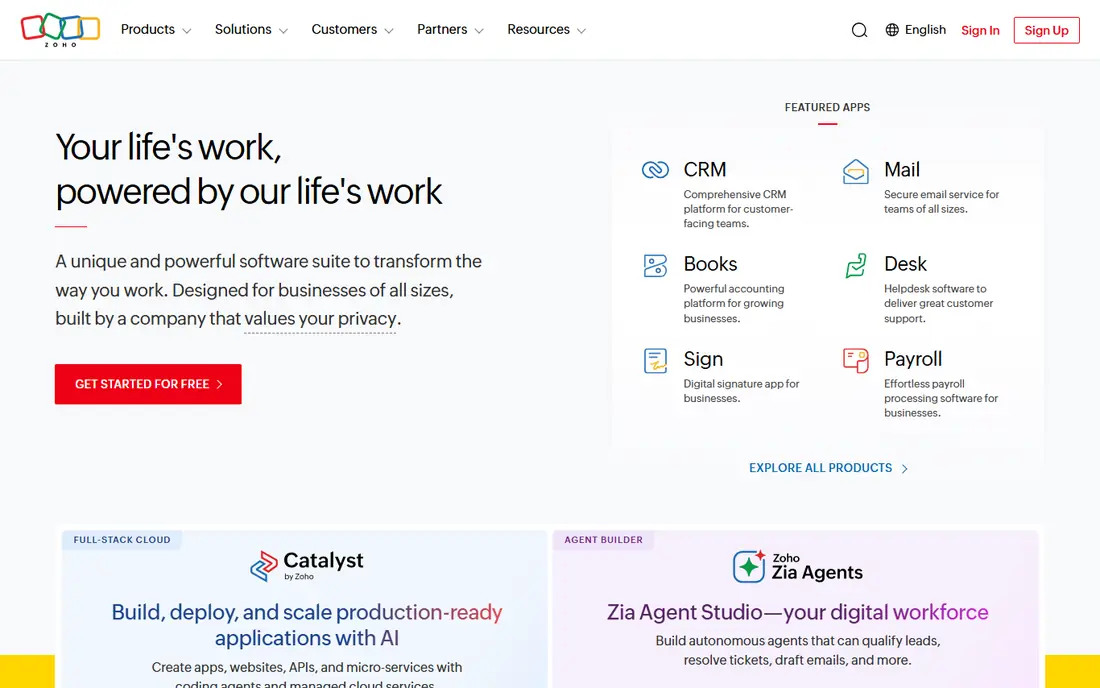
Some buyers choose Zoho Mail for its breadth, while others choose it for one feature done well. Its strength is value, with a credible business email service at a price far below the big suites.
Small teams get custom-domain mail, calendars, and spam controls without paying for a full office suite. That keeps monthly costs low while the team is small.
The catch is breadth. If you need deep document collaboration, you may still need other tools, so weigh the total cost across apps.
- Very low entry price
- Custom domain support
- Clean webmail
- Smaller collaboration suite than Google or Microsoft
- Some features need Zoho apps
We put Fastmail on this list because it solves a clear problem for a clear kind of buyer. Its strength is focus, with email, calendars, and contacts as the whole product rather than a side feature.
Teams that dislike upsells and clutter get a fast inbox, good search, and clear alias controls. Custom domains work for a small business brand.
The catch is scope. You will need separate docs and video tools, so Fastmail fits teams that already have those covered.
- Clean, fast webmail
- Strong privacy stance
- Custom domains and aliases
- No full office suite
- Fewer third-party integrations than big suites
Look past the marketing for Proton Mail and you find a practical tool with a specific job to do. Its strength is privacy, with encryption that keeps message content away from the provider in many cases.
Business plans add custom domains, user management, and calendar tools. That helps firms handling sensitive client information.
The catch is workflow. Encrypted search and some desktop setups work differently from Gmail or Outlook, so test them with your team first.
- End-to-end encryption options
- Swiss jurisdiction
- No ad-based model
- Some desktop use needs a bridge app
- Search limits apply to encrypted mail
Among the options here, Tuta Mail stands out for the way it fits into daily work. Its strength is encrypted email and calendar in a simple package for a small team.
A business can run custom-domain mail with encryption by default, without a complex admin setup. That suits privacy-minded firms on a budget.
The catch is ecosystem. If you rely on many third-party tools, check links and import options before moving a whole team.
- Encrypted mail and calendar
- German jurisdiction
- Simple plans
- Smaller ecosystem
- Some integrations are limited
A buyer who values simplicity may pass over Hostinger Mail at first, which would be a mistake for some teams. Its strength is bundling, with email included alongside website hosting for a new small business.
A firm launching a site can add branded mailboxes without a separate email vendor. Setup is simple for a single site and a few users.
The catch is growth. Larger teams or heavy mail use may outgrow bundled limits, so check mailbox size and migration options early.
- Low bundled price with hosting
- Simple setup for a new site
- Custom domain
- Email is tied to hosting plans
- Support depth varies by plan
The case for Apple iCloud+ is not that it does everything, but that it does its core job with care. Its strength is simplicity for a team that already lives on Apple devices.
Custom-domain mail works with Apple Mail, calendars, and storage in one account. That is enough for a tiny firm with few users.
The catch is scale. It lacks the admin, compliance, and shared mailbox depth of Google or Microsoft, so it fits only very small teams.
- Simple custom-domain mail for Apple users
- Storage included
- Easy on Apple devices
- Not a full business suite
- Admin controls are limited for larger teams
How we picked these
We compared official pricing and feature pages, storage limits, and admin options for each provider. We favoured services with custom-domain support, spam controls, and clear upgrade paths, and we noted where a service is email-only rather than a full suite. We did not claim hands-on testing, and we used published annual prices where stated.
We also checked pricing transparency and noted where a vendor requires a quote, because a hidden price makes comparison harder for a small buyer. Where a price changed recently or differed between sources, we used the safer wording rather than publishing a figure we could not confirm. That approach keeps the comparison useful without overstating what we verified, and it lets readers check the current price on the vendor site before they buy.
How to pick a business email service
Start with your domain and devices
Your address should end in your own domain, and mail should work well on the phones and computers your team actually uses. Test the mobile app and webmail during a trial, not just the desktop view.
Check storage, spam, and recovery
Ask how much mailbox storage each user gets, how spam and phishing are filtered, and how you recover a deleted mailbox. Those three items cause most day-to-day email pain.
Plan for growth and exit
Confirm how you add users, move to a higher tier, and export mail if you leave. A low entry price matters less if migration later is painful or costly.
What a good trial should prove
A trial should answer one question for each part of your workflow, not just show a demo. Pick a real task, such as onboarding one person, sending one proposal, running one campaign, or opening one ticket, and run it end to end with your own data. Note where you needed help, where the steps felt slow, and where the result differed from what you expected. If a trial only lets you click through sample data, ask for a longer pilot or a guided session with your own use case, because sample data hides the friction that matters in daily work.
Costs beyond the headline price
The headline price rarely tells the full story, because seats, add-ons, volume limits, and support tiers can change the total. Ask what happens when you add users, exceed a limit, or need a higher support level, and get that answer in writing before you sign. Also check contract length, renewal terms, and any setup or migration fees, since those items can matter more than a small monthly difference. A tool that looks cheap at five users can become costly at fifty, so model the price at your next stage of growth.
Support, security, and exit options
Support quality, security controls, and exit options deserve the same attention as features. Check how you reach support, what hours it covers, and whether help is included or paid, because a tool you rely on daily needs a clear route when something breaks. Review security basics such as access controls, two-factor sign-in, and data handling, and ask how you export your data if you leave. A clean export path protects your work and gives you freedom to change tools later without losing history.
FAQ
What is the best business email service for a small team?
Google Workspace is the best all-round pick for most small teams, while Microsoft 365 leads for Outlook users. Zoho Mail leads on price, and Fastmail leads for teams that want email only.
What is the best email service for small businesses on a budget?
Zoho Mail starts at $1 per user per month and gives custom-domain mail at a low cost. Check storage limits and whether you need a separate docs suite before committing.
Is Google Workspace or Microsoft 365 better for small business?
Both start at $7 per user per month on entry business plans. Pick Google if your team lives in a browser and Docs, and pick Microsoft if you need desktop Office apps and Outlook depth.
What is the best business email platform for privacy?
Proton Mail and Tuta Mail lead on privacy, with encryption and European jurisdiction. Test search, calendar, and desktop workflows first, since encrypted mail works differently from standard mail.
What is the best small business email service for Apple users?
Apple iCloud+ with a custom domain suits very small Apple-only teams. Larger teams should choose Google Workspace or Microsoft 365 for stronger admin and shared mailbox tools.