Best Email Services for Privacy in 2026: 8 Services Compared
Find the best email service for privacy with encryption, no tracking, and clear policies. We compare 8 private email services for secure daily use in 2026.

- Editor's choice
 Proton Mail
Encryption and privacy
Starts atSee websiteVisit proton.meFull review - Great alternative
 Tuta
Encrypted mail and calendar
Starts atSee websiteVisit tuta.comFull review - Also consider
 Fastmail
Polished private inbox
Starts atSee websiteVisit fastmail.comFull review
TL;DR:
- Proton Mail and Tuta lead for end-to-end encryption and privacy-first policies, with paid plans that remove tracking and ads.
- Fastmail and Runbox suit users who want strong privacy plus a polished inbox, calendar, and contacts system.
- Free private email exists, but paid plans usually give more storage, custom domains, and support.
- Check where the provider is based, what data it logs, and whether it scans mail for ads before choosing.
Quick comparison
| Tool | Best for | Starts at | Free plan? | |
|---|---|---|---|---|
| Proton Mail | Encryption and privacy | See website | Yes | Visit |
| Tuta | Encrypted mail and calendar | See website | Yes | Visit |
| Fastmail | Polished private inbox | See website | Free trial | Visit |
 StartMail | Private mail with PGP | See website | Free trial | Visit |
 Mailfence | Privacy with office tools | See website | Yes | Visit |
 Posteo | Low-cost green hosting | See website | No | Visit |
 Hushmail | Encrypted mail for business | See website | Free trial | Visit |
 Runbox | Privacy with strong controls | See website | Free trial | Visit |
The best email services for privacy
We compared private email services on encryption, tracking policies, jurisdiction, storage, spam filtering, and daily usability. The best email services for privacy protect mail in transit and at rest, avoid ad scanning, and explain data handling in a public privacy policy. A service that is hard to use every day will not protect much, since users drift back to a less private inbox.
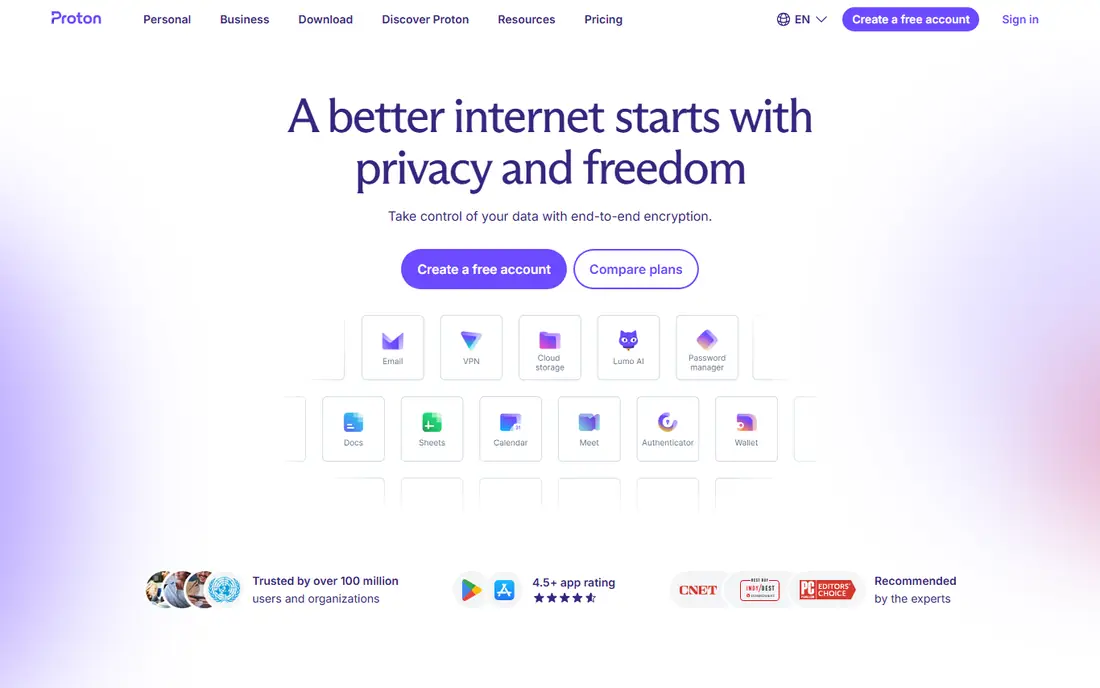
Proton Mail is the most widely used privacy email service, and it earns that place with clear policies and strong encryption. Mail between Proton users is end-to-end encrypted, and mail to outside addresses can be sent with password protection. The service does not scan mail for ads, and its privacy policy explains what limited data it keeps for account operation.
Daily use is close to a normal inbox. Proton Mail offers apps for web, mobile, and desktop bridge use, plus calendar and drive tools on paid plans. Spam filtering is solid, and the interface is clean enough for a user switching from Gmail. That balance of privacy and usability is why Proton is our pick for most people.
The catch is search and cost. End-to-end encryption limits server-side search, so searching old encrypted mail can be slower than Gmail search. Paid plans give more storage and custom domain support, while the free plan has limited storage. Check the current Proton pricing page before choosing a tier.
- End-to-end encryption for Proton users
- Based in Switzerland
- No ad scanning
- Search is limited for encrypted mail
- Some features need a paid plan
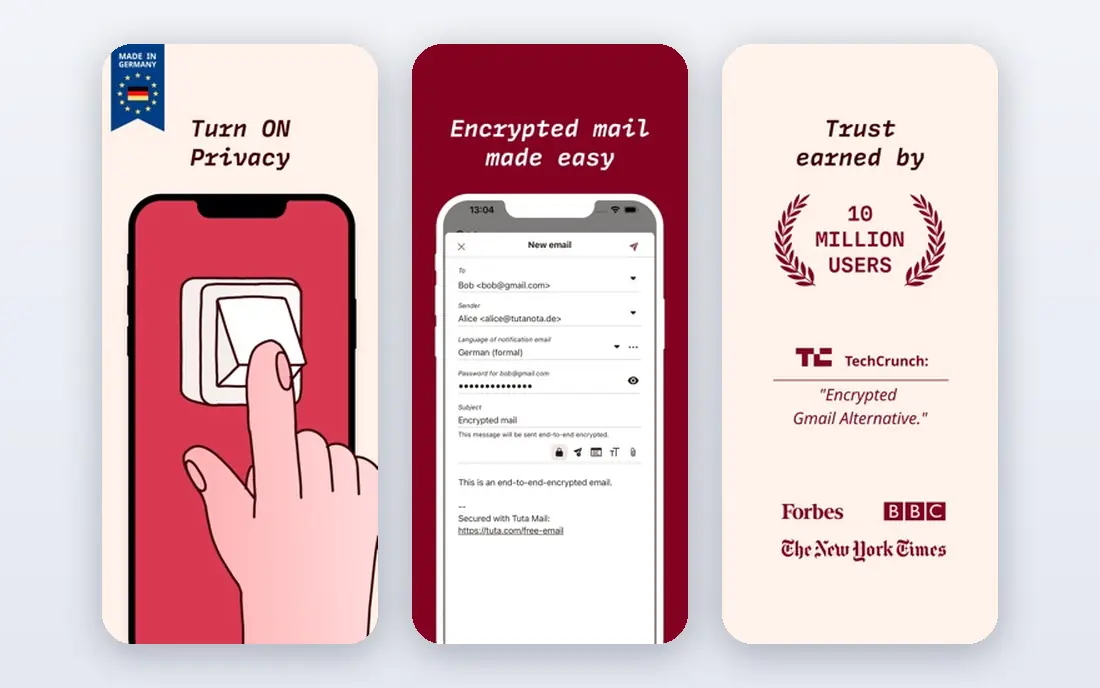
Tuta, formerly Tutanota, encrypts mail, calendar, and contacts end to end by default. That broad encryption is a plus for users who want more than mail protected, and its clients are open source, which lets independent reviewers check the code. The service is based in Germany, and its privacy policy states that it does not scan mail for ads or sell user data.
The interface is simple and fast, with apps for web, iOS, and Android. Tuta suits a user who wants a focused private inbox without a large suite of extra tools. Spam controls are clear, and the free plan gives a usable starting point for light mail use.
The drawback is ecosystem size. Tuta does not match Proton for drive, VPN, and other bundled tools, and some advanced features sit behind paid plans. Users who want a full privacy suite may prefer Proton, while users who want a lean encrypted inbox will like Tuta. Confirm storage and domain limits on the pricing page.
- End-to-end encrypted mail and calendar
- Open-source clients
- No ad tracking
- Smaller ecosystem than Proton
- Custom domain needs a paid plan
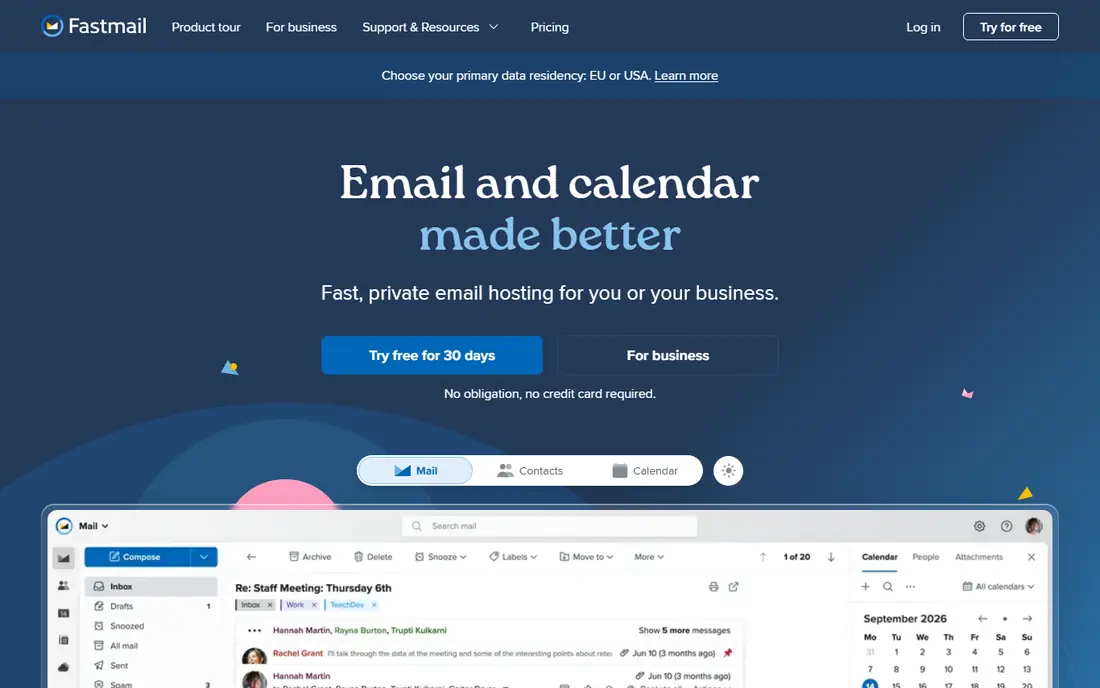
Fastmail is a strong choice for a user who wants privacy plus a refined daily inbox. It does not scan mail for ads, and it offers strong spam filtering, custom domains, and masked email addresses that hide a real address from signups. Its calendar and contacts tools are well designed, and its apps are fast on web and mobile.
The service is based in Australia, and its privacy policy explains data handling in plain terms. Fastmail also supports standard protocols, so mail can be used with many third-party apps. That flexibility helps users who want a private inbox without giving up a favorite mail app.
The main limit is encryption scope. Fastmail encrypts mail in transit and at rest on its servers, but it does not offer end-to-end encryption by default in the way Proton and Tuta do. Users who need that level of protection should choose an encrypted service instead. Fastmail suits users who value privacy policy and usability over full end-to-end encryption.
- Fast, polished inbox
- Strong calendar and contacts
- No ad scanning
- No end-to-end encryption by default
- No free plan past the trial
StartMail, from the team behind Startpage, offers private email with built-in PGP encryption options. Users can encrypt mail with PGP, use disposable addresses, and manage mail without ad tracking. The service is based in the Netherlands, and its privacy policy states that it does not scan mail for advertising.
The inbox covers the basics well, with folders, filters, and spam controls that handle daily mail without fuss. StartMail also suits business users who want PGP for sensitive messages, since PGP support is built into the webmail interface rather than requiring a separate tool.
The drawback is polish. The interface feels less modern than Proton or Fastmail, and mobile app options are more limited. Users who live in a mobile inbox may find StartMail less smooth. Check the trial first, and confirm that PGP workflows fit the way you actually send mail.
- PGP encryption support
- Based in the Netherlands
- No ad scanning
- Interface feels dated
- Fewer modern app features than rivals
Mailfence combines private email with calendar, contacts, and document tools in one account. It offers OpenPGP encryption for mail, and its servers are based in Belgium. The service states that it does not scan mail for ads, and it publishes a privacy policy that explains data handling for each tool.
For a user who wants a private alternative to a full office suite, Mailfence is useful. Mail, calendar events, and documents can sit in one private account, with sharing controls for team use. The free plan gives a starting point, while paid plans add storage and custom domains.
The catch is storage and design. The free plan has limited space, and the interface packs many tools into one screen, which can feel busy at first. Users who only need mail may prefer a simpler service. Check the pricing page for storage limits before relying on the free plan for heavy use.
- Encrypted mail plus calendar and documents
- Based in Belgium
- No ad scanning
- Free plan storage is limited
- Interface can feel busy
Posteo is a small German provider known for low prices and green hosting. It offers mail, calendar, and contacts with encryption in transit and at rest, and it states that it does not scan mail for ads or sell user data. The service runs on renewable energy, which appeals to users who care about hosting impact as well as privacy.
The price is a clear plus. Posteo charges a low monthly fee with no free tier, and paid features such as extra storage and custom domain alias options are priced simply. The service supports standard mail protocols, so it works with many mail apps on desktop and mobile.
The drawback is convenience. Posteo has no free plan to test, and setup can feel more manual than Proton or Fastmail. Users who want a polished app suite may find Posteo plain. For a low-cost, privacy-first inbox used with a favorite mail app, Posteo is a strong value pick.
- Low monthly price
- Green energy hosting
- No ad scanning
- No free plan
- Setup is more manual
- Fewer apps than larger services
Hushmail has offered encrypted email for many years, with a focus on professionals who need secure mail and forms. Its business plans include secure web forms and e-signatures in some tiers, which suit health, legal, and small business users who handle sensitive messages. The service states that it does not scan mail for ads.
The inbox itself is straightforward, with folders, filters, and spam controls that cover daily use. Hushmail also offers a free trial, which lets a user test encrypted sending before paying. That trial helps a buyer judge whether the encryption workflow fits real work.
The catch is price and polish for casual users. Hushmail costs more than Posteo or a free Proton plan, and its interface is plain compared with Fastmail. It suits business users with a clear need for encrypted forms more than casual users who only want a private inbox. Check the current plan page for business and personal tiers.
- Encrypted mail with forms and business tools
- Long history
- Clear privacy policy
- Consumer pricing is higher than some rivals
- Interface is simple
Runbox, based in Norway, offers private email with strong controls for filters, aliases, and folder rules. It does not scan mail for ads, and its privacy policy explains data handling in detail. The service supports standard protocols, so mail can be used with many desktop and mobile apps.
Advanced users will like the control level. Runbox allows detailed filter rules, many aliases, and custom domain handling on paid plans, which helps a user separate work, shopping, and personal mail. Its webmail includes calendar and contacts tools for daily use.
The drawback is polish. The interface feels more functional than modern, and some features assume a user is comfortable with mail settings. Beginners may prefer Proton or Fastmail for a smoother first week. Runbox suits a privacy-minded user who values control and a Norway-based host over app polish.
- Based in Norway
- Strong filter and alias controls
- No ad scanning
- Interface is less polished
- Some features suit advanced users
How we picked these
We compared official privacy policies, encryption methods, jurisdictions, ad scanning policies, storage, spam filtering, and daily usability. We gave extra weight to services that state clearly that they do not scan mail for ads and do not sell user data, and to services with end-to-end encryption where offered. We included both encrypted and policy-based privacy services, since the right level depends on threat model and daily needs. Readers should read the current privacy policy before switching, since policies can change.
How to choose a private email service
Start with the threat model. A user who wants to stop ad scanning and tracking can use Fastmail or Posteo, while a user who wants mail hidden even from the provider needs end-to-end encryption from Proton or Tuta. That choice shapes everything else, so decide it first rather than comparing storage alone.
Next, check jurisdiction and logging. Look at where the provider is based, what data it logs for account operation, and how it responds to legal requests. A clear transparency report and a plain privacy policy are good signs. Avoid a service that hides its location or gives vague answers about data retention.
Finally, test daily use before moving all mail. Set up the service, import a small set of mail, test sending to outside addresses, and check mobile and desktop access. Confirm that spam filtering, search, and calendar tools fit real habits. A private inbox that is hard to use will not stay in use, so usability is part of privacy.
FAQ
What is the best email service for privacy?
Proton Mail is our pick for most users, thanks to end-to-end encryption, a clear privacy policy, and a polished inbox. Tuta is a strong alternative for encrypted mail and calendar. Fastmail suits users who want privacy policy protection plus a refined inbox without full end-to-end encryption.
What are the best email services for privacy that are free?
Proton Mail and Tuta both offer free plans with limited storage, and Mailfence offers a free tier as well. Free plans suit light use and testing, while paid plans add storage, custom domains, and support. Check storage limits before moving a large mailbox to a free plan.
Is Proton Mail really private?
Proton Mail encrypts mail between Proton users end to end, does not scan mail for ads, and is based in Switzerland. Mail to outside providers is protected in transit and with optional password protection, but full end-to-end encryption depends on the recipient. Read the Proton privacy policy for exact data handling details.
Should I use a custom domain with private email?
A custom domain gives control over the address, since the address can move between providers without changing contacts. Paid plans from Proton, Fastmail, Tuta, and others support custom domains. Keep domain renewal and DNS settings in mind, since losing a domain can lock access to accounts tied to it.
Does private email stop all tracking?
No, private email reduces ad scanning and provider tracking, but senders can still use tracking pixels and links. Use a service that blocks remote images by default, avoid clicking tracking links, and use a VPN or privacy browser for extra protection. Email privacy is one layer, not a complete shield.
Can I switch from Gmail to a private email service?
Yes, most private services offer import tools for Gmail mail and contacts, plus guides for changing addresses on key accounts. Move important accounts first, set up forwarding or an auto-reply during the switch, and keep the old inbox for a few months. Test the new service before closing the old account.