Best Email Archiving Software for Remote Teams in 2026: Prices, Free Plans and 5 Picks
5 best email Archiving software for remote teams, compared on pricing, free plans and best-fit use. Every pick includes one clear drawback. Plain facts.
- Editor's choiceBarracuda Email Archiving
Firms pairing archive with email protection
Starts atPricing on requestVisit barracuda.comFull review - Great alternativeMicrosoft Exchange Online Archiving
Microsoft 365 centric remote teams
Starts atPricing on requestVisit microsoft.comFull review - Also consider
 Proofpoint Enterprise Archive
Security-led archiving and compliance
Starts atPricing on requestVisit proofpoint.comFull review
Direct answer
Our first pick is Barracuda Email Archiving, best for firms pairing archive with email protection. Alternatives: Microsoft Exchange Online Archiving for Microsoft 365 centric remote teams, and Proofpoint Enterprise Archive for security-led archiving and compliance. Details, prices and limits for the rest of the 5 tools are below. None of these vendors publish plan prices, so pricing is on request for every option.
TL;DR:
- The list opens with Barracuda Email Archiving, aimed at companies pairing archive with email protection.
- Check the limits for Microsoft Exchange Online Archiving before you commit: tied to the Microsoft ecosystem.
- No starting price is shown for any of the 5 tools, Barracuda Email Archiving and Mimecast Email Archiving included, so plan time for sales calls.
- Mimecast Email Archiving fits teams wanting archiving plus security.
Last checked November 2026. Pricing on request: vendors did not publish plan prices when this guide was last checked (November 2026), so ask each vendor for a written quote.
Quick comparison
| Tool | Best for | Starts at | Free plan? | |
|---|---|---|---|---|
| Barracuda Email Archiving | Firms pairing archive with email protection | Pricing on request | Free trial | Visit |
| Microsoft Exchange Online Archiving | Microsoft 365 centric remote teams | Pricing on request | Not stated | Visit |
| Proofpoint Enterprise Archive | Security-led archiving and compliance | Pricing on request | Not stated | Visit |
| Google Workspace Vault | Google Workspace teams needing retention | Pricing on request | Not stated | Visit |
| Mimecast Email Archiving | Teams wanting archiving plus security | Pricing on request | Not stated | Visit |
5 email Archiving software for remote teams in detail
Choosing email Archiving software for remote teams usually comes down to price, fit and limits. This LinkVetted guide sets 5 tools side by side on those three points, with the facts kept short and checkable.
Barracuda Email Archiving
Best for: Firms pairing archive with email protection
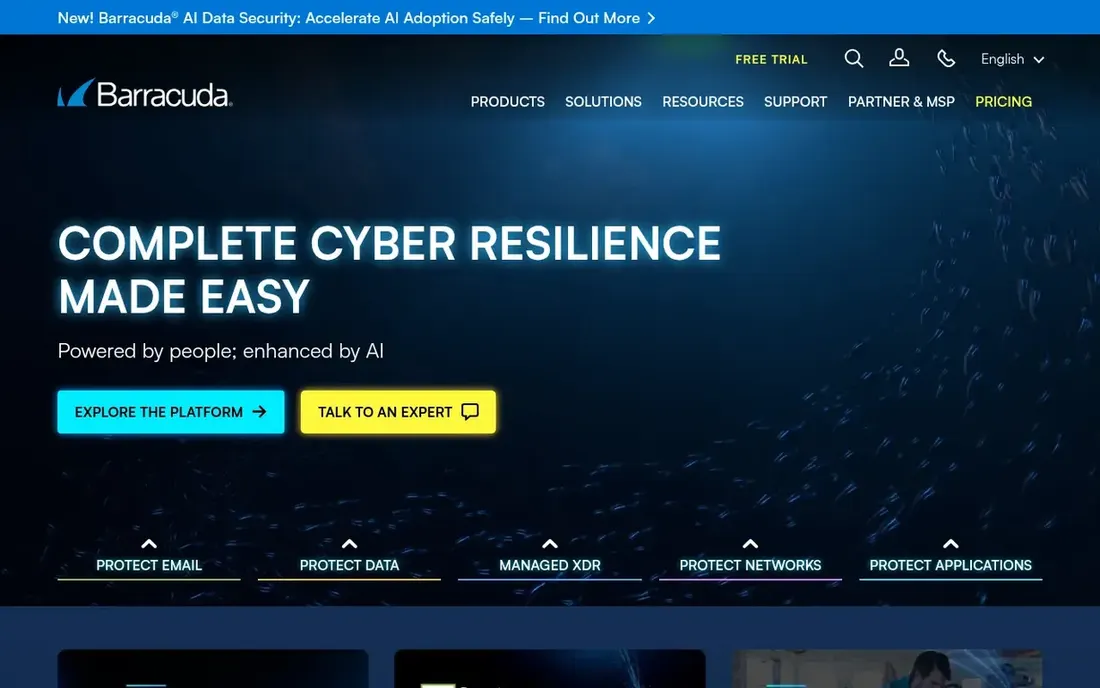
In short, Barracuda Email Archiving is for companies pairing archive with email protection. Since archiving is one component of a wider catalog, teams should confirm exactly which retention and eDiscovery capabilities they need instead of assuming the full set.
Where it is weaker: Overlap possible with existing security tools.
Organizations with an established security stack from another vendor may see duplication. Remote teams already using Barracuda for email security can keep retention and search in the same vendor ecosystem, which eases administration for lean IT groups. Check the vendor site for Barracuda Email Archiving pricing; none is listed in this comparison. As for free access: Free trial.
Where Barracuda Email Archiving stands out: network and data.
- Handles email, apps
- Part of a wide security portfolio
- Archiving is one piece of a bigger lineup
Microsoft Exchange Online Archiving
Best for: Microsoft 365 centric remote teams
For Microsoft 365 centric remote teams, Microsoft Exchange Online Archiving is a natural candidate. Organizations needing deep supervision or cross-channel capture may need a dedicated archive vendor.
Microsoft provides Exchange Online Archiving as part of its cloud productivity lineup, which remote teams already using Microsoft 365 will recognize. Choose Microsoft when your mail already lives in Microsoft 365 and you want retention handled inside that administration model. Check the vendor site for Microsoft Exchange Online Archiving pricing; none is listed in this comparison. As for free access: Not stated.
Downsides: Tied to the Microsoft ecosystem.
- Familiar to Microsoft 365 admins
- Keeps archive close to mailbox data
- Less suited to mixed email environments

In short, Proofpoint Enterprise Archive is for security-led archiving and compliance. The product orientation toward security and AI protection means teams should scope archiving requirements carefully so they buy what they will actually use.
Honest limits: Needs planning to scope correctly.
Proofpoint describes agentic security for collaboration, data and AI, with intent-based protection for people and AI agents. Check the vendor site for Proofpoint Enterprise Archive pricing; none is listed in this comparison. Trial and free access: Not stated.
- Fits regulated organizations
- Suits a security-first product strategy
- Wide product may exceed straightforward needs
Google Workspace Vault
Best for: Google Workspace teams needing retention
Where Google Workspace Vault fits: Google Workspace teams needing retention. Google Workspace Vault provides administrators retention, search and export controls inside the Google Workspace suite that numerous remote teams use for mail, chat and collaboration.
More specifically, organizations with heavy supervision or eDiscovery demands across numerous channels may outgrow what the suite supplies. Since it is administered from the same place as the rest of the suite, lean IT teams can set policies without procuring another product. Google Workspace Vault does not show a starting price in this comparison, so check the vendor site for current pricing. On free options: Not stated.
Where it falls short: Restricted to the Google ecosystem.
- Built into Google Workspace administration
- Supports search and retention for teams
- Not pitched at non-Google mail systems
Mimecast Email Archiving
Best for: Teams wanting archiving plus security
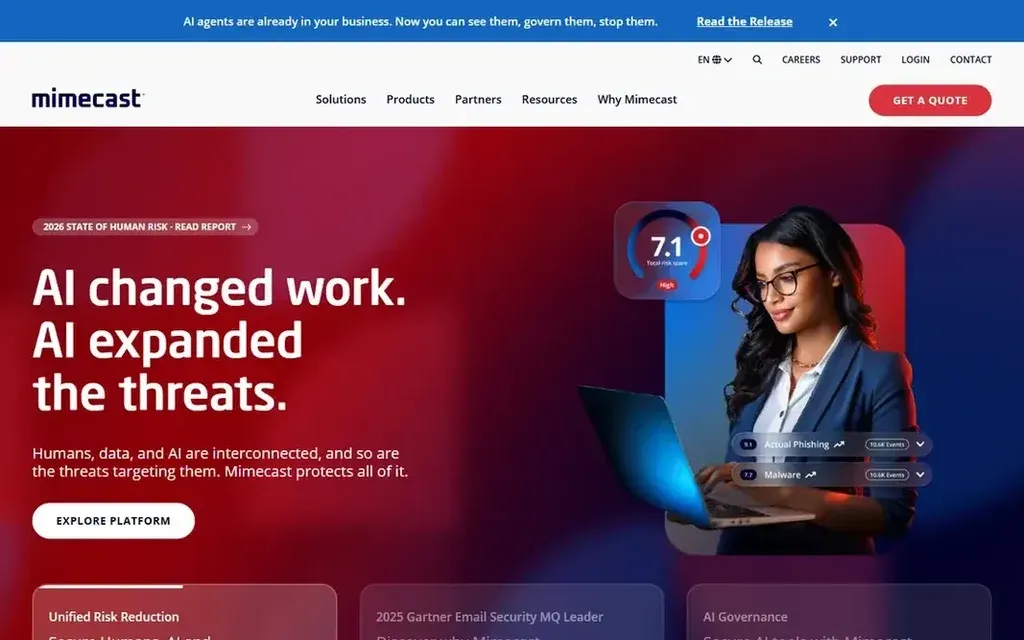
In short, Mimecast Email Archiving is for teams wanting archiving plus security. For remote teams, that means mailbox archiving can be managed alongside threat protection and policy controls instead of as a separate add-on. In practice, the breadth of the product is also its primary limitation: teams that only need entry-level mailbox retention may find the surrounding security features more than they need.
Beyond that, consider Mimecast when archiving is part of a wider governance and protection strategy. Mimecast presents itself as a single product spanning email and collaboration security, data protection, AI security, behavior management and data governance. Mimecast Email Archiving shows no starting price here, so confirm the cost on the vendor site. On free options: Not stated.
Where it falls short: Feature breadth can feel complicated.
- Archiving sits within a wide security system
- Spans data protection and governance
- Best value for teams needing the full suite
What went into this list
What to check before you buy
- Ask each vendor, from Barracuda Email Archiving to Mimecast Email Archiving, for a written quote; none of them publishes a starting price.
- Take the trial from Barracuda Email Archiving and push a live task through it before you pay.
- Read the limits listed for Barracuda Email Archiving first: Archiving is one piece of a bigger lineup.
- Test the integrations you rely on with Barracuda Email Archiving before committing; some connectors sit on upper tiers.
- Make sure Microsoft Exchange Online Archiving lets you export your data in a format another tool can read.
FAQ
What should remote teams look for in email archiving software?
Prioritize cloud administration, retention and search that work from anywhere, and integration with your current email system. If you operate in a regulated sector, confirm supervision and legal hold capabilities before choosing.
Does any tool for email Archiving software for remote teams here have a free plan?
No tool in this list, Barracuda Email Archiving and Mimecast Email Archiving included, has a permanent free plan. Barracuda Email Archiving offer a trial. Trials and quotes are the usual route, so plan a short evaluation period.
Is a built-in archive enough for a remote team?
Built-in choices like Microsoft Exchange Online Archiving and Google Workspace Vault work well when your mail lives entirely in that ecosystem. Teams with mixed email systems or cross-channel compliance needs normally need a dedicated archive vendor.
Is Barracuda Email Archiving the right pick for everyone comparing email Archiving software for remote teams?
No single tool suits every team. Barracuda Email Archiving comes first because it fits businesses pairing archive with email protection, while Microsoft Exchange Online Archiving suits Microsoft 365 centric remote teams and Proofpoint Enterprise Archive suits security-led archiving and compliance. Match the tool to your own size, budget and workflow before deciding.
Do these tools publish their prices?
No. None of the tools, from Barracuda Email Archiving to Mimecast Email Archiving, shows a fixed starting price here, so budget time for quotes.
How are the tools for email Archiving software for remote teams ordered?
The order follows typical fit for email Archiving software for remote teams, with Barracuda Email Archiving first and Mimecast Email Archiving last, then price clarity and free access. It is editorial judgement, not a score, so another team could rank the tools differently.
Sources
- https://www.barracuda.com
- https://www.microsoft.com
- https://www.proofpoint.com
- https://workspace.google.com
- https://www.mimecast.com