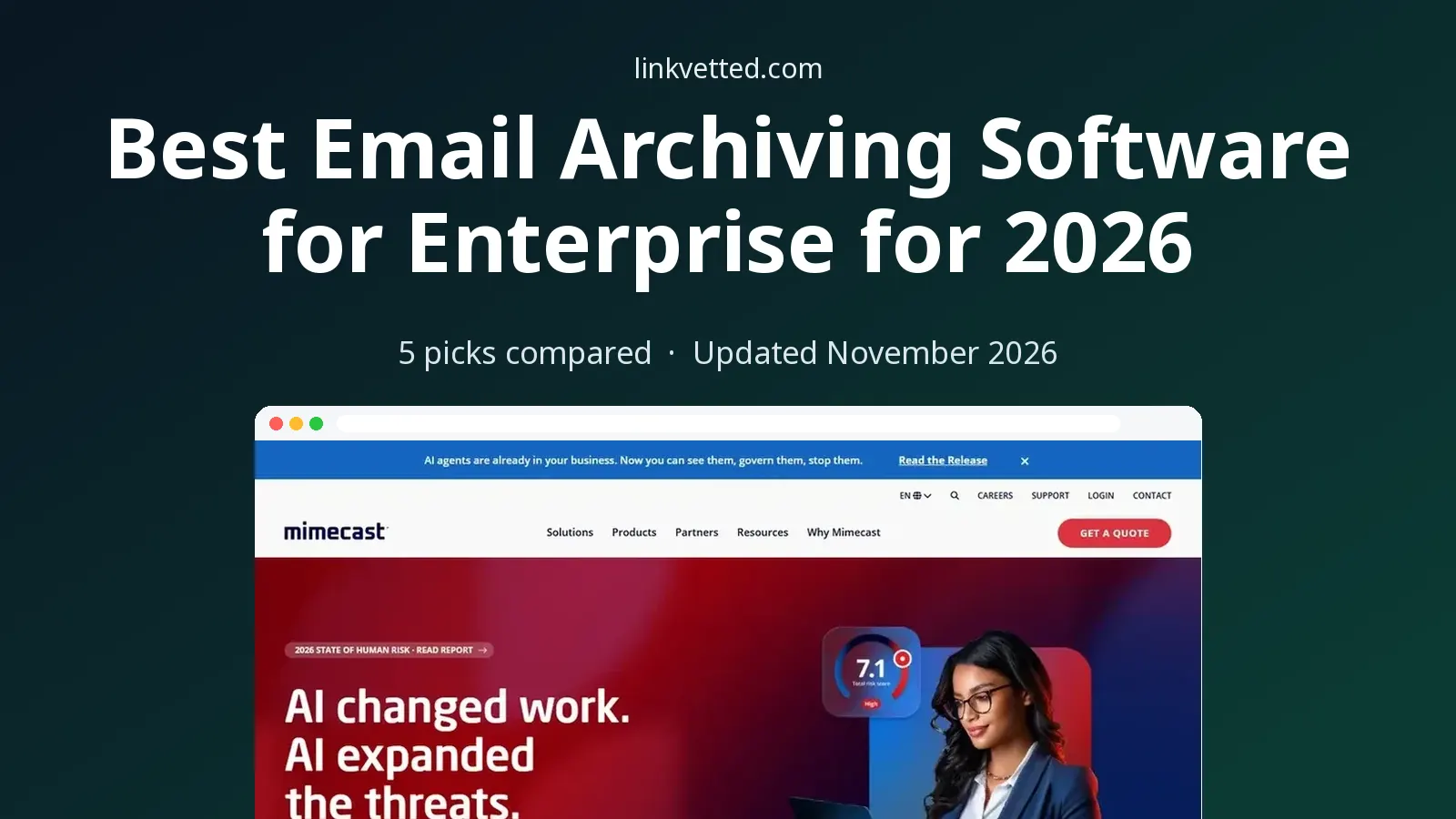
Best Email Archiving Software for Enterprise for 2026: Our 5 Vetted Picks
Weighing the best email Archiving software for enterprise? We lined up 5 products by cost, free access and fit. Each entry gets a plain verdict. No hype.
- Editor's choiceMicrosoft Exchange Online Archiving
Microsoft 365-centric retention
Starts atPricing on requestVisit microsoft.comFull review - Great alternativeSmarsh Enterprise Archive
Communications supervision across channels
Starts atPricing on requestVisit smarsh.comFull review - Also considerMimecast Email Archive
Security-led archiving in one product
Starts atPricing on requestVisit mimecast.comFull review
Direct answer
Microsoft Exchange Online Archiving leads the list, best for Microsoft 365-centric retention. Look at Smarsh Enterprise Archive for communications supervision across channels, and at Mimecast Email Archive for security-led archiving in one system. Details, prices and limits for the rest of the 5 tools are below. None of these vendors publish plan prices, so pricing is on request for every option.
TL;DR:
- This list starts with Microsoft Exchange Online Archiving, which is built for Microsoft 365-centric retention.
- Microsoft Exchange Online Archiving, Proofpoint Enterprise Archive and the 3 others all sell by quote; expect sales conversations before you see a price.
- Microsoft Exchange Online Archiving, Proofpoint Enterprise Archive and the 3 others all need a premium plan or a trial, since no free plan is listed.
- Proofpoint Enterprise Archive is the one to check for compliance and eDiscovery supervision.
- A fair warning about Barracuda Email Archiving: Archiving details need vendor confirmation.
Last checked November 2026. Pricing on request: vendors did not publish plan prices when this guide was last checked (November 2026), so ask each vendor for a written quote.
Quick comparison
| Tool | Best for | Starts at | Free plan? | |
|---|---|---|---|---|
| Microsoft Exchange Online Archiving | Microsoft 365-centric retention | Pricing on request | Not stated | Visit |
| Smarsh Enterprise Archive | Communications supervision across channels | Pricing on request | Not stated | Visit |
| Mimecast Email Archive | Security-led archiving in one product | Pricing on request | Not stated | Visit |
| Barracuda Email Archiving | Straightforward retention with email protection | Pricing on request | Free trial | Visit |
 Proofpoint Enterprise Archive | Compliance and eDiscovery supervision | Pricing on request | Not stated | Visit |
The best email Archiving software for enterprise
LinkVetted put together this guide to email Archiving software for enterprise for readers who want a clear shortlist without reading every vendor page. It compares 5 tools on starting price, free plans, who each one suits and where each one falls short.
Microsoft Exchange Online Archiving
Best for: Microsoft 365-centric retention
Microsoft Exchange Online Archiving is aimed squarely at Microsoft 365-centric retention. Microsoft gives you Exchange Online Archiving as part of its cloud productivity and email estate.
It fits enterprises already standardized on Microsoft email and administration, where keeping archive data inside the same tenant and tooling cuts operational overhead. Pricing for Microsoft Exchange Online Archiving is not stated here, so ask the vendor for current figures. Free access: Not stated.
Drawbacks to consider: Tied to the Microsoft ecosystem.
- Native fit with Microsoft email
- Administered through Microsoft tooling
- Cross-platform coverage needs other tools
Smarsh Enterprise Archive
Best for: Communications supervision across channels
Smarsh Enterprise Archive makes the most sense for communications supervision across channels. It fits regulated enterprises that must retain and review email alongside other communication types under one governance program.
As for the details, confirm which channels and review workflows are documented for your region and industry before committing. No starting price is listed for Smarsh Enterprise Archive here; confirm pricing on the vendor site. Trial and free access: Not stated.
Downsides: Channel coverage varies by configuration.
- Supervision and governance focus
- Capture across numerous communication channels
- Supervision emphasis may exceed entry-level needs
Mimecast Email Archive
Best for: Security-led archiving in one product
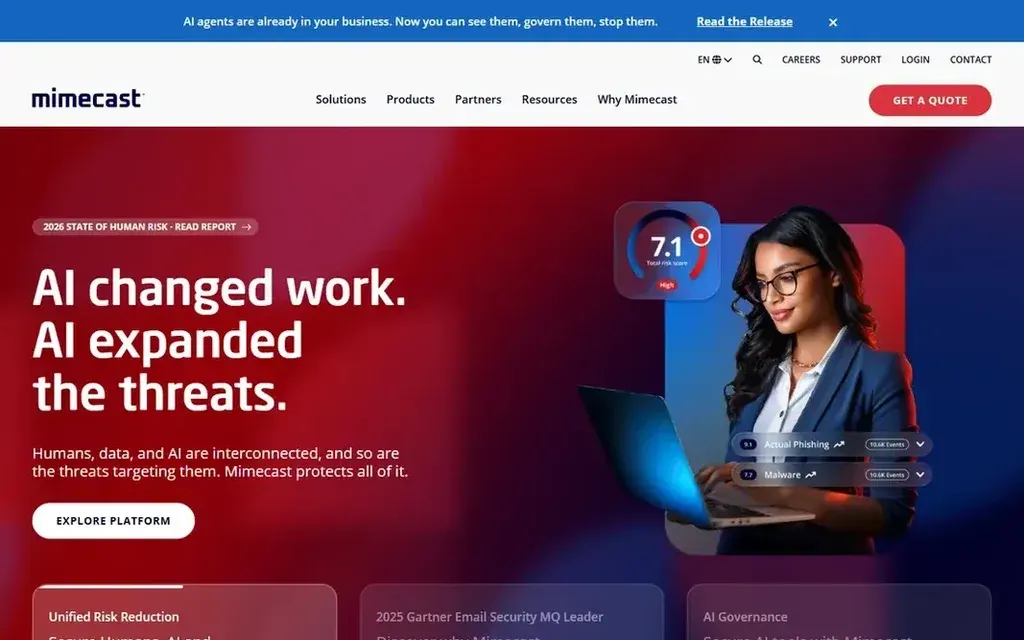
Where Mimecast Email Archive fits: security-led archiving in one product. Organizations that only need mailbox retention may find the broader security scope more than required.
Honest limits: Wide suite may exceed archiving needs.
From a buyer's view, Email archiving is one part of that wider offering, which fits enterprises that want retention handled alongside threat protection and governance instead of as a standalone store. Mimecast Email Archive shows no starting price here, so confirm the cost on the vendor site. Free plan details: Not stated.
- Cloud-delivered system
- Data governance capabilities
- Feature depth varies by configuration
Barracuda Email Archiving
Best for: Straightforward retention with email protection
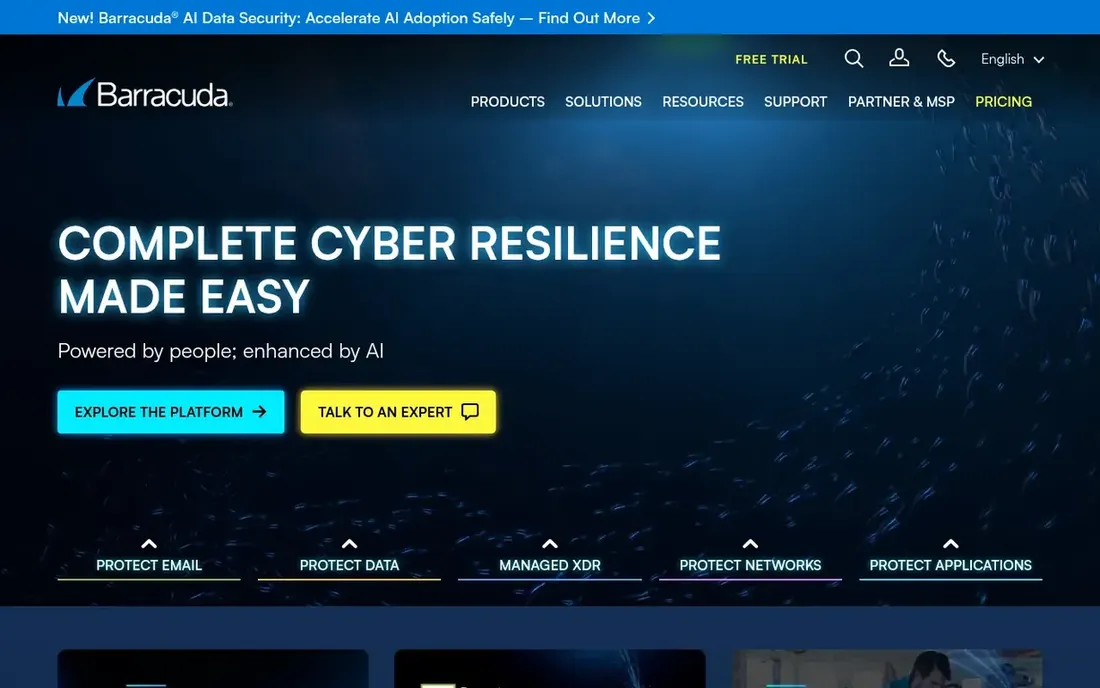
Barracuda Email Archiving makes the most sense for straightforward retention with email protection. Barracuda positions itself around email protection, application protection, network security and data protection.
Also, teams wanting a deeply specialized compliance archive may prefer a dedicated governance system. On top of that, since the homepage emphasizes security categories instead of archiving specifics, confirm retention, search and export behavior straight with the vendor. This comparison lists no price for Barracuda Email Archiving; ask the vendor. Free plan details: Free trial.
Where it falls short: Archiving details need vendor confirmation.
- Email protection focus
- Archiving within a security portfolio
- Portfolio spans numerous separate products

Choose Proofpoint Enterprise Archive for compliance and eDiscovery supervision. Proofpoint describes agentic security for collaboration, data and AI, with intent-based protection for people and AI agents. The homepage leads with security instead of archive mechanics, so validate retention policies, legal hold and export choices with the vendor.
More specifically, Enterprise Archive suits organizations that treat archiving as part of a compliance and supervision strategy, especially where review workflows and governance matter. From a buyer's view, if archiving is purely a storage concern, a more straightforward product may be simpler to operate. No starting price is listed for Proofpoint Enterprise Archive here; confirm pricing on the vendor site. Trial and free access: Not stated.
The main drawbacks: Security-first messaging can obscure archive detail.
- Suits regulated industries
- Supervision and data governance focus
- Configuration complexity likely for large estates
How we built this list
Pricing pages, product documentation and feature lists were the main sources, and every entry carries at least one honest drawback. Where a price is missing, the vendor does not list one publicly or ties it to a quote. Always confirm before budgeting. The order reflects how well each tool fits the most common buying scenario for email Archiving software for enterprise, then price clarity, then free plan access. It is a starting point, not a verdict.
Things to verify first
- Confirm the entry price with every vendor: no tool from Microsoft Exchange Online Archiving to Proofpoint Enterprise Archive shows a fixed starting price.
- Run a trial of Barracuda Email Archiving with real work before paying for a year; your own workflow is the best test.
- Read the limits listed for Microsoft Exchange Online Archiving first: tied to the Microsoft ecosystem.
- Work out what Smarsh Enterprise Archive costs with your real seat count, add-ons and usage, not just the entry price.
- Get the contract term, renewal terms and any onboarding fees from Barracuda Email Archiving in writing.
FAQ
What should enterprises look for in email archiving software?
Prioritize defensible retention, quick search and export, legal hold, and coverage of every email system you run. Beyond that, compliance supervision and integration with your existing security stack matter if you operate in a regulated industry.
Is Microsoft Exchange Online Archiving the right pick for everyone comparing email Archiving software for enterprise?
No single tool suits every team. Microsoft Exchange Online Archiving comes first because it fits Microsoft 365-centric retention, while Smarsh Enterprise Archive suits communications supervision across channels and Mimecast Email Archive suits security-led archiving in one platform. Match the tool to your own size, budget and workflow before deciding.
Do these tools publish their prices?
No. None of the tools, from Microsoft Exchange Online Archiving to Proofpoint Enterprise Archive, shows a fixed starting price here, so budget time for quotes.
How are the tools for email Archiving software for enterprise ordered?
Microsoft Exchange Online Archiving sits first and Proofpoint Enterprise Archive last because the order follows typical fit for email Archiving software for enterprise, then price clarity and free access. It is a judgement call, so read each profile for fit and limits.
Can I try these tools before paying?
Often, yes. Barracuda Email Archiving offers a free trial. Use your own data and a real task during the test, and check what the free tier or trial limits before you rely on it. For the full picture, the cards above cover all 5 entries of this email Archiving software for enterprise list, including price, free plan and limits.
Sources
- https://www.microsoft.com
- https://www.smarsh.com
- https://www.mimecast.com
- https://www.barracuda.com
- https://www.proofpoint.com