Best Email Archiving Software in 2026: 8 Tools Compared
best email archiving software compared: 8 tools for compliant email retention, search, and legal hold, with pricing notes and picks for small and large teams.
- Editor's choice
 Mimecast Cloud Archive
Microsoft 365 teams
Starts atSee websiteVisit mimecast.comFull review - Great alternative
 Barracuda Message Archiver
Flexible deployment
Starts atSee websiteVisit barracuda.comFull review - Also consider
 Proofpoint Enterprise Archive
Large regulated firms
Starts atSee websiteVisit proofpoint.comFull review
TL;DR:
- Mimecast Cloud Archive is the strongest all-round pick for Microsoft 365 teams, pairing fast search with tamper-resistant storage and compliance controls.
- Barracuda Message Archiver suits firms that want a choice of appliance, virtual, private cloud, or public cloud deployment for the same product family.
- MailStore Server is the most affordable on-premises option for small firms that want to archive Exchange and other mail without a large subscription.
- Proofpoint, Smarsh, and Global Relay serve regulated industries with deeper supervision, legal hold, and e-discovery workflows, but pricing is by quote.
Quick comparison
| Tool | Best for | Starts at | Free plan? | |
|---|---|---|---|---|
| Mimecast Cloud Archive | Microsoft 365 teams | See website | No | Visit |
| Barracuda Message Archiver | Flexible deployment | See website | No | Visit |
| Proofpoint Enterprise Archive | Large regulated firms | See website | No | Visit |
 Smarsh | Financial supervision | See website | No | Visit |
 ArcTitan | Small and mid-size firms | See website | Free trial | Visit |
 MailStore Server | On-premises archiving | See website | Free trial | Visit |
 Global Relay | Regulated messaging archive | See website | No | Visit |
 Jatheon | Simple cloud archiving | See website | Free trial | Visit |
The best email archiving software
Email archiving keeps a separate, searchable copy of mail for compliance, legal hold, and recovery, distinct from a backup that only restores mailboxes. We compared tools on retention controls, search speed, legal hold, deployment options, and support for Microsoft 365, Google Workspace, and Exchange.
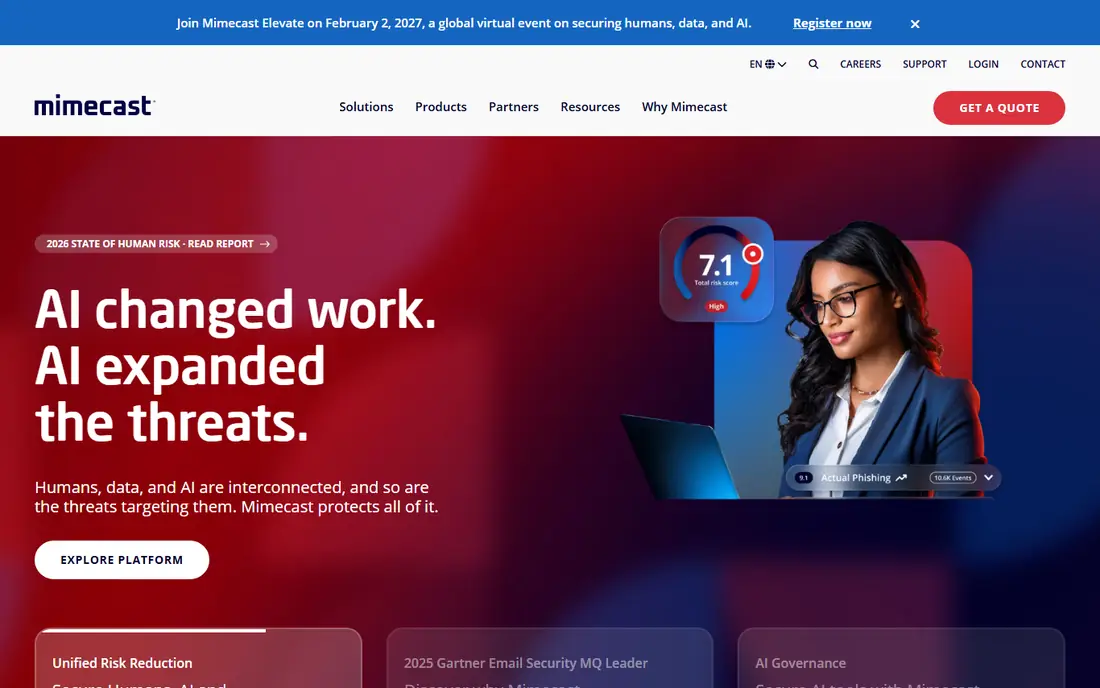
Mimecast Cloud Archive is our pick for most Microsoft 365 organizations because search and compliance work are fast and consistent. Administrators can set retention policies, place mail on legal hold, and run e-discovery searches without restoring mailboxes. End users can search their own archived mail from Outlook or a web portal, which reduces help desk requests for old messages.
The main drawback is pricing transparency. Mimecast sells archiving as part of bundles or as a quoted product, so a small firm cannot budget from a public price alone. Firms already using Mimecast for email security will find the archive adds cleanly to that setup. Firms that only need archiving should still request a quote, but compare it with ArcTitan and MailStore before deciding.
- Fast full-text search across the archive
- Tamper-resistant cloud storage
- Strong Microsoft 365 and compliance integration
- Quote-only pricing
- Minimum user counts may apply on some plans
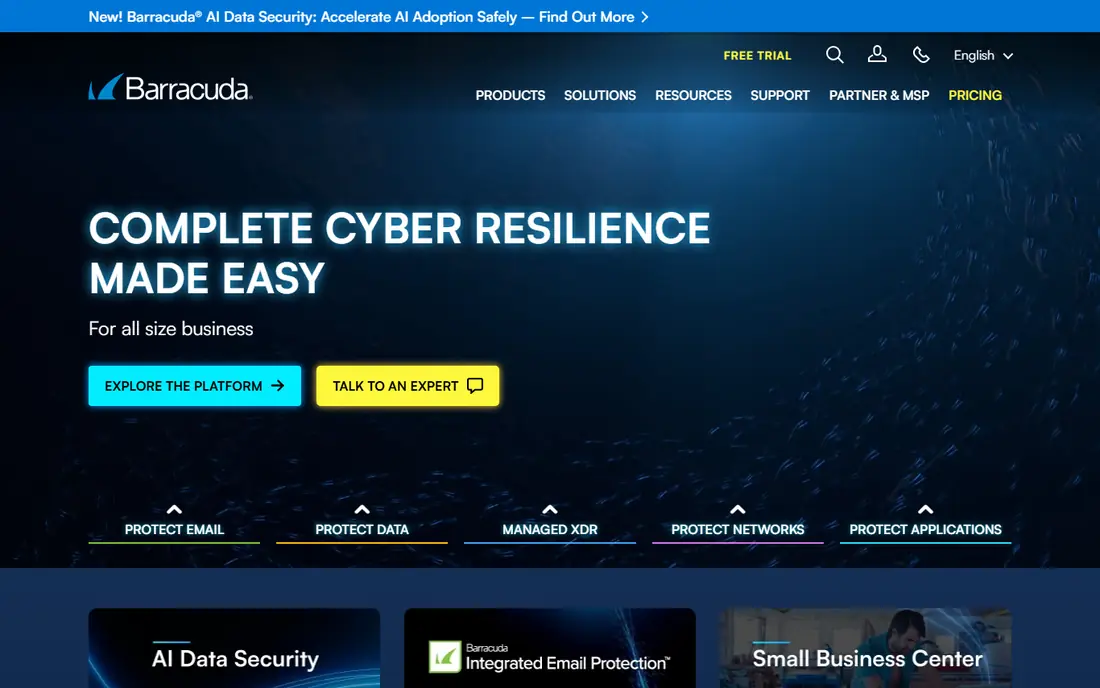
Barracuda Message Archiver stands out for deployment choice. A firm can run a physical appliance for data control, a virtual appliance in its own cloud, or Barracuda Cloud delivery, while using the same archive features. It supports Microsoft 365, Google Workspace, Exchange, and other standards-based mail, with retention policies, legal hold, full-text search, and PST or EML export.
The catch is that cloud archiving is included in the Email Protection Premium Plus plan, which requires a custom quote, and no standalone numeric price is published for Message Archiver. That makes quick comparison harder. Firms with a clear deployment preference, especially those that want an appliance, will value the flexibility. Firms that want simple cloud pricing may prefer ArcTitan.
- Appliance, virtual, private cloud, and public cloud options
- Granular retention and legal hold
- Federated search across archives
- Cloud archiving is bundled in higher plans
- Standalone price is not published

Proofpoint Enterprise Archive is built for large organizations with heavy compliance and legal demands. It archives mail at scale, supports legal hold and e-discovery workflows, and ties into Proofpoint security and compliance tools. Search, retention, and export controls are designed for legal and compliance teams, not only IT staff.
The trade-off is scale and cost. Pricing is by quote, and implementation is an enterprise project rather than a quick setup. Small firms will find the platform larger and more expensive than needed. Large regulated firms that already use Proofpoint, or that need proven scale for millions of messages, will find it a strong candidate.
- Enterprise-scale archive and e-discovery
- Strong compliance and supervision features
- Deep Microsoft 365 integration
- Enterprise pricing and implementation
- More than a small firm needs
Smarsh is best known in financial services, where firms must capture and supervise email plus chat, social, and other channels. Its archive supports retention, legal hold, search, and review workflows that compliance officers use daily. For a broker-dealer, bank, or advisory firm, that supervision depth matters more than a simple mail store.
The limit is scope for general firms. Smarsh covers far more than email, and pricing is by quote, so a firm that only needs email archiving may pay for breadth it does not use. Regulated firms that need multi-channel capture in one system should shortlist Smarsh. General businesses should compare simpler email-only tools first.
- Strong capture for email and other communications
- Supervision and surveillance workflows
- Financial services compliance focus
- Quote-only pricing
- Breadth can be complex for firms that only archive email
ArcTitan is a practical cloud archive for small and mid-size firms that want compliance without an enterprise project. It captures mail from Microsoft 365, Google Workspace, and other mail systems, stores it in a searchable archive, and supports retention, legal hold, and export for audits. Setup is quicker than appliance-based tools, and a trial lets a team test search speed with real mail.
The drawback is pricing clarity. ArcTitan does not publish a simple starter price, so budgeting requires a quote. Feature depth for complex supervision is also thinner than Smarsh or Global Relay. For a firm that needs a clean, searchable archive and basic compliance controls, ArcTitan is a sensible middle option.
- Cloud archiving with fast search
- Simple setup for Microsoft 365 and Google Workspace
- Trial available
- Pricing is by quote on the vendor site
- Fewer enterprise supervision features than Smarsh or Proofpoint
MailStore Server suits firms that want to keep archived mail on their own infrastructure. It archives mail from Exchange, Microsoft 365, Google Workspace, and other sources, and users can search and restore mail from Outlook or a web client. For small firms with an existing server and IT support, MailStore keeps costs predictable and data local.
The catch is maintenance. You own updates, backups, and storage for the archive, which adds IT work compared with a cloud service. Firms without server support should choose a cloud archive instead. Firms that prefer local control, or that need archiving for a small user count at low ongoing cost, will find MailStore attractive.
- On-premises control and one-time style licensing in many cases
- Archives Exchange, Microsoft 365, and other mail
- Fast local search
- Requires your own server and maintenance
- Cloud-only teams may prefer a hosted archive
Global Relay archives email and a wide range of messaging and collaboration channels in one compliant store, with supervision, legal hold, and e-discovery for regulated firms. It is widely used in financial services, where regulators expect capture across email, chat, and voice in some cases. The managed cloud model removes server work for the customer.
The trade-off is fit and cost. Pricing is by quote, and the platform is built for regulated workflows, so a general business may find it heavier than needed. A financial firm that must prove capture across channels, and that wants one vendor for archive and supervision, should include Global Relay in its shortlist.
- Archive for email and many messaging channels
- Strong financial compliance and surveillance tools
- Managed cloud service
- Quote-only pricing
- Financial focus may be more than a general firm needs
Jatheon offers email archiving in cloud and on-premises forms, with search, retention, legal hold, and export for compliance and legal teams. It suits mid-size firms that want a direct archive product without the breadth of a full security suite. A trial helps a team test ingestion and search before committing.
The limit is scale and brand depth compared with the largest vendors. Very large firms with complex supervision needs may prefer Proofpoint, Smarsh, or Global Relay. Mid-size firms that want a focused archive, clear support, and a trial will find Jatheon worth testing alongside ArcTitan and MailStore.
- Cloud and on-premises options
- Straightforward search and legal hold
- Trial available for testing
- Smaller vendor than Mimecast or Proofpoint
- Pricing by quote
How we picked these
We compared official product pages, archiving guides, and vendor documentation, and we focused on tools sold as email archives today, not only email backup or security products. We favored tools with retention policies, legal hold, full-text search, and support for Microsoft 365, Google Workspace, or Exchange. We noted where pricing is by quote rather than inventing a price, and we left out consumer backup tools that cannot meet compliance search and hold needs.
What to check before you buy
Archiving decisions are hard to reverse, because retention and legal hold must be correct from day one. Test ingestion with your real mail volume, and confirm that search, hold, and export work for your compliance team, not only for IT.
Retention and legal hold
Set retention by mailbox, department, or message type, and confirm that legal hold overrides normal deletion. Test placing a hold, searching held mail, and exporting it for counsel. If hold and export require vendor help for every case, the tool will slow legal work.
Search and user access
Check search speed on a large archive, and confirm whether end users can search their own mail without IT help. A fast admin search with a slow user portal still creates help desk load. Test Outlook integration and web access, since staff use both.
Deployment and data control
Decide whether mail should live in a vendor cloud, your cloud, or on premises, and confirm data residency and encryption. Appliance and on-premises options give control but add maintenance. Cloud options reduce maintenance but require trust in vendor security and retention guarantees. Get those guarantees in the contract.
FAQ
What is the best email archiving software?
Mimecast Cloud Archive is our all-round pick for Microsoft 365 teams, Barracuda suits firms that want deployment choice, and MailStore Server suits small firms that want on-premises control. Regulated financial firms should also look at Smarsh, Proofpoint, and Global Relay for supervision depth.
Is email archiving the same as email backup?
No. Backup restores mailboxes after loss, while archiving keeps a separate, searchable, tamper-resistant copy for compliance and legal hold. Backup retention is usually short, while archive retention can run for years under policy. Many firms need both, for different reasons.
How long should email be retained?
Retention depends on your industry, contracts, and legal duties. Financial firms often retain for years under regulator rules, while other firms set retention by policy and legal advice. Set a written retention schedule before buying, and choose a tool that can enforce different periods by department or message type.
Can archived email be searched and exported for legal cases?
Yes, most tools on this list support full-text search, legal hold, and export to PST, EML, or similar formats. Test export with a sample case, and confirm that metadata and audit history export with the messages. A search-only archive that cannot export cleanly will fail in a legal review.
Do I need email archiving if I use Microsoft 365?
Microsoft 365 offers retention and compliance tools, but many firms add a third-party archive for independent storage, faster search, or specific regulator needs. If your compliance team needs a separate store, cross-platform coverage, or simpler e-discovery, a dedicated archive helps. If basic retention is enough, native tools may suffice.
Sources
- https://www.mimecast.com/products/cloud-archive/
- https://www.barracuda.com/products/message-archiver
- https://www.proofpoint.com/us/products/enterprise-archive
- https://www.smarsh.com/
- https://www.arctitan.com/pricing/
- https://www.mailstore.com/en/products/mailstore-server/
- https://www.globalrelay.com/
- https://www.jatheon.com/