Best Email Archiving Software for Legal Departments (2026): 5 Picks Checked on Vendor Pages
5 best email Archiving software for legal departments, compared on pricing, free plans and best-fit use. Every entry states what it lacks. Start here.
- Editor's choiceSmarsh Enterprise Archive
Communications governance across plenty of channels
Starts atPricing on requestVisit smarsh.comFull review - Great alternativeGlobal Relay Archive
Compliant archiving with supervision and eDiscovery
Starts atPricing on requestVisit globalrelay.comFull review - Also considerGoogle Workspace Vault
Retention and search in Google Workspace
Starts atPricing on requestVisit workspace.google.comFull review
Direct answer
Start with Smarsh Enterprise Archive if you need communications governance across plenty of channels. Global Relay Archive is better for compliant archiving with supervision and eDiscovery, and Google Workspace Vault is better for retention and search in Google Workspace. The other 2 tools in the list cover narrower or pricier cases. None of these vendors publish plan prices, so pricing is on request for every option.
TL;DR:
- Number one here is Smarsh Enterprise Archive, a fit for communications governance across plenty of channels.
- A permanent free plan is missing from all 5 tools, Smarsh Enterprise Archive and Barracuda Cloud Archiving Service included; plan for a trial or a premium start.
- No starting price is shown for any of the 5 tools, Smarsh Enterprise Archive and Barracuda Cloud Archiving Service included, so plan time for sales calls.
- The main caution on Google Workspace Vault: value relies on Workspace adoption.
Last checked November 2026. Pricing on request: vendors did not publish plan prices when this guide was last checked (November 2026), so ask each vendor for a written quote.
Quick comparison
| Tool | Best for | Starts at | Free plan? | |
|---|---|---|---|---|
| Smarsh Enterprise Archive | Communications governance across plenty of channels | Pricing on request | Not stated | Visit |
| Global Relay Archive | Compliant archiving with supervision and eDiscovery | Pricing on request | Not stated | Visit |
| Google Workspace Vault | Retention and search in Google Workspace | Pricing on request | Not stated | Visit |
 Mimecast Cloud Archive | Unified archiving with security and governance | Pricing on request | Not stated | Visit |
| Barracuda Cloud Archiving Service | Straightforward cloud email archiving | Pricing on request | Free trial | Visit |
The full email Archiving software for legal departments list
This LinkVetted guide covers 5 email Archiving software for legal departments. Each profile lists a starting price, free plan details, strengths and drawbacks, so you can drop poor fits quickly.
Smarsh Enterprise Archive
Best for: Communications governance across plenty of channels
Smarsh Enterprise Archive is designed for communications governance across plenty of channels. Setup and policy design grow with each channel added.
Pricing for Smarsh Enterprise Archive is not stated here, so ask the vendor for current figures. As for free access: Not stated.
Limits to weigh: Configuration effort grows with channel count.
- Suited to regulated industries
- Supervision and risk management focus
- Wide channel coverage may exceed email-only needs
Global Relay Archive
Best for: Compliant archiving with supervision and eDiscovery
Global Relay Archive is a good fit for compliant archiving with supervision and eDiscovery. Global Relay Archive is positioned around compliant electronic communications archiving, messaging, supervision, and eDiscovery.
For everyday use, the compliance orientation is most solid for regulated industries, and teams without supervision obligations may find it more than needed. Choose Global Relay when defensible archiving and supervision are central requirements instead of an afterthought. Global Relay Archive does not show a starting price in this comparison, so check the vendor site for current pricing. Free plan details: Not stated.
What works well: Messaging support alongside email archiving. Watch-outs: Workflow fit should be tested against legal processes.
- EDiscovery in one product
- Built around compliant electronic communications
- Compliance-heavy focus may be excessive for some
Google Workspace Vault
Best for: Retention and search in Google Workspace
Google Workspace Vault makes the most sense for retention and search in Google Workspace. Google Workspace Vault supplies retention, search, and export capabilities for organizations using Google Workspace.
Drawbacks to consider: Value relies on Workspace adoption.
For everyday use, Vault's usefulness scales with how much of the organization runs on Google Workspace, and specialized legal review may still call for dedicated tools. Pick Vault when Google Workspace is the system of record and confirm that retention rules match your obligations. Google Workspace Vault does not show a starting price in this comparison, so check the vendor site for current pricing. On free options: Not stated.
- Designed for Google Workspace environments
- Familiar interface for Google-centric teams
- Legal review workflows may need additional tools
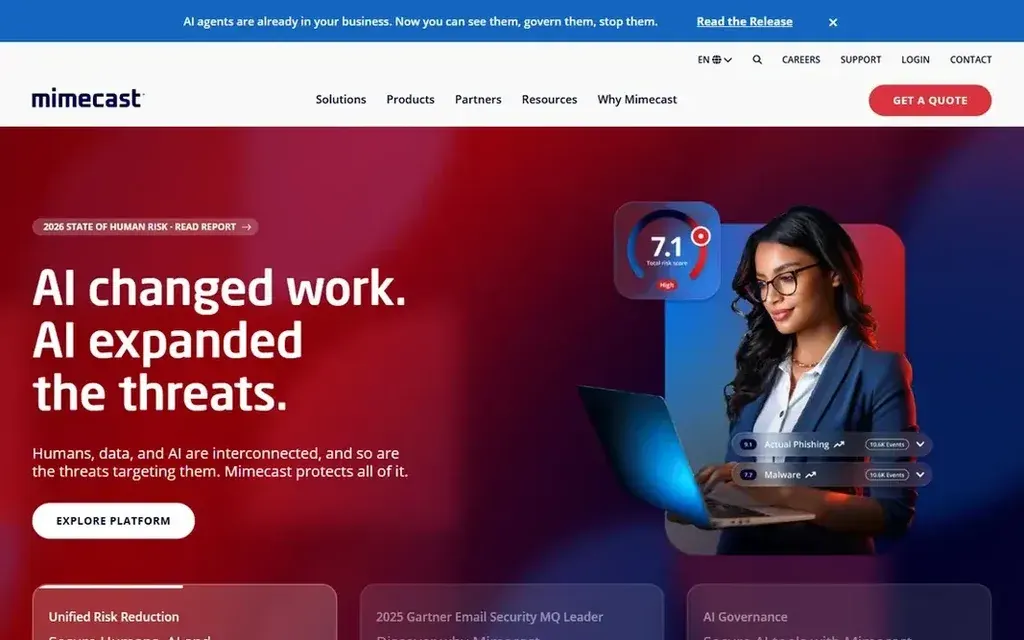
Mimecast Cloud Archive is built with unified archiving with security and governance in mind. For legal departments, that means archived mail can be managed alongside the controls that protect it, which helps when retention, investigation, and security questions overlap.
Those wanting a narrow, mailbox-only archive may prefer a simpler option. No starting price is listed for Mimecast Cloud Archive here; confirm pricing on the vendor site. Free plan details: Not stated.
Honest limits: Legal-specific workflows need configuration.
- Governance and behavior management features
- Single product across multiple security options
- Wide product may be more than small teams need
Barracuda Cloud Archiving Service
Best for: Straightforward cloud email archiving
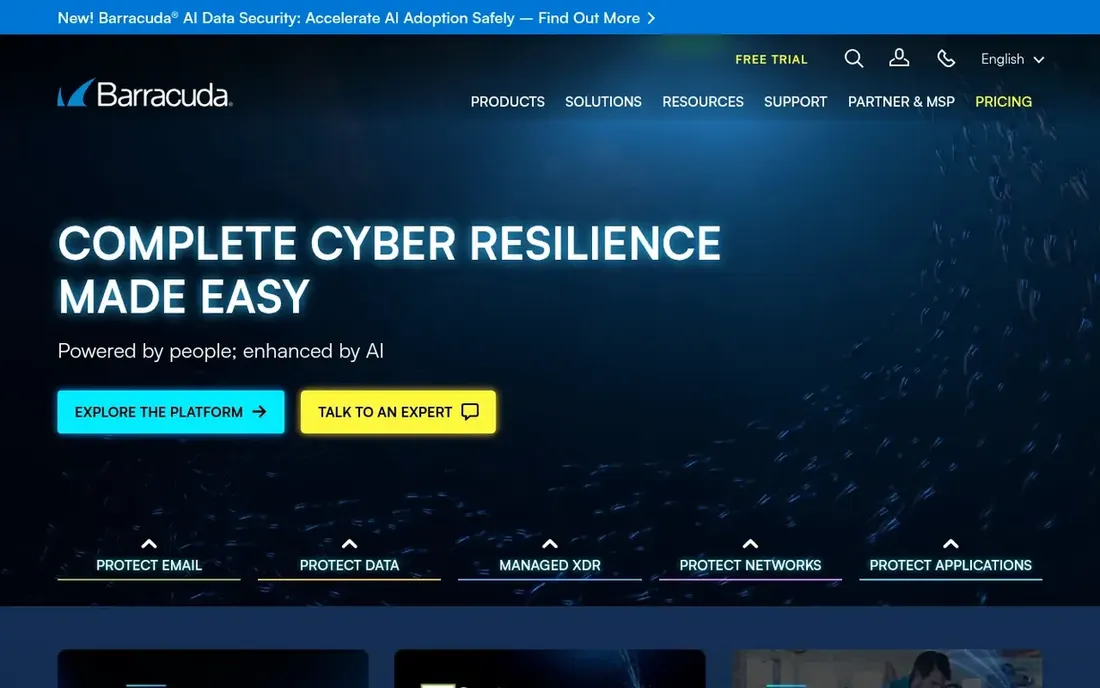
Barracuda Cloud Archiving Service is aimed squarely at straightforward cloud email archiving. Barracuda's public positioning emphasizes security broadly instead of legal-specific archiving workflows, so confirm supervision, legal hold, and export capabilities against your requirements.
Drawbacks to consider: Legal hold and eDiscovery depth should be verified.
On top of that, pick Barracuda when consolidation and email protection matter more than specialized legal features. In daily use, legal departments that already depend on Barracuda for email security can extend into archiving without adding a separate vendor. Check the vendor site for Barracuda Cloud Archiving Service pricing; none is listed in this comparison. As for free access: Free trial.
- Suits alongside email protection offerings
- Cloud-based archiving within a security portfolio
- Less specialized for regulated supervision
How we built this list
Before you commit
- Confirm the entry price with every vendor: no tool from Smarsh Enterprise Archive to Barracuda Cloud Archiving Service shows a fixed starting price.
- Run a trial of Barracuda Cloud Archiving Service with real work before paying for a year; your own workflow is the best test.
- Before choosing Smarsh Enterprise Archive, weigh its main limit: wide channel coverage may exceed email-only needs.
- A short pilot of Global Relay Archive with your real workflow tells you more than a feature table.
- Look at the help docs and support options for Mimecast Cloud Archive before you commit.
FAQ
Is Smarsh Enterprise Archive the right pick for everyone comparing email Archiving software for legal departments?
No single tool suits every team. Smarsh Enterprise Archive comes first because it fits communications governance across many channels, while Global Relay Archive suits compliant archiving with supervision and eDiscovery and Google Workspace Vault suits retention and search in Google Workspace. Match the tool to your own size, budget and workflow before deciding.
How do archiving tools support eDiscovery?
Most systems offer search, preservation, and export of archived communications for review. The depth varies, so confirm that export formats and review workflows match the tools your legal staff already use before committing.
Can one archive include email and other messaging channels?
Multiple tools here, including Smarsh and Global Relay, extend capture and supervision beyond email to other electronic communications. If your obligations handle chat or social channels, verify channel coverage and policy configuration during evaluation.
How are the tools for email Archiving software for legal departments ordered?
Smarsh Enterprise Archive sits first and Barracuda Cloud Archiving Service last because the order follows typical fit for email Archiving software for legal departments, then price clarity and free access. It is a judgement call, so read each profile for fit and limits.
Can I try these tools before paying?
Often, yes. Barracuda Cloud Archiving Service offers a free trial. Use your own data and a real task during the test, and check what the free tier or trial limits before you rely on it.
Is a dedicated archive better than built-in mailbox archiving?
Built-in choices like Exchange Online Archiving and Google Workspace Vault work well when your organization already standardizes on those suites. Dedicated archives like Mimecast, Proofpoint, Smarsh, or Global Relay add supervision and eDiscovery depth that legal teams commonly need.
Sources
- https://www.smarsh.com
- https://www.globalrelay.com
- https://workspace.google.com
- https://www.mimecast.com
- https://www.barracuda.com