5 Best ECM Software for Business Intelligence for 2026, Vetted and Compared
Best ECM software for business intelligence in 2026: 5 tools with starting prices, free plans and limits. Each entry gets a plain verdict. Read the profiles.
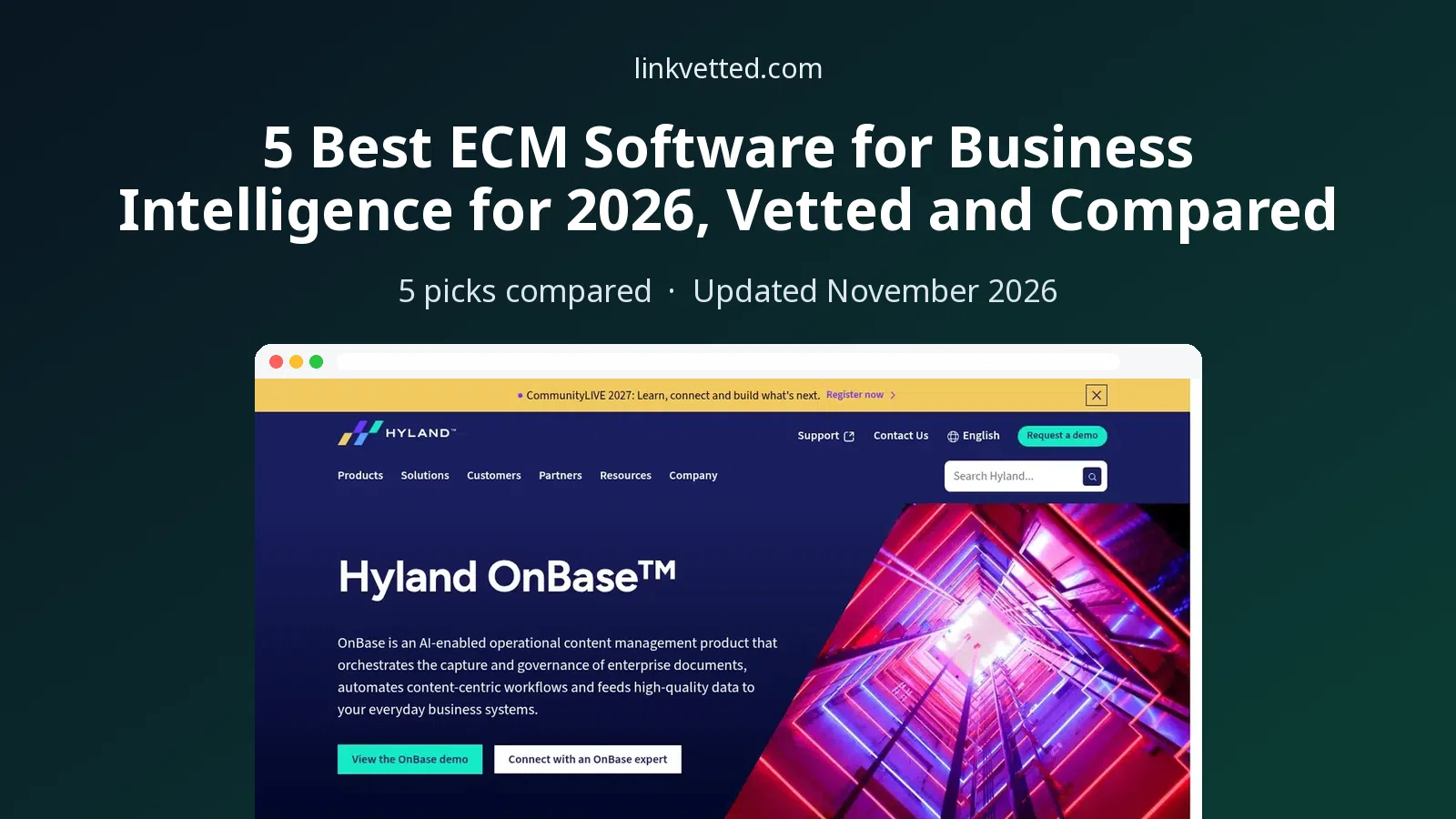
- Editor's choice
 Hyland OnBase
Simplifying business processes with content management
Starts atSee websiteVisit hyland.comFull review - Great alternative
 OpenText Content Management
Large enterprises with complicated governance requirements
Starts atSee websiteVisit opentext.comFull review - Also consider
 Laserfiche
Document management with process automation and analytics
Starts at$42 per user per monthVisit laserfiche.comFull review
Direct answer
For simplifying business processes with content management, Hyland OnBase is where this list starts. Listed starting prices: Laserfiche from $42 per user per month and M-Files from €65 per seat per month. Alternatives: OpenText Content Management for large enterprises with complicated governance requirements, and Laserfiche for document management with process automation and analytics. Prices, free plans and limits for all 5 tools follow.
TL;DR:
- Hyland OnBase is the opening pick, best for simplifying business processes with content management.
- What to know about Hyland OnBase first: customization can be time-consuming.
- Neither Hyland OnBase nor M-Files, nor any of the other 3 tools, has a permanent free plan; trials and quotes are the norm.
- M-Files suits organizing documents in context with AI.
Last checked November 2026. Prices and plan details were read from the vendors' own pages in November 2026; vendors change plans often, so confirm the current price on the vendor site before you buy.
Quick comparison
| Tool | Best for | Starts at | Free plan? | |
|---|---|---|---|---|
| Hyland OnBase | Simplifying business processes with content management | See website | Not stated | Visit |
| OpenText Content Management | Large enterprises with complicated governance requirements | See website | Not stated | Visit |
| Laserfiche | Document management with process automation and analytics | $42 per user per month | Not stated | Visit |
 Microsoft SharePoint | Microsoft-centric organizations needing integrated collaboration | See website | Not stated | Visit |
 M-Files | Organizing documents in context with AI | €65 per seat per month | Not stated | Visit |
The best ECM software for business intelligence
This LinkVetted guide covers 5 options for ECM software for business intelligence. Each profile lists a starting price, free plan details, strengths and drawbacks, so you can drop poor fits quickly.
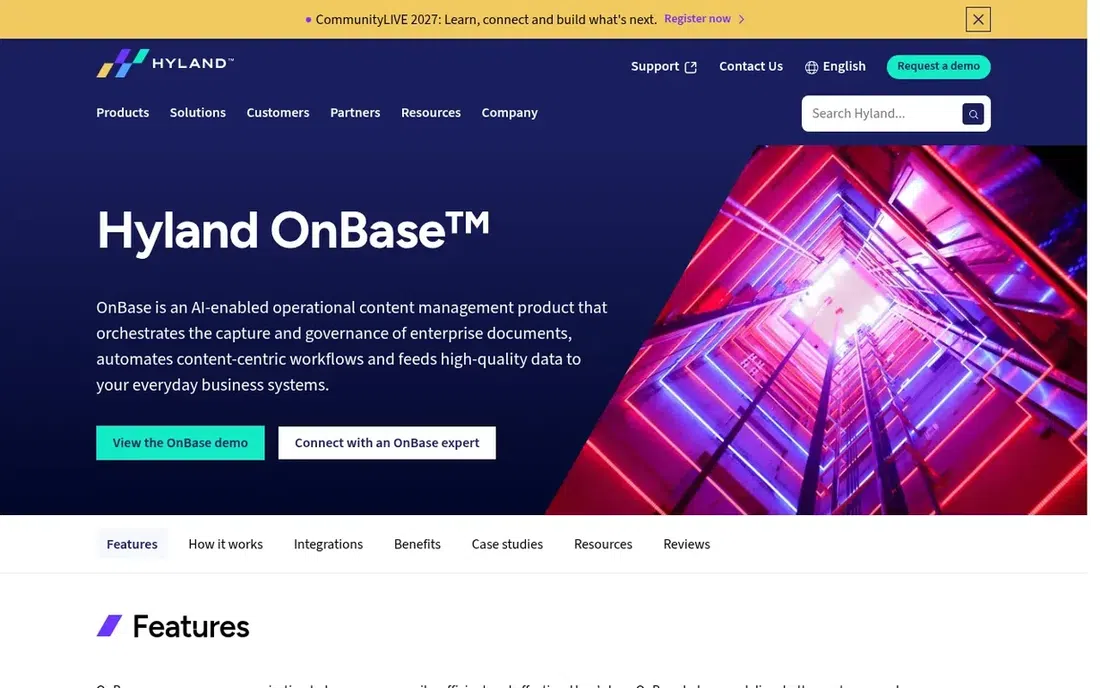
Hyland OnBase is built with simplifying business processes with content management in mind. Hyland OnBase is a content management option centred on efficiently managing information and simplifying business processes for optimal performance. It is well-suited for organizations looking to automate workflows and boost operational efficiency through structured content management.
Points against: Customization can be time-consuming.
Organizations prioritizing a sleek user experience or rapid setup might explore other choices. Whereas OnBase excels at process automation, customization can be resource-intensive, and the interface may not feel as modern as some competitors. This comparison lists no price for Hyland OnBase; ask the vendor. As for free access: Not stated.
- Adaptable deployment choices
- Process automation capabilities
- User interface may feel dated
OpenText Content Management
Best for: Large enterprises with complicated governance requirements
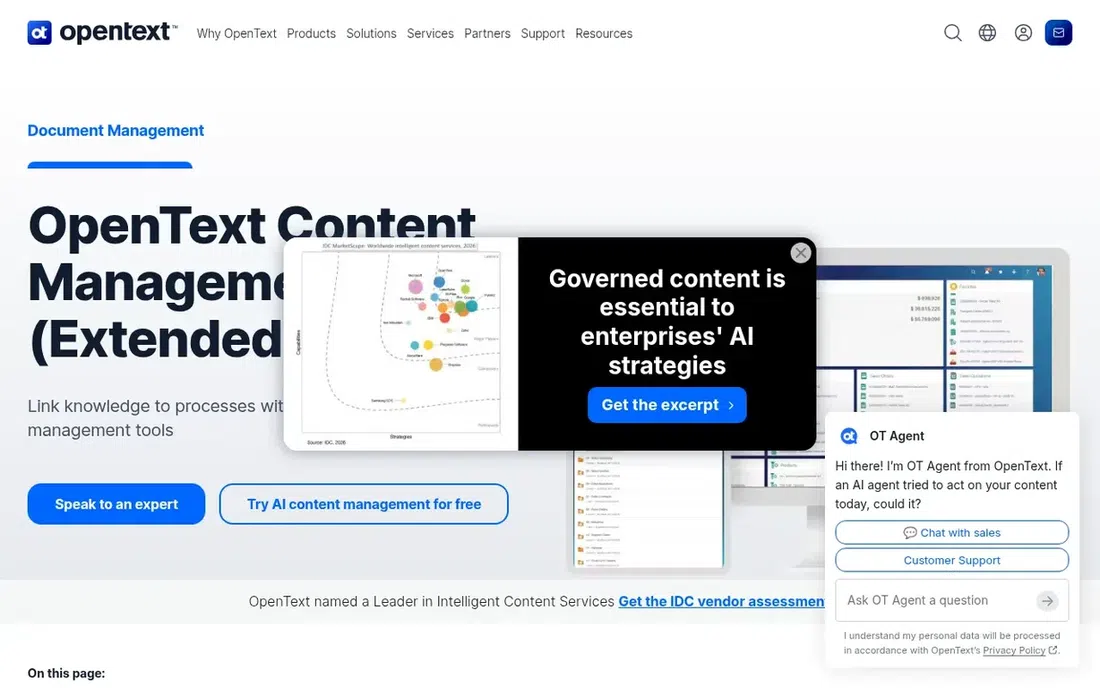
OpenText Content Management serves large enterprises with complicated governance requirements. OpenText Content Management is an enterprise-grade ECM system meant to make organizational knowledge readily accessible within workflows, supporting informed decision-making.
Smaller organizations or those without specialized staff may find it overkill. The platform's broad capabilities commonly come with a steep ramp-up time and need dedicated IT support. No starting price is listed for OpenText Content Management here; confirm pricing on the vendor site. Free plan details: Not stated.
Where it is weaker: High complexity and ramp-up time.
- Workflow integration for informed decisions
- Thorough content governance
- May need significant IT resources
Think of Laserfiche for document management with process automation and analytics. Integration with external systems outside its ecosystem can also be restricted. Laserfiche may lack some advanced ECM capabilities required by large enterprises with complicated governance needs.
Downsides: Integration with non-Microsoft tools can be challenging.
In daily use, Laserfiche gives you AI-powered document management, process automation, electronic forms, and analytics to accelerate work. As for the details, consider it for departmental or mid-size deployments instead of enterprise-wide ECM. On cost, Laserfiche starts like this: $42 per user per month. Free access: Not stated.
- AI-powered document management
- Built-in analytics
- Restricted advanced ECM features
Microsoft SharePoint
Best for: Microsoft-centric organizations needing integrated collaboration
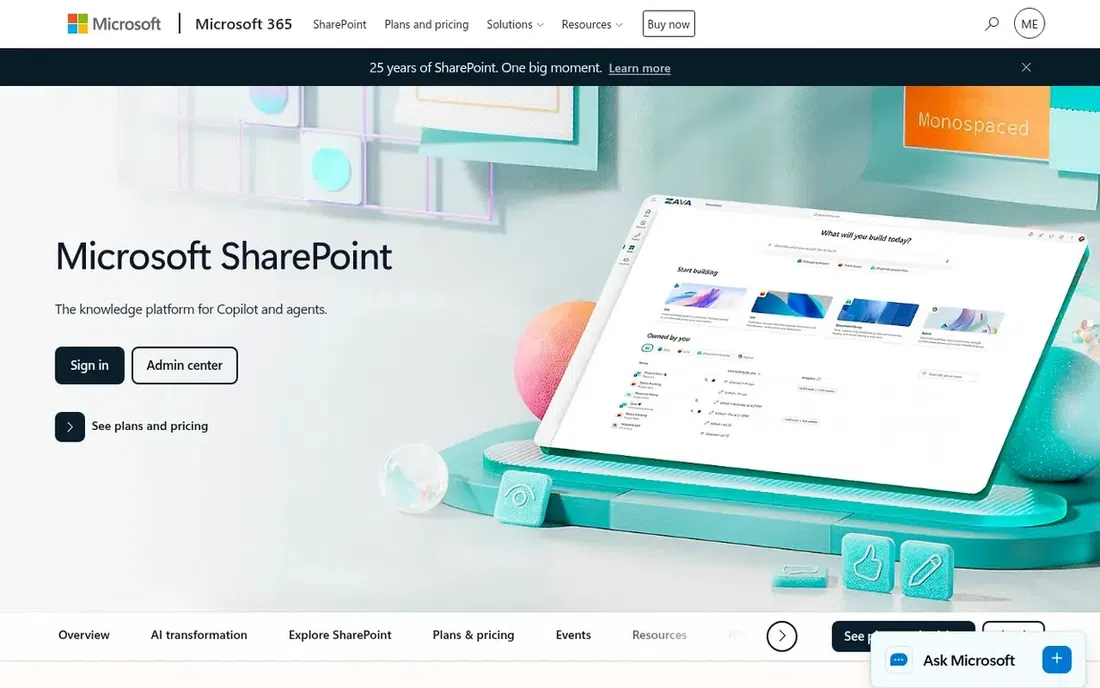
Microsoft SharePoint makes the most sense for Microsoft-centric organizations needing integrated collaboration. Microsoft SharePoint is a collaborative content management product that makes it possible for secure file sharing, knowledge governance, and automation across Microsoft 365. That said, SharePoint can be complicated to administer and customize, particularly for large-scale deployments.
Consider alternatives if you need specialized ECM features or a more straightforward standalone option. From a buyer's view, organizations outside the Microsoft ecosystem may find integration challenging. This comparison lists no price for Microsoft SharePoint; ask the vendor. Trial and free access: Not stated.
Points against: Complicated administration for large deployments.
- Capable collaboration and automation features
- Deep integration with Microsoft 365
- Limited native analytics without Power BI
M-Files makes the most sense for organizing documents in context with AI. Some users may find the interface less easy-to-learn initially.
The main drawbacks: Metadata-driven approach requires upfront setup.
It is ideal for organizations that want to move beyond folder-based systems and use metadata for smarter content management. M-Files pricing: €65 per seat per month. As for free access: Not stated.
- AI-powered automation
- Context-based document organization
- May be less intuitive for some users
How we compared the tools
We compared the tools on published pricing, free plan or trial availability, feature coverage for ECM software for business intelligence, and the limits each vendor documents. Plan names, prices and limits change often. Treat the figures here as a starting point and verify them with the vendor. We ordered the tools by general fit, then by how clearly pricing is shown, then by free access. A buyer with unusual needs may reorder them.
Pre-purchase checklist
- Get a written quote from Hyland OnBase, OpenText Content Management and Microsoft SharePoint; the list shows no starting price for them.
- Before choosing Hyland OnBase, weigh its main limit: customization can be time-consuming.
- Map your must-have features to a specific OpenText Content Management plan before you compare prices.
- Check the support hours and onboarding help M-Files offers; smaller vendors vary a lot here.
- Before you load data into Hyland OnBase, check what an export looks like and who can run it.
FAQ
Can I try these tools before paying?
Not by default. None of the tools, from Hyland OnBase to M-Files, lists a free plan or a free trial here, so ask each vendor for a demo before committing. All 5 picks in this ECM software for business intelligence comparison list a starting price, free plan details and the main limits on their cards above.
Do these tools publish their prices?
Not all of them. Hyland OnBase, OpenText Content Management and Microsoft SharePoint publish no starting price, so expect a quote request for those. The rest, Laserfiche included, show a starting price, though seats and billing terms still change the final cost.
What is ECM software and how does it support business intelligence?
ECM software runs an organization's content and documents throughout their lifecycle, offering structure and accessibility. It supports business intelligence by making data and documents easily retrievable for analysis, enabling informed decision-making through integrated workflows and analytics.
What is the cheapest option for ECM software for business intelligence in this list?
On published monthly entry prices, Laserfiche is the lowest here at $42 per user per month. Entry price is only part of the cost, because seats, add-ons and billing terms can change the total. For the full picture, the cards above cover all 5 entries of this ECM software for business intelligence list, including price, free plan and limits.
Is Hyland OnBase the right pick for everyone comparing ECM software for business intelligence?
No single tool suits every team. Hyland OnBase comes first because it fits simplifying business processes with content management, while OpenText Content Management suits large enterprises with complex governance requirements and Laserfiche suits document management with process automation and analytics. Match the tool to your own size, budget and workflow before deciding.
Sources
- https://www.hyland.com/en/solutions/products/onbase
- https://www.opentext.com/products/content-management
- https://www.laserfiche.com
- https://www.microsoft.com/en-us/microsoft-365/sharepoint/collaboration
- https://www.m-files.com