6 Best E-Learning Authoring Tools for Subject Experts for 2026, Vetted and Compared
Searching for the best E-Learning authoring tools for subject experts? Here are 6 options with prices and free plans. Weak spots flagged for every entry.
- Editor's choice
 Elucidat
AI-assisted frontline training
Starts at$4 per user a monthVisit elucidat.comFull review - Great alternative
 dominKnow
Collaborative LCMS content management
Starts atSee websiteVisit dominknow.comFull review - Also considerArticulate Storyline 360
Advanced interactive course design
Starts at$1,749 per seat per yearVisit articulate.comFull review
Direct answer
Start with Elucidat if you need AI-assisted frontline training. Listed starting prices: Elucidat from $4 per user a month, Articulate Storyline 360 from $1,749 per seat per year and Easygenerator from $125 a month. Alternatives: dominKnow for collaborative LCMS content management, and Articulate Storyline 360 for advanced interactive course design. The full list of 6 tools follows, with prices and free plan facts.
TL;DR:
- Elucidat sits first on this list: AI-assisted frontline training.
- For rapid responsive course building, Articulate Rise 360 is worth a look.
- None of the 6 tools, from Elucidat to Articulate Rise 360, has a free plan, so budget for a subscription or use a trial.
- One limit worth knowing about Articulate Storyline 360: steeper ramp-up time for beginners.
Last checked November 2026. Prices and plan details were read from the vendors' own pages in November 2026; vendors change plans often, so confirm the current price on the vendor site before you buy.
Quick comparison
| Tool | Best for | Starts at | Free plan? | |
|---|---|---|---|---|
| Elucidat | AI-assisted frontline training | $4 per user a month | Not stated | Visit |
| dominKnow | Collaborative LCMS content management | See website | Free trial | Visit |
| Articulate Storyline 360 | Advanced interactive course design | $1,749 per seat per year | Free trial | Visit |
 Easygenerator | Company-tailored training at scale | $125 a month | Free trial | Visit |
 Adobe Captivate | Beginner-friendly mobile-ready courses | See website | Not stated | Visit |
| Articulate Rise 360 | Rapid responsive course building | $1,749 per seat per year | Free trial | Visit |
E-Learning Authoring Tools for Subject Experts, one by one
This LinkVetted guide covers 6 E-Learning authoring tools for subject experts. Each profile lists a starting price, free plan details, strengths and drawbacks, so you can drop poor fits quickly.
Elucidat makes the most sense for AI-assisted frontline training. It emphasizes AI-driven content creation to help organizations produce effective learning at scale for staff who are frequently mobile or deskless. Elucidat is specialized toward frontline training, so teams building academic or highly customized interactive courses may find it less general-purpose.
Subject experts in retail, healthcare, or operations may find its orientation handy when the goal is practical, repeatable training instead of elaborate simulations. The system supports collaborative production of company-tailored content. Elucidat pricing: $4 per user per month. On free options: Not stated.
Watch-outs: Less general-purpose than some tools.
- Collaborative authoring approach
- AI-driven content creation
- Specialized toward frontline use
dominKnow targets collaborative LCMS content management. As a broader LCMS, dominKnow can involve more setup and learning than a standalone authoring tool, which may be excessive for a solo expert producing a single course.
Honest limits: May be more than solo authors need.
For everyday use, more straightforward builders like Articulate Rise 360 may be quicker for one-off projects. Choose dominKnow when content reuse, team collaboration, and centralized management are priorities and you are prepared to adopt a fuller system. No starting price is listed for dominKnow here; confirm pricing on the vendor site. Trial and free access: Free trial.
- LCMS plus authoring in one system
- Supports shared content reuse
- Broader system to learn
Articulate Storyline 360
Best for: Advanced interactive course design
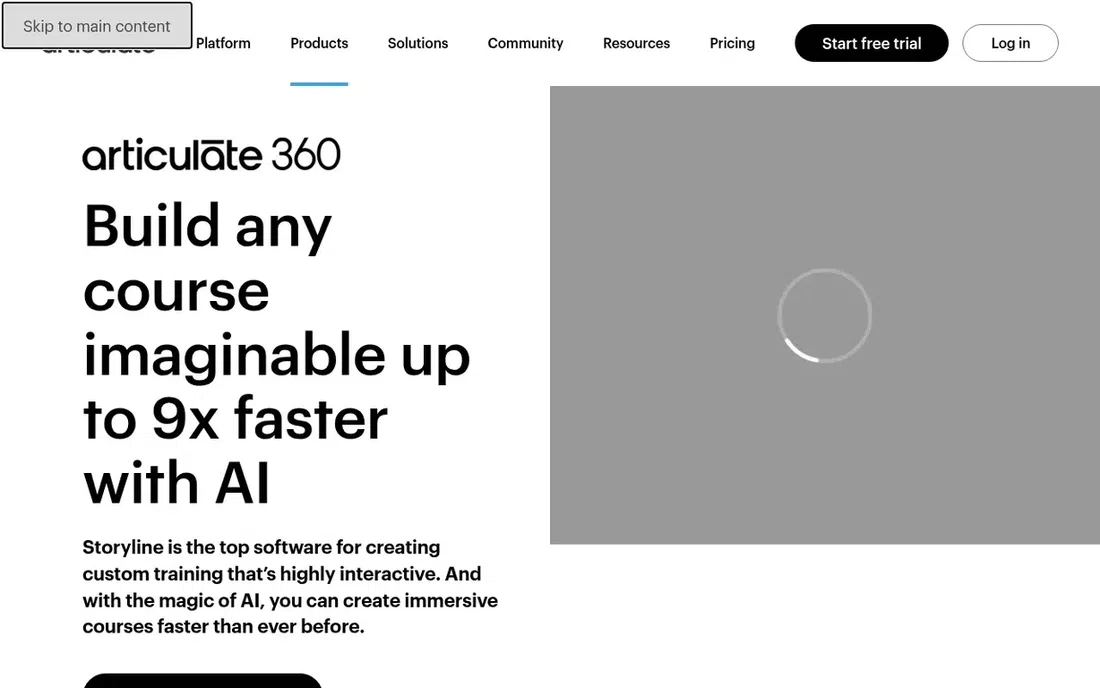
In short, Articulate Storyline 360 is for advanced interactive course design. Articulate Storyline 360 is a highly configurable course authoring tool known for advanced, interactive e-learning.
As for the details, pick Storyline 360 when interactivity and customization are central to the learning design and you can dedicate time to mastering its workflow. The starting price for Articulate Storyline 360: $1,749 per seat per year. Trial and free access: Free trial.
Limits to weigh: Steeper ramp-up time for beginners.
- Highly configurable interactions
- Slide-based authoring with triggers
- More setup time per lesson
Easygenerator serves company-tailored training at scale. The authoring-focused approach fits companies building repeatable onboarding, compliance, or product training where internal knowledge needs to be captured and shared.
Where it falls short: Restricted public detail on homepage.
It is usually known as a cloud-based authoring choice for workplace learning. The starting price for Easygenerator: $125 per month. Trial and free access: Free trial.
- Supports creating training at scale
- Authoring-focused interface
- Fit relies on organizational needs
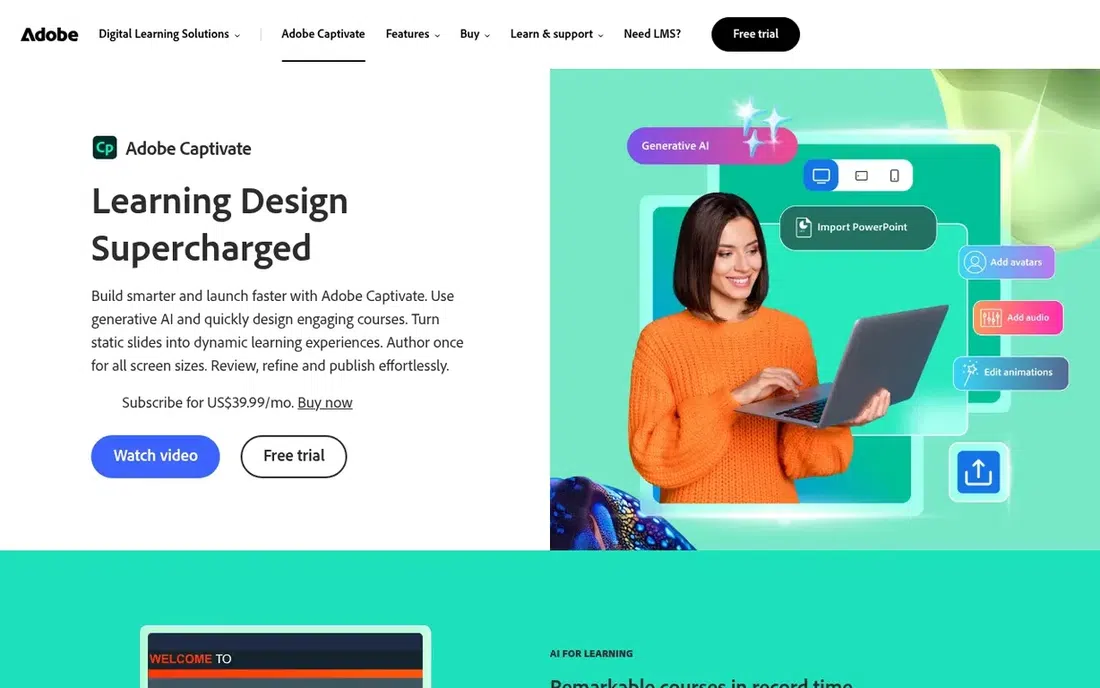
In short, Adobe Captivate is for beginner-friendly mobile-ready courses. Its recent updates emphasize fast course design, making it a choice for subject experts who want to move from outline to published module without a long ramp-up.
In practice, Captivate has seen interface changes across versions, so training materials and muscle memory may need refreshing. No starting price is listed for Adobe Captivate here; confirm pricing on the vendor site. On free options: Not stated.
Where it falls short: Advanced features need practice.
- Quick course creation workflow
- Mobile-ready output
- Interface changes across versions
Articulate Rise 360
Best for: Rapid responsive course building
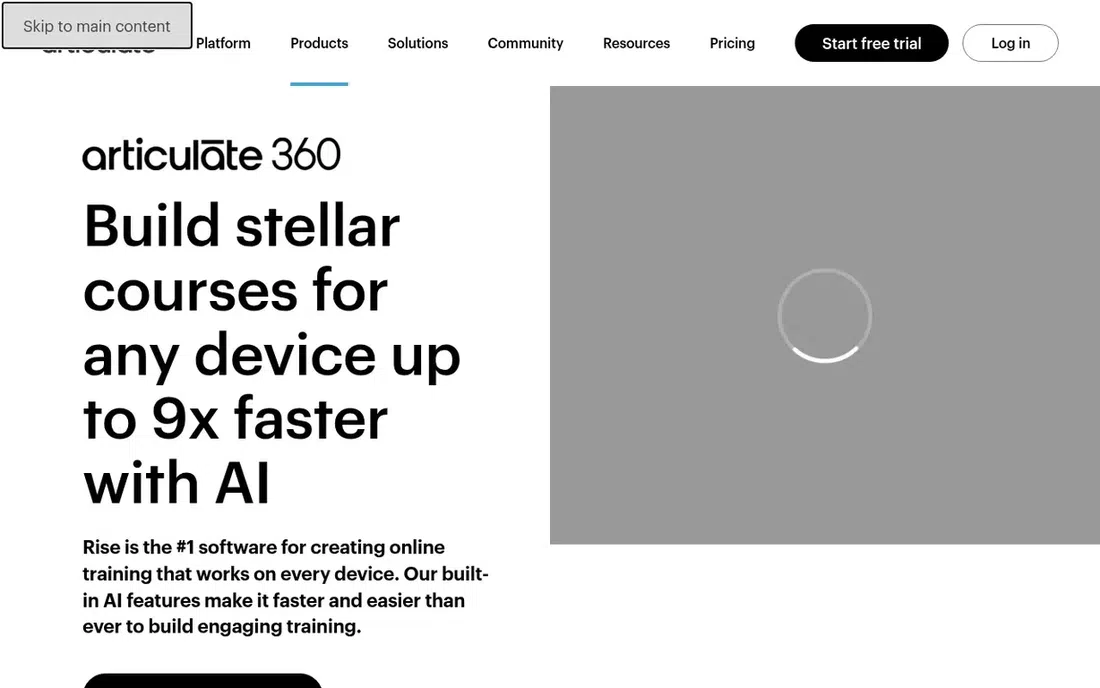
Choose Articulate Rise 360 for rapid responsive course building. Articulate Rise 360 is a web-based authoring tool designed for creating completely responsive, mobile-friendly e-learning. Its block-based approach lets subject experts assemble lessons from prebuilt components without design or coding skills.
Honest limits: Advanced branching is restricted.
Choose Rise 360 when speed, consistency, and responsive output matter more than deep customization, and consider Articulate Storyline 360 when advanced interactivity is the priority. On top of that, the easy-to-learn interface keeps the focus on content structure and clarity instead of pixel-level styling. On cost, Articulate Rise 360 starts like this: $1,749 per seat per year. Free plan details: Free trial.
- Block-based lesson building
- Easy-to-learn interface for non-designers
- Less granular control than code-level tools
What went into this list
The comparison looks at four things: starting price, free access, how well the feature set matches E-Learning authoring tools for subject experts, and the main limit of each tool. Plan names, prices and limits change often. Treat the figures here as a starting point and verify them with the vendor. We ordered the tools by general fit, then by how clearly pricing is shown, then by free access. A buyer with unusual needs may reorder them.
Pre-purchase checklist
- Confirm the entry price on the vendor page. For dominKnow and Adobe Captivate that means a quote rather than a fixed price.
- Run a trial of dominKnow, Articulate Storyline 360, Easygenerator and Articulate Rise 360 with real work before paying for a year; your own workflow is the best test.
- Read the limits listed for Elucidat first: specialized toward frontline use.
- Confirm that Adobe Captivate connects to the apps your team already uses, on the plan you would actually buy.
- Compare total cost, not headline price: for Easygenerator, add extra seats, add-ons and any usage-based charges.
FAQ
Which authoring tool is easiest for a subject expert new to e-learning?
Adobe Captivate also positions itself as approachable for beginners. The best choice relies on whether you prefer web-native blocks or a guided slide workflow.
Do these tools publish their prices?
Not all of them. dominKnow and Adobe Captivate publish no starting price, so expect a quote request for those. The rest, Elucidat included, show a starting price, though seats and billing terms still change the final cost.
Can I try these tools before paying?
Often, yes. dominKnow, Articulate Storyline 360, Easygenerator and Articulate Rise 360 offer a free trial. Use your own data and a real task during the test, and check what the free tier or trial limits before you rely on it.
Does any tool for E-Learning authoring tools for subject experts here have a free plan?
A permanent free plan is not offered by Elucidat, Articulate Rise 360 or the other tools here. dominKnow, Articulate Storyline 360, Easygenerator, Articulate Rise 360 offer a trial. Plan a short evaluation period instead.
What is the difference between an authoring tool and a LCMS?
An authoring tool centres on building courses, whereas a LCMS also runs, keeps, and reuses content across projects. dominKnow merges both, which helps teams that require shared content control.
How are the tools for E-Learning authoring tools for subject experts ordered?
Elucidat sits first and Articulate Rise 360 last because the order follows typical fit for E-Learning authoring tools for subject experts, then price clarity and free access. It is a judgement call, so read each profile for fit and limits.
Sources
- https://www.elucidat.com
- https://www.dominknow.com
- https://www.articulate.com/360/storyline
- https://www.easygenerator.com
- https://www.adobe.com/products/captivate.html
- https://www.articulate.com/360/rise