Best E-Commerce Platforms for Beginners in 2026: 9 Platforms Compared
Compare the best e-commerce platforms for beginners. We review 9 beginner-friendly stores on price, ease of setup, fees, and selling features in 2026 today.

- Editor's choice
 Shopify
Most beginners who want to grow
Starts at$29 per monthVisit shopify.comFull review - Great alternative
 Wix
Design-led small stores
Starts at$29 per monthVisit wix.comFull review - Also consider
 Squarespace
Visual brands and creators
Starts at$23 per monthVisit squarespace.comFull review
TL;DR:
- Shopify is our pick for most beginners who want a full store that can grow, with the largest app ecosystem and clear checkout tools.
- Wix and Squarespace are easier for design-led sellers with small catalogs, and both let you launch a polished site fast.
- Square Online and Ecwid give the lowest-cost starts, including free plans, for sellers testing an idea before paying a monthly fee.
- WooCommerce offers the most control for WordPress users, but it needs hosting and more setup than hosted platforms.
Quick comparison
| Tool | Best for | Starts at | Free plan? | |
|---|---|---|---|---|
| Shopify | Most beginners who want to grow | $29 per month | Free trial | Visit |
| Wix | Design-led small stores | $29 per month | Yes | Visit |
| Squarespace | Visual brands and creators | $23 per month | Free trial | Visit |
 BigCommerce | Growing stores without platform fees | $29 per month | Free trial | Visit |
 WooCommerce | WordPress users who want control | Free | Yes | Visit |
 Square Online | In-person sellers going online | Free | Yes | Visit |
 Ecwid | Adding a store to an existing site | Free | Yes | Visit |
 Etsy | Handmade and vintage sellers | See website | No | Visit |
 Sellfy | Digital products and creators | $29 per month | Free trial | Visit |
The best e-commerce platforms for beginners
A beginner platform should do three things well: let you list products without code, take payments safely, and look good on a phone. The best e-commerce software for beginners also keeps costs clear, so a first sale does not disappear into fees you did not expect. We compared official pricing pages, plan features, and public documentation for the platforms below, focusing on setup effort, payment options, and room to grow.

Shopify is the safest default for a beginner who plans to sell seriously. Basic costs $39 per month when paid monthly, or $29 per month when billed annually, and it includes hosting, a full checkout, unlimited products, and discount codes. You can sell on your site, on social channels, and in person with the same product catalog, which saves rebuilding later. The app store also covers almost every need, from email marketing to shipping labels, without custom code.
The main cost to watch is payments. Using Shopify Payments removes the platform transaction fee, while third-party gateways add a fee on top of card processing. Themes and apps can also add monthly costs if you add many at once. Still, for a beginner who wants a store that can scale from ten products to ten thousand, Shopify offers the clearest path and the most help available online.
- Largest app ecosystem
- Strong checkout and multi-channel selling
- Unlimited products on plans
- Monthly cost is higher than design builders
- Transaction fees apply without Shopify Payments
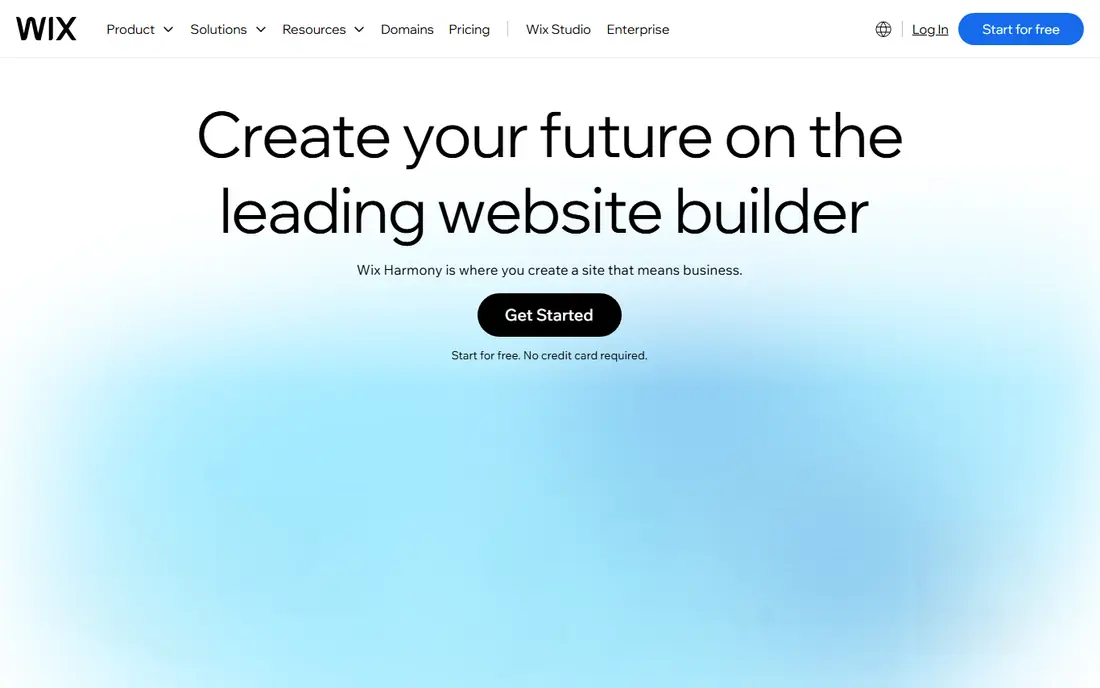
Wix suits beginners who care most about how the store looks. The drag-and-drop builder lets you move sections, change colors, and preview on mobile without touching code. Commerce plans start around $29 per month, and Wix does not charge its own transaction fee, though card processing fees still apply. That makes budgeting simpler for a small catalog of physical or digital products.
The limits matter for growth. The free plan is useful for practice, but it cannot sell products or use a custom domain, so a real store needs a paid plan. Changing templates after launch can also require rebuilding parts of the site. For a small, design-led shop that will stay modest in size, Wix is an easy and attractive start.
- Flexible drag-and-drop builder
- Many templates
- No platform transaction fee on commerce plans
- Free plan cannot sell or use a custom domain
- Harder to switch templates later
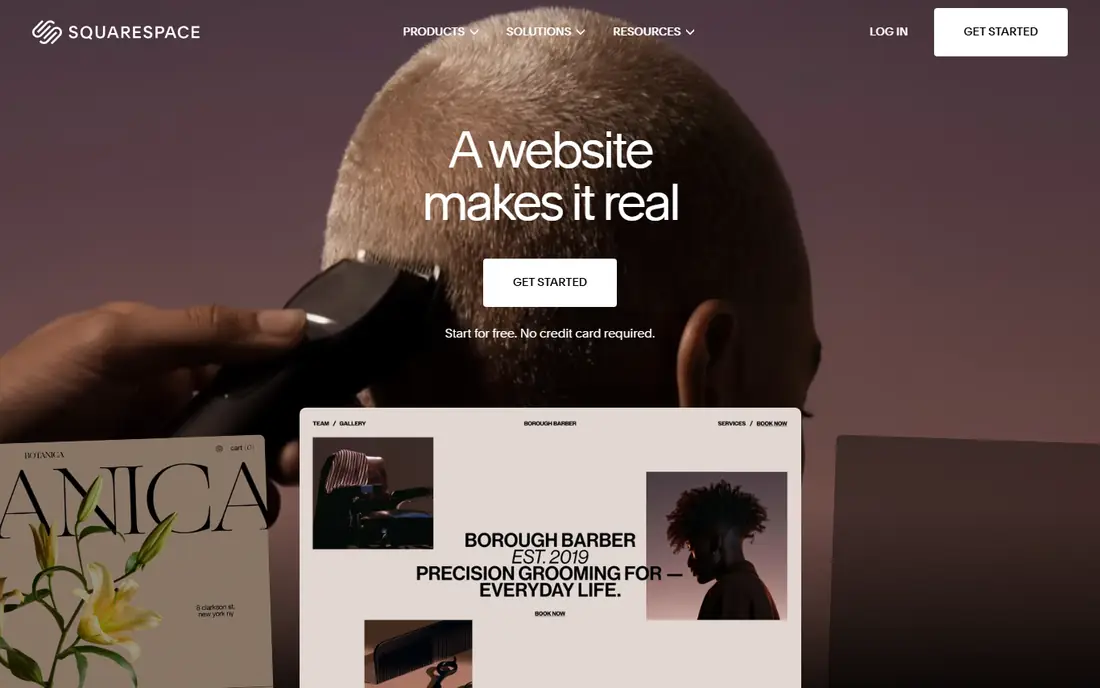
Squarespace is the pick for sellers whose brand is visual first. Templates are polished, photography looks strong, and the editor keeps design choices tidy rather than overwhelming. Commerce plans start around $23 per month on annual billing for the Core plan, with 0 percent transaction fees on that plan and above for many product types. Blogging, email campaigns, and appointment booking sit in the same account, which helps creators who sell alongside content.
The trade-off is scale. Squarespace handles small and mid-size catalogs well, but it has fewer apps and fewer advanced ecommerce features than Shopify or BigCommerce. Shipping and inventory tools are solid for straightforward stores and thinner for complex multi-warehouse work. For a lifestyle brand, photographer, or creator selling a focused range, Squarespace is a calm and capable choice.
- Polished templates
- Strong blogging and content tools
- Simple store setup
- Smaller app ecosystem than Shopify
- Commerce features are lighter for large catalogs
BigCommerce is a strong beginner option that many new sellers overlook. Standard costs $39 per month monthly, or $29 per month billed annually, and it charges no platform transaction fee on any plan, which helps as sales grow. Built-in features cover product options, discounts, abandoned cart recovery, and multi-channel selling without needing as many paid apps as Shopify. That can keep total monthly cost lower for a growing store.
Design is the main adjustment. The builder is structured rather than fully drag-and-drop, so visual freedom feels tighter than Wix or Squarespace. A beginner who is comfortable with templates and settings will be fine, while a seller who wants pixel-level control may prefer another platform. For a store that expects to grow past a hobby, BigCommerce is a smart long-term pick.
- No platform transaction fees
- Strong built-in features
- Good for larger catalogs
- Design editing is less freeform than Wix
- Learning curve is slightly higher
WooCommerce is not a hosted platform, it is a free plugin that turns a WordPress site into a store. That distinction gives owners full control over data, design, and checkout, and there is no platform transaction fee, only payment processor fees. Thousands of free and paid extensions cover subscriptions, bookings, memberships, and shipping, and content marketing through WordPress is a natural fit for stores built on search and blogging.
Control comes with responsibility. You need hosting, a domain, security updates, and backups, and hosting typically costs $10 to $30 per month for a small store, plus more for extensions. A beginner with no WordPress experience may find setup slower than Shopify or Wix. For a seller who already runs WordPress, or who wants maximum control and low platform fees, WooCommerce is hard to beat.
- Free core plugin
- Full control over data and design
- No platform transaction fee
- You pay for hosting and manage updates
- Setup takes more time
Square Online is the easiest bridge from a market stall or shop counter to the web. If you already use Square for in-person payments, inventory and sales data carry over, and you can launch a store on the free plan and pay only card processing fees on online orders. Setup is guided, templates are clean, and pickup, delivery, and shipping options are built in. That makes it ideal for cafes, bakeries, salons, and local retailers testing online orders.
Design flexibility is narrower than Wix or Squarespace, and advanced ecommerce features sit on paid plans. Square Online is also most valuable inside the Square system, so sellers using another payment provider may prefer a standalone platform. For a local seller who wants a working store this week with no monthly fee, Square Online is an excellent first step.
- Free plan available
- Tight link to Square payments and point of sale
- Fast setup
- Design options are narrower
- Online processing fees apply on free plan
Ecwid, by Lightspeed, solves a different beginner problem: you already have a website and you do not want to rebuild it. Ecwid adds a store to a WordPress site, a Wix site, a plain HTML site, or a social page, and products sync across those places. The free plan lets you test selling with a small catalog, and paid plans start low and remove product limits. That makes Ecwid ideal for bloggers, small business sites, and creators who want a buy button without a new platform.
The free plan is limited, so a growing catalog needs a paid plan, and store design options are simpler than a full platform. Ecwid is also less suited to a seller starting from zero who wants a complete branded storefront in one place. For adding commerce to an existing audience, it is the lowest-friction option in this list.
- Free plan available
- Embeds into any website
- Sells on social channels too
- Small free plan limits products
- Full features need paid plans
Etsy is a marketplace, not a standalone store platform, and that is its main advantage for beginners. Buyers already search Etsy for handmade goods, vintage items, and craft supplies, so a new seller can get traffic without building an audience first. Listing is simple, payment processing is handled, and shop tools cover photos, variations, shipping profiles, and messaging. For a maker testing demand, Etsy can deliver first sales faster than any standalone store.
Fees are the trade-off. Etsy charges listing fees, transaction fees, and payment processing fees, and sellers have less control over branding, checkout, and customer data than on their own site. Many successful sellers start on Etsy and later add a Shopify or Squarespace store to keep more margin and own the customer relationship. As a first selling channel, Etsy remains a strong choice for the right products.
- Built-in buyer traffic
- Simple listing process
- Strong for handmade, vintage, and craft supplies
- Marketplace fees on listings and sales
- Less control over branding and customer data
Sellfy is built for creators who sell digital products, subscriptions, and print on demand goods. Setup is fast: upload a file or connect a print product, set a price, and share a store link or embed it on an existing site. Plans start at $29 per month, and the platform handles file delivery, discount codes, and basic marketing tools without apps. That simplicity appeals to musicians, designers, writers, and course creators who do not need a full retail store.
The limits are scope and scale. Sellfy has a smaller app ecosystem than Shopify, and it is not the best tool for a large physical catalog with complex shipping rules. Creators who outgrow it can move to Shopify or WooCommerce later. For a first digital store, Sellfy keeps the work focused on the product rather than the platform.
- Simple setup for digital goods
- Built-in print on demand
- No coding needed
- Smaller ecosystem than Shopify
- Less suited to large physical catalogs
How we picked these
We compared official pricing pages, plan features, and public documentation for hosted platforms, WordPress commerce, and marketplaces that a beginner can actually launch. We favored platforms with a free plan or trial, clear payment handling, mobile-friendly templates, and support resources for new sellers. We left out enterprise-only platforms and code-only frameworks, since they do not fit a beginner brief.
What beginners should check before choosing
Start with how you will get your first sales. If you have no audience yet and you sell handmade goods, Etsy gives you traffic on day one. If you have an audience on social media or a blog, Shopify, Squarespace, or Ecwid lets you sell directly and keep customer data. If you sell in person already, Square Online connects the till to the web with the least extra work.
Next, add up total monthly cost, not just the plan price. Include card processing, platform transaction fees, paid themes, and apps you actually need. A $29 plan with no platform fee can cost less at scale than a cheaper plan with a transaction fee on every order. Try a free trial with ten real products, test checkout on a phone, and check how easy it is to add shipping rates and discount codes. The platform that feels easy during a trial is usually the one you will keep using.
A simple starting plan
Pick one platform, list a small range well, and launch before you perfect every page. Write clear product titles, honest photos, shipping times, and a returns policy. Connect one payment provider, one email signup form, and one analytics tool, then add features only when sales show you need them. A simple store that is live beats a complex store that never launches.
FAQ
What is the best e-commerce platform for beginners?
Shopify is the best e-commerce platform for beginners who want a full store that can grow, thanks to its checkout, app store, and multi-channel selling. Wix and Squarespace are better for design-led sellers with small catalogs, while Square Online and Ecwid are better for the lowest-cost start. The best e-commerce software for beginners is the one you can launch and manage without outside help.
Is Shopify or Wix better for beginners?
Shopify is better for beginners who plan to scale, sell across channels, and add apps as they grow. Wix is better for beginners who want the most design freedom for a small store and a lower learning curve on layout. Both offer trials, so test checkout and product setup on each before paying.
Can I start an online store for free?
Yes, Square Online and Ecwid offer free plans, and WooCommerce itself is free, though you still pay for hosting and a domain. Etsy has no monthly subscription, but it charges listing, transaction, and processing fees on sales. A free start is useful for testing demand, but expect to move to a paid plan as products and orders grow.
How much does it cost to run a small online store?
A small store typically costs $23 to $39 per month for a hosted plan on annual billing, plus card processing fees of around 2.9 percent plus 30 cents per order, though exact rates vary by provider and plan. Add domain costs, and budget for any paid theme or app you truly need. Always check whether the platform also charges its own transaction fee on top of card processing.
Do I need technical skills to build a store?
No, hosted platforms such as Shopify, Wix, Squarespace, and Square Online are built for beginners with no coding. WooCommerce needs more technical comfort, since you manage hosting, updates, and backups. If you want full control and are comfortable with WordPress, WooCommerce rewards the extra effort, but most beginners should start hosted.