Best Ecommerce Platforms for Beginners in 2026: 8 Platforms Compared
Find the best ecommerce platforms for beginners, with Shopify, Wix, Squarespace, and WooCommerce compared on price, ease, and selling features. for new sellers.

- Editor's choice
 Shopify
Most beginner product stores
Starts at$29 per monthVisit shopify.comFull review - Great alternative
 Wix
Design led small stores
Starts at$29 per monthVisit wix.comFull review - Also consider
 Squarespace
Creative and design led stores
Starts at$19 per monthVisit squarespace.comFull review
TL;DR:
- Shopify is the best ecommerce platform for beginners who want a full product store, with a large app store and fast checkout.
- Wix and Squarespace suit small, design led stores that need a website and a shop in one simple builder.
- WooCommerce suits WordPress users who want full control, but it needs hosting, updates, and more setup time.
- Square Online and Ecwid suit sellers who already have a website or sell in person and want to add online selling cheaply.
- Watch transaction fees and payment processing costs, not just the monthly subscription, since they add 2 to 3 percent to many orders.
Quick comparison
| Tool | Best for | Starts at | Free plan? | |
|---|---|---|---|---|
| Shopify | Most beginner product stores | $29 per month | Free trial | Visit |
| Wix | Design led small stores | $29 per month | Yes | Visit |
| Squarespace | Creative and design led stores | $19 per month | Free trial | Visit |
 BigCommerce | Growing catalogues | $29 per month | Free trial | Visit |
 WooCommerce | WordPress control | Free | Yes | Visit |
 Square Online | In person plus online selling | Free | Yes | Visit |
 Ecwid | Adding a store to a site | $5 per month | Yes | Visit |
 Big Cartel | Artists and makers | See website | Yes | Visit |
The best ecommerce platforms for beginners
We compared ecommerce platforms on ease of setup, design tools, product limits, payment options, transaction fees, app ecosystems, and total cost for a new store. Prices are from 2026 guides that checked vendor pricing, with monthly prices shown as billed yearly where that is the vendor default, and See website where pricing varies. We did not claim hands on store builds for every platform, and we based findings on official pricing pages and comparison guides.

Shopify is our pick for most beginners who want to sell products online, because it combines a simple store builder with a huge app store, fast checkout, and selling on Instagram, TikTok, and marketplaces. Its Basic plan is listed at 29 dollars per month billed yearly, or 39 dollars month to month, with a short free trial and a low cost introductory offer in some guides. That makes it easy to launch quickly without technical setup.
The catch is app costs and payment fees. Many useful features, such as advanced reviews, subscriptions, or bundling, need paid apps, and using a third party payment gateway adds a 2 percent fee on Basic in guides. Shopify still offers the best balance of ease and scale for beginners who plan to grow. If you sell only a few items and want the lowest cost, Wix, Squarespace, or Square Online may be cheaper to start.
- Fast checkout
- Huge app store
- Multichannel selling
- Built in POS
- Many features need paid apps
- 2 percent fee if you skip Shopify Payments on Basic in guides
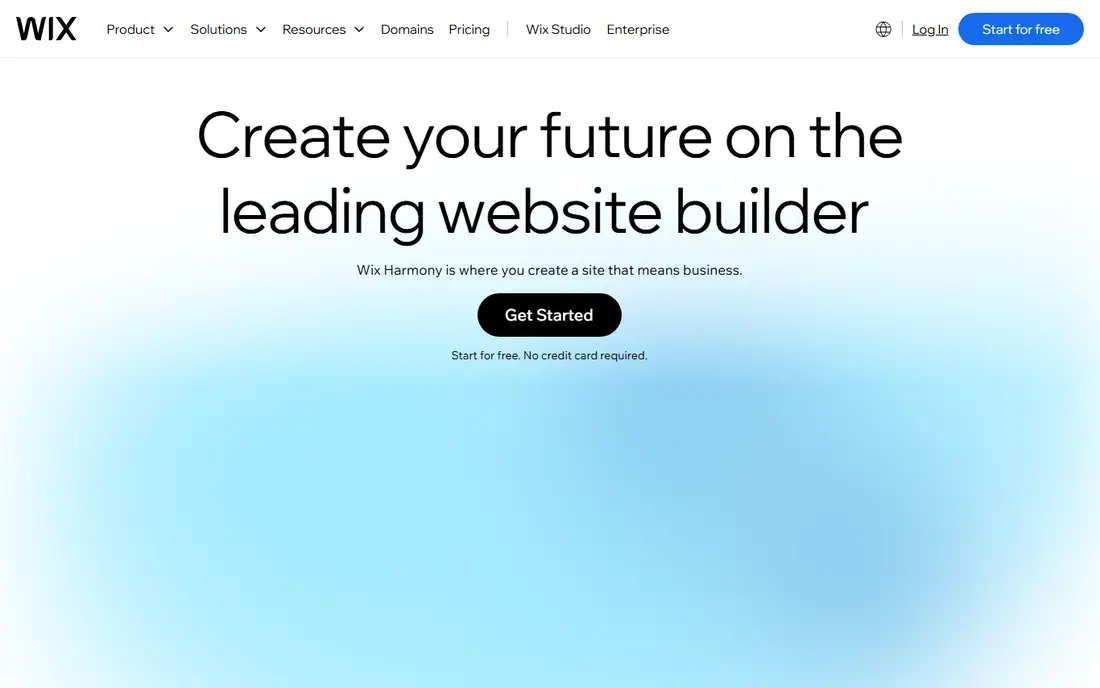
Wix suits beginners who want a beautiful website and a small shop in one builder, without learning a separate store system. Its Core plan, listed at 29 dollars per month billed yearly in guides, includes online selling, while its free plan lets you design but not sell. Drag and drop editing makes it easy to build product pages, a blog, and a booking page in the same site.
The limit is scale. Wix works well for small catalogues and design focused brands, but larger stores with complex variants, B2B pricing, or heavy app needs may outgrow it faster than Shopify or BigCommerce. Wix does not add its own transaction fee in guides, though card processing still applies. For a small store that values design and simplicity, Wix is a strong, low stress choice.
- Drag and drop design
- Full business website plus shop
- No added Wix transaction fee in guides
- Core selling plan is needed for payments
- App ecosystem is smaller than Shopify
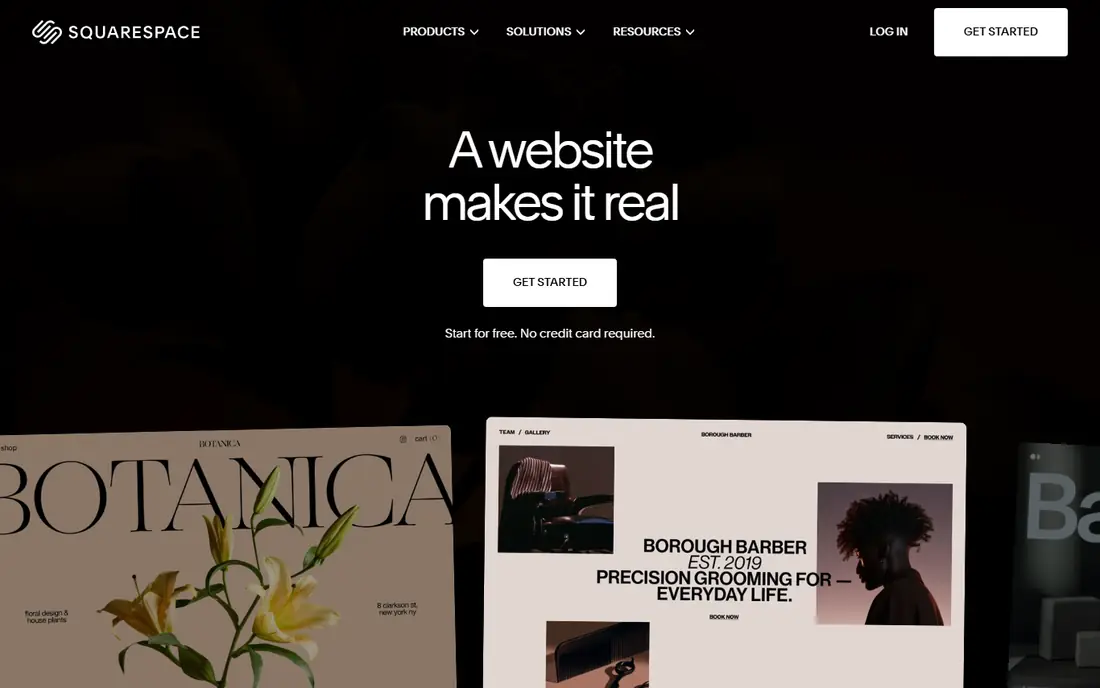
Squarespace is ideal for creatives, photographers, designers, and service businesses that also sell products. Its templates look polished with little effort, and its Basic commerce plan is listed at 19 dollars per month billed yearly in guides, with a 14 day free trial. That low entry price makes it attractive for a first store with a small catalogue.
The Basic plan carries a 2 percent online store fee in guides, which disappears on Core plans at 29 dollars per month billed yearly. That fee matters if you sell regularly, so many sellers should budget for Core rather than Basic. Squarespace suits design led brands that value a beautiful site and simple selling, rather than large stores that need deep app integrations.
- Beautiful templates
- Good for creatives and services plus products
- Simple editing
- Basic plan carries a 2 percent store fee in guides
- App ecosystem is smaller than Shopify
BigCommerce suits beginners who expect to grow into a larger catalogue or B2B selling, since it includes more native features than Shopify at a similar entry price. Its Core plan is listed at 29 dollars per month billed yearly in guides, with a 15 day free trial, and no added platform fee when using embedded payment providers. That native depth reduces reliance on paid apps for variants, discounts, and multi storefront needs.
The trade off is design simplicity. BigCommerce editing feels less drag and drop than Wix or Squarespace, and plans are capped by yearly sales in guides, with auto upgrades above those caps. For a beginner with a small, design led store, that complexity may be unnecessary. For a beginner with hundreds of products or B2B plans, BigCommerce is a smarter long term choice than a simple builder.
- Strong native features for large catalogues
- No added platform fee with embedded payments in guides
- B2B features
- Design editing is less simple than Wix or Squarespace
- Plan caps by yearly sales in guides
WooCommerce is the ecommerce plugin for WordPress, and it suits beginners who already use WordPress or who want full control over their store, content, and SEO. The plugin itself is free, with no platform transaction fee, but you pay for hosting, a domain, payment processing, and possibly paid extensions. Guides cite hosting from around 10 to 30 dollars per month for a small store, with higher costs for larger stores.
The catch is ownership. You handle updates, backups, security, and plugin conflicts, which takes more time than a hosted platform such as Shopify. WooCommerce suits content led stores, bloggers who sell, and technically confident beginners who want control. If you want the fastest launch with no maintenance, a hosted platform will feel easier.
- Free open source plugin
- Full control over design and data
- Huge WordPress ecosystem
- You pay for hosting, domain, and maintenance
- Setup and updates take more time
Square Online suits local shops, restaurants, and makers who already use Square for in person payments and want to add online selling without a new system. Its free plan lets you start selling with no monthly fee, while paid Plus plans are listed from around 49 dollars per location in some guides. Online card rates are higher on the free plan, at 3.3 percent plus 30 cents in guides, versus 2.9 percent plus 30 cents on Plus.
Design flexibility is more limited than a full website builder, and Square Online is less suited to large, complex catalogues. For a local business that needs pickup, delivery, and in person sales in one system, Square Online is hard to beat on simplicity and cost. For a pure online brand with a large catalogue, Shopify or BigCommerce may offer more room to grow.
- Free plan for starting
- Strong POS integration
- Simple setup for local shops
- Higher card rate on free plan in guides
- Design flexibility is more limited than Wix or Squarespace
Ecwid, by Lightspeed, lets you add a store to an existing website, blog, or social page without rebuilding the site. Its Starter plan is listed at 5 dollars per month billed yearly in guides, with a free plan for a very small catalogue, and higher plans for larger stores. That makes it ideal for a business that already has a website and just needs to sell a few products online.
The Starter cap of 10 products in guides means growing stores will need a higher plan, and design control is limited by your existing site rather than a full store builder. Ecwid suits side sellers, consultants selling downloads, and small businesses adding a shop to a site they already like. If you need a full store from scratch, Shopify, Wix, or Squarespace will give you more design freedom.
- Embeds into an existing website
- Low cost starter plan
- Simple product management
- Starter plan caps products at 10 in guides
- Design is tied to your existing site
Big Cartel suits artists, makers, and small brands with a limited catalogue who want a simple shop without the complexity of a full platform. Its free Gold plan is limited, with paid Platinum plans listed at around 15 dollars per month in guides, and no platform transaction fee stated. Setup is fast, and the focus on makers keeps the dashboard simple for beginners.
The limit is scope. Big Cartel is not built for large catalogues, complex variants, or B2B selling, and its app and integration range is narrower than Shopify or WooCommerce. For an artist selling prints, shirts, or handmade goods, that simplicity is a plus. For a growing product brand, start with Big Cartel only if you are sure your catalogue will stay small.
- Simple setup for artists
- Free limited plan
- No added platform fee stated in guides
- Small catalogue focus
- Fewer features than full ecommerce platforms
- Paid plans are limited in scope
How we picked these
We compared official platform pricing pages and 2026 guides that checked prices in September and October 2026, focusing on ease for beginners, selling features, transaction fees, and total cost. We favoured platforms with a free plan or trial, a simple builder, and a clear path to grow, and we included hosted, WordPress, POS linked, embeddable, and maker focused options. We did not claim hands on store builds for every platform.
We also weighed total cost, not just subscription price. A 19 dollar plan with a 2 percent store fee can cost more than a 29 dollar plan with no store fee once sales grow, and payment processing adds around 2.9 percent plus 30 cents per order on many platforms. Beginners should model total cost at their expected sales volume before choosing.
Buying guide for beginner ecommerce
Start with your product count and sales channel
A store with under 20 products suits Wix, Squarespace, Square Online, Ecwid, or Big Cartel, while a store with hundreds of products suits Shopify or BigCommerce. If you sell in person as well as online, Square Online or Shopify POS may matter more than design templates. Match the platform to your catalogue and channel first.
Check fees before you commit
Add subscription, platform transaction fees, and payment processing together for a typical order. A platform with no added fee but higher card rates can cost more than a platform with a subscription and lower card rates. Use a trial to test checkout, refunds, and discount codes before paying for a yearly plan.
Test checkout as a customer
Place a test order, check mobile checkout speed, and try a discount code, a refund, and a shipping option. A beautiful store with a slow or confusing checkout will lose sales. Shopify is often praised for checkout speed, while simpler builders win on design ease, so test both for your products.
Plan for growth, but do not overbuy
Choose a platform that can grow with you, but do not pay for enterprise features you will not use in year one. Most platforms let you upgrade plans later, while migration between platforms takes time and can affect SEO and customer data. Pick the simplest platform that covers your next 12 months, with a clear upgrade path.
FAQ
Which ecommerce platform is best for beginners?
Shopify is the best ecommerce platform for beginners who want a full product store, with a simple builder and a large app store. Wix and Squarespace suit small, design led stores, while Square Online suits local sellers. The best choice depends on your catalogue size, design needs, and whether you also sell in person.
What is the cheapest ecommerce platform for beginners?
Square Online and Ecwid offer free starting plans, while WooCommerce offers a free plugin plus hosting costs. Squarespace Basic at 19 dollars per month billed yearly is cheap for a hosted store, but its 2 percent store fee adds cost as sales grow. Compare total cost, including fees and processing, not just the monthly price.
Is Shopify or Wix better for beginners?
Shopify is better for product focused stores that plan to grow, with stronger checkout and app options. Wix is better for small, design led stores that need a full website plus a shop in one builder. If design matters most and your catalogue is small, choose Wix. If selling and scaling matter most, choose Shopify.
Can I start an online store for free?
Yes, with Square Online, Ecwid, WooCommerce, and Big Cartel free plans, though you still pay payment processing and possibly hosting or a domain. Free plans usually limit products, features, or design options, so they suit testing and very small stores. Upgrade when sales justify a paid plan.
Do I need technical skills to start an online store?
No, hosted platforms such as Shopify, Wix, Squarespace, and Square Online are built for beginners with no coding. WooCommerce needs more technical setup, including hosting and updates. If you want the fastest launch, choose a hosted platform and use its templates and support.
How do I choose between Shopify and WooCommerce?
Choose Shopify if you want a hosted, low maintenance store with fast checkout and many apps. Choose WooCommerce if you already use WordPress, want full control over design and data, and are comfortable with hosting and updates. Content led stores often suit WooCommerce, while product led stores often suit Shopify.