Best E-commerce Platforms Comparison in 2026: 8 Platforms Compared
This best e-commerce platforms comparison covers in full Shopify, WooCommerce, BigCommerce, Wix, Squarespace, Adobe Commerce, PrestaShop, and Ecwid for 2026.
- Editor's choice
 Shopify
Most hosted stores
Starts atSee websiteVisit shopify.comFull review - Great alternative
 WooCommerce
WordPress stores
Starts atSee websiteVisit woocommerce.comFull review - Also consider
 BigCommerce
Growing mid size stores
Starts atSee websiteVisit bigcommerce.comFull review
TL;DR:
- Shopify suits most small and mid size stores that want hosted ease, while WooCommerce suits WordPress sites that want control.
- Total cost includes the platform fee, payment fees, apps, themes, and staff time, not just the monthly plan price.
- Hosted platforms handle security and updates for you, while self hosted platforms give more control and more maintenance work.
- The best platform for your store follows your product type, sales volume, technical skill, and growth plans.
Quick comparison
| Tool | Best for | Starts at | Free plan? | |
|---|---|---|---|---|
| Shopify | Most hosted stores | See website | Free trial | Visit |
| WooCommerce | WordPress stores | See website | Yes | Visit |
| BigCommerce | Growing mid size stores | See website | Free trial | Visit |
 Wix eCommerce | Simple small stores | See website | Free trial | Visit |
 Squarespace Commerce | Design led stores | See website | Free trial | Visit |
 Adobe Commerce | Large enterprise stores | See website | No | Visit |
 PrestaShop | Self hosted control | See website | Yes | Visit |
 Ecwid | Adding a store to a site | See website | Yes | Visit |
The best e-commerce platforms compared
These platforms all sell online, but they differ in hosting, control, cost, and skill needs. Compare them on the work you want to do yourself versus the work you want the platform to handle.

Shopify is our pick for most new and growing stores that want a hosted platform. It handles hosting, security, checkout, and payments, and it offers themes and apps for shipping, marketing, and inventory. A founder can launch a clean store in days, and the platform scales to high volume sales without a server migration.
The cost grows with apps and themes, and some advanced features require higher plans or paid apps. Transaction fees also depend on whether you use Shopify Payments or a third party gateway. For most stores, the time saved on hosting and security outweighs those costs.
- Hosted and easy to launch
- Large app and theme store
- Strong checkout
- Monthly fees plus app costs
- Advanced customization may need code or apps
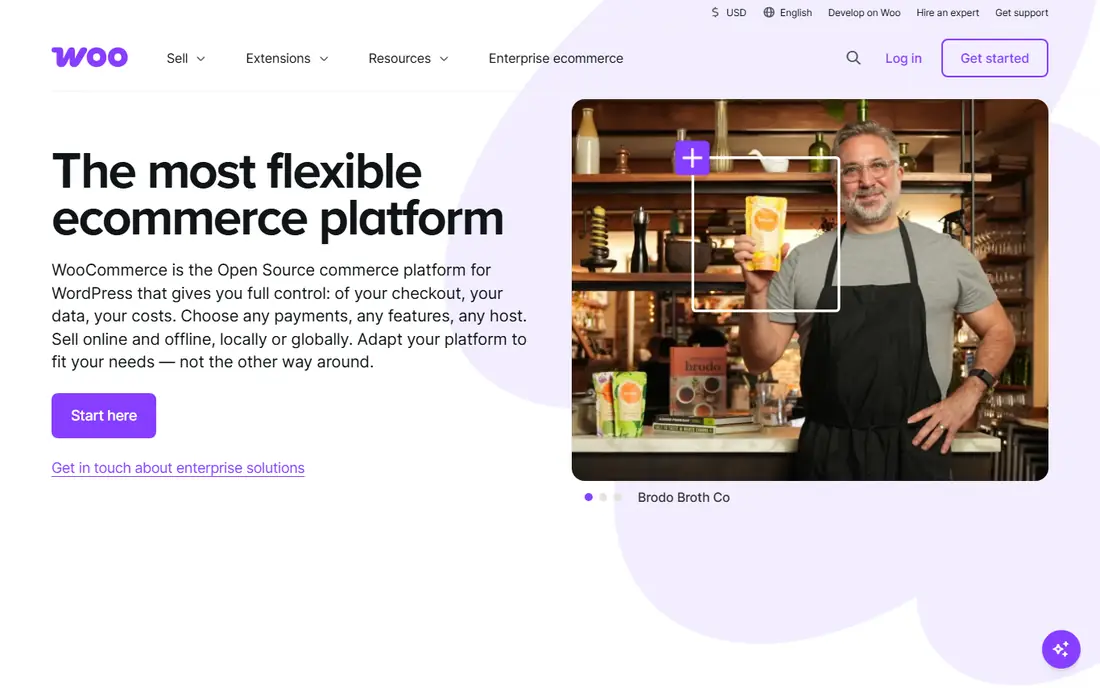
WooCommerce suits stores already on WordPress, or founders who want full control over design, data, and code. The core plugin is free, and thousands of WordPress plugins and themes extend it for shipping, payments, bookings, and memberships. That flexibility helps content heavy stores that also publish articles and guides.
Control brings work. The store owner handles hosting, updates, backups, and security, and plugin conflicts can break a checkout if updates are not tested. WooCommerce is best for users comfortable with WordPress, or willing to hire help for maintenance.
- Free core plugin
- Full control over site and data
- Huge WordPress ecosystem
- You handle hosting and updates
- Plugin conflicts can occur
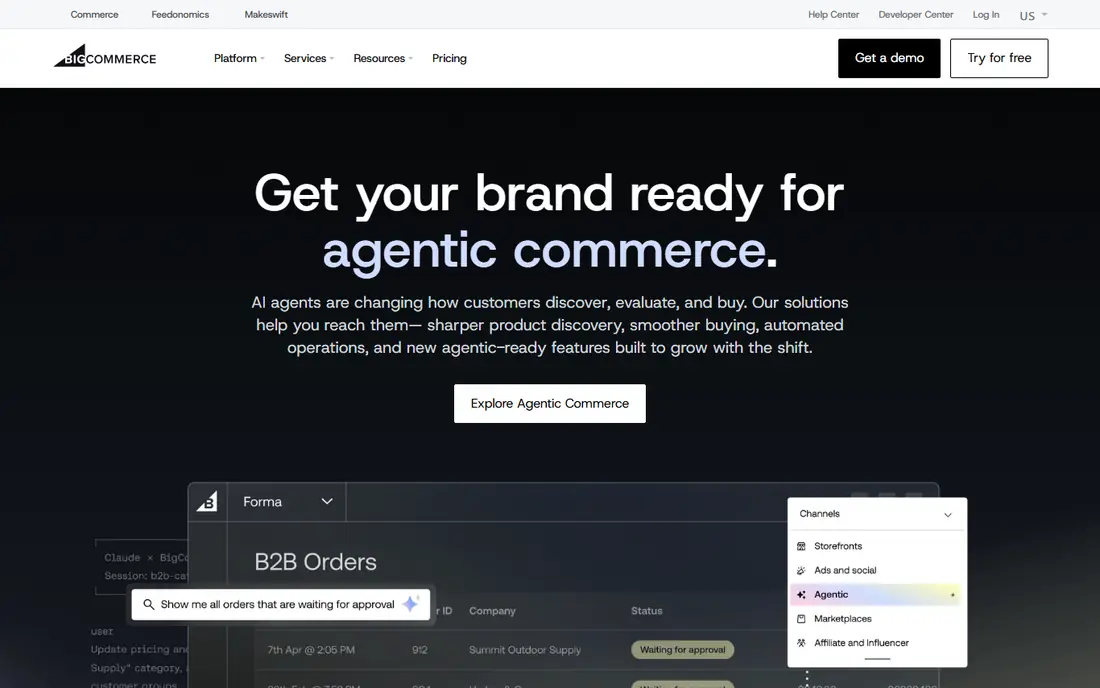
BigCommerce fits growing stores that want more built in features and fewer paid apps. It includes product options, discounts, and multi channel selling tools that other platforms charge extra for, and it offers B2B features for wholesale buyers. That built in depth helps mid size stores avoid a large app stack.
Its theme and app ecosystem is smaller than Shopify, so very specific features may need custom work. New users may also need time to learn its catalog and page builder. For stores with growing catalogs and B2B plans, BigCommerce is a strong hosted option.
- Strong built in features
- No extra transaction fees on many plans
- B2B tools
- Theme and app choice is smaller than Shopify
- Learning curve for new users
Wix eCommerce suits small stores, makers, and service sellers who want a simple site and store in one place. Its drag and drop builder makes design easy, and its hosted model handles security and updates. A small catalog with clear products can look polished fast.
Large catalogs, complex variants, and advanced B2B needs can strain Wix. Stores that plan rapid growth or heavy customization should compare Shopify or BigCommerce before committing. For a simple store with a small team, Wix offers speed and ease.
- Easy drag and drop builder
- Hosted
- Good for small catalogs
- Less suited to very large catalogs
- Advanced ecommerce features are limited
Squarespace Commerce suits brand led sellers, artists, photographers, and small boutiques that prize design. Its templates look polished with little effort, and its site builder covers pages, blogs, and stores in one system. That unity helps sellers who want a beautiful site without managing many tools.
Its ecommerce app range is narrower than Shopify, and some advanced shipping or discount features may need workarounds. For design first stores with a modest catalog, Squarespace offers a clean, hosted path to selling online.
- Polished templates
- Site and store in one
- Good for brand led sellers
- Fewer ecommerce apps than Shopify
- Some advanced features need workarounds
Adobe Commerce, formerly Magento Commerce, suits large enterprises with complex catalogs, multiple stores, and B2B needs. It offers deep customization, advanced pricing, and multi site management that hosted platforms cannot match without heavy workarounds. Large teams with developers can shape almost every part of the store.
Cost and complexity are high. Adobe Commerce needs hosting, developers, and ongoing maintenance, so it is not a fit for a small solo store. Enterprises that need that depth and can fund it will find it a powerful, flexible platform.
- Deep customization
- Strong B2B and multi store tools
- Large enterprise ecosystem
- High cost and complexity
- Needs developer support
PrestaShop is an open source, self hosted platform popular in Europe and among sellers who want control without WordPress. Its core is free, and modules add payments, shipping, and marketing features. Sellers can host it themselves and customize code, themes, and data handling.
As with WooCommerce, self hosting means the seller handles updates, backups, and security. Module costs can also add up, so the free core price does not tell the full story. PrestaShop suits technical sellers who want open source control and a strong European market fit.
- Free open source core
- Strong in Europe
- Many modules
- You handle hosting and updates
- Module costs can add up
Ecwid suits site owners who already have a website and want to add selling without rebuilding. It embeds a store into WordPress, Wix, Squarespace, or a plain site, and it syncs products across social and market channels. A free starter plan lets small sellers test selling with a few products.
As a standalone store builder, Ecwid offers less design control than Shopify or Squarespace. Sellers who need a full branded store from scratch may prefer a dedicated platform. For adding commerce to an existing site, Ecwid is fast and practical.
- Adds a store to any website
- Free starter plan
- Multi channel selling
- Less suited as a full standalone store builder
- Design control is limited
How we picked these
We compared official platform pages, hosting models, pricing structures, app ecosystems, and fit for different store sizes. We favored platforms with real, current use by US and global sellers, clear pricing pages, and support for payments, shipping, and taxes. We included hosted, self hosted, and add on models, since stores start from different places.
How to choose an e-commerce platform
Start with your catalog and sales plan. A small catalog with simple products fits Wix, Squarespace, or Ecwid, while a growing catalog with many variants fits Shopify or BigCommerce. A content heavy WordPress site fits WooCommerce, and a large enterprise with B2B needs fits Adobe Commerce. Write down product count, variant complexity, and sales channels before comparing plans.
Next, total the full cost for a year. Add platform fees, payment processing fees, app and theme costs, and staff or developer time. Test checkout on mobile, since most shoppers buy on phones, and check shipping, tax, and discount features for your exact products. A platform that looks cheap but needs many paid apps may cost more than a higher plan with built in features.
Migration and growth checks
Check how easy it is to export products, customers, and orders, since a platform that locks data in makes future moves painful. Check whether the platform supports the sales channels you plan to use, such as social shops, marketplaces, and point of sale. Finally, test support response time during a trial, since checkout problems need fast help.
FAQ
Which e-commerce platform is best for beginners?
Shopify and Wix suit most beginners, since both are hosted and easy to launch. Shopify offers a larger app ecosystem for growth, while Wix offers a simpler builder for small catalogs. Beginners should start with a trial, build a real product page, and test checkout before paying for a year.
Is WooCommerce better than Shopify?
WooCommerce offers more control and a free core plugin, while Shopify offers hosted ease and less maintenance. WooCommerce suits WordPress users and technical sellers, while Shopify suits sellers who want hosting, security, and checkout handled for them. The better choice follows your technical skill and time, not a single feature list.
What is the cheapest e-commerce platform?
WooCommerce, PrestaShop, and Ecwid offer free core or starter plans, but hosting, payment fees, and modules still cost money. Hosted platforms charge monthly fees but include hosting and security. Compare a full year of costs, including payment fees, before calling one platform cheapest.
Can I switch e-commerce platforms later?
Yes, but migration takes planning. Export products, customers, orders, and content, and test redirects so old product links still work. Some platforms offer migration tools or services, and a developer can help with large catalogs. Choose a platform with clear data export to keep future moves easier.
Do I need a developer for an e-commerce store?
Not for most hosted stores, since themes and apps cover common needs. Self hosted platforms such as WooCommerce, PrestaShop, and Adobe Commerce benefit from developer help for setup, updates, and custom features. Even on hosted platforms, a developer can help with advanced design or integrations as a store grows.