Top 6 Document Signing Software for HR Onboarding for 2026 (Prices and Free Plans)
Weighing the best document signing software for HR onboarding? We lined up 6 products by cost, free access and fit. Pros and cons for every tool. Plain facts.
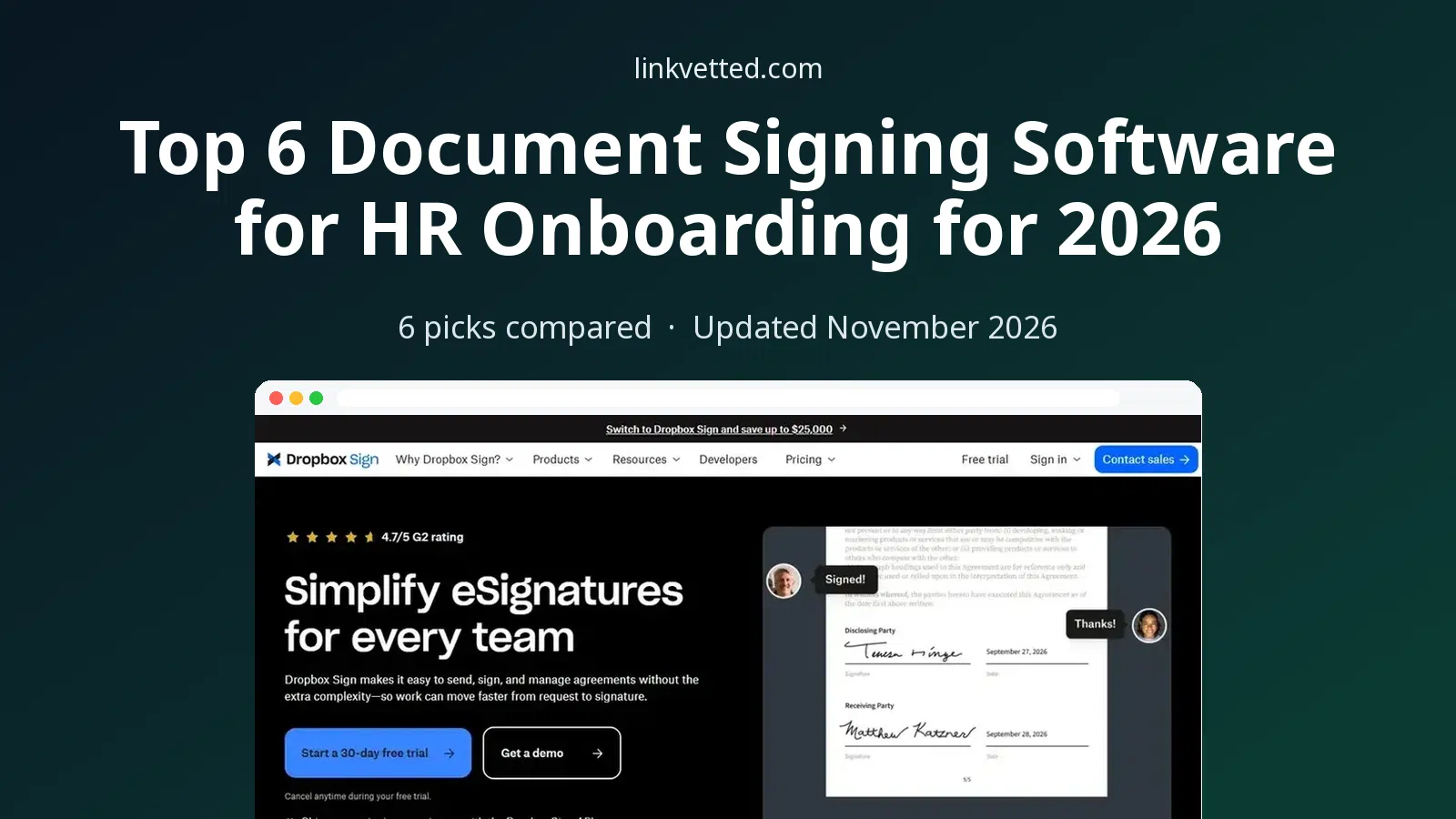
- Editor's choice
 Dropbox Sign
Straightforward, quick e-signature sending
Starts at$15 USD / moVisit sign.dropbox.comFull review - Great alternative
 SignNow
Custom eSignature workflows
Starts atSee websiteVisit signnow.comFull review - Also considerPenske eSignature
Transportation-sector HR signing needs
Starts atSee websiteVisit penske.comFull review
Direct answer
This list puts Dropbox Sign first for simple, quick e-signature sending. Listed starting prices: Dropbox Sign from $15 USD / mo, OneSpan Sign from $0.40 per transaction and DocuSign eSignature from $45 per user a month. SignNow is the stronger choice for custom eSignature workflows, while Penske eSignature suits transportation-sector HR signing needs. The other 3 tools in the list cover narrower or pricier cases.
TL;DR:
- Number one here is Dropbox Sign, a fit for straightforward, quick e-signature sending.
- A permanent free plan is missing from all 6 tools, Dropbox Sign and DocuSign eSignature included; plan for a trial or a premium start.
- DocuSign eSignature fits wide agreement management for HR.
- DocuSign eSignature has the lowest monthly starting price in this list: $45 per user per month.
Last checked November 2026. Prices and plan details were read from the vendors' own pages in November 2026; vendors change plans often, so confirm the current price on the vendor site before you buy.
Quick comparison
| Tool | Best for | Starts at | Free plan? | |
|---|---|---|---|---|
| Dropbox Sign | Straightforward, quick e-signature sending | $15 USD / mo | Free trial | Visit |
| SignNow | Custom eSignature workflows | See website | Not stated | Visit |
| Penske eSignature | Transportation-sector HR signing needs | See website | Not stated | Visit |
 Zoho Sign | Automatic digital signature workflows | See website | Not stated | Visit |
 OneSpan Sign | Security-focused digital agreements | $0.40 per transaction | Free trial | Visit |
| DocuSign eSignature | Wide agreement management for HR | $45 per user a month | Not stated | Visit |
Document Signing Software for HR Onboarding compared in detail
LinkVetted compared 6 tools for document signing software for HR onboarding. The goal is a practical shortlist: published prices, free plan facts, best-fit use cases and honest limits for every entry.
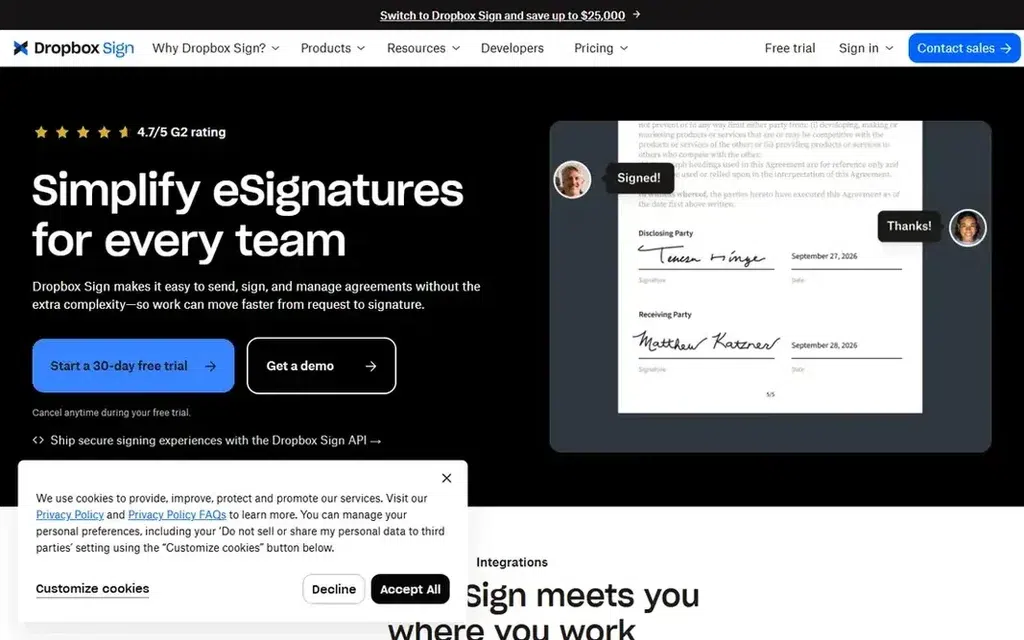
Where Dropbox Sign fits: straightforward, quick e-signature sending. HR teams that want a low-friction tool for offer letters and new-hire forms will find its simplicity appealing.
Teams with high-volume, multi-step onboarding may outgrow it. What you pay to start with Dropbox Sign: $15 USD / mo. Free plan details: Free trial.
Where it is weaker: Fewer advanced agreement management features.
- Simple management of signed agreements
- Legally binding electronic signatures
- May lack depth for complicated HR workflows
SignNow makes the most sense for custom eSignature workflows. Building custom workflows takes planning and may be overkill for HR teams with entry-level signing needs.
Trade-offs to know: Feature set can be more than straightforward needs need.
- Works across devices
- Custom workflow design for signing sequences
- Customization may need upfront setup time
Penske eSignature
Best for: Transportation-sector HR signing needs
Penske eSignature was built for transportation-sector HR signing needs. Penske eSignature is associated with Penske Corporation, a closely held, diversified on-highway transportation services company whose subsidiaries operate in retail automotive, truck leasing, transportation logistics, and professional services. Its relevance to onboarding relies on the specific subsidiary and the document processes in use.
Trade-offs to know: Not a dedicated HR onboarding system.
Public information about Penske eSignature's standalone features is restricted, so HR buyers should verify capabilities straight with the vendor. Consider it only if your organization operates within the Penske corporate ecosystem or a related industry context. Penske eSignature shows no starting price here, so confirm the cost on the vendor site. Trial and free access: Not stated.
- Part of a broader corporate services group
- Backed by a diversified transportation services company
- Restricted public detail on eSignature features
Choose Zoho Sign for automatic digital signature workflows. For HR onboarding, this means you can collect signatures securely across new-hire documents and cut manual follow-up.
Trade-offs to know: Best fit for teams already using Zoho products.
Worth adding: teams already using Zoho's business applications may find the integration notably convenient for managing onboarding paperwork alongside other HR processes. In daily use, the tool's value is most solid within the Zoho ecosystem; organizations using other products may see less benefit from integration. Pricing for Zoho Sign is not stated here, so ask the vendor for current figures. On free options: Not stated.
- Secure signature collection
- Complete digital signature option
- Automation setup may take time to configure
Think of OneSpan Sign for security-focused digital agreements. OneSpan Sign merges electronic signature capabilities with a broader cybersecurity focus, protecting users, devices, and apps. Its digital agreements options are built to speed business processes through electronic signature.
For straightforward onboarding with low compliance demands, a lighter choice may be simpler to manage. HR teams in security-sensitive or regulated industries may value this emphasis, particularly when onboarding involves confidential personal data and identity verification requirements. What you pay to start with OneSpan Sign: $0.40 per transaction. Free access: Free trial.
Watch-outs: May suit regulated environments more than straightforward HR needs.
- Digital agreements speed business processes
- Cybersecurity options for users and devices
- Security emphasis may add complexity
DocuSign eSignature
Best for: Wide agreement management for HR
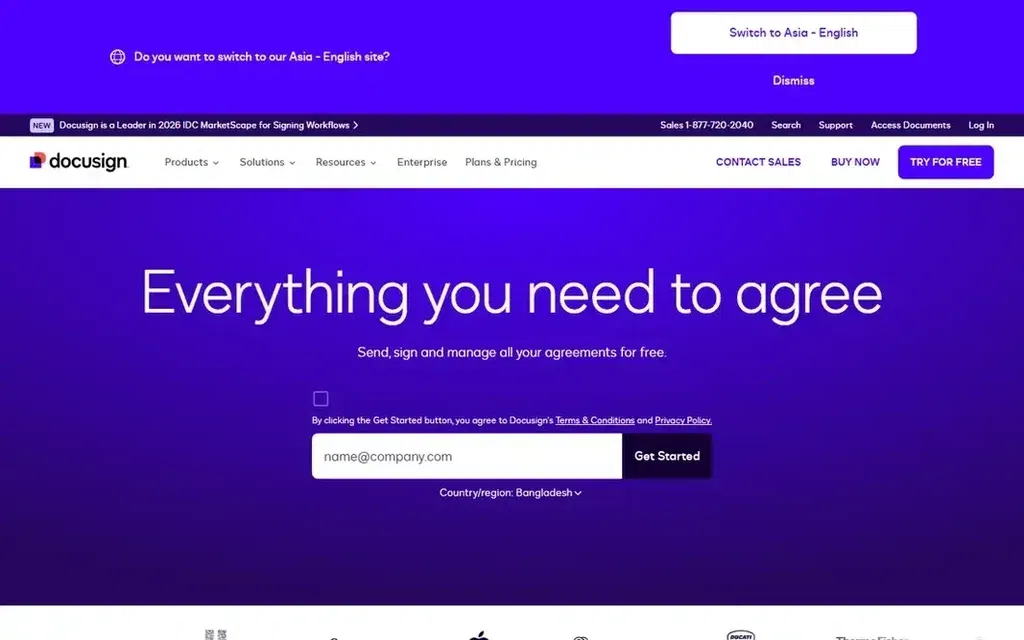
DocuSign eSignature targets wide agreement management for HR. Its intelligent agreement management approach fits HR teams that manage several document types across the onboarding lifecycle, from offer letters to policy acknowledgments.
The product's breadth can mean a steeper ramp-up time for small HR teams with basic signing needs. Price to start with DocuSign eSignature: $45 per user per month. Trial and free access: Not stated.
What to check first: Feature depth may overwhelm straightforward onboarding needs.
- Supports intelligent agreement management workflows
- Established platform for electronic signatures
- Setup requires planning for complicated workflows
How the list was put together
Questions to settle before buying
- Get a written quote from SignNow, Penske eSignature and Zoho Sign; the list shows no starting price for them.
- Take the trial from Dropbox Sign and OneSpan Sign and push a live task through it before you pay.
- Before choosing Dropbox Sign, weigh its main limit: fewer advanced agreement management features.
- Check whether Dropbox Sign bills monthly or annually, and what cancelling early costs.
- Find out whether the entry plan of DocuSign eSignature covers your must-haves or only a trimmed-down version.
FAQ
Is a more straightforward tool like Dropbox Sign enough for small HR teams?
If your onboarding involves complicated approvals or high volume, a more feature-rich choice may be better. Match the tool to your workflow complexity.
What should HR teams look for in document signing software for onboarding?
Focus on ease of sending, mobile signing, audit trails, and integration with your HR systems. Consider whether you need straightforward signature collection or automatic multi-step workflows.
How are the tools for document signing software for HR onboarding ordered?
Dropbox Sign sits first and DocuSign eSignature last because the order follows typical fit for document signing software for HR onboarding, then price clarity and free access. It is a judgement call, so read each profile for fit and limits.
Can these tools handle several new-hire documents in one workflow?
Multiple tools, for example DocuSign eSignature, SignNow, and Zoho Sign, support workflow automation for several documents. Check each vendor's workflow limits for your expected volume.
Is Dropbox Sign the right pick for everyone comparing document signing software for HR onboarding?
No single tool suits every team. Dropbox Sign comes first because it fits simple, fast e-signature sending, while SignNow suits custom eSignature workflows and Penske eSignature suits transportation-sector HR signing needs. Match the tool to your own size, budget and workflow before deciding.
Do these tools publish their prices?
Not all of them. SignNow, Penske eSignature and Zoho Sign publish no starting price, so expect a quote request for those. The rest, Dropbox Sign included, show a starting price, though seats and billing terms still change the final cost.
Sources
- https://sign.dropbox.com
- https://www.signnow.com
- https://www.penske.com
- https://www.zoho.com/sign
- https://www.onespan.com
- https://www.docusign.com