Best Digital To-Do List Apps in 2026: 9 Apps Compared
We compare the best digital to-do list apps for fast capture, reminders and cross-device sync, with current pricing and free plans for every pick in this guide.
- Editor's choice
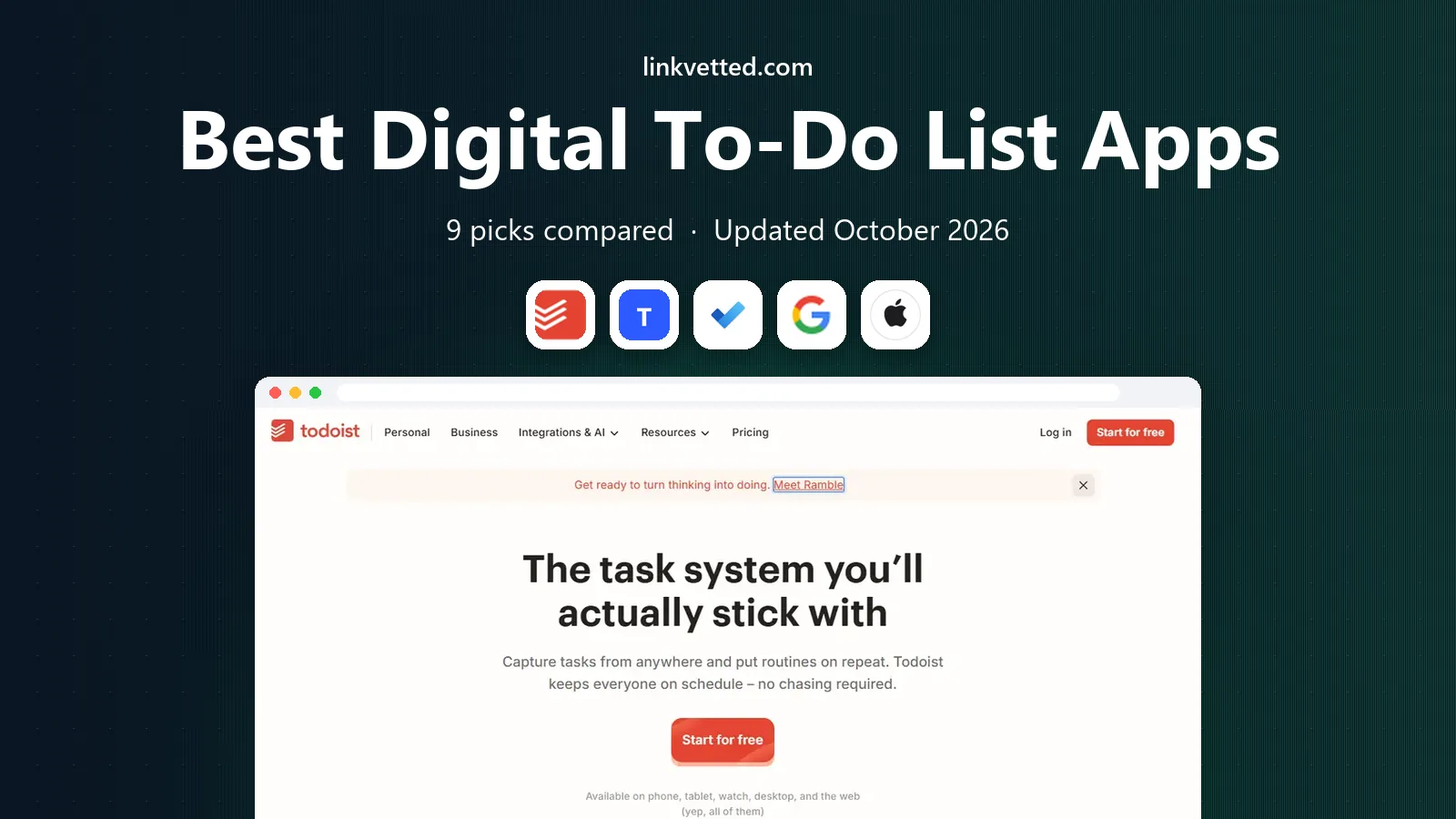
 Todoist
All-round task management
Starts atFreeVisit todoist.comFull review - Great alternative
 TickTick
Habits plus tasks
Starts atFreeVisit ticktick.comFull review - Also consider
 Microsoft To Do
Free Microsoft users
Starts atFreeVisit to-do.microsoft.comFull review
TL;DR:
- Todoist is the best all-round pick, balancing fast capture, projects and cross-platform sync.
- TickTick gives the most features per dollar, with habits, a calendar view and a Pomodoro timer included.
- Microsoft To Do, Google Tasks and Apple Reminders are the best free options, each tied to an ecosystem you may already use.
- Things 3 is the most polished Apple-only option, but its one-time purchase model and lack of Windows or Android support limit it.
- The best app is the one you open daily, so fast capture and reliable reminders matter more than a long feature list.
Quick comparison
| Tool | Best for | Starts at | Free plan? | |
|---|---|---|---|---|
| Todoist | All-round task management | Free | Yes | Visit |
| TickTick | Habits plus tasks | Free | Yes | Visit |
| Microsoft To Do | Free Microsoft users | Free | Yes | Visit |
 Google Tasks | Free Google users | Free | Yes | Visit |
 Apple Reminders | Free Apple users | Free | Yes | Visit |
 Things 3 | Polished Apple task manager | See website | No | Visit |
 Any.do | Daily planning | Free | Yes | Visit |
 Notion | Tasks inside a workspace | Free | Yes | Visit |
 Superlist | Shared lists and notes | Free | Yes | Visit |
The best digital to-do list apps
We compared official feature pages, pricing pages and app listings, and we judged each app on speed of capture, reminders, organization, sync and price. A to-do app fails if adding a task takes more than a few seconds, so fast entry and reliable notifications weighed more than advanced project features.
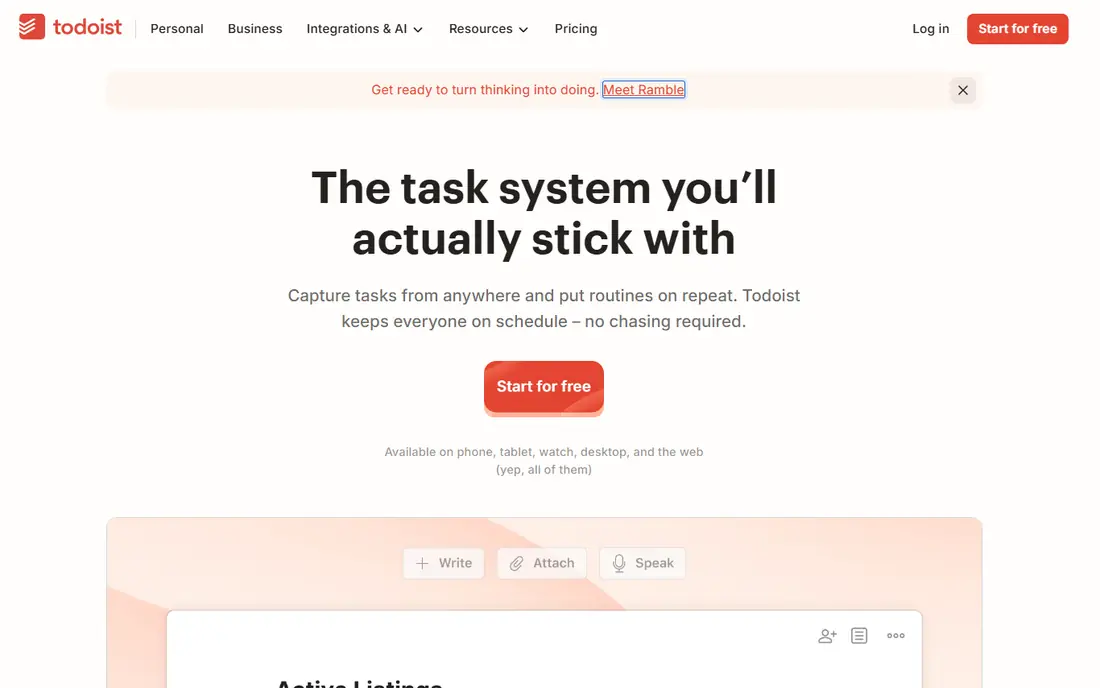
Todoist leads because it stays fast as your lists grow. Type "Call dentist tomorrow at 9am" and it parses the date and time for you, and projects, labels, priorities and filters let you slice a long list into what matters today. Apps exist for iOS, Android, Mac, Windows and the web, plus browser and email extensions, so capture is always close at hand.
The free plan covers core lists and projects, but the calendar layout and full activity history sit on the Pro plan, and free reminders are limited compared with paid. That is a fair line for a free tier this generous. For most people, Todoist is the safest first choice, and its balance of power and simplicity is why it tops this list.
- Fast natural-language task entry
- Projects, labels and filters
- Apps for every major platform
- Calendar view and longer activity history need a paid plan
- Reminders on the free plan are limited

TickTick is the best value pick because it bundles tools that usually need separate apps. Tasks sit next to a habit tracker, a calendar view and a Pomodoro timer, so a daily routine and a work list live in one place. The free tier covers lists, reminders and habits, and the paid plan costs less than many rivals while adding the calendar view and more lists.
The interface can feel busy at first, since so many features share the screen, and team collaboration is lighter than in Notion or Superlist. For a solo user who wants tasks, habits and time blocking together, though, TickTick packs more into one app than anything else here. It is our pick for people who like an all-in-one daily system.
- Habit tracker, calendar and Pomodoro timer included
- Generous free tier
- Good value paid plan
- Design can feel busy
- Calendar features are fuller on paid plans
- Collaboration is lighter than rivals
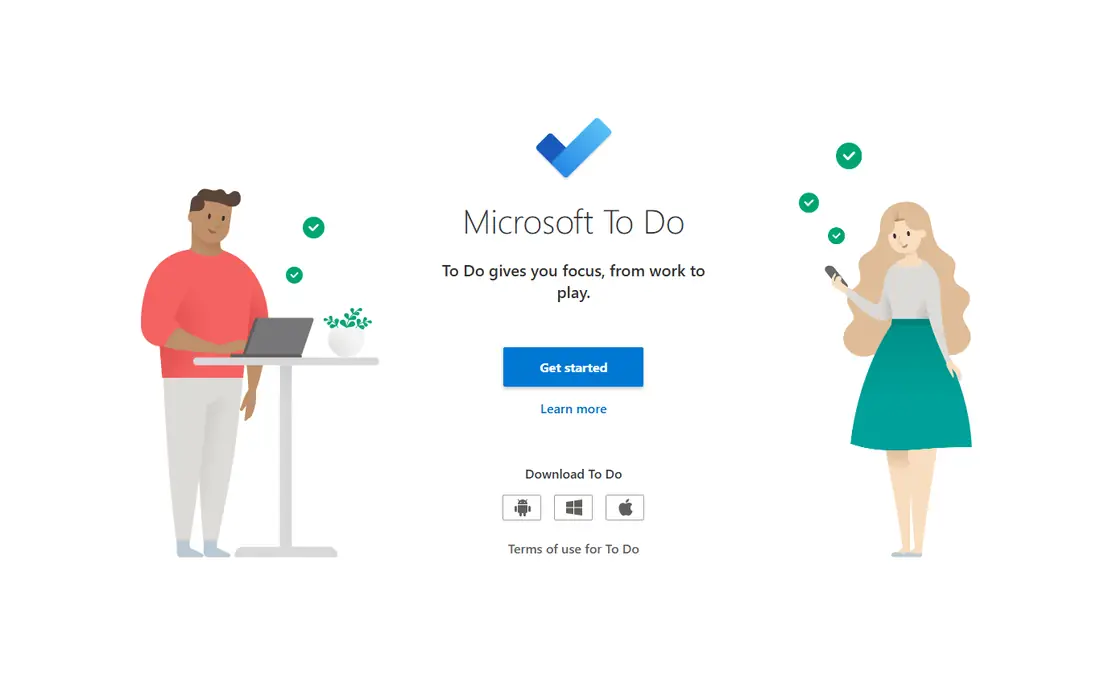
Microsoft To Do is the easiest recommendation for anyone already using Outlook or Microsoft 365. It is free with a Microsoft account, it syncs tasks with Outlook, and the My Day view gives a simple daily planning ritual: pick the tasks for today each morning and ignore the rest. Shared lists work for households and small teams.
Power users will miss features. There is no built-in time blocking, no calendar layout for tasks and fewer automation options than Todoist or TickTick. For basic capture, due dates and reminders, though, Microsoft To Do is complete and costs nothing. If your work email already runs on Microsoft, this is the path of least resistance.
- Completely free with a Microsoft account
- Outlook and Teams integration
- Simple My Day planning view
- No time blocking or calendar view of note
- Fewer power features than Todoist
- Shared lists are basic
Google Tasks suits people who want the simplest possible list inside tools they already open. It lives in the Gmail sidebar and in Google Calendar, so a task can sit next to the email that created it and appear on the calendar on its due date. There is nothing to learn, and sync across phone and web is reliable.
Simplicity is also the limit. There are no tags, no priority levels beyond starring, no board view and little collaboration. If your lists stay short and your life already runs on Gmail and Calendar, Google Tasks is enough and costs nothing. Once lists grow complex, Todoist or TickTick will serve you better.
- Free with any Google account
- Built into Gmail and Google Calendar
- Very simple to use
- No tags, priorities beyond starring, or rich organization
- No dedicated desktop app
- Collaboration is minimal
Apple Reminders has grown into a capable free app for Apple households. Lists, tags, smart lists, subtasks and location-based reminders cover most daily needs, and Siri capture means a task can be added hands-free while cooking or driving. It syncs across iPhone, iPad, Mac and Apple Watch without a subscription.
The boundary is the ecosystem. There is no real Windows or Android client, so anyone who mixes platforms will hit a wall. Sharing lists with family works, but team features are basic. For a household that lives on Apple devices, Reminders is free, polished and already installed, which is a strong combination.
- Free on every Apple device
- Siri and location reminders
- Lists, tags and smart lists included
- Apple devices only
- No Windows, Android or web client of note
- Sharing is basic
Things 3 is the most pleasant app to open on this list. Its Today view, Upcoming view and project organization are calm and readable, and its design rewards a daily review habit. Unlike most rivals, it uses one-time purchases rather than a subscription, which appeals to people tired of monthly bills.
The costs add up across devices, since Mac, iPhone and iPad versions are sold separately, and there is no Windows, Android or web version. Collaboration is absent, so it suits solo users only. For an Apple-only user who values design and dislikes subscriptions, Things 3 is the finest task manager here. For anyone else, the platform limit rules it out.
- Beautiful, calm design
- Excellent Today and Upcoming views
- One-time purchase, no subscription
- Apple only
- Paid separately for Mac, iPhone and iPad
- No collaboration features
Any.do centers on a daily planning ritual called the Moment, which walks you through today's tasks each morning and helps you decide what to do, defer or delete. That guided review is genuinely useful for people whose lists grow faster than they shrink. Calendar integration puts tasks next to meetings, and apps cover iOS, Android, Mac, Windows and the web.
The free plan covers lists, reminders and the basic calendar view, but color tags, location reminders and unlimited attachments sit on Premium. The design is friendly rather than minimal, which some users love and others find chatty. For people who need a nudge to plan each day, Any.do offers the best daily ritual on this list.
- Daily Moment planning ritual
- Calendar and task views together
- Apps for all major platforms
- Advanced features such as color tags and location reminders need Premium
- Free plan limits some views
Notion is the right pick when a to-do list is part of a larger workspace rather than a standalone habit. Tasks can sit inside project pages, link to notes and documents, and appear in board, calendar or timeline views. The free plan for individuals is generous, and templates cover everything from weekly planning to project tracking.
Speed is the tradeoff. Notion opens more slowly than Todoist or TickTick, and quick capture takes more taps. Offline use is also limited compared with dedicated task apps. If your work already lives in Notion, keeping tasks there avoids another app. If you only need a fast list, a dedicated app will serve you better.
- Tasks live next to notes, docs and databases
- Highly customizable views
- Strong free plan for individuals
- Slower to open and capture than dedicated apps
- Setup takes time
- Offline use is limited
Superlist comes from the team behind Wunderlist, and it shows in the focus on shared lists. Notes attach directly to tasks, lists nest as deep as you like, and sharing a list with family or a small team is simple. The free plan covers individuals and teams of up to five, which makes it the best free shared-list option here.
As a newer app, its integration catalog is smaller than Todoist or TickTick, and there is no Windows app to match its Mac, iOS, Android and web versions. Some features are still maturing. For households and small teams who share lists and want notes attached to tasks, Superlist is a fresh and capable choice.
- Free for individuals and small teams
- Notes attach to tasks
- Lists nest and share easily
- Newer app with a smaller integration set
- No Windows app of note
- Some features still maturing
How we picked these
We compared official feature pages, pricing pages and app listings, and we weighted fast capture, reminders, organization, cross-platform sync and price. We favored apps with a usable free plan or a one-time purchase, and we included ecosystem apps such as Microsoft To Do, Google Tasks and Apple Reminders because for many readers the best app is the one already tied to their email and calendar.
We did not claim hands-on testing. Prices and free limits change, so check the pricing page before committing. The deeper point held across every app: a task app only works if you open it daily, so choose for capture speed and habit fit rather than feature count.
Building a to-do habit that lasts
Capture everything in one place
A list only works if it holds everything, not just work tasks. Put errands, calls, bills and personal chores in the same app, even if they live in separate projects. A second list in another app is where tasks go to be forgotten.
Plan today, not the whole week
Each morning, pick a small set of tasks for today and leave the rest in their projects. The My Day view in Microsoft To Do, the Today view in Things and the Moment in Any.do all serve this purpose. A daily list of three to five items gets finished more often than a list of thirty.
Use due dates sparingly
A due date should mean the task must happen that day, not that you would like it done someday. Overusing due dates trains you to ignore them, and a list full of overdue red items feels worse than a list with no dates at all. Reserve dates for real deadlines and use priorities for the rest.
Review weekly, not constantly
A short weekly review clears completed tasks, moves stale items and spots projects that need attention. Without it, lists grow stale and trust in the system fades. Fifteen minutes on a Friday or Sunday keeps the system honest for the week ahead.
FAQ
What is the best digital to-do list app overall?
Todoist is our overall pick for its fast capture, projects, labels and apps on every platform. TickTick is the best value alternative, and Microsoft To Do, Google Tasks or Apple Reminders are the best free picks inside their ecosystems. The right choice depends on your devices and how much structure you want.
What is the best free to-do list app?
Microsoft To Do and Google Tasks are the strongest fully free options, since neither charges for core lists and reminders. Apple Reminders is equally free for Apple users. Todoist and TickTick also offer generous free tiers with more features, at the cost of some paid-only views.
Is Todoist or TickTick better?
Todoist is better for pure task management, with faster capture and stronger filters and integrations. TickTick is better for people who also want habit tracking, a calendar view and a Pomodoro timer in the same app. Both offer free tiers, so trying each for a week is the fastest way to decide.
Do I need a paid to-do app?
Most people do not, at least at first. Free tiers from Todoist, TickTick, Microsoft To Do, Google Tasks and Apple Reminders cover lists, due dates and reminders. Pay when you hit a specific limit, such as needing a calendar view, longer history or team features, rather than paying on day one.
What is the best to-do app for teams?
Todoist and Superlist are the best picks for shared lists without full project management, since both handle assignment and shared projects simply. Notion suits teams that want tasks inside documents and databases. Larger teams with reporting needs usually move to a project tool rather than a to-do app.
Can a to-do app replace a calendar?
No, and it should not try. A to-do list holds tasks with flexible timing, while a calendar holds commitments at fixed times. The best setup uses both: tasks in the to-do app, appointments on the calendar, with due dates bridging the two. Apps with calendar views help, but they do not replace a real calendar.