Best Digital Signature Software in 2026: 8 Tools Compared
Compare the best digital signature software for 2026, from DocuSign and Adobe Sign to budget e-sign tools for teams, with pricing and honest trade-offs.
- Editor's choice
 DocuSign
Broad acceptance and integrations
Starts at$10 per monthVisit docusign.comFull review - Great alternative
 Adobe Acrobat Sign
Acrobat and PDF workflows
Starts atSee websiteVisit acrobat.adobe.comFull review - Also consider
 PandaDoc
Proposals plus signing
Starts at$19 per user per monthVisit pandadoc.comFull review
TL;DR:
- DocuSign is our pick for most teams, thanks to broad acceptance, integrations, and audit trails.
- Adobe Acrobat Sign suits teams already working in Acrobat and PDF workflows.
- SignNow and Zoho Sign offer the best value for small teams that sign often.
- Watch envelope and transaction limits, since a low monthly price can hide caps that force an upgrade.
Quick comparison
| Tool | Best for | Starts at | Free plan? | |
|---|---|---|---|---|
| DocuSign | Broad acceptance and integrations | $10 per month | Free trial | Visit |
| Adobe Acrobat Sign | Acrobat and PDF workflows | See website | Free trial | Visit |
| PandaDoc | Proposals plus signing | $19 per user per month | Yes | Visit |
 Dropbox Sign | Simple signing for small teams | $15 per month | Yes | Visit |
 airSlate SignNow | Budget signing at scale | $8 per user per month | Free trial | Visit |
 Zoho Sign | Zoho users and low cost | Free | Yes | Visit |
 Signeasy | Mobile signing for field teams | $10 per month | Free trial | Visit |
 BoldSign | API-first signing at low cost | See website | Yes | Visit |
The best digital signature software
Digital signature software lets you send a document, collect legally binding electronic signatures, and keep an audit trail of who viewed and signed it. We compared official pricing pages, feature pages, and documentation for eight tools, covering enterprise, sales, and budget options.
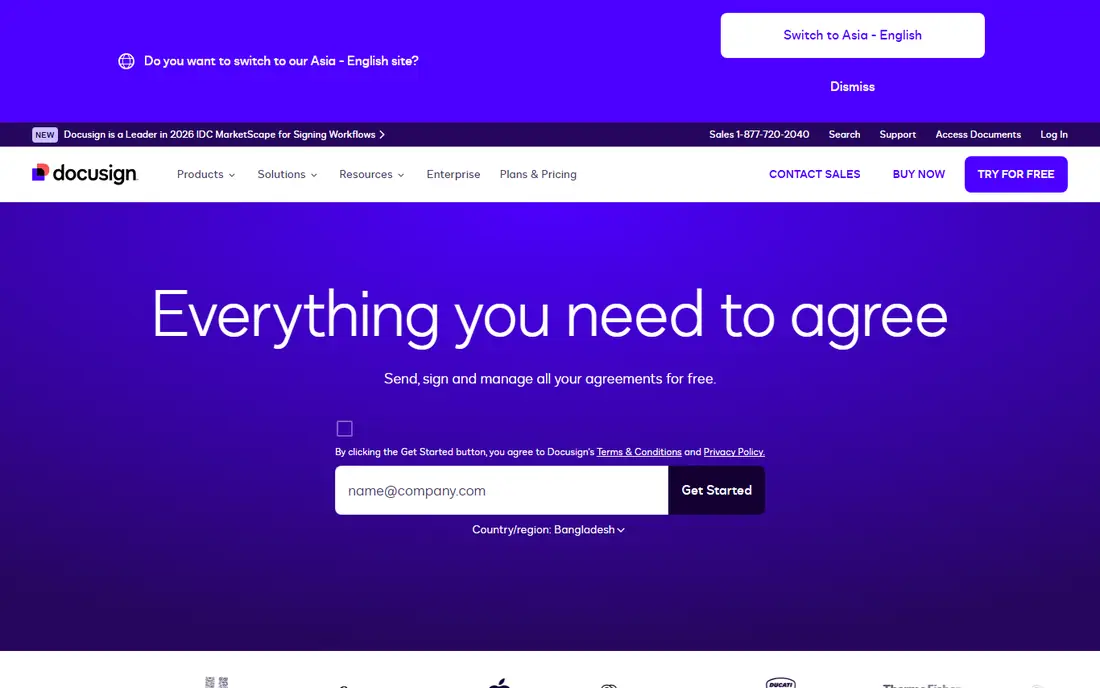
DocuSign is the default most clients already know, which removes friction from signing. Senders upload a document, place fields, and send it, while signers sign in a browser without creating an account. Templates, reminders, and a full audit trail cover the workflow most businesses need, and integrations span CRMs, storage, and HR tools.
Lower plans limit envelopes per month, so a team that sends many contracts should check that cap before buying. Advanced features like bulk sending and advanced workflows sit on higher tiers. For broad acceptance and a smooth signer experience, DocuSign remains the safest first pick.
- Widely accepted by clients
- Many integrations
- Strong audit trails and templates
- Envelope limits on lower plans
- Costs rise with advanced features
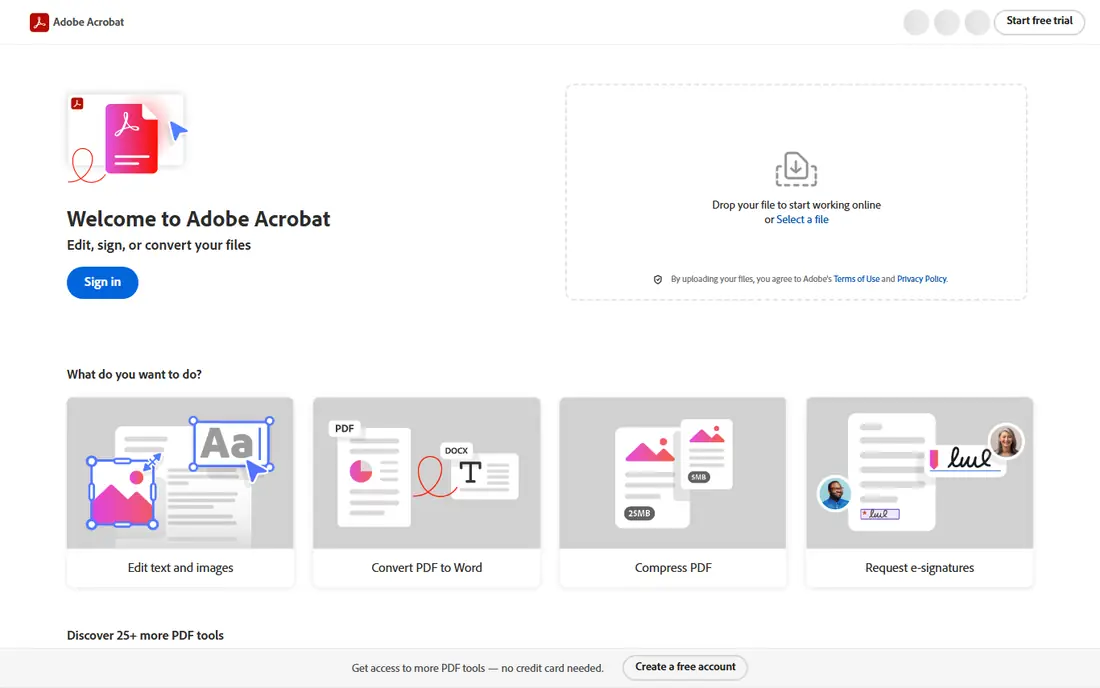
Adobe Acrobat Sign fits teams that already live in Acrobat and PDF files. You can prepare, send, and track documents inside Acrobat, with form fields, templates, and audit trails built in. Microsoft 365 integrations help teams that store files in SharePoint or work in Teams, and enterprise compliance options suit regulated firms.
Pricing depends on whether you buy Acrobat bundles or standalone sign plans, so confirm the exact plan that includes your needed transaction volume. For PDF-heavy teams, the Acrobat link alone can justify the choice over a standalone signer.
- Native Acrobat and PDF handling
- Strong enterprise compliance
- Microsoft integrations
- Pricing varies by bundle
- Standalone sign plans are quoted in some cases
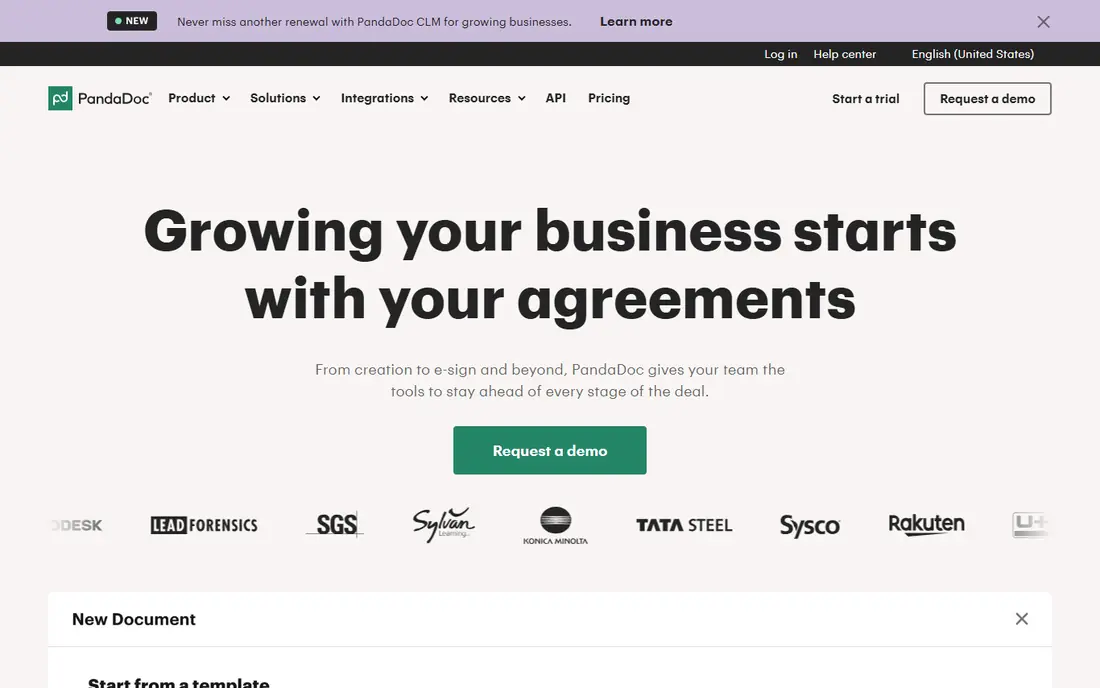
PandaDoc suits sales teams that build a proposal, send it, and collect a signature in the same document. You can pull pricing from a CRM, add interactive quotes, and track when a client opens and signs. That single flow cuts the back-and-forth between a proposal tool and a signing tool.
Teams that only need simple signing may find PandaDoc more than they need, and advanced automation sits on higher plans. For sales-led teams, combining documents and signatures in one tool saves real time each week.
- Proposals, quotes, and signing in one flow
- Content library and templates
- CRM links
- More than a signer alone
- Higher plans needed for advanced automation
Dropbox Sign, formerly HelloSign, is a good pick for small teams that want signing without a learning curve. Upload a PDF, add fields, send it, and track status from a simple dashboard. Links to Dropbox, Google Drive, and HubSpot keep files and records in step without complex setup.
Advanced workflows, branding, and API access sit on higher plans, so larger teams may outgrow the entry tier. For straightforward signing with a clean signer experience, Dropbox Sign is easy to recommend.
- Clean, simple signing flow
- Dropbox and Google Drive links
- Templates and reminders
- Fewer advanced workflow features
- Higher tiers needed for branding and API use
SignNow offers strong value for teams that sign often and watch cost closely. Entry plans include templates, reminders, and audit trails at a lower price than DocuSign, and some plans allow many users on one account. Bulk sending helps HR and sales teams that send the same form to many people.
The interface is functional rather than polished, and some users report uneven support on lower tiers. For budget teams that need volume signing without enterprise prices, SignNow is a practical choice.
- Low entry price
- Unlimited templates and users on some plans
- Bulk sending included
- Interface feels less polished
- Support varies by plan
Zoho Sign fits teams already using Zoho CRM, Books, or Forms, since documents and records stay in one suite. The free tier covers a small number of envelopes per month, which suits occasional signing, while paid plans add templates, bulk sending, and more envelopes. Certificate-based digital signatures suit firms that need stronger signer identity checks.
Free and low tiers cap envelopes, so a busy team should price the tier that covers its monthly volume. For Zoho shops and light signers, Zoho Sign gives solid value with little setup.
- Free tier for light use
- Zoho CRM and app links
- Certificate-based signing options
- Envelope limits on free and low tiers
- Interface is simpler than DocuSign
Signeasy suits field teams, agents, and small offices that sign on phones and tablets. Its mobile app lets you prepare, sign, and send documents from the field, including in-person signing where a client signs on your device. Setup is fast, and the interface stays simple for occasional users.
Enterprise workflow depth is thinner than DocuSign or Adobe, and some features need higher plans. For mobile-first signing and quick setup, Signeasy is a friendly, affordable option.
- Strong mobile app
- Simple setup
- Good for in-person signing
- Fewer enterprise workflow features
- Some features need higher tiers
BoldSign, from the Syncfusion family, appeals to developers and small teams that want API-driven signing at a low price. You can embed signing into your own app, send documents through the API, and use templates and audit trails without enterprise fees. Some plans offer unlimited envelopes, which helps high-volume senders.
Brand recognition is lower than DocuSign, so some clients may ask what BoldSign is before signing, though the signer flow itself is standard. Native integrations are also fewer. For API-first teams and cost-sensitive senders, BoldSign is worth a trial.
- Low-cost plans
- API for developers
- Unlimited envelopes on some plans
- Smaller brand recognition
- Fewer native integrations than DocuSign
How we picked these
We compared official pricing pages, feature pages, and documentation, focusing on signer experience, templates, audit trails, envelope limits, integrations, and compliance. We included enterprise, sales, mobile, and budget tools so different signing volumes can compare fairly. We did not claim hands-on testing, and we listed prices as quoted where vendors bundle sign features with other products.
What to check before you buy
Count envelopes, not just seats
Most plans limit envelopes or transactions per month, and overage can force an upgrade. Count how many documents you send in a busy month, including HR forms, sales contracts, and renewals, then choose the tier that covers that number with room to grow.
Test the signer experience on a phone
Many clients sign on a phone, so send a test document to your own mobile and watch the flow. Check field placement, scrolling, and how the signed copy arrives. A signer who struggles on mobile may delay or abandon the signature.
Check legal and compliance needs
Electronic signatures are legally binding in the US under ESIGN and UETA and in the EU under eIDAS for most business documents, but some documents need stronger identity checks or qualified signatures. If you handle regulated, real estate, or cross-border documents, confirm the tool supports the signature level and audit evidence your use case requires.
Before you buy, send test documents to colleagues and clients, and watch how signing works on a phone, how reminders arrive, and how the completed copy is stored. A short trial exposes envelope limits, branding gaps, and integration problems before you commit.
FAQ
What is the best digital signature software?
DocuSign is the best general pick for broad acceptance, integrations, and audit trails. Adobe Acrobat Sign suits PDF-heavy teams, PandaDoc suits sales proposals, and SignNow or Zoho Sign suit budget teams. The best pick depends on your volume, your existing tools, and how much clients already trust the brand.
Are electronic signatures legally binding?
Yes, for most business documents in the US under ESIGN and UETA, and in the EU under eIDAS, provided the signer consents and an audit trail records the process. Some documents, such as certain wills or court filings, have special rules, so check local law for your document type before relying on e-signatures alone.
What is the best free digital signature software?
Zoho Sign, Dropbox Sign, PandaDoc, and BoldSign offer free tiers for light use, usually with a small monthly envelope limit. Free tiers suit occasional signing, while regular senders should pay for a plan that covers their monthly volume. Always check the free tier cap before you rely on it.
How much does digital signature software cost?
Entry plans range from free tiers to about 8 to 19 dollars per user per month, while enterprise plans are quoted. Watch envelope limits, since a low price with a small cap can cost more once you upgrade. Compare annual totals at your real monthly volume.
What is the difference between an electronic signature and a digital signature?
An electronic signature is a broad term for any mark showing agreement, such as a typed name or drawn signature. A digital signature uses certificate-based cryptography to verify the signer and detect changes to the document. Many tools here offer both, with certificate-based options on higher tiers or specific plans.