Best Digital Publishing Platforms in 2026: 9 Platforms Compared
Compare the best digital publishing platforms in 2026, from WordPress and Ghost to Substack, Medium, Issuu, and FlippingBook, with prices compared today.

- Editor's choice
 WordPress
Full control publishing and sites
Starts atFreeVisit wordpress.comFull review - Great alternative
 Medium
Writers wanting built-in discovery
Starts at$5 per monthVisit medium.comFull review - Also consider
 Substack
Newsletter-first publishing
Starts atFreeVisit substack.comFull review
TL;DR:
- WordPress and Ghost suit publishers who want full control over design, SEO, and memberships, with hosting as the main cost.
- Substack and Medium suit writers who want a built-in audience and a fast start, at the cost of less design and SEO control.
- beehiiv suits newsletter-first publishers who want growth tools and a recommendation network without a revenue share.
- Issuu, FlippingBook, and Joomag suit magazine and catalog publishers who need page-flip digital editions from PDFs.
- Yumpu suits small publishers who want a simple, low-cost way to turn a PDF into a shareable online magazine.
Quick comparison
| Tool | Best for | Starts at | Free plan? | |
|---|---|---|---|---|
| WordPress | Full control publishing and sites | Free | Yes | Visit |
| Medium | Writers wanting built-in discovery | $5 per month | Yes | Visit |
| Substack | Newsletter-first publishing | Free | Yes | Visit |
 Ghost | Membership publishing without revenue share | See website | No | Visit |
 Issuu | Magazine and catalog publishing | See website | No | Visit |
 FlippingBook | Interactive flipbooks from PDFs | See website | No | Visit |
 Joomag | Magazine creation and distribution | See website | No | Visit |
 beehiiv | Newsletter growth and monetization | Free | Yes | Visit |
 Yumpu | Simple PDF-to-magazine publishing | See website | Yes | Visit |
The best digital publishing platforms
We compared publishing platforms by editor quality, design control, SEO tools, membership and payment options, distribution, and price. We focused on platforms that publish articles, newsletters, magazines, or catalogs for a public audience, and we noted where a platform takes a revenue share versus charging a monthly fee. Prices are entry prices where published, and See website where pricing depends on audience size or features.
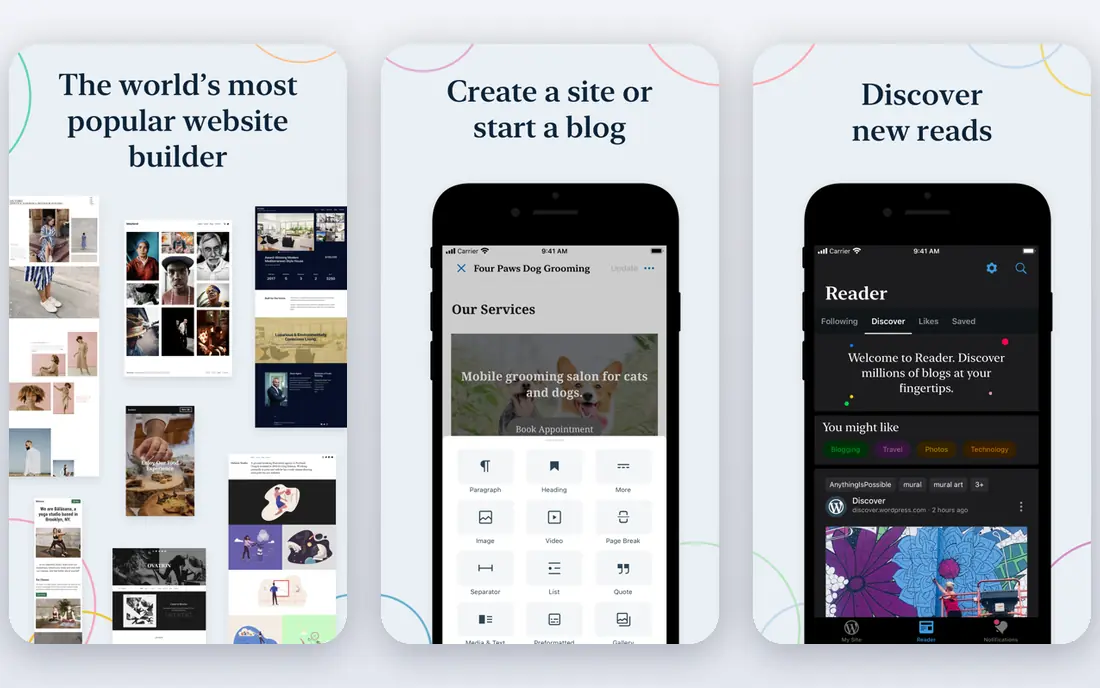
WordPress, in its hosted WordPress.com form and its self-hosted form, remains the most flexible publishing platform for most publishers. It offers themes, plugins, SEO controls, and membership options that few rivals match, and it can grow from a personal blog into a magazine, store, or membership site without changing platforms. For a publisher who wants to own the site, the domain, and the audience data, WordPress is the default serious choice.
The trade-off is responsibility. Self-hosted WordPress needs hosting, updates, backups, and security care, while WordPress.com premium features and plugins sit on paid plans. Beginners may find the choice of themes and plugins overwhelming at first. If you want maximum control and long-term ownership, WordPress is worth the learning curve. If you want the simplest start, Substack or Medium may be faster.
- Largest theme and plugin ecosystem
- Strong SEO controls
- Free plan to start
- Hosting and premium features cost extra
- Self-hosted setup needs more skill
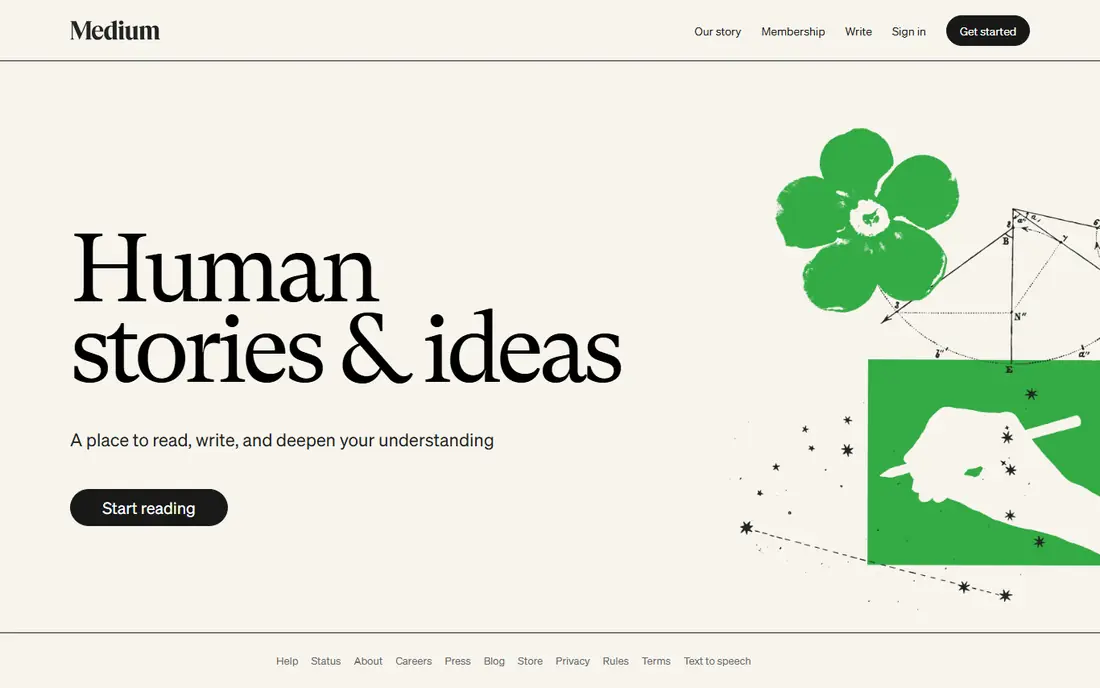
Medium suits writers who want to be read without building an audience from scratch. Its clean editor, recommendation feed, and curated Boost system can surface a new writer to readers who already use Medium, which is a real advantage over a standalone blog with no traffic. For essayists, journalists, and professionals who write occasionally, that discovery can matter more than design control.
The limits are ownership and control. Design options are narrow, SEO controls are limited compared with WordPress or Ghost, and a custom domain and Partner Program access need a $5 per month or $50 per year membership. Medium is a great place to write and be discovered, but it is a weaker home for a publisher who wants a branded magazine, a membership business, or full control over archives and SEO.
- Built-in reader audience
- Clean editor
- Partner Program for paid writing
- Limited design and SEO control
- Membership needed for custom domain and Partner Program
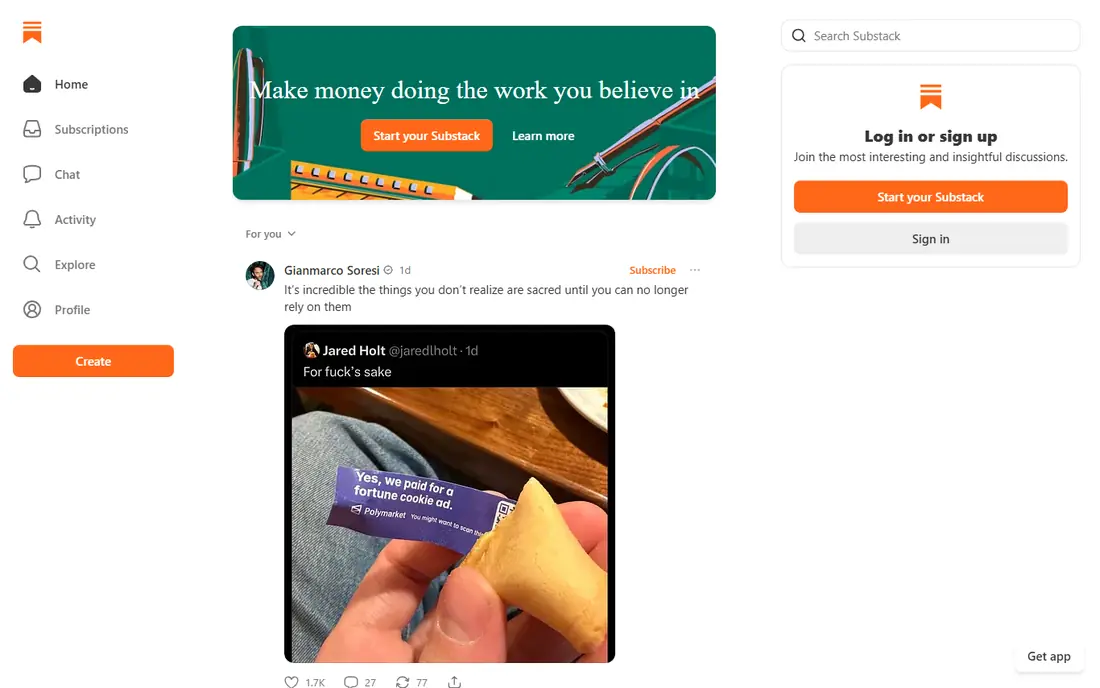
Substack suits writers and small publishers who want an email newsletter and a public archive in one simple product. Publishing is free, paid subscriptions are built in, and the recommendation network and app help new readers discover a publication. For a writer starting a paid newsletter, Substack removes hosting, email delivery, and payment setup in a single step, which is why so many independent writers start there.
The cost appears as you grow. Substack keeps 10 percent of paid subscription revenue, plus payment processing fees, so a successful paid publication pays a significant share over time. Design and SEO controls are also limited compared with Ghost or WordPress. Substack is an excellent starting platform, especially for email-first writing, but a large paid publisher may later prefer Ghost to keep all revenue.
- Free to publish
- Paid subscriptions built in
- Recommendation network and app audience
- 10 percent revenue share on paid subscriptions
- Limited design and SEO controls
Ghost suits publishers who want a modern publishing platform plus memberships, without giving a platform a share of revenue. Ghost keeps 0 percent of membership payments, offers full SEO controls, custom themes, and newsletter delivery, and its open-source software can be self-hosted for the cost of a server. For a publisher building a paid audience as a business, that ownership and revenue model is a strong advantage over Substack.
The trade-off is cost and discovery. Hosted Ghost plans start at a monthly fee and rise with audience size, and there is no permanent free hosted plan, though self-hosting is free apart from server costs. Ghost also has no large built-in reader network like Substack or Medium, so publishers must bring their own audience. If you have an audience and want to keep revenue, Ghost is a top pick.
- Open-source CMS
- Paid memberships with 0 percent Ghost fee
- Full SEO controls
- No permanent free hosted plan
- Self-hosting needs technical skill
Issuu suits publishers who already produce magazines, catalogs, brochures, or reports as PDFs and want them to look good online. Upload a PDF and Issuu turns it into a page-flip digital edition that can be embedded on a website, shared on social media, and read on mobile devices. Its reader network and search tools also help new readers discover published editions, which is useful for trade magazines and catalogs.
The limits are control and price. Issuu is built for PDF editions, not for writing articles in a web editor, and advanced features such as full branding, analytics, and ad-free reading sit on paid plans. SEO for a page-flip edition is also weaker than for a native article site. If your main product is a designed magazine or catalog, Issuu is a strong choice. If you write articles, choose WordPress, Ghost, or Substack instead.
- Turns PDFs into page-flip editions
- Embedding and sharing tools
- Large reader network
- Pricing depends on plan and features
- SEO and design control are limited
FlippingBook suits businesses and publishers who want polished, interactive flipbooks from PDFs, with branding, links, videos, and lead capture forms. Its output looks professional for catalogs, reports, magazines, and brochures, and embedding on a website is straightforward. Analytics show which pages readers open, which helps marketers judge whether a catalog or report actually holds attention.
The catch is scope and price. FlippingBook is not a general article publishing system, so it will not replace WordPress or Ghost for daily writing, and paid plans are needed for full branding and features. The final quality also depends on the source PDF, so a poorly designed PDF will still look poor as a flipbook. For designed documents, FlippingBook is a polished, business-ready option.
- High-quality page-flip output
- Branding and lead forms
- Analytics and embedding
- Pricing is per plan
- Not an article CMS
- PDF quality affects the result
Joomag suits publishers who want to create a magazine from scratch, not just upload a PDF. Its editor and templates help teams design issues, add interactive elements, and distribute the result by embed, link, or email. CRM and lead capture tools also help business publishers turn readers into contacts, which is useful for trade publications and content marketing teams.
The trade-off is learning time and price. The editor takes time to learn, and full features sit on paid plans, so a small publisher with a single PDF may find Issuu or FlippingBook simpler. Joomag is a better fit for a team that publishes regular issues and wants design control inside the platform, rather than designing in a separate desktop tool and only uploading the result.
- Magazine editor and templates
- Embedding and distribution
- CRM and lead tools
- Pricing is quoted by plan
- Learning curve for the editor
beehiiv suits newsletter publishers who want growth tools and a clear path to paid subscriptions without a revenue share. Its free plan covers up to 2,500 subscribers, and paid plans add custom domains, paid subscriptions with a 0 percent platform take rate, and a recommendation network that helps publications grow. For a newsletter-first publisher, beehiiv offers more growth and monetization tools than a simple email tool.
The limits are audience-based pricing and scope. Paid plans rise as subscriber counts grow, so a large free list can become costly, and beehiiv is built for newsletters rather than print-style magazines or article archives. If your main product is a newsletter with growth ambitions, beehiiv is a strong alternative to Substack. If you publish a magazine, Issuu or FlippingBook will fit better.
- Free up to 2,500 subscribers
- Recommendation network
- 0 percent take rate on paid plans
- Paid plans rise with audience size
- Less suited to print-style magazines
Yumpu suits small publishers, clubs, schools, and local businesses that want a simple way to put a PDF magazine online. Upload a PDF, share a link or embed code, and readers can flip through the edition on desktop or mobile. A free basic tier makes it easy to test, and the process needs no design skill beyond producing a decent PDF in the first place.
The trade-off is polish and control. Branding, analytics, and advanced features need paid plans, and Yumpu is not a system for writing and managing articles. For a one-off brochure, school magazine, or local catalog, Yumpu is a low-friction, low-cost choice. For a regular commercial magazine with branding needs, Issuu, FlippingBook, or Joomag will offer more.
- Simple PDF upload to online magazine
- Embedding
- Free basic use
- Branding and advanced features need paid plans
- Article publishing is limited
How we picked these
We compared official pricing and feature pages, focusing on editor quality, design control, SEO, memberships, distribution, and revenue share. We favored platforms that let publishers own their domain and audience data, and we noted where a built-in audience comes at the cost of control. We did not test every platform as a long-term publisher, since audience growth depends on content quality and promotion as much as on the tool.
We also separated article and newsletter platforms from PDF magazine platforms, since they solve different problems. A writer needs an editor, SEO, and subscriptions, while a magazine publisher needs page-flip output, embedding, and design. Use this list to shortlist by your main format first, then compare price, control, and distribution for that format.
How to choose a digital publishing platform
Start with your main format. If you write articles or newsletters, choose WordPress, Ghost, Substack, Medium, or beehiiv. If you publish designed magazines or catalogs, choose Issuu, FlippingBook, Joomag, or Yumpu. Mixing those needs in one tool usually leads to compromise, so pick the platform that fits your main output and use a second tool for the other format if needed.
Next, check ownership and revenue. Ask whether you can use your own domain, export your subscriber list and archives, and keep your revenue. A free platform that takes 10 percent of paid revenue may cost more than a paid platform with a 0 percent fee once you grow, so model the cost at your expected subscriber count, not just at launch.
Finally, test discovery honestly. A built-in audience on Medium or Substack helps new writers, but it does not replace promotion, and a standalone WordPress or Ghost site needs its own traffic plan. Choose the platform whose control, cost, and distribution match your skills and your audience plan, then publish consistently, since no platform fixes irregular publishing.
FAQ
What is the best digital publishing platform overall?
WordPress suits publishers who want full control, Ghost suits membership publishers who want to keep revenue, and Substack suits newsletter writers who want a fast start with a built-in audience. For magazines and catalogs, Issuu and FlippingBook are strong choices. The best platform depends on your format and your growth plan.
What is the difference between Substack and Ghost?
Substack is free to start but keeps 10 percent of paid subscription revenue, while Ghost charges a monthly hosting fee but keeps 0 percent of membership revenue. Ghost also offers more design and SEO control and can be self-hosted, while Substack offers a larger built-in reader network.
Can I publish a magazine online from a PDF?
Yes. Issuu, FlippingBook, Joomag, and Yumpu turn PDFs into page-flip digital editions that can be embedded and shared. They suit magazines, catalogs, and reports, but they are not ideal for writing articles, where WordPress, Ghost, or Substack work better.
Do digital publishing platforms help with SEO?
Some do more than others. WordPress and Ghost offer strong SEO controls, including meta tags, sitemaps, and canonical URLs, while Medium and Substack offer more limited controls. If search traffic matters to you, check SEO features before you commit, and use your own domain where possible.
Can I move my publication to another platform later?
Usually yes, but the ease varies. WordPress and Ghost offer export tools for posts and subscriber lists, while moving from a network platform can be harder for design and audience data. Before you start, check export options for posts, subscribers, and archives, so a future move stays possible.