The 6 Best Digital PR Tools for in House Teams in 2026, Ranked
A practical guide to the best digital PR tools for in-house teams in 2026, compared from vendor documentation and public sources, with limits and fit.
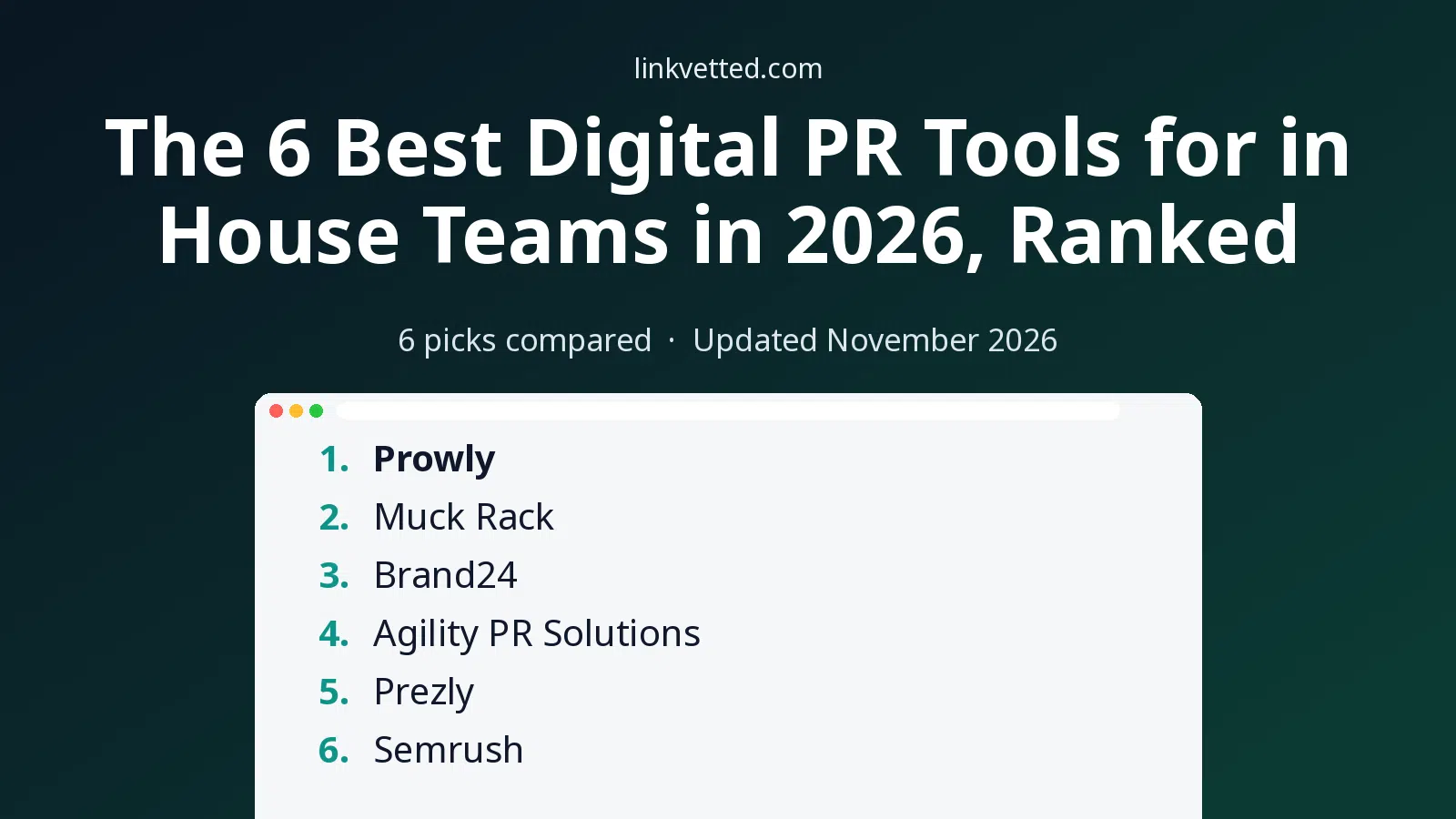
- Editor's choice
 Prowly
One workspace for contacts, outreach and reporting
Starts atSee websiteVisit prowly.comFull review - Great alternative
 Muck Rack
Journalist research and outreach tracking
Starts atSee websiteVisit muckrack.comFull review - Also consider
 Brand24
Coverage monitoring and share of voice
Starts atSee websiteVisit brand24.comFull review
Direct answer
My first pick is Prowly, because it combines media database work, press release publishing and campaign reporting in one place that a small in-house team can run without a specialist. For teams that mainly need journalist contact data and outreach tracking, Muck Rack is the stronger fit. For teams that want to monitor coverage and share of voice across many outlets, Brand24 is the more practical choice.
TL;DR:
- In-house teams usually need one tool that covers contact management, outreach and reporting, not five separate point tools.
- Media database size matters less than whether the outlets you actually target are covered well.
- Coverage monitoring and share-of-voice tracking are what most in-house teams use to justify the budget internally.
- Press release distribution is often bundled into PR platforms, so check whether you are paying twice for it.
- Reporting exports and CRM-style contact history save more time than most feature lists suggest.
Last checked November 2026. Plan prices are not quoted in this guide because they change often; see each vendor's own pricing page for current figures before you buy.
Quick comparison
| Tool | Best for | Starts at | Free plan? | |
|---|---|---|---|---|
| Prowly | One workspace for contacts, outreach and reporting | See website | Free trial | Visit |
| Muck Rack | Journalist research and outreach tracking | See website | No free plan | Visit |
| Brand24 | Coverage monitoring and share of voice | See website | Free trial | Visit |
 Agility PR Solutions | Media monitoring and measurement for reporting | See website | Not stated | Visit |
 Prezly | Newsrooms and campaign story pages | See website | No free plan | Visit |
 Semrush | SEO and PR working from the same data | See website | Free plan | Visit |
The best digital pr tools for in house teams compared
I put this list together by reading vendor documentation, help centres and public product pages, and by checking what each tool openly says it does. I did not run hands-on tests, and I have not measured results for any vendor here. The aim is to help an in-house team shortlist tools that match how PR work actually flows inside a company.
Prowly is a PR platform built around a media database, outreach sending and a newsroom-style publishing area. It suits a small in-house team that wants one login for finding contacts, sending pitches and checking what happened afterwards, rather than stitching together a spreadsheet, an email tool and a separate monitoring service.
For in-house work, the useful part is the contact history. When a colleague leaves or a campaign pauses, the record of who was pitched and what they replied stays in the account. You can group journalists by beat, send a release from the same place, and pull a report without rebuilding it in a spreadsheet each month.
The limit is database coverage. If your company sells into a narrow trade press niche, check that those outlets and journalists are listed before you commit. Teams that only need monitoring should skip it.
- Media database plus outreach in one place
- built-in press release publishing
- campaign reporting and contact history
- Database depth varies by market
- less suited to very large multi-market teams
Muck Rack is a media database and PR management platform. It is built around journalist profiles that show recent articles, so you can check whether a reporter actually covers your topic before you pitch. It also tracks coverage and ties it back to the pitches that produced it.
In-house teams use it to keep outreach organised across several people. You can build lists, log pitches, and see which reporters have covered the company before. That history is useful when a new person takes over the PR function and needs context quickly.
The main drawback is cost and complexity. A single in-house person doing occasional outreach will not use most of it. Check the plan tiers against how many seats you actually need.
- Strong journalist profiles and article history
- outreach and coverage linked together
- useful reporting for stakeholders
- Priced for larger budgets
- overkill for a one-person PR function
Brand24 is a media monitoring tool. It watches mentions of your brand, competitors and chosen keywords across news sites, blogs and social platforms, then puts them in one stream with alerts. It is a monitoring product rather than an outreach platform.
For an in-house team, this is the tool that answers the question "what did our PR work produce this month". You can compare mention volume against competitors, export a summary, and set alerts so a negative story reaches you the same day rather than a week later.
It will not help you find journalists or send pitches. If outreach is your main gap, pair it with a database tool or choose a platform that includes one. Treat automated sentiment as a starting point and check the important mentions yourself.
- Broad monitoring across social and news sources
- share-of-voice comparisons
- alerts on mentions
- Not a media database or outreach tool
- sentiment analysis needs manual checking
Agility PR Solutions is a media monitoring and PR management suite that covers monitoring, measurement, a media database and distribution. It is aimed at organisations that need regular reporting rather than ad hoc checks.
In-house teams often pick it when someone senior wants a monthly coverage report with reach, tone and message pull-through. Because monitoring and measurement sit in the same product, you are not exporting from one tool into another to build that report.
The trade-off is that the interface is not the most modern, and you will need a demo to judge whether the workflow suits you. Pricing is quote-based, so ask for a written scope before comparing options.
- Monitoring, measurement and media database in one suite
- reporting aimed at stakeholders
- analyst support options
- Interface can feel dated
- pricing is quote-based
Prezly is a PR software built around newsrooms, story pages and contact management. It is a good fit for in-house teams that publish a steady stream of announcements and want those pages to look consistent and be easy for journalists to browse.
The workflow suits campaign storytelling. You can build a story page with images, quotes and background, then pitch it to a saved contact list and see who opened or clicked. That gives the team a shared view of which assets are working.
The limits are on the data side. If you need a very large journalist database or deep monitoring, Prezly alone will not cover it. It works best alongside a monitoring tool or a larger database.
- Clean newsroom and story pages
- contact management built in
- good for multi-story campaigns
- Smaller media database than dedicated databases
- less monitoring depth
Semrush is an SEO and marketing platform, not a PR tool. I include it because in-house PR and SEO often sit close together, and the backlink and mention data helps a team spot coverage that did not include a link, then ask for one.
The practical use is after the campaign. You can review which publications covered a story, check whether the coverage links to your site, and compare your mention profile against competitors. That gives the PR team a second measure beyond reach.
Do not buy it as a media database. It has no journalist contact list and no pitch tracking. It fits teams that already use it for SEO and want PR to share the same data.
- Backlink and mention data in the same place as SEO work
- useful for finding unlinked coverage
- competitive research
- Not a dedicated PR outreach tool
- no journalist contact database
How I chose
I compared these tools by reading what each vendor publishes about its product: feature pages, help documentation and public descriptions of what the software does. I did not run hands-on tests, and I have not used every tool in a live client campaign. Where I describe a workflow, it comes from the vendor's own documentation of how the product is meant to be used.
The shortlist is built around fit for in-house teams, which usually means a small number of people covering several jobs. I favoured tools that reduce the number of separate logins, keep contact history in one place and produce a report without manual assembly. I also noted where each tool stops, because a monitoring product will not replace a media database and a database will not replace measurement.
I left out tools where the public information was thin, where the product seemed aimed mainly at agencies with large teams, or where I could not confirm the vendor was currently operating. Nothing here is a ranking based on test results, and no vendor paid for inclusion.
What to check before you buy
- Confirm the outlets and journalists you actually pitch are covered in the database, using a trial or demo with your own target list.
- Ask how contact history is stored and what happens to it if a colleague leaves or a seat is removed.
- Check whether press release distribution is included or billed separately, so you are not paying twice.
- Ask for a sample report export and confirm it matches what your management actually wants to see.
- Check how coverage is matched to your brand, including common misspellings and product names.
- Confirm the contract length and whether you can reduce seats mid-term if the team changes.
FAQ
Do in-house teams need a media database or a monitoring tool first?
Start with whichever gap hurts more. If you spend hours hunting for journalist contacts, a database helps. If you cannot show what coverage produced, monitoring helps. Many small teams begin with monitoring because it also supports reporting to management, then add a database when outreach volume grows.
Can one tool cover outreach, distribution and monitoring?
Some suites do cover all three, but depth varies. A platform that includes a database, sending and reporting is convenient for a small team, yet its monitoring may be lighter than a dedicated tool. Check the specific outlets and metrics you need before assuming one subscription replaces several.
How many seats does a small in-house team need?
Count the people who will actually send pitches or pull reports, not everyone who might look once a quarter. Extra seats add cost and rarely get used. If you need wider access, ask whether the vendor offers a read-only or report-sharing option instead of a full seat.
Is a free trial enough to judge a PR tool?
A trial is enough to check database coverage and see whether the interface suits you, but not enough to judge reporting over time. Use the trial to search your real target list and build one sample report. Ask for a guided demo for the parts the trial locks down.
How do I connect PR tools with the SEO team's work?
Share a single list of target publications and agree on which coverage should carry a link. Use backlink data from your SEO platform to find unlinked mentions, then ask the publication politely. Keep the request in the same contact record so the PR team knows what was asked and when.
Sources
- https://prowly.com
- https://muckrack.com
- https://brand24.com
- https://www.agilitypr.com
- https://www.prezly.com
- https://www.semrush.com