Best Digital Platform to Improve Customer Journey in 2026: 8 Platforms Compared
We compare the best digital platform to improve customer journey on mapping, messaging, data and price, so teams can fix drop-offs and improve results.
- Editor's choice
 HubSpot
Small-team CRM and journeys
Starts atFreeVisit hubspot.comFull review - Great alternative
 Customer.io
Multi-step email and push journeys
Starts at$100 per monthVisit customer.ioFull review - Also consider
 Braze
Large-scale cross-channel engagement
Starts atSee websiteVisit braze.comFull review
TL;DR:
- HubSpot is the best starting point for small teams, because its free CRM ties contacts, messages and deals together in one place.
- Customer.io and MoEngage suit teams that want to build multi-step journeys across email, push and in-app messages without heavy code.
- Braze, Insider and Bloomreach are stronger for large brands that need personalization at scale across many channels.
- The best journey tool is the one your team will actually use to test, measure and fix one step at a time.
- Map the journey before buying software, because a tool cannot fix a confusing signup, pricing or support step on its own.
Quick comparison
| Tool | Best for | Starts at | Free plan? | |
|---|---|---|---|---|
| HubSpot | Small-team CRM and journeys | Free | Yes | Visit |
| Customer.io | Multi-step email and push journeys | $100 per month | Free trial | Visit |
| Braze | Large-scale cross-channel engagement | See website | Free trial | Visit |
 Insider | Personalization across web and mobile | See website | No | Visit |
 Bloomreach | Personalization for commerce brands | See website | No | Visit |
 Intercom | Support-led customer journeys | See website | Free trial | Visit |
 Salesforce Marketing Cloud | Enterprise journey orchestration | See website | No | Visit |
 MoEngage | Insights-led engagement journeys | See website | Free trial | Visit |
The best digital platforms to improve customer journey
A customer journey platform should show how people move from first visit to purchase and repeat purchase, then let you act on that path. That means journey mapping, segmentation, messaging across channels and clear reporting on where people drop off. The eight tools below approach that job from different angles, from a simple CRM to an enterprise engagement suite.
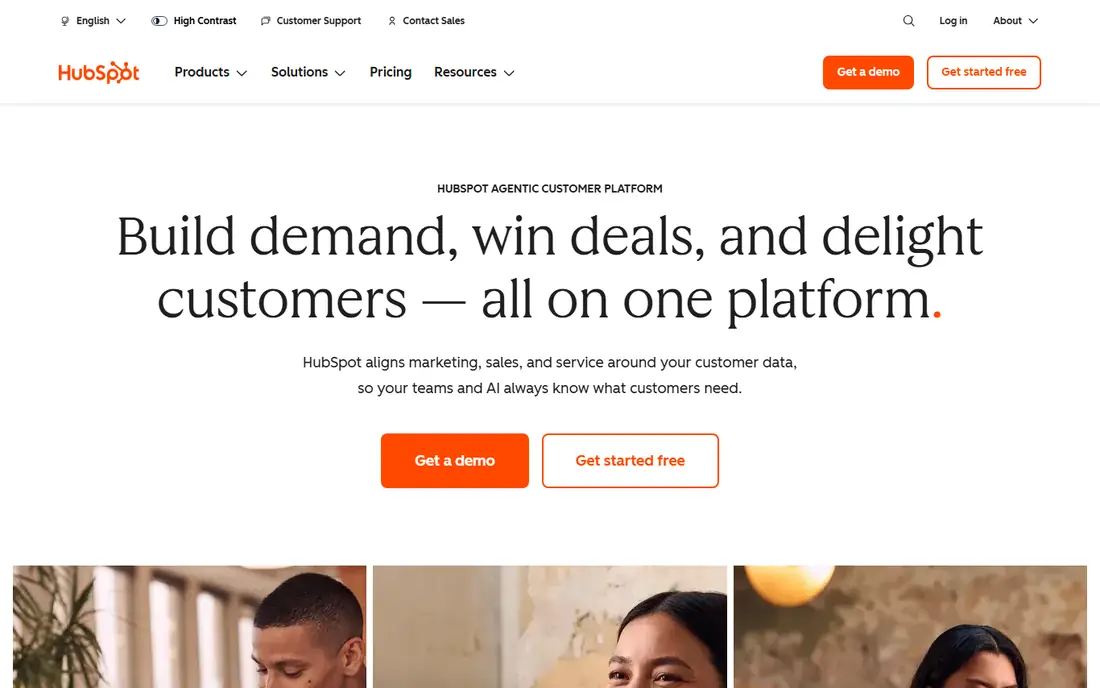
HubSpot is a practical first platform because the free CRM already holds the customer record, and paid hubs add marketing automation, service workflows and reporting on top of it. Teams can build workflows that send a welcome email after signup, alert sales when a lead returns to a pricing page, or create a support ticket when a customer reports a problem. Because the data sits in one system, the journey view is less fragmented than stitching together five separate tools.
The catch is cost at scale. Starter plans are low-cost, but Professional and Enterprise plans, plus onboarding fees on some bundles, can rise quickly. HubSpot also works best when teams commit to using it as the main CRM, rather than syncing it loosely with another system. For a small or mid-size team that wants one home for customer journeys, it is our default pick.
- Free CRM with contacts, deals and tickets
- Visual workflow builder for automation
- Strong reporting for small teams
- Advanced automation and onboarding fees rise with higher tiers
- Large teams may outgrow simpler journey tools
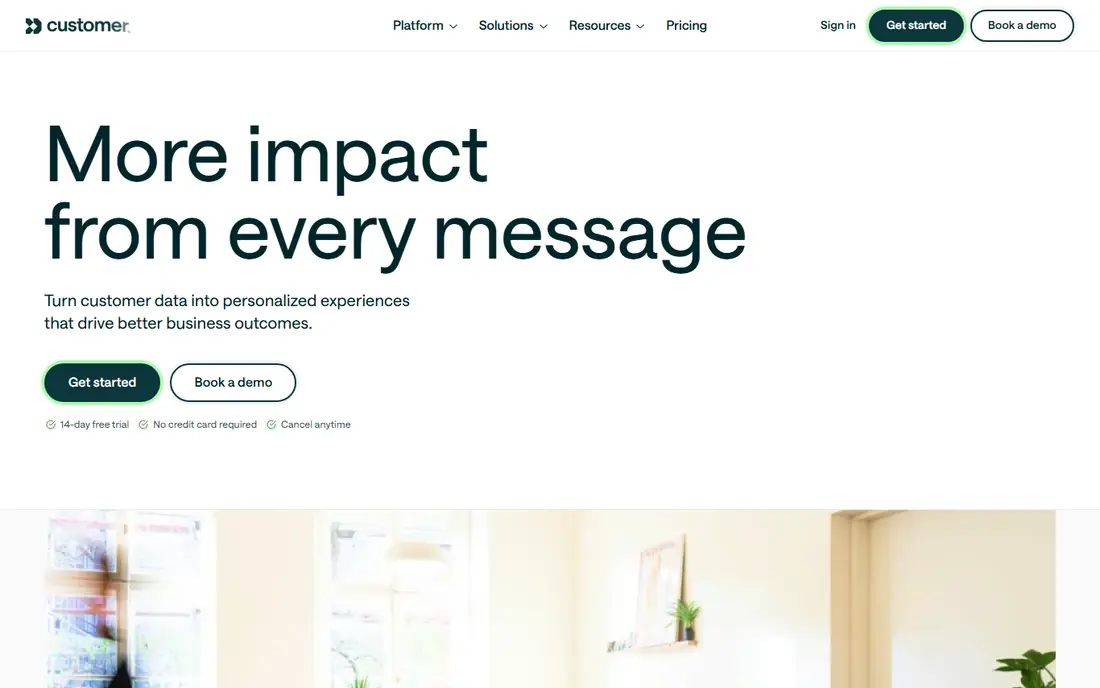
Customer.io is built for teams that think in journeys rather than one-off broadcasts. You can map a path that starts with signup, waits for a key action, branches based on behavior and sends a different message to users who stall. That branching logic is the core value, because it lets a team treat new users, trial users and paying customers differently without building separate campaigns for each group.
Entry pricing was listed from $100 per month, with a free trial for testing. The main requirement is good data: events and user traits need to flow into Customer.io accurately, or branches will trigger at the wrong time. Teams with a developer or a product analytics setup will get more from it than teams that only have a mailing list. For product-led companies, it is a strong, focused choice.
- Visual journey builder with branching logic
- Supports email, push and in-app messages
- Clear segmentation from product and CRM data
- Needs clean event data to work well
- Design tools are simpler than a full email design suite
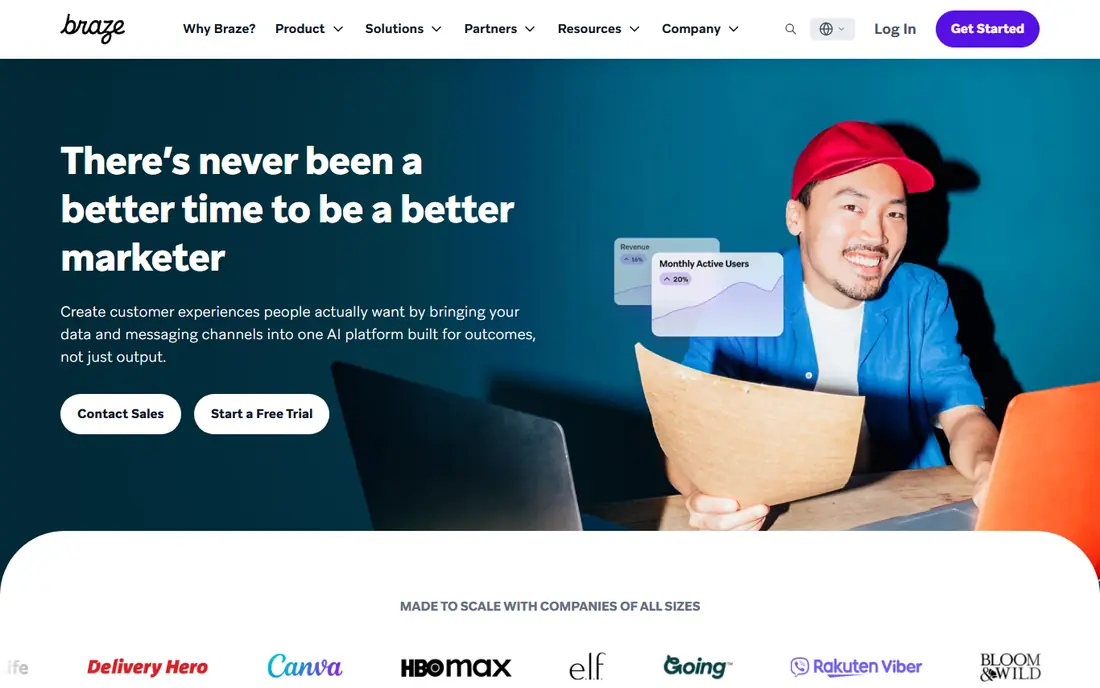
Braze is an enterprise customer engagement platform used by large consumer brands to send coordinated messages across email, push, in-app and SMS. Its strength is scale and speed: segments update as behavior changes, tests run across message variants, and campaigns can respond to app activity in near real time. For a brand with millions of users and an app at the center of the journey, that scale matters.
Pricing is not published as a standard plan, so we list it as See website, and comparison sources place annual costs well above small-team tools. Braze also needs solid data and engineering support to set up well. It is not a first tool for a startup, but it is a serious option for a brand that has outgrown simpler email tools and needs a single engagement layer.
- Strong cross-channel messaging at scale
- Real-time segmentation and testing
- Deep mobile and app engagement tools
- Pricing is quote-based and enterprise-level
- Setup and data work are heavier than small-team tools
Insider focuses on personalizing each step of the journey, from the first website visit to post-purchase messages. Teams can build journeys that change homepage content, product recommendations and messages based on behavior, location and purchase history. That personalization focus suits retailers and consumer brands where small changes in relevance can lift conversion.
The platform is sold on a quote basis, so budget planning requires a demo and a proposal. Smaller teams should ask which channels and features are included in the quote, because enterprise suites often price by channel and volume. If your main problem is generic messaging and low relevance across web and mobile, Insider deserves a shortlist place.
- Personalization for web, app, email and messaging
- Journey orchestration with AI-assisted segments
- Strong for commerce use cases
- Pricing is quote-based
- Smaller teams may find the platform broader than they need
Bloomreach brings together customer data, content management and commerce tools, which makes it a natural fit for retailers that want search, recommendations and email to work from the same customer view. A shopper who browses a category, abandons a cart and returns a week later can get a journey that reflects that history, rather than a generic newsletter. That joined-up view is the main reason commerce teams choose it.
The trade-off is focus. Bloomreach is built for commerce first, so a service business without a product catalog may not use its full strength. Pricing is quote-based, and implementation takes planning. For an online store that already has traffic and wants to lift conversion and repeat purchase, it is a strong enterprise option.
- Combines customer data, content and commerce personalization
- Strong search and product discovery tools
- Journey automation for retail
- Best suited to commerce teams, less so to pure service businesses
- Pricing is quote-based and enterprise-level
Intercom starts from support and expands into the wider journey. Customers can chat with a team, search a help center, get proactive messages during onboarding and receive follow-ups after a ticket closes. That support-led view is valuable, because many journey problems show up first as support questions: confusing signup steps, billing issues and feature confusion all appear in chat before they appear in a dashboard.
Pricing is not listed as a single simple rate here, so we use See website and advise checking the current plan page, including AI and seat costs. Intercom fits best when support is a major part of the journey and when the team wants chat, help content and outbound messages in one place. It is less of a pure marketing automation suite than HubSpot or Customer.io.
- Live chat, help center and proactive messages in one tool
- AI agent options for common questions
- Clear view of support conversations
- Pricing has changed often and needs checking
- Costs can rise with seats and AI usage
Salesforce Marketing Cloud, through Journey Builder, lets large teams design complex journeys that span email, mobile, advertising and service touchpoints, all tied to Salesforce customer data. For a company already on Salesforce, that native link is a major advantage, because journey decisions can use sales, service and marketing data together. Governance, permissions and reporting also suit large, regulated organizations.
The cost is the barrier. Pricing is quote-based, implementation is a project rather than a quick signup, and teams usually need trained staff to manage it well. Smaller teams should not start here. For an enterprise that already runs on Salesforce and needs a journey layer that matches its scale, it is a logical, if expensive, choice.
- Journey Builder for complex multi-step paths
- Deep Salesforce CRM integration
- Strong for large, regulated teams
- High cost and long setup
- Needs trained staff or a partner to run well
MoEngage combines customer analytics with engagement tools, so teams can find a segment, such as users who opened an app twice but did not complete onboarding, and then build a journey for that group in the same platform. That analytics-first approach helps teams move from a vague sense of drop-off to a specific, testable journey. It supports the main mobile and web channels, which suits app-led businesses.
Pricing is quote-based, with a free trial for evaluation. Like Customer.io, MoEngage works best when product events are clean and consistent. For a mobile-first brand that wants insights and journeys together, rather than buying analytics and messaging separately, MoEngage is a strong option to test.
- Analytics-led segmentation and journey building
- Supports email, push, SMS and in-app messages
- Useful for mobile-first brands
- Pricing is quote-based
- Setup benefits from good product event data
How we picked these
We compared official product pages, journey and automation features, channel coverage and pricing transparency. We favored tools that cover more than one journey step, from data and segmentation to messaging and reporting, and we included both small-team and enterprise options so readers can match a tool to their stage. Where pricing is quote-based, we used See website rather than repeating an estimate as a published price.
How to improve a journey without buying first
Start by mapping one journey on paper, such as signup to first success, and mark every step where people stall or ask for help. Check your own data for drop-off points, support tickets and survey feedback, because those three sources usually agree on the biggest problem. Fix the step itself before adding messages: a clearer signup form or a simpler pricing page often beats another email.
Then test one change at a time. Send a welcome sequence to half of new users, or add a help message at the step where drop-off is highest, and compare completion rates. A journey platform makes those tests easier to run and measure, but the test idea matters more than the tool. Buy software once you know which journey you want to improve and how you will measure success.
FAQ
What is a customer journey platform?
It is software that maps how customers move from first contact to purchase and repeat purchase, segments them by behavior, sends messages across channels and reports where people drop off. The goal is to fix weak steps and guide more people to a successful outcome.
Do I need a journey platform if I already have email software?
Not always. Email software covers broadcasts and simple sequences, while a journey platform adds branching logic, cross-channel messages and behavior-based segments. If your journeys span email, app and support, a dedicated platform is worth considering.
How much does a customer journey platform cost?
Costs range from free for a basic CRM to quote-based enterprise pricing. Small-team tools often start around $100 per month, while enterprise engagement platforms can cost far more based on users, messages and channels. Always confirm what is included in a quote.
How long does it take to set up?
A small-team tool can run in days if your contacts and events are clean. An enterprise platform can take weeks or months, including data setup, journey design and staff training. Plan setup time into your decision, not just the monthly price.
What metric shows a journey is improving?
Track completion of the key step, such as signup to first purchase or trial to paid plan, rather than open rates alone. Also watch support contacts for that step, because fewer confused customers is a strong sign the journey is clearer.