Best Digital Sales Room Software in 2026: 8 Tools Compared
Compare the best digital sales room software for 2026, with pricing, buyer collaboration features, and our picks for small teams and large enterprises alike.
- Editor's choice
 GetAccept
Deals with video and e-signature
Starts at$25 per user per monthVisit getaccept.comFull review - Great alternative
 DealHub
Quoting and revenue workflows
Starts atSee websiteVisit dealhub.ioFull review - Also consider
 PandaDoc
Proposal and document automation
Starts at$19 per user per monthVisit pandadoc.comFull review
TL;DR:
- A digital sales room gives buyers one shared place for proposals, pricing, documents, and next steps, instead of a scattered email thread.
- GetAccept and DealHub suit teams that need e-signature and quoting in the same room, while Dock, Trumpet, and Flowla suit lighter buyer collaboration.
- Most prices are quote based for larger teams, so check seat minimums and contract terms before you compare headline rates.
- Our pick for most small and mid-sized teams is Dock for its balance of price, simplicity, and buyer-friendly rooms.
Quick comparison
| Tool | Best for | Starts at | Free plan? | |
|---|---|---|---|---|
| GetAccept | Deals with video and e-signature | $25 per user per month | No | Visit |
| DealHub | Quoting and revenue workflows | See website | No | Visit |
| PandaDoc | Proposal and document automation | $19 per user per month | No | Visit |
 Qwilr | Polished interactive proposals | $35 per user per month | No | Visit |
 Proposify | Template-driven proposals | $19 per user per month | No | Visit |
 Dock | Simple buyer workspaces | See website | Yes | Visit |
 Flowla | Guided buyer journeys | See website | Yes | Visit |
 Accord | Mutual action plans | See website | No | Visit |
The best digital sales room software
A good room should make buying easier, not just selling easier. We compared tools on buyer experience, content sharing, engagement tracking, e-signature, CRM links, and price transparency.
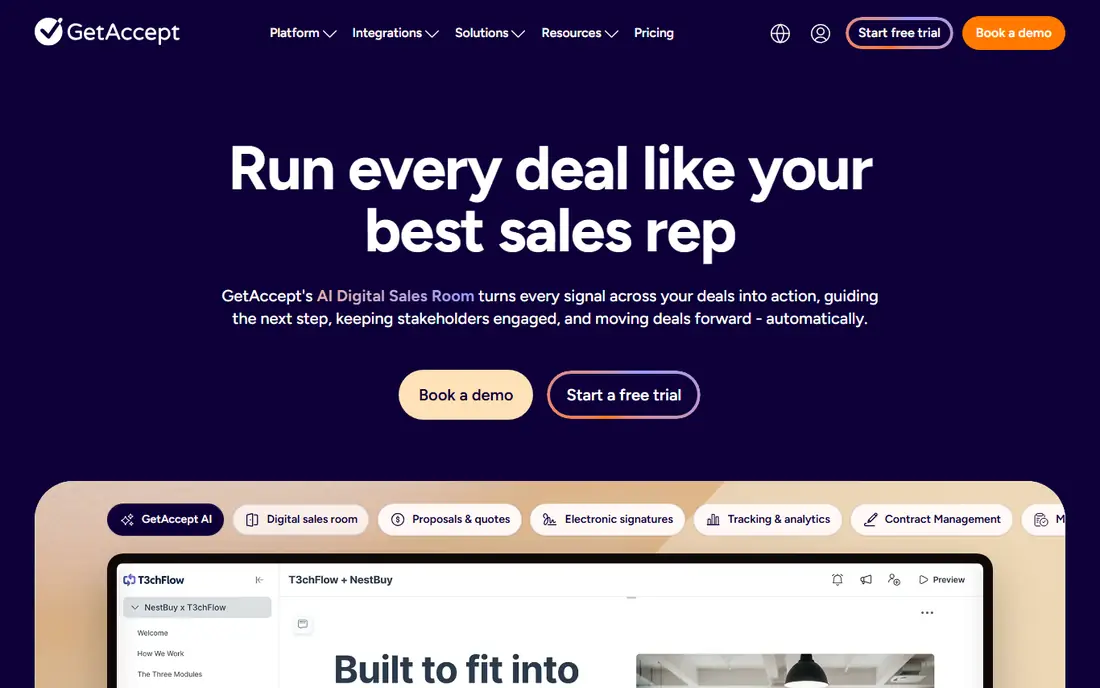
GetAccept wraps proposals, contracts, videos, and chat into one buyer-facing room. A rep can record a short video walkthrough, attach the proposal, and watch which sections a buyer opens. That visibility helps a seller follow up with a useful question instead of a generic check-in. The built-in e-signature means a buyer does not need to leave the room to sign, which removes a common point of friction near the close.
The trade-off is scope. GetAccept does far more than a simple shared folder, and teams that only need a clean room may find the extra features heavy. Pricing also rises with users, so a very small team should test the room experience with real buyers before committing. For mid-market and growth teams with multi-stakeholder deals, though, the combination of video, tracking, and signing is hard to match.
- Built-in e-signature
- Video messages inside rooms
- Detailed engagement tracking
- Higher cost for small teams
- Setup takes time for larger deal templates
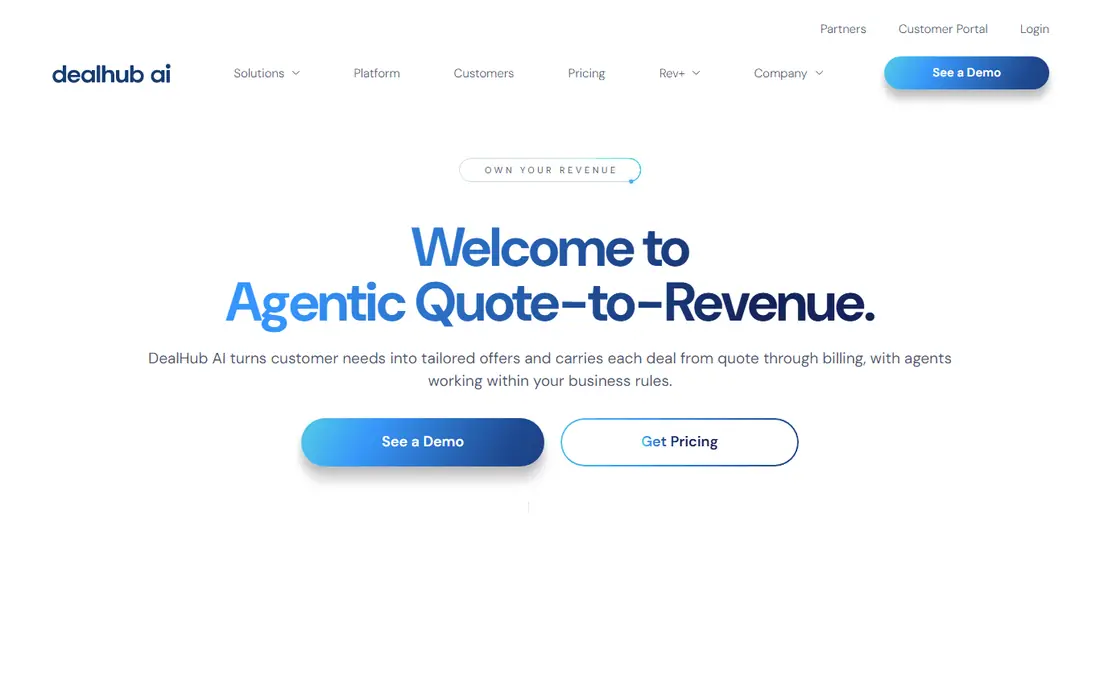
DealHub is best seen as a quote-to-revenue platform with deal rooms attached, rather than a standalone room tool. Its guided selling flow helps reps build accurate quotes, apply approval rules, and keep pricing consistent across a team. Buyers see a structured room with the quote, supporting documents, and next steps in one place. That structure matters when pricing has options, discounts, or bundles that buyers need to compare.
The honest catch is price and complexity. DealHub does not publish a simple starter rate, and implementation can take planning for teams with complex products. Smaller sellers may prefer a lighter room. Larger revenue teams, especially those already wrestling with spreadsheet quotes, will likely find the control worth the effort.
- Strong CPQ and guided selling
- Contract and approval workflows
- CRM integrations
- Quote-based pricing
- May be more than a small team needs
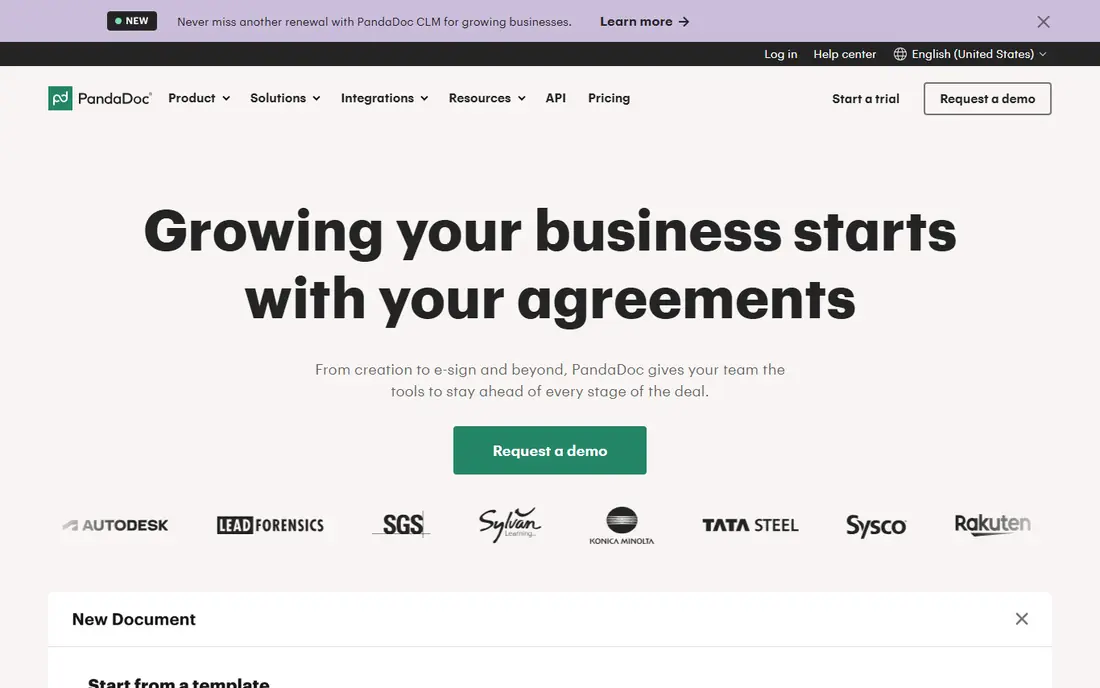
PandaDoc started as document software, and that strength still shows. Templates, reusable content blocks, approval workflows, and e-signature make it fast to send a professional proposal. Tracking shows opens and views, so a rep knows when to follow up. For teams that send many similar proposals, the time saved on formatting alone can justify the cost.
PandaDoc is not the most collaborative room on this list. Buyers get a polished document experience, but the shared workspace, mutual tasks, and buyer journey tools are thinner than in Dock or Accord. If your main job is sending and signing documents quickly, PandaDoc is a strong pick. If you need buyers and sellers to work through a long evaluation together, pair it with a dedicated room or choose a room-first tool.
- Large template library
- Built-in e-signature
- CRM integrations with Salesforce and HubSpot
- Buyer room experience is less interactive than dedicated room tools
- Advanced CPQ sits on higher plans
Qwilr turns a proposal into an interactive web page instead of a static PDF. Prospects can scroll, expand sections, accept pricing options, and sign without downloading anything. That format tends to feel more modern than a long document, and analytics show time spent and clicks so sellers can see what buyers actually cared about. Agencies and design-led teams often like Qwilr because the finished page reflects well on their brand.
The price is the main barrier. At $35 per user per month to start, Qwilr costs more than PandaDoc or Proposify for a similar headcount. It also does less heavy quoting work than DealHub. Buyers who care most about presentation and buyer experience, and who send high-value proposals, will get the most from it.
- Web-page style proposals
- Engagement analytics
- E-signature and payment options
- Higher starting price
- Fewer deep CPQ features than DealHub
Proposify focuses on getting a good proposal out the door fast and knowing what happens next. Templates cover common services and industries, and the editor keeps branding consistent without design skills. Real-time notifications and tracking help reps time their follow-up, and e-signature keeps the close inside the same flow. For agencies and service businesses, that combination is practical and easy to adopt.
Proposify does not try to be a full buyer collaboration hub. There is less emphasis on mutual action plans, shared tasks, and long evaluation journeys. Teams with simple sales cycles will not miss those features. Teams selling complex software to buying committees may want a room-first option instead, or use Proposify for the proposal inside a wider room workflow.
- Professional templates
- Real-time tracking
- CRM integrations
- Room collaboration is basic
- Design control is less flexible than Qwilr
Dock gives buyers a single link with everything they need: decks, proposals, security documents, pricing, and next steps. The workspace feels calm and organized, which helps when a champion needs to share materials with colleagues who were not on the call. Templates speed up setup, and the free plan lets a small team try real rooms before paying. Our pick for most people is Dock because it balances ease, price, and a buyer experience that does not need training.
The limits are fair to name. Dock leans on integrations for e-signature rather than building the whole signing flow itself, and its analytics are less detailed than GetAccept. Neither gap matters much for early and mid-stage deals. If signing inside the room is a must, check the integration setup before you buy.
- Free plan available
- Clean buyer workspace
- Templates for common sales motions
- E-signature is handled through integrations
- Analytics are lighter than GetAccept
Flowla builds rooms around a guided journey, with steps, tasks, and content arranged in order. That structure helps buyers who are new to a product category, because they can see what happens next and what is needed from them. Sellers can track progress through the flow and spot where a deal stalls. The free plan makes it a low-risk starting point for small teams.
Flowla is a younger, smaller vendor than PandaDoc or DealHub, so its integration catalog is narrower and some buyers may not know the brand. E-signature also sits on paid team plans rather than the free tier. For teams that value a clear, step-by-step buyer path over a large feature catalog, Flowla is worth a trial.
- Free plan available
- Structured deal flows
- Content and task tracking
- Smaller integration set than larger rivals
- E-signature on higher plans
Accord centers on the mutual action plan, the shared checklist that keeps buyer and seller aligned on steps, owners, and dates. Rooms hold content and resources, but the plan is the star. That focus helps complex deals stay on track, because slippage shows up early instead of at the end of the quarter. Managers also get a clearer view of deal health than a simple stage label provides.
Accord is less of a proposal design tool. Teams that need beautiful interactive proposals may pair it with another product or choose Qwilr instead. Pricing is quote based, so budget planning needs a sales conversation. For teams whose deals stall from poor coordination rather than poor proposals, Accord addresses the real problem.
- Strong mutual action plans
- Buyer and seller task tracking
- CRM integrations
- Quote-based pricing
- Less focus on document design
How we picked these
We compared official feature pages, pricing pages, and public user reviews for dedicated room tools and proposal platforms with room features. We favored tools that exist today, offer a real buyer-facing workspace, and publish enough detail to judge price and fit. We excluded pure document storage and generic project tools, because they lack buyer engagement tracking and deal-specific workflows. Prices shown are starting rates from vendor pages or review sources where the vendor does not publish a rate, marked as See website.
What to check before you buy a digital sales room
Start with the buyer, not the feature list. Ask a recent buyer what confused them in your current process, and pick a room that fixes that step first. If buyers lose proposals in email, any clean room helps. If deals stall after the demo, a mutual action plan tool like Accord may matter more than prettier proposals.
Check three practical items before signing. First, confirm CRM integration: the room should log engagement back to your CRM without manual work. Second, confirm e-signature: decide if signing must happen inside the room or if an integration is fine. Third, confirm seat and contract terms, since quote-based tools can carry minimums that change the real cost. Run a pilot with two or three live deals, and judge the tool on buyer replies and deal speed, not on the demo.
For small teams
Pick a free or low-cost room like Dock or Flowla, and keep the room simple. One page with the proposal, a short video or note, next steps, and a contact block beats a cluttered workspace. Add features only when buyers ask for them.
For larger teams
Prioritize governance, templates, and analytics. DealHub, GetAccept, and PandaDoc offer more control over branding, approvals, and reporting. Budget time for template setup, because a room tool only saves time once templates match how your team actually sells.
FAQ
What is the best digital sales room software?
For most teams, Dock is a strong starting point because it is simple, buyer-friendly, and has a free plan. Teams that need video and signing in one place should look at GetAccept, while teams with complex quoting should shortlist DealHub. The best choice depends on deal size, sales cycle length, and how much quoting control you need.
What are the best digital sales room platforms for small businesses?
Dock and Flowla are the most small-business friendly, thanks to free plans and simple setup. PandaDoc and Proposify also work well for small teams that mainly need proposals and e-signature. Avoid quote-based enterprise tools until deal volume justifies the cost and setup time.
How much does digital sales room software cost?
Prices range from free plans at Dock and Flowla to $19 to $35 per user per month for proposal-led tools, and custom quotes for DealHub and Accord. Always check seat minimums, annual billing terms, and whether e-signature or analytics require a higher tier. The cheapest headline rate is not always the cheapest total cost.
Do digital sales rooms include e-signature?
Some do, including GetAccept, PandaDoc, Qwilr, and Proposify, which keep signing inside the proposal flow. Others, like Dock, rely on integrations with signing tools. If a signed document is the final step in your room, confirm the signing flow before you commit, including audit trails and signer authentication.
Can a digital sales room replace email for deals?
It can replace most deal email, but not all of it. Rooms work best as the single source of truth for documents, steps, and decisions, while email remains useful for quick notes and introductions. The gain comes from buyers always finding the latest version in one link, instead of searching old threads.
How do digital sales room tools integrate with a CRM?
Most tools on this list connect to Salesforce, HubSpot, or both, and log room activity, opens, and deal progress. Check that the integration is two-way for your use case, so room engagement updates the deal record and CRM data can pre-fill room content. A one-way link still helps, but it leaves manual work for your team.