Best Digital Conversion Service in 2026: 8 Services Compared
We compare the best digital conversion service for VHS tapes, film and photos, on price, formats, turnaround times and safe handling of your originals.
- Editor's choice
 Legacybox
Kit based tape and photo conversion
Starts atSee websiteVisit legacybox.comFull review - Great alternative
 iMemories
Per item VHS and film conversion
Starts atSee websiteVisit imemories.comFull review - Also consider
 ScanCafe
Photo and slide scanning
Starts atSee websiteVisit scancafe.comFull review
TL;DR:
- Legacybox and iMemories are the best known mail in options for VHS tapes, with kit based and per item pricing respectively.
- ScanCafe, Southtree and Capture suit photo and film heavy collections, while Kodak Digitizing Box suits a simple all in one order.
- Per tape prices in recent comparisons ranged from about $14.99 on sale to $34.99 inside a Legacybox kit, so check the current checkout total.
- Always download your files, keep a backup and confirm return shipping before you send irreplaceable originals.
Quick comparison
| Tool | Best for | Starts at | Free plan? | |
|---|---|---|---|---|
| Legacybox | Kit based tape and photo conversion | See website | No | Visit |
| iMemories | Per item VHS and film conversion | See website | No | Visit |
| ScanCafe | Photo and slide scanning | See website | No | Visit |
 Southtree | Tape and film conversion | See website | No | Visit |
 Capture | Video transfer service | See website | No | Visit |
 Kodak Digitizing Box | Simple all in one conversion | See website | No | Visit |
 EverPresent | Local style photo and video work | See website | No | Visit |
 Forever Studios | Per item VHS conversion | See website | No | Visit |
The best digital conversion services
Old tapes fade, film becomes brittle and photos lose colour. The best digital conversion service turns those originals into files you can watch, share and back up. The services below cover VHS tapes, film reels, photos and audio, with different pricing models.

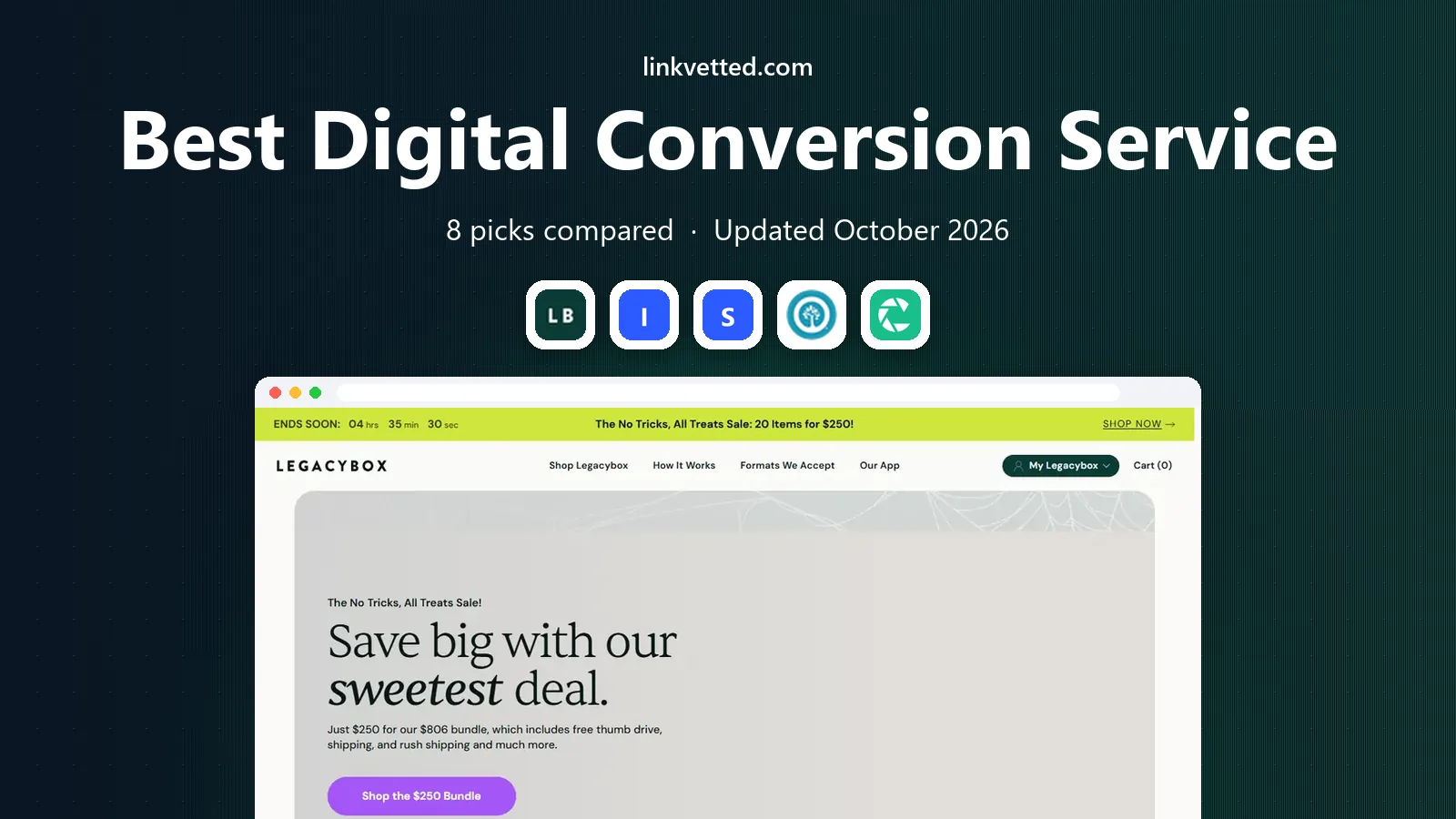
Legacybox is our pick for families with a mixed box of media. You buy a kit sized for 2, 10, 20 or 40 items, label each item with a barcode, and send the box back with a prepaid label. That structure suits a drawer full of VHS tapes, film reels and photo sets that you want handled in one order, with tracking at each stage.
The catch is kit math. If you have 12 tapes, you may need a 20 item kit, which raises the per item cost. Recent comparisons put a Legacybox item at $34.99 inside a $69.98 Starter kit, though sales change prices often. Download your files as soon as they are ready, and keep your own backup, since cloud access is time limited.
- Simple kit with barcodes and tracking
- Handles tapes, film, photos and audio
- Cloud access included for a period
- Kit pricing can mean paying for unused slots
- Standard turnaround can take weeks
- Cloud access may need a paid plan later
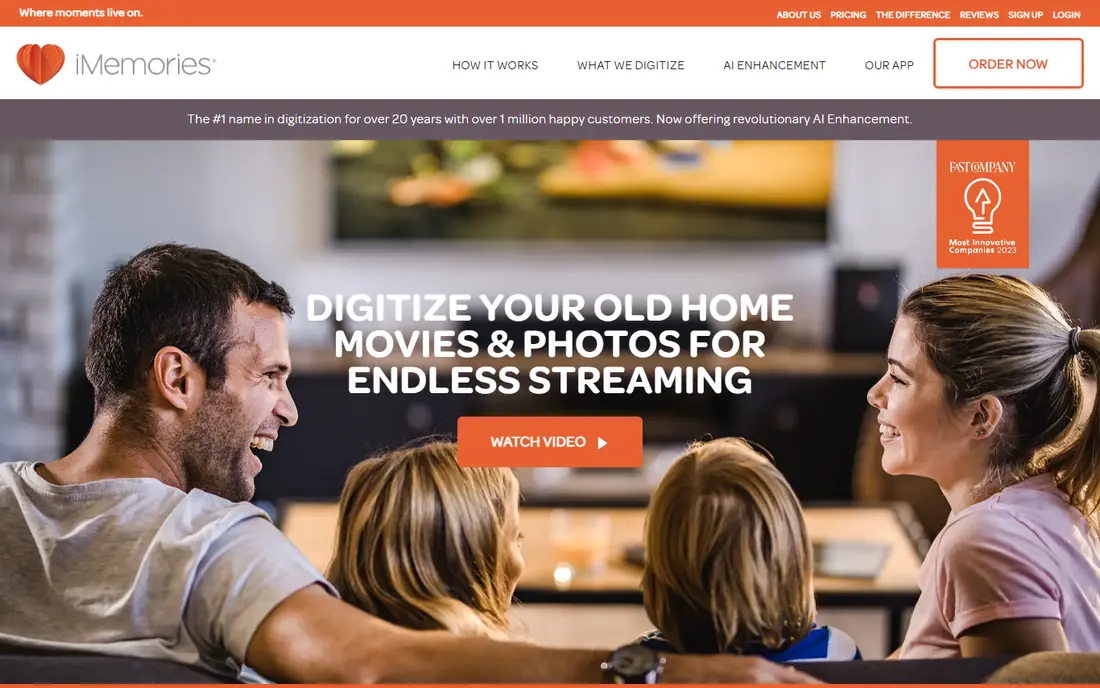
iMemories suits people who want to pay per tape rather than buy a fixed kit. Its SafeShip Kit uses crush resistant packaging, and its per item model lets you convert three tapes without paying for a larger box. Recent comparisons listed iMemories at $14.99 per tape on sale, with a list price of $29.99, and photos at 49 cents on sale.
The cloud app is the main cost to watch. Downloads of digital masters are free, but continued cloud viewing through the app costs $7.99 per month or $49.99 per year after a trial in recent reports. If you download and back up your files, you can avoid that ongoing cost. iMemories also will not copy commercial or recorded from TV tapes, so check format rules first.
- Per item pricing rather than kits
- SafeShip kit with protective packaging
- Free download of digital masters
- Cloud app needs a paid plan after trial
- Sale prices change often
- Commercial tapes are not accepted
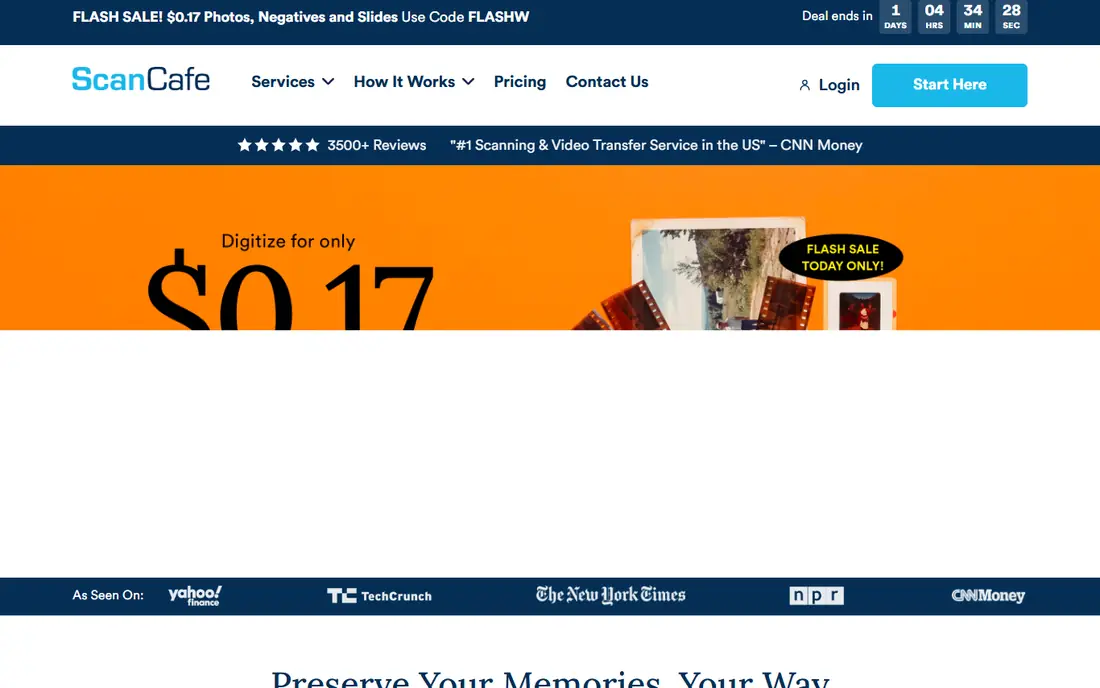
ScanCafe is best known for photo, slide and negative scanning, though it also handles video transfer. Its hand checked approach appeals to families with large photo collections that need colour correction and careful handling. You can order by the set, track progress online and receive files on USB or by download depending on the service.
Large orders take time, and pricing depends on format, quantity and resolution, so get a clear quote before you send a full archive. ScanCafe is a strong choice when photos matter as much as tapes, and when you want a specialist scanner rather than a general kit service.
- Strong photo and slide scanning
- Hand checked scans
- Video transfer also available
- Turnaround can be long for large orders
- Pricing varies by format and resolution
Southtree offers a kit based service for tapes, film, photos and audio, similar in style to Legacybox. That familiarity helps if you have already used a kit service, and its format list covers VHS, camcorder tapes and film reels that many families still hold. Digital files can be delivered by download, USB or DVD depending on the order.
The same kit warning applies. Count your items carefully and choose the smallest kit that fits, since unused slots raise the effective price. Check current turnaround estimates, especially for large orders, and download your files promptly once they are ready.
- Handles many tape and film formats
- Kit based ordering
- Digital delivery options
- Kit pricing similar to Legacybox
- Turnaround varies by order size
Capture, formerly YesVideo, focuses on video transfer, which makes it a clear choice for VHS heavy collections. Recent comparisons listed Capture at $19.99 per tape, which sits between sale prices at iMemories and kit prices at Legacybox. Its process is straightforward: order, send tapes, receive digital files and get originals back.
Photo scanning is available, but Capture is strongest when video is the priority. Add ons such as USB delivery or DVD sets raise the total, so decide how you want files delivered before you order. For a box of family VHS tapes with a few camcorder tapes mixed in, Capture is a practical and focused option.
- Clear video transfer focus
- Per item pricing in recent comparisons
- Handles VHS and camcorder tapes
- Less suited to huge photo archives
- Add ons for USB or DVD raise the total
Kodak Digitizing Box offers a simple all in one route. You choose a box size, fill it with tapes, film, photos or audio, and send it back for conversion. That simplicity suits buyers who do not want to compare per item prices across several services, and the Kodak name gives many families confidence when sending originals by mail.
Box size math matters again. A box that is too large for your collection raises the per item cost, while a box that is too small may need a second order. Check the current box prices, the included digital delivery method and the estimated turnaround before you buy, and back up files as soon as they arrive.
- Simple box ordering
- Handles tapes, film, photos and audio
- Kodak brand recognition
- Pricing depends on box size
- Turnaround can take weeks
EverPresent combines digitising with photo organisation, design and archiving help. That extra service suits families who want more than files, such as a printed photo book, a restored photo or an organised digital library. Some locations offer in person drop off, which can reassure buyers who prefer not to mail originals.
Project pricing varies, so EverPresent is less predictable for a simple price comparison. If you have a small, high value collection or you want help organising the result, its service model can be worth the extra discussion. For a large, simple tape conversion, a kit or per item service may be cheaper.
- Photo, video and audio conversion
- Design and archiving services
- Retail locations in some areas
- Pricing varies by project
- Less national kit coverage than larger rivals
Forever Studios digitises VHS tapes, photos and film at its own facility, with per item pricing rather than kit bundles. Recent competitor comparisons cited $12 per VHS tape at Forever Studios, though you should confirm the current price at checkout since promotions change. Its in house model appeals to buyers who want to know where originals are handled.
The trade off is scale and reach. Forever Studios is smaller than the largest kit services, so format coverage and shipping options should be checked for your collection. For a per item VHS order where you want a clear price per tape, it is a useful alternative to Legacybox and iMemories.
- Per item pricing
- In house facility
- Faster turnaround claims for many orders
- Smaller national presence than Legacybox
- Pricing and formats should be confirmed at checkout
How we picked these
We compared official service pages, pricing models, format lists and recent price comparisons for VHS and photo conversion. We favoured services that are live in 2026, that handle VHS tapes and related formats, and that offer clear delivery and return terms. We left out services that only offer software, since this list focuses on services that convert physical originals.
How to prepare tapes and photos for conversion
Start by sorting and counting. Separate VHS, camcorder tapes, film reels and photos, and note any damaged, mouldy or broken items. Tell the service about damage in advance, since some tapes need repair before conversion. Label each item if the service asks you to, and keep a photo or list of what you sent.
Protect your files after delivery
Download files as soon as they are ready, then copy them to two places, such as an external drive and a cloud backup. Check a sample file for sound, colour and completeness before you store originals away. Original tapes should be kept in a cool, dry place, away from attics and garages where heat and humidity cause damage.
Check rights and format limits
Most services will not copy commercial movies, recorded TV programs or copyrighted material. Home movies, family photos and personal recordings are the usual focus. If a tape is a commercial release, keep the original and buy a licensed digital version instead of asking a conversion service to copy it.
FAQ
What is the best digital conversion service?
Legacybox and iMemories are the best known all round options for VHS tapes, while ScanCafe suits photo heavy collections and Capture suits video focused orders. The best choice depends on whether you prefer kit pricing or per item pricing, and on your format mix.
What is the best company to digitize VHS tapes?
For VHS tapes, iMemories, Legacybox, Capture and Forever Studios are strong options. Compare per tape prices at checkout, check whether commercial tapes are excluded, and confirm download and return terms before you send originals.
How much does it cost to digitize a VHS tape?
Recent comparisons put per tape prices from about $14.99 on sale at iMemories to $19.99 at Capture and $34.99 per item inside a Legacybox Starter kit. Add ons for USB, DVD or faster service raise the total, so check the final checkout figure.
What do video transfer service reviews usually warn about?
Reviews often warn about turnaround time, cloud subscription costs after a trial, and kit pricing that leaves unused slots. Read recent reviews, download files promptly and keep your own backup to avoid those problems.
Is it safe to mail VHS tapes for conversion?
Mail in services use tracked shipping and protective packaging, but originals are irreplaceable, so use a service with tracking, insurance options and a clear return process. Keep a list of what you sent, and back up files as soon as they arrive.