Best Conversion Rate Optimization Tools in 2026: 8 Tools Compared
Best conversion rate optimization tools compared: A/B testing, heatmaps and landing pages from 8 tools, with pricing to help you lift conversions today.
- Editor's choice
 Optimizely
Enterprise web and feature experimentation
Starts atSee websiteVisit optimizely.comFull review - Great alternative
 VWO
All-in-one testing, heatmaps and insights
Starts atSee websiteVisit vwo.comFull review - Also consider
 AB Tasty
Personalization alongside experimentation
Starts atSee websiteVisit abtasty.comFull review
TL;DR:
- Start with diagnosis, not tests: heatmaps and recordings from Hotjar or Crazy Egg show what to fix before you test.
- Enterprise tools such as Optimizely and AB Tasty are quote-only and suit high-traffic sites, while Zoho PageSense and Crazy Egg start at $17 and $29 per month.
- VWO is the most complete all-in-one option, but its pricing is now quote-led, so confirm the cost for your traffic level.
- Landing page tools such as Unbounce solve a different problem from testing tools, so pick based on whether your pages or your tests are the bottleneck.
Quick comparison
| Tool | Best for | Starts at | Free plan? | |
|---|---|---|---|---|
| Optimizely | Enterprise web and feature experimentation | See website | No | Visit |
| VWO | All-in-one testing, heatmaps and insights | See website | Yes | Visit |
| AB Tasty | Personalization alongside experimentation | See website | No | Visit |
 Hotjar | Heatmaps, recordings and surveys | $39 per month | Yes | Visit |
 Crazy Egg | Simple heatmaps and A/B tests for small teams | $29 per month | Free trial | Visit |
 Unbounce | Landing pages built for conversion | $99 per month | Free trial | Visit |
 Zoho PageSense | Affordable testing inside the Zoho ecosystem | $17 per month | Yes | Visit |
 Kameleoon | AI-assisted experimentation for mid-market teams | See website | No | Visit |
The best conversion rate optimization tools
Conversion rate optimization means turning more of the visitors you already have into enquiries, sign-ups or sales. The tools on this list fall into three groups: testing platforms that compare page versions, research tools that show visitor behavior, and landing page builders that create focused pages. We compared official pricing pages, feature lists and public reviews, and favored tools that are still actively sold in 2026, with clear limits on traffic, sessions or plans. Use the guide below to match the tool type to your site before you compare prices.

Optimizely is the enterprise standard for teams that run experimentation as a formal program. It covers web tests, feature flags and product experiments in one platform, with governance controls that large, regulated companies need. When traffic is high enough to reach conclusions quickly, its analytics help teams separate real wins from noise.
The cost and complexity put it out of reach for most small sites. Pricing is quote-only and commonly runs into tens of thousands per year, and implementation needs staff time. Smaller teams should start with a cheaper testing tool and only move to Optimizely when test volume and revenue justify it.
- Deep experimentation across web, app and server side
- Strong governance and analytics
- Built for high traffic programs
- Quote-only pricing
- Needs dedicated staff and serious traffic to pay off

VWO bundles A/B testing with heatmaps, session recordings and surveys, so a team can spot a problem, test a fix and check the result without buying three tools. Its visual editor lets marketers change headlines, buttons and layouts without waiting for a developer, which speeds up small tests. That combination makes it a practical all-in-one pick for mid-size sites.
VWO no longer publishes simple list prices, so budgeting requires a sales conversation, and costs rise with monthly tested visitors. Teams with very low traffic may find a simpler tool cheaper. Even so, for a site that tests every month, the bundled insights save real tool-hopping time.
- Testing plus heatmaps, session recordings and surveys in one suite
- Visual editor for non-developers
- Strong reporting
- Pricing is now quote-led
- Can get expensive as traffic grows
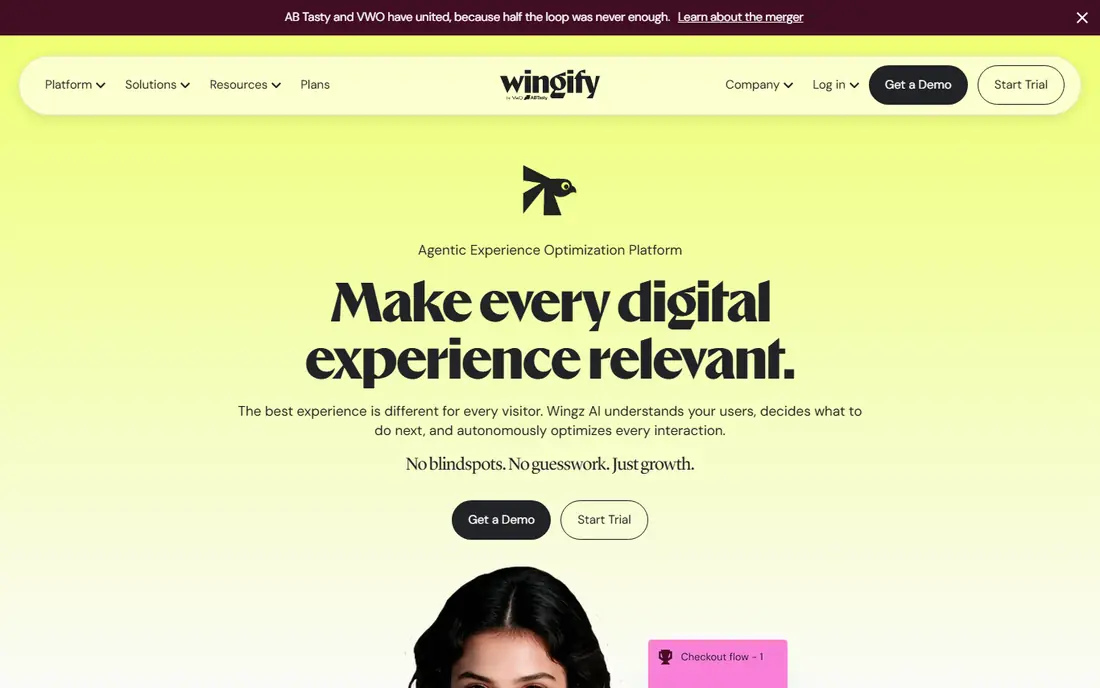
AB Tasty pairs A/B, multivariate and split testing with personalization, so a winning test can become a targeted experience for a segment rather than a one-off change. Its segmentation goes beyond basic device and location rules, and its revenue reporting ties tests to money rather than clicks alone. Retail and travel brands with large audiences get the most from that depth.
The buying process is sales-led and annual costs are high, which rules it out for small sites. Personalization also needs enough traffic and varied content to be useful. If your site is still learning basic testing, start simpler and return to AB Tasty when volume supports it.
- Testing plus personalization and product recommendations
- Strong segmentation
- Good fit for European brands
- Quote-only pricing
- Personalization needs substantial traffic and content to pay off
Hotjar answers the question that analytics alone cannot: what are visitors actually doing on the page. Heatmaps show where people click and scroll, recordings reveal confusing forms and broken flows, and short surveys ask visitors why they left. For a team starting conversion work, that evidence is often more valuable than another test idea.
Hotjar is a research tool first, not a complete testing platform, so most teams pair it with a dedicated A/B tool. Free and low plans cap sessions, which means busy sites upgrade sooner. Used as the diagnosis step before testing, it earns its place in almost any conversion stack.
- Heatmaps and session recordings show why visitors leave
- Surveys capture direct feedback
- Easy to install
- Not a full A/B testing tool on its own
- Session limits push growing sites to paid plans
Crazy Egg keeps conversion research simple. Heatmaps and scroll maps show which parts of a page get attention, and its A/B testing lets small teams try new headlines or calls to action without a developer-heavy setup. The $29 starting price makes it one of the most accessible entries on this list for a small business.
The trade-off is depth. Large teams running many simultaneous tests will want stronger segmentation and governance than Crazy Egg offers. For a small site that needs to see visitor behavior and run a few tests a month, though, simplicity is a feature, not a flaw.
- Easy heatmaps, scroll maps and confetti reports
- Built-in A/B testing
- Low starting price
- Smaller feature set than enterprise suites
- Reporting depth is limited at scale
Unbounce is for teams whose conversion problem is the landing page itself. Its builder creates focused pages without a developer, and built-in A/B testing compares headlines, forms and offers directly. Templates for lead generation and ecommerce give small marketing teams a fast start, and dynamic text replacement can match page copy to ad copy.
The $99 starting price is high if you only need testing on existing pages. Unbounce pays off when you build and test landing pages regularly, such as for paid campaigns. Teams with one static site should pick a testing or heatmap tool instead.
- Drag-and-drop landing page builder
- Built-in A/B testing
- Templates tuned for leads and sales
- Pricier than a pure testing tool
- Best value only if you build many landing pages
Zoho PageSense is the budget entry that still covers the basics: A/B tests, heatmaps, session recordings and funnel analysis in one low-priced plan. For a business already using Zoho CRM or other Zoho apps, the shared login and data flow are a bonus. The $17 starting price makes regular testing affordable for small sites.
PageSense does not match the depth, integrations or experimentation governance of Optimizely or VWO. Teams that outgrow it will likely move to a specialist suite. As a first testing tool, however, it removes the usual excuse that conversion work costs too much to start.
- Low-cost A/B testing, heatmaps and funnels
- Fits Zoho users
- Clear starting price
- Smaller ecosystem than standalone leaders
- Advanced features trail enterprise tools
Kameleoon brings AI-assisted experimentation to mid-market teams, with testing, personalization and analytics aimed at ecommerce and media sites. Its tools help teams prioritize tests, segment audiences and read results without a large data science team. For a growing store that has outgrown basic testing, that step up in analysis matters.
Pricing is quote-based, so small sites cannot easily budget for it, and the platform still needs enough traffic to produce reliable results. Teams should confirm the quote against expected test volume before signing. When traffic and budget align, Kameleoon is a credible mid-market alternative to the enterprise leaders.
- AI-driven experimentation and personalization
- Strong analytics
- Good for mid-market ecommerce
- Quote-based pricing
- Needs traffic and team time to use well
How we picked these
We compared official feature pages, pricing pages and app store listings, and we favored tools that are still actively sold in 2026, with clear limits on traffic, sessions or plans. We looked at testing types, heatmaps, personalization, integrations and the real cost at your traffic level, not just the headline plan. We did not claim hands-on testing. Our judgment rests on what each vendor publishes and what public reviews report about setup, reporting and support.
How to build a conversion tool stack that pays for itself
Start with one research tool and one testing tool, not a shelf full of software. Install heatmaps and recordings first, watch a week of real visitor behavior, and list the three pages or forms where visitors drop off most. Those pages become your first tests. A simple headline, form length or call-to-action test often beats a full redesign, and it teaches your team how to read results.
Next, set a testing rhythm you can keep. One well-run test per month beats five rushed tests with too little traffic. Record the hypothesis, the change, the traffic and the result in a simple document, so wins are not lost when staff change. Check pricing against traffic growth each quarter, because many tools charge by visitors or sessions, and a successful site can outgrow a cheap plan quickly.
Mistakes to avoid
Do not test without enough traffic to reach a clear result, and do not change several page elements at once, since you will not know what caused the change. Avoid copying a competitor test without checking whether your audience and offer match. Finally, protect visitor privacy: use the tool privacy settings, honor consent rules, and do not record sensitive form fields.
FAQ
What are the best conversion rate optimization tools?
The best tool depends on your job. VWO and Optimizely lead for testing, Hotjar and Crazy Egg lead for visitor research, and Unbounce leads for landing pages. Most teams need one research tool plus one testing tool, rather than a single tool that claims to do everything.
What is the best software for conversion rate optimization for small business?
Zoho PageSense and Crazy Egg are strong small-business picks because they start at $17 and $29 per month and cover testing plus heatmaps. Hotjar adds useful research on a free plan. Start there, and only move to quote-based tools when traffic and revenue justify the cost.
How do A/B testing tools work?
An A/B tool shows part of your traffic one version of a page and another part a different version, then compares conversions for each group. Good tools track statistical confidence, so you can tell a real improvement from random variation. Run one clear change at a time for results you can trust.
Do I need heatmaps if I already have analytics?
Analytics show where visitors drop off, but heatmaps and recordings show what they did before leaving. That behavior often reveals confusing forms, ignored buttons or content placed too low on the page. Pairing both gives you the number and the reason behind it.
How much do conversion rate optimization tools cost?
Prices range from free plans and $17 per month for small tools to quote-only enterprise contracts that can run into tens of thousands per year. Always check whether pricing scales with visitors, sessions or contacts, because a growing site can face a large jump at renewal.