Best Amazon Listing Optimization Services in 2026: 8 Services Compared
Compare the best amazon listing optimization service options for sellers in 2026, with pricing, tools, and done-for-you help in one clear guide here now.

- Editor's choice
 Helium 10
All-in-one listing and keyword work
Starts at$129 per monthVisit helium10.comFull review - Great alternative
 Jungle Scout
Guided research for newer sellers
Starts at$49 per monthVisit junglescout.comFull review - Also consider
 DataDive
Keyword grouping and AI copy
Starts at$39 per monthVisit datadive.comFull review
TL;DR:
- Helium 10 and Jungle Scout remain the most complete all-in-one tools for keyword research and listing work.
- DataDive and ZonGuru suit sellers who want a tighter focus on listing copy and keyword grouping.
- Done-for-you agencies such as My Amazon Guy suit sellers who would rather hand the whole page to specialists.
- Free tiers help for a first audit, but serious keyword tracking and listing scores usually sit behind a paid plan.
- Check pricing on the vendor site before you buy, since monthly and annual rates differ and change often.
Quick comparison
| Tool | Best for | Starts at | Free plan? | |
|---|---|---|---|---|
| Helium 10 | All-in-one listing and keyword work | $129 per month | Yes | Visit |
| Jungle Scout | Guided research for newer sellers | $49 per month | No | Visit |
| DataDive | Keyword grouping and AI copy | $39 per month | No | Visit |
 ZonGuru | Focused listing optimizer | $49 per month | No | Visit |
 SellerApp | Research plus managed help | $49 per month | Yes | Visit |
 SellerSprite | Budget reverse ASIN research | See website | Yes | Visit |
 My Amazon Guy | Done-for-you listing rebuilds | See website | No | Visit |
 Carbon6 | Protecting a finished listing | See website | No | Visit |
The best amazon listing optimization services
A strong Amazon page needs the right search terms, clear copy, honest images, and a title that fits current limits. The services below cover that work in different ways, from software you run yourself to agencies that rebuild the page for you. We compared official feature pages, pricing pages, and public reviews to build this list.
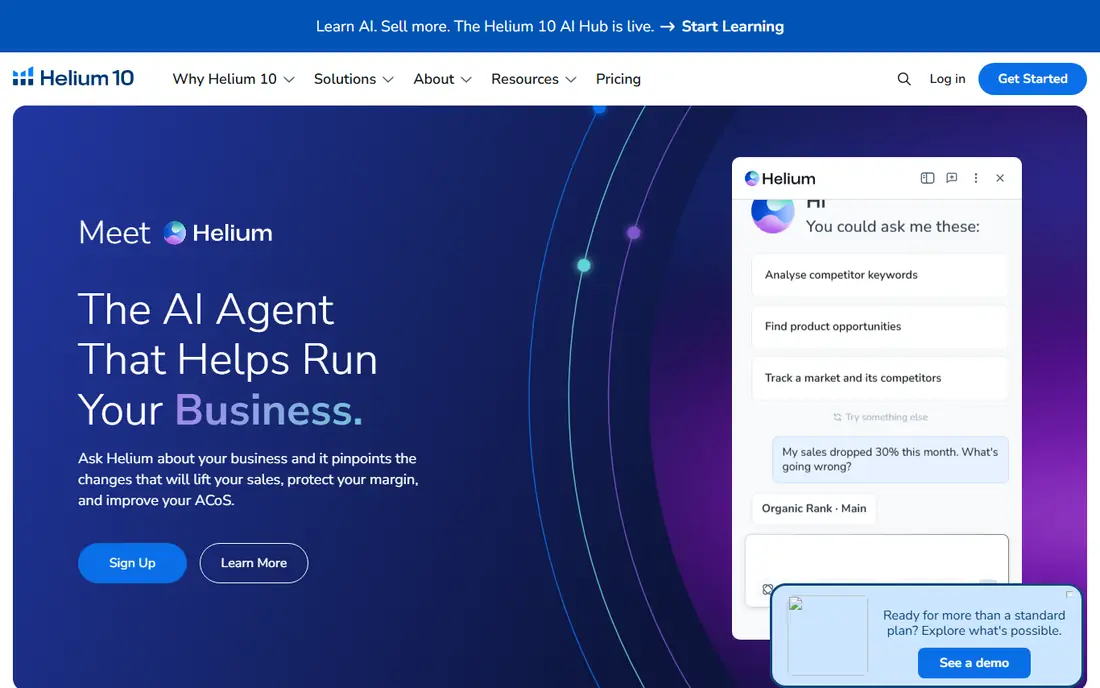
Helium 10 is our pick for most sellers who want one account for research, listing building, and rank tracking. Cerebro shows which terms rival listings rank for, Magnet finds related terms, and the Listing Builder helps place those terms in the title, bullets, and description without stuffing them in awkwardly. That loop matters because a listing is never finished in one pass, and Helium 10 lets you track rank changes after each edit.
The catch is scope and cost. New sellers may open the dashboard and feel lost among tools for ads, profits, and inventory that they do not need yet. The entry paid plan is also a real monthly cost for a small catalog. Still, for sellers with several products or plans to grow, the depth is worth it, and the free plan gives a limited taste before you commit.
- Deep keyword tools including Cerebro and Magnet
- Listing builder with scoring
- Multi-marketplace coverage
- Higher price than simpler tools
- The full suite can feel busy for a first-time seller
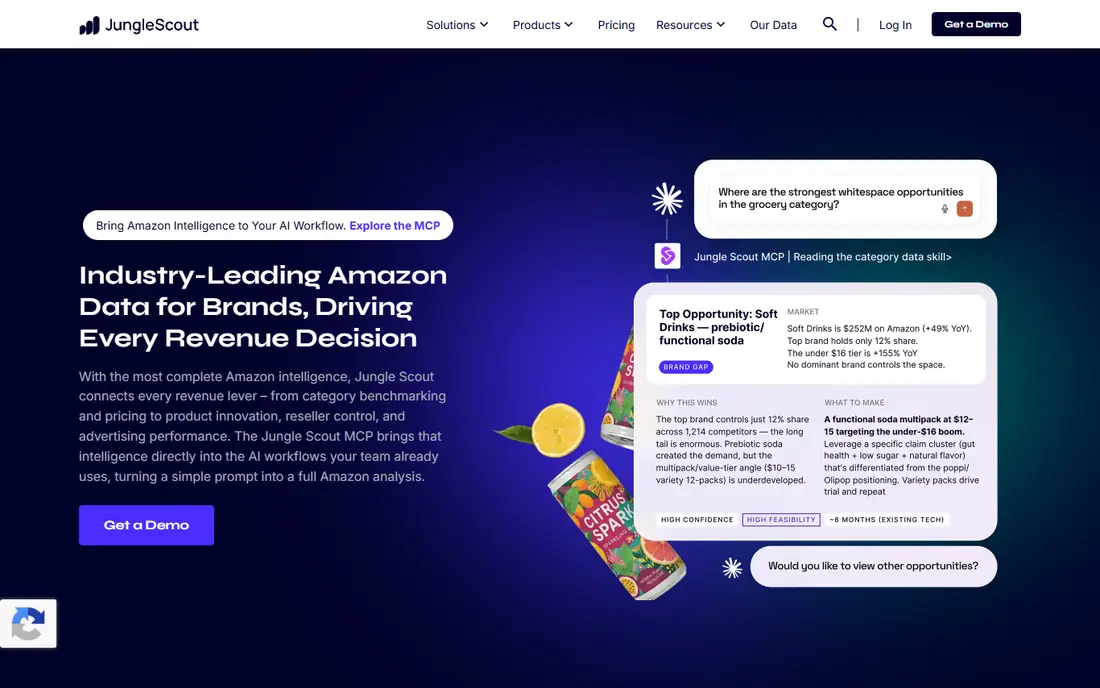
Jungle Scout suits sellers who want a calmer path from idea to listing. Its Product Database and Opportunity Finder help you judge demand before you write a word, and Keyword Scout then feeds terms into the Listing Builder. That order helps, since many weak listings start with a product that had thin demand or a keyword set chosen by guesswork rather than data.
The trade-off is depth. Advanced sellers who live in reverse ASIN data and daily rank tracking may find Helium 10 or DataDive richer. Jungle Scout also asks you to pay from the start, so use its trial period well and check whether the plan covers the marketplaces you sell in. For a first or second product, though, the guided feel is a genuine strength.
- Clear product and keyword research workflow
- Listing builder on top of sales data
- Training material for beginners
- Less depth than Helium 10 for advanced keyword work
- No free plan for a long trial
DataDive stands out for how it organizes keywords. Instead of a long flat list, it groups terms by root, so you can see which ideas belong together and which terms deserve space in the title versus the bullets. That structure makes writing faster and reduces the common mistake of repeating near-identical terms while missing a whole branch of buyer language.
Its AI listing builder then turns that grouped research into draft copy you can edit. Treat those drafts as a starting point, not a finished page, and check every claim against your product. DataDive is less of a full business suite, so sellers who also want ads, profit tracking, and inventory tools will need a second tool. For listing work itself, it is focused and strong.
- Master keyword lists with root grouping
- AI listing builder
- Rank tracking
- Narrower suite than all-in-one platforms
- Best value needs a higher tier for larger catalogs
ZonGuru is a good middle ground for sellers who want listing help without paying for a huge suite they will not use. Its Listing Optimizer scores a page and points to gaps in keyword coverage, while the daily keyword tracker shows whether edits moved the needle. The tool also covers customer and review work, which matters because reviews often reveal the exact words buyers use.
The main limit is breadth. If you need deep ad management or full profit analytics, ZonGuru alone will leave gaps. Pricing also rises as your catalog grows, so a seller with many SKUs should check the tier that fits their count before signing up. For a small to mid-size catalog, the focus is a plus rather than a drawback.
- Dedicated listing optimizer and keyword tracker
- Review and customer tools
- Covers several marketplaces
- Smaller ecosystem than the biggest suites
- Pricing scales with catalog size
SellerApp pairs software with people, which is useful when you know your listing needs work but lack time to do it all yourself. The software side covers keyword research, a listing quality index, and ad tools, so you can see the page and the traffic behind it in one place. The managed team can then take on listing work and ads for sellers who want hands-on help.
That breadth comes with a busier interface, and new users may need a few sessions to find the reports they care about. Managed help is also priced separately, so ask for a clear quote before you assume it is included. For sellers who want one vendor for both tools and help, SellerApp is worth a close look.
- Keyword research and listing quality scoring
- PPC tools in the same account
- Managed service option
- Interface can feel crowded
- Managed services cost extra beyond software plans
SellerSprite is the budget pick that still takes keyword data seriously. Its reverse ASIN work shows which terms drive rival listings, and its keyword mining tools help you build a list that reflects real search behavior rather than hunches. The free toolkit is genuinely useful for a first audit, which makes it a low-risk way to test whether paid research fits your workflow.
The polish lags the biggest names a little, and support material is thinner than what Jungle Scout or Helium 10 publish. Sellers who want a guided course alongside the tool may miss that layer. If your priority is solid data at a lower price, and you are comfortable learning by doing, SellerSprite delivers good value.
- Deep reverse ASIN and keyword data
- Generous free toolkit
- Lower cost than many rivals
- Less polished onboarding than bigger brands
- Some advanced features sit on higher tiers
My Amazon Guy is for sellers who want specialists to rebuild the page rather than learning another tool. A typical project covers keyword research, title and bullet rewrites, image direction, and A+ content, which is the richer content section below the main listing. For a brand with a catalog that has grown messy over time, handing that whole job to one team can save weeks.
Agency work costs more than software, and pricing depends on scope, so get a written quote and a clear list of deliverables before you start. You also give up some day-to-day control, since edits run through the agency. If your time is better spent on sourcing and operations than on listing copy, that trade is often worth it.
- Full page rebuilds by a large Amazon agency
- Design, copy, and A+ content in one project
- Experience across many categories
- Agency pricing is quote-based and higher than software
- Less control for sellers who like to edit daily
Carbon6 plays a different role from the rest of this list. Once a listing is live and ranking, it helps guard it with alerts and tools that flag changes, hijackers, and problems that can quietly hurt sales. That protection matters because a good page can lose ground fast if a detail changes or a rival listing copies your work.
Carbon6 is less useful as a first drafting tool, so pair it with a research or listing builder rather than expecting it to write the page alone. Pricing is also less transparent than software with a public starter rate, so ask for terms that match your catalog size. For established sellers, it is a smart second layer.
- Listing alerts and protection tools
- Broader seller suite for established brands
- Useful after launch
- Not a first choice for writing a listing from scratch
- Pricing is quote-based for many plans
How we picked these
We compared official feature and pricing pages, app and extension listings, and public seller reviews, and we favored tools with a clear listing focus, current Amazon marketplace coverage, and pricing a reader can verify. We included both software and done-for-you help because sellers differ in time, budget, and skill, and a single model does not fit every catalog. We left out tools that could not show a working homepage or a clear listing feature set.
What to check before you choose a listing service
Start with your catalog size and your own time. A seller with two products and a tight budget may do well with SellerSprite or a lower DataDive tier, while a seller with dozens of SKUs will get more from Helium 10 or an agency project. Check whether the plan covers your marketplace, how many ASINs you can track, and whether keyword tracking is daily or weekly.
Match the tool to the job
If your main problem is keyword choice, pick a tool with strong reverse ASIN data. If your main problem is copy and images, look for a listing builder plus design help, or an agency. If your page already ranks well, protection and monitoring may matter more than another rewrite.
Verify claims before you publish
AI drafts, keyword suggestions, and agency copy all need a human check. Confirm that every feature claim is true, that no term promises a result your product cannot deliver, and that images match the item buyers will receive. Amazon can suppress listings with misleading claims, so accuracy protects both ranking and account health.
FAQ
What does an Amazon listing optimization service actually do?
It researches the terms buyers search for, rewrites the title, bullets, and description around those terms, and improves images and A+ content so the page converts better. Some services are software you run yourself, while others are agencies that do the work for you. Both aim to raise visibility and conversion, not to guarantee a rank.
Is Helium 10 or Jungle Scout better for a beginner?
Jungle Scout often feels easier for a first product because its workflow is more guided. Helium 10 offers deeper keyword and listing tools, which helps as a catalog grows. If budget is tight, start with a free or low-cost tool for an audit, then move up once you know which features you use daily.
How much should I expect to pay each month?
Software plans in this guide start around $39 to $129 per month, with annual billing usually lower than monthly billing. Agency projects are quote-based and cost more, since they include human copy and design work. Always check the vendor pricing page, since rates and plan limits change.
Do I need a separate tool for ads and listing work?
Not always. Some suites cover both, and SellerApp and Helium 10 include ad tools alongside listing features. If ads are your main cost, a dedicated ad tool may still be worth it, but for most small sellers a combined suite keeps the workflow simpler and the bill lower.
Can AI copy replace a human listing writer?
AI copy is a useful draft, but it should not be published unchecked. It can miss product details, repeat claims, or use terms that do not fit your item. Edit every draft for accuracy, tone, and compliance with Amazon rules, and keep the final wording in your own brand voice.
How often should I update a listing?
Review a listing after a rank change, a new rival, a product change, or a seasonal shift, and do a full audit at least a few times a year. Small edits to titles and bullets are safer than frequent large rewrites, since large changes can disturb ranking while Amazon re-reads the page. Track results after each edit so you know what helped.