7 Best Demand Generation Software Platforms
Compare the best demand generation software for B2B teams, from all-in-one automation to intent data and account-based tools that build pipeline today.
- Editor's choice
 HubSpot Marketing Hub
All-in-one demand generation for growing teams
Starts atFreeVisit hubspot.comFull review - Great alternative
 Adobe Marketo Engage
Enterprise marketing automation
Starts atSee websiteVisit business.adobe.comFull review - Also consider
 Salesforce Account Engagement
Salesforce-based B2B teams
Starts atSee websiteVisit salesforce.comFull review
TL;DR:
- Demand generation covers the full funnel, from awareness to qualified pipeline, not just lead capture.
- No single tool does data, orchestration, ads, and attribution equally well, so pick the weakest link first.
- Contact-based pricing can grow fast, so model cost at your expected database size.
- Intent data is only useful if sales can act on it quickly, with clear follow-up steps.
- Start with one clear motion, such as inbound nurture or account-based outreach, and measure pipeline.
Quick comparison
| Tool | Best for | Starts at | Free plan? | |
|---|---|---|---|---|
| HubSpot Marketing Hub | All-in-one demand generation for growing teams | Free | Yes | Visit |
| Adobe Marketo Engage | Enterprise marketing automation | See website | Free trial | Visit |
| Salesforce Account Engagement | Salesforce-based B2B teams | See website | Free trial | Visit |
 6sense | Predictive ABM and intent signals | See website | Yes | Visit |
 Demandbase | ABM plus B2B advertising | See website | Free trial | Visit |
 ZoomInfo | B2B data and prospecting | See website | Free trial | Visit |
 ActiveCampaign | Affordable automation for smaller teams | See website | Free trial (14 days) | Visit |
The best demand generation software
We compared platforms that help B2B teams create demand, nurture accounts, and prove what worked, across small, mid-size, and enterprise needs.
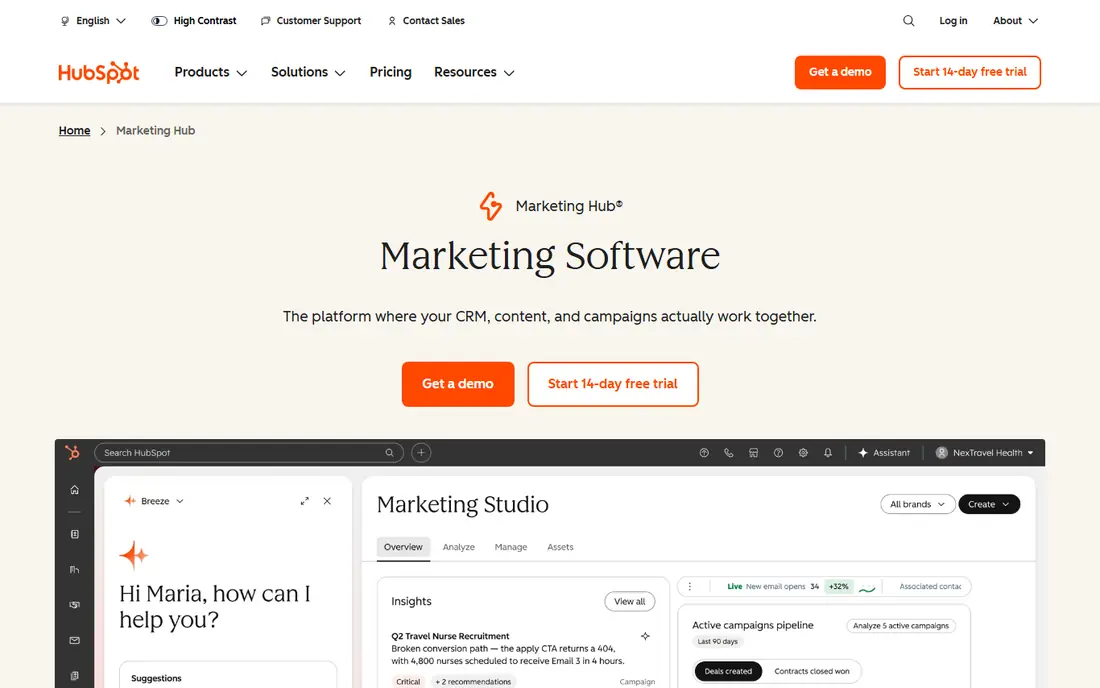
For small and mid-size B2B teams, HubSpot Marketing Hub stands out because CRM, automation, landing pages, and reporting. For a typical user, it removes the need to stitch a CRM, email tool, and landing page builder together, which speeds up campaign launches. That focus helps you judge the tool on the work it will do each week, rather than on a long list of extras you may never open. On strength, it removes the need to stitch a CRM, email tool, and landing page builder together, which speeds up campaign launches. Pricing and limits still matter, so check the plan that covers your actual volume, users, or locations. A tool that fits at entry level can become costly if you grow fast, and a tool that looks expensive can save time if it replaces two other subscriptions. The trade-off is clear: contact-based pricing can surprise teams as databases grow, so you need a regular data clean-up habit. Choose it if you want one hub for most demand work, and look elsewhere if you need deep enterprise ABM or complex multi-touch attribution alone. Before you commit, run a short trial with your real data, and check support response, reporting, and renewal terms.
- Native CRM, email, landing pages, and workflows in one place
- Large integration library and free learning resources
- Reporting that links campaigns to contacts
- Costs rise with marketing contacts
- Advanced attribution needs higher tiers
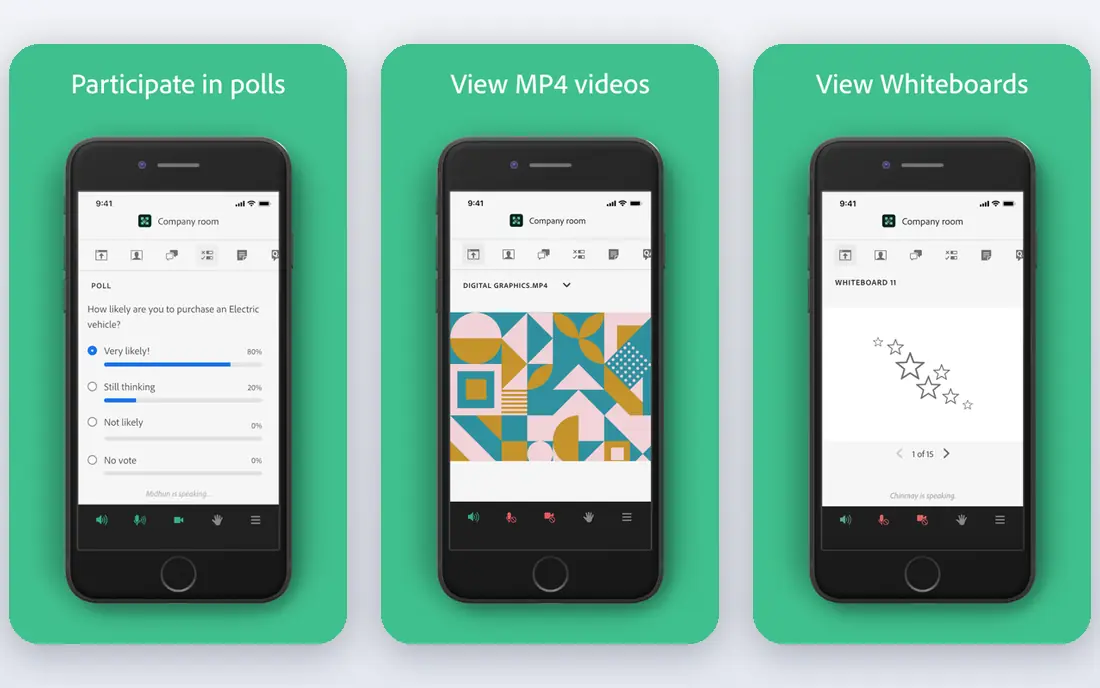
If you want automation, lead scoring, and multi-channel journeys without extra complexity, Adobe Marketo Engage is worth a close look. For a typical user, it handles complex nurture logic and large databases that simpler tools struggle with. That focus helps you judge the tool on the work it will do each week, rather than on a long list of extras you may never open. On strength, it handles complex nurture logic and large databases that simpler tools struggle with. Pricing and limits still matter, so check the plan that covers your actual volume, users, or locations. A tool that fits at entry level can become costly if you grow fast, and a tool that looks expensive can save time if it replaces two other subscriptions. The trade-off is clear: it is not a light tool, and small teams may spend more time managing it than running campaigns. Choose it if you run complex enterprise programs, and look elsewhere if you are a small team with no marketing operations help. Before you commit, run a short trial with your real data, and check support response, reporting, and renewal terms.
- Deep automation, scoring, and multi-channel journeys
- Strong handling of large, complex databases
- Broad Adobe ecosystem integrations
- Needs dedicated marketing operations skill
- Implementation and pricing are heavier
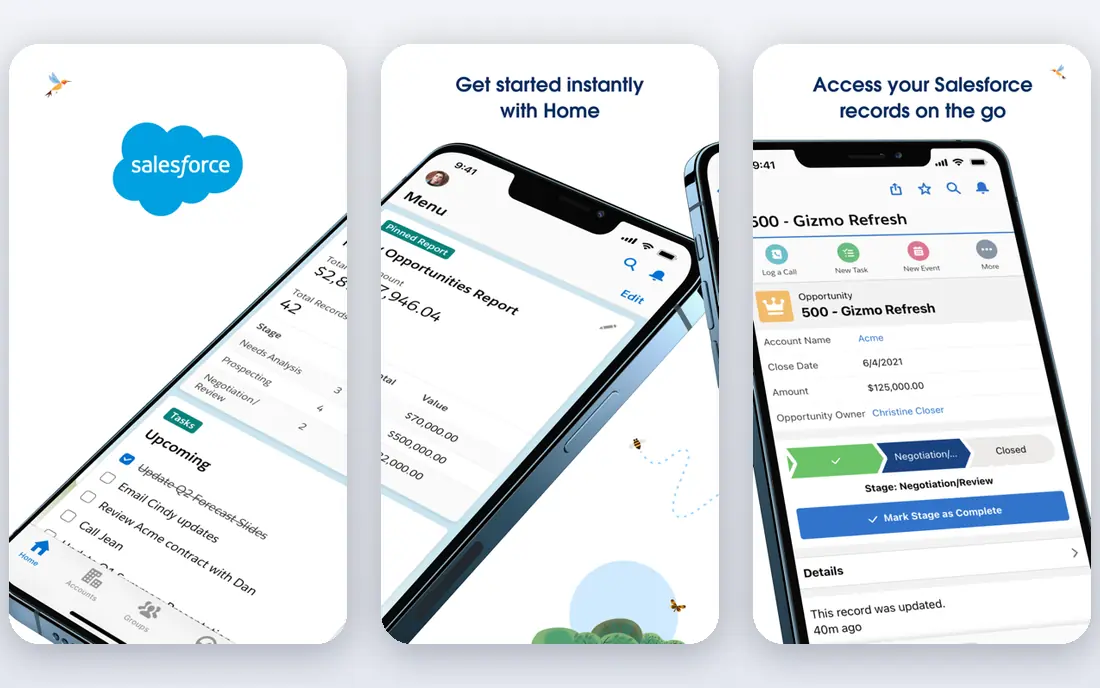
Salesforce Account Engagement is a practical choice for teams already running Salesforce as their CRM, built around Salesforce-native automation and scoring. For a typical user, because it shares Salesforce data, sales and marketing see the same account activity without a fragile sync. That focus helps you judge the tool on the work it will do each week, rather than on a long list of extras you may never open. On strength, because it shares Salesforce data, sales and marketing see the same account activity without a fragile sync. Pricing and limits still matter, so check the plan that covers your actual volume, users, or locations. A tool that fits at entry level can become costly if you grow fast, and a tool that looks expensive can save time if it replaces two other subscriptions. The trade-off is clear: teams outside Salesforce get less value, and setup still needs care to avoid duplicate or messy data. Choose it if you already use Salesforce daily, and look elsewhere if you use a different CRM and want a standalone hub. Before you commit, run a short trial with your real data, and check support response, reporting, and renewal terms.
- Native Salesforce data and reporting
- Lead scoring, grading, and nurture journeys
- Account-based tools for B2B sales teams
- Best value only inside Salesforce
- Pricing and editions can confuse new buyers
Start with 6sense when intent data, predictive scoring, and ABM orchestration is your main need. For a typical user, it helps sales focus on accounts that show buying signals, rather than working down a cold list. That focus helps you judge the tool on the work it will do each week, rather than on a long list of extras you may never open. On strength, it helps sales focus on accounts that show buying signals, rather than working down a cold list. Pricing and limits still matter, so check the plan that covers your actual volume, users, or locations. A tool that fits at entry level can become costly if you grow fast, and a tool that looks expensive can save time if it replaces two other subscriptions. The trade-off is clear: the price and contract size put it out of reach for many small teams, and signals need fast follow-up to pay off. Choose it if you sell high-value deals to defined accounts, and look elsewhere if you sell low-price products to a broad market. Before you commit, run a short trial with your real data, and check support response, reporting, and renewal terms.
- Account intent signals and predictive scoring
- Advertising and orchestration for target accounts
- Sales alerts that surface in-market accounts
- Enterprise pricing is high for small teams
- Needs sales alignment to act on signals
For teams that value ABM targeting, advertising, and intent, Demandbase offers a clear, focused setup. For a typical user, it keeps targeting, ads, and sales insight in one account view, which helps teams coordinate outreach. That focus helps you judge the tool on the work it will do each week, rather than on a long list of extras you may never open. On strength, it keeps targeting, ads, and sales insight in one account view, which helps teams coordinate outreach. Pricing and limits still matter, so check the plan that covers your actual volume, users, or locations. A tool that fits at entry level can become costly if you grow fast, and a tool that looks expensive can save time if it replaces two other subscriptions. The trade-off is clear: smaller teams may find the platform and price heavier than they need, and results depend on clean account data. Choose it if you run a true account-based motion, and look elsewhere if you need simple email automation only. Before you commit, run a short trial with your real data, and check support response, reporting, and renewal terms.
- Account targeting, advertising, and intent in one platform
- Sales insights tied to account activity
- Strong fit for account-based programs
- Pricing is quote-based and enterprise-sized
- Setup needs clear account lists
ZoomInfo suits teams that need fresh prospect data who need contact data, company data, and intent filters in one place. For a typical user, it helps teams build accurate target lists fast, which is the foundation for outbound demand work. That focus helps you judge the tool on the work it will do each week, rather than on a long list of extras you may never open. On strength, it helps teams build accurate target lists fast, which is the foundation for outbound demand work. Pricing and limits still matter, so check the plan that covers your actual volume, users, or locations. A tool that fits at entry level can become costly if you grow fast, and a tool that looks expensive can save time if it replaces two other subscriptions. The trade-off is clear: quote-based pricing can be high, and niche markets may have thinner coverage. Choose it if you need prospect data at scale, and look elsewhere if you already have a clean, large database. Before you commit, run a short trial with your real data, and check support response, reporting, and renewal terms.
- Large B2B contact and company database
- Intent and technographic filters
- Integrations with CRM and sales tools
- Pricing is quote-based
- Data quality varies by region and niche
When email automation, CRM, and segmentation matters most, ActiveCampaign deserves a spot on your shortlist. For a typical user, it gives small teams real automation, such as behaviour-based nurture, without enterprise cost. That focus helps you judge the tool on the work it will do each week, rather than on a long list of extras you may never open. On strength, it gives small teams real automation, such as behaviour-based nurture, without enterprise cost. Pricing and limits still matter, so check the plan that covers your actual volume, users, or locations. A tool that fits at entry level can become costly if you grow fast, and a tool that looks expensive can save time if it replaces two other subscriptions. The trade-off is clear: it will not replace a dedicated ABM or intent platform for large account programs. Choose it if you want affordable automation that you can run today, and look elsewhere if you need enterprise ABM at scale. Before you commit, run a short trial with your real data, and check support response, reporting, and renewal terms.
- Visual automation, email, and CRM in one tool
- Lower entry price than enterprise suites
- Good segmentation and tagging
- Attribution and ABM features are limited
- Advanced reporting needs higher plans
How we picked these
We reviewed official feature pages, pricing pages, app store listings, privacy policies, and public reviews for each product, and we favoured tools that are available today, fit the topic closely, and publish clear pricing or trial terms. We gave extra weight to tools with clear security, privacy, and support practices, and we left out products that did not fit the topic, even when they were popular in a nearby category. We did not claim hands-on testing we did not do. Instead, we compared what each vendor publishes, how reviewers describe daily use, and where limits appear, such as plan caps, renewal costs, and missing features. Prices change, so check the vendor site before you buy, and treat any price marked See website as a prompt to confirm the current plan.
How to build a demand generation stack that fits
Pick the job that is failing first
If you lack pipeline, you may need better targeting or intent data. If leads stall, you may need nurture and scoring. If you cannot prove impact, you need attribution. Buying an enterprise ABM platform will not fix weak data, and buying data will not fix a broken follow-up process.
Check CRM fit before features
Demand tools live or die by their CRM sync. Test how contacts, accounts, and activities move between systems, and how duplicates are handled. A clean sync saves sales time and keeps reporting honest. Ask for a live sync test during a trial, not just a feature list.
Budget for the second year, not just the first
Intro prices, onboarding fees, and contact growth can change the total fast. Model cost at your 12-month contact and user counts. Also budget for content, ads, and staff time, because software alone does not create demand.
FAQ
What is the best demand generation platform for small teams?
For small teams, HubSpot Marketing Hub is often the easiest start, because it combines CRM, email, landing pages, and reporting in one place. ActiveCampaign can also work for lower budgets. Choose the tool your team will actually use weekly, not the one with the most enterprise features.
What is top demand generation software for enterprise teams?
Enterprise teams often pair Marketo Engage or Salesforce Account Engagement with an ABM platform such as 6sense or Demandbase. This setup needs dedicated marketing operations support. Budget for implementation and data quality work, not just licences.
What is the best software for demand generation if we already use Salesforce?
Salesforce Account Engagement, formerly Pardot, usually fits best, because it shares data and reporting with Salesforce. HubSpot also syncs with Salesforce, but the sync needs care. Test lead scoring and campaign reporting in your actual Salesforce setup before deciding.
Is demand generation software different from lead generation software?
Yes. Lead generation focuses on capturing contact details from people who already show interest. Demand generation covers the wider program, including awareness, education, account targeting, and measurement. Most teams need both, but the software mix differs by stage.
How do you measure demand generation success?
Track qualified pipeline, not just form fills. Useful measures include marketing-sourced pipeline, account engagement, sales cycle length, and cost per qualified opportunity. Agree on definitions with sales before launch, so reporting stays trusted.