7 Best Customizable Worksheet Software with AI Options for 2026
Best customizable worksheet software with AI in 2026: 7 contenders with entry costs and free tiers. Each profile ends with a plain caveat. Facts only.
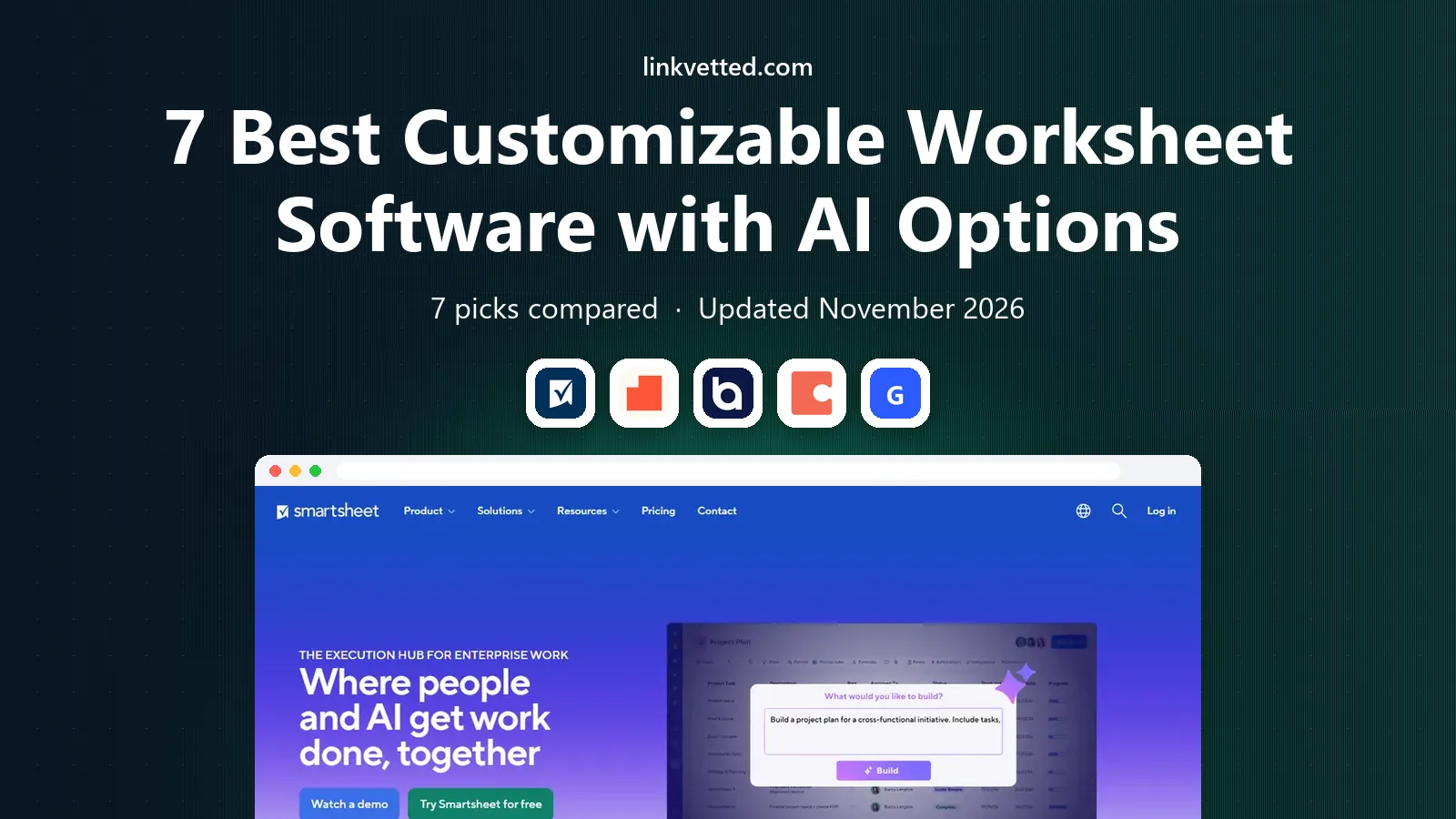
- Editor's choice
 Smartsheet
Project driven worksheets
Starts at$25 per user per monthVisit smartsheet.comFull review - Great alternative
 Rows
Interactive dashboards
Starts at$16 per user a monthVisit rows.comFull review - Also consider
 Formula Bot
Formulas only
Starts atFreeVisit formulabot.comFull review
TL;DR:
- Smartsheet takes the first slot, best suited to project driven worksheets.
- For the cheapest start, look at Coda: $10 per user per month.
- For Microsoft 365 enterprises, Microsoft Excel with Copilot is worth a look.
- A free plan is available from 4 of the 7 tools: Rows, Formula Bot, Coda, Google Sheets with Gemini.
Direct answer
For project driven worksheets, Smartsheet is where this list starts. Rows fits interactive dashboards; Formula Bot fits formulas only. All 7 tools are compared below on price, free plan and limits.
Quick comparison
| Tool | Best for | Starts at | Free plan? | |
|---|---|---|---|---|
| Smartsheet | Project driven worksheets | $25 per user per month | Free trial | Visit |
| Rows | Interactive dashboards | $16 per user a month | Yes | Visit |
| Formula Bot | Formulas only | Free | Yes | Visit |
 Coda | Docs and tables together | $10 per user a month | Yes | Visit |
 Google Sheets with Gemini | Google Workspace teams | $14 per user a month | Yes | Visit |
 Sourcetable | AI data analysis | $29 per user a month | Free trial | Visit |
 Microsoft Excel with Copilot | Microsoft 365 enterprises | See website | No | Visit |
Customizable Worksheet Software with AI, one by one
LinkVetted compared 7 tools for customizable worksheet software with AI. The goal is a practical shortlist: published prices, free plan facts, best-fit use cases and honest limits for every entry.

Where Smartsheet fits: project driven worksheets. Pricing starts around 25 dollars per user a month, with a free trial.
SOC 2, ISO 27001, and SSO support suit enterprise security needs. What you pay to start with Smartsheet: $25 per user per month. Free access: Free trial.
Limits to weigh: AI features focus on timelines over analysis.
- Capable for project driven teams
- Approval workflows and proofing
- Price is high for casual use
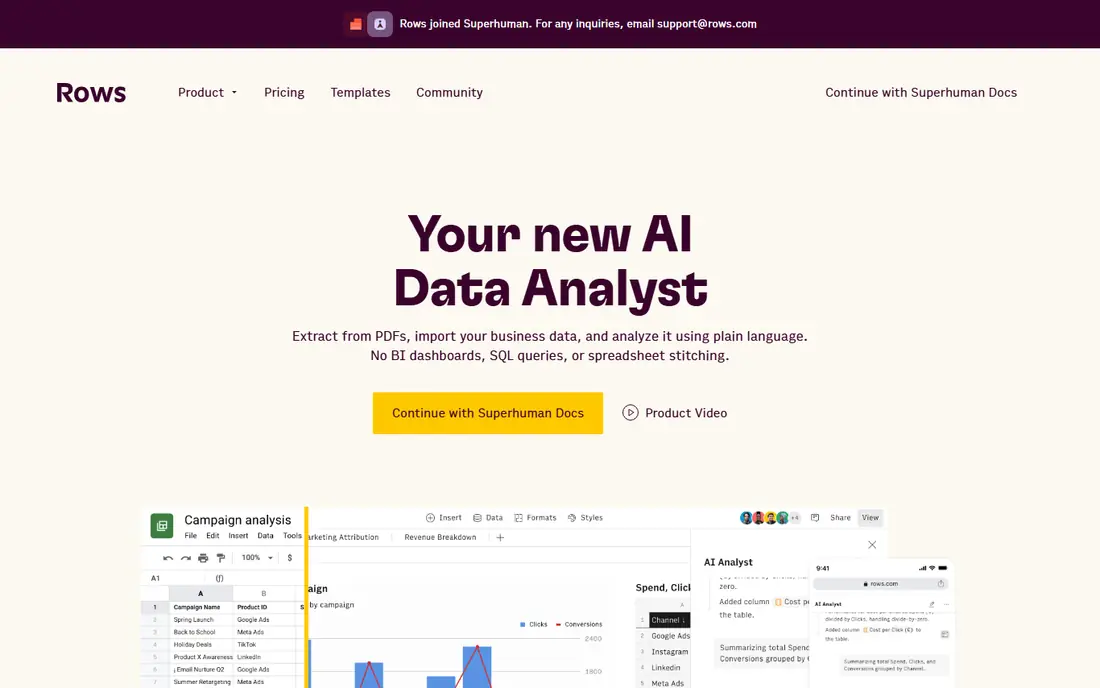
Pick Rows if this describes you: interactive dashboards. AI helps design charts and dashboards, pull data from SaaS tools and databases with assisted transformations, and share results as interactive views instead of static files.
Watch-outs: Less suited to pure financial modeling.
That fits analysts and marketers who require engaging, shareable data storytelling. Price to start with Rows: $16 per user per month. Rows includes a free tier.
- AI native spreadsheet with chart and dashboard automation
- Data connectors to SaaS tools and databases
- Pricing repriced multiple times in the last year

Formula Bot targets formulas only. Its free level creates formulas from plain language and answers spreadsheet questions, working with Sheets and Excel files you already have.
premium plans run 18 to 20 dollars a month, which is steep for a single purpose tool, and there is no data modeling or dashboarding. Starting cost for Formula Bot: Free. A free plan is available with Formula Bot.
What to check first: not a full worksheet; No data modeling or dashboards.
- Free level for formula generation
- Answers spreadsheet questions without a new system
- Formula tool only
Where Coda fits: docs and tables together. AI analysis depth is lighter than Sourcetable, and very large tables can feel slower than Sheets.
Its AI assistant writes, summarizes, and fills tables, whereas Pack Maker AI builds custom integrations without code. What you pay to start with Coda: $10 per user per month. You can start on Coda without paying.
The main drawbacks: AI depth is lighter than specialized spreadsheets.
- AI assistant for docs and tables
- Docs and worksheets in one canvas
- Ramp-up time for doc based workflows
Google Sheets with Gemini works best for Google Workspace teams. The AI function, Fill with Gemini, smart fill, and Help me organize are included in Workspace Business Standard at 14 dollars per user a month billed yearly. So there is no second AI subscription and no data migration.
The limits are scale and depth. Beyond that, Sheets hits a 10 million cell ceiling that hurts very large files, and AI features lag specialized tools for complicated modeling. Google Sheets with Gemini cost at the entry level: $14 per user per month. A free plan is available with Google Sheets with Gemini.
The main drawbacks: AI depth lags specialized tools for complicated modeling.
- AI function
- Fill with Gemini
- 10 million cell ceiling hurts very large files
Sourcetable is built with AI data analysis in mind. Its AI Data Analyst answers questions, builds models, and produces templates for financial reporting, whereas live data models and audit logs suit compliance heavy teams.
Honest limits: Enterprise features sit behind higher levels.
Entry price for Sourcetable: $29 per user per month. Free options: Free trial.
- Live data models with solid access controls
- Template generation for finance work
- Ramp-up time for advanced modeling
Microsoft Excel with Copilot was built for Microsoft 365 enterprises. AI features can be expensive at scale, and some advanced features still need desktop Excel.
Pricing varies by Microsoft 365 plan and Copilot licensing, so the starting price here is written as See website. As for the details, for enterprises deeply embedded in Microsoft 365, Excel with Copilot leads. Microsoft Excel with Copilot shows no starting price here, so confirm the cost on the vendor site. Microsoft Excel with Copilot has no free plan.
Where it falls short: AI features can be expensive.
- Familiar Excel interface for enterprises
- Deep Power BI and Teams integration
- Needs Microsoft 365 plus Copilot licensing
How we chose
Pricing pages, product documentation and feature lists were the main sources, and every entry carries at least one honest drawback. Plan names, prices and limits change often. Treat the figures here as a starting point and verify them with the vendor. We ordered the tools by general fit, then by how clearly pricing is shown, then by free access. A buyer with unusual needs may reorder them.
Things to verify first
- Get a written quote from Microsoft Excel with Copilot; the list shows no starting price for them.
- Look at free plan limits closely: Rows, Formula Bot, Coda and Google Sheets with Gemini have one, and the caps decide whether it is usable for real work.
- Run a trial of Smartsheet and Sourcetable with real work before paying for a year; your own workflow is the best test.
- Read the limits listed for Smartsheet first: more project management than pure spreadsheet.
- Confirm you can export your data from Microsoft Excel with Copilot, so leaving later does not mean losing records.
- See whether Rows offers onboarding or training, and whether it is included in the price.
FAQ
Is Smartsheet the right pick for everyone comparing customizable worksheet software with AI?
No single tool suits every team. Smartsheet comes first because it fits project driven worksheets, while Rows suits interactive dashboards and Formula Bot suits formulas only. Match the tool to your own size, budget and workflow before deciding.
Do these tools publish their prices?
Not all of them. Microsoft Excel with Copilot publishes no starting price, so expect a quote request for it. The rest, Smartsheet included, show a starting price, though seats and billing terms still change the final cost.
What is the cheapest AI worksheet choice?
Formula Bot is free for formula generation, whereas Sheets with Gemini and Coda offer free levels.
Can AI spreadsheets handle very large files?
Sheets hits a 10 million cell ceiling, which hurts very large files. Also, warehouse scale tools manage larger data better, so move when a file starts slowing Sheets down.
Should I trust AI generated formulas?
No, not without checking. Verify every AI generated formula, total, and insight against a manual calculation before it reaches a report, a client, or a board deck.
Which options for customizable worksheet software with AI have a free plan?
Rows, Formula Bot, Coda and Google Sheets with Gemini offer a free plan in this list. Free plans usually cap users, projects or features, so check the limits on the vendor page. Several others offer a trial instead.