Best AI Worksheet Software for Classrooms in 2026: 8 Tools Compared
Compare the best ai worksheet software for classrooms for differentiated practice, grading help and lesson support. We review 8 classroom-ready tools.
- Editor's choice
 Diffit
Levelled reading and worksheets
Starts atSee websiteVisit diffit.meFull review - Great alternative
 MagicSchool AI
All-in-one teacher tools
Starts atSee websiteVisit magicschool.aiFull review - Also consider
 Brisk Teaching
Working inside Google Docs
Starts atSee websiteVisit briskteaching.comFull review
TL;DR:
- Diffit and MagicSchool AI lead for fast, levelled worksheets that teachers can edit before printing or sharing.
- Brisk Teaching and Twee help most with existing materials, turning a text, video or web page into practice in minutes.
- Free tiers are useful for trying a tool, but school-wide use usually needs a paid plan for student privacy controls.
- Always review AI worksheets for errors, reading level and bias before handing them to students.
- The best tool is the one teachers will actually edit and reuse, not the one with the longest feature list.
Quick comparison
| Tool | Best for | Starts at | Free plan? | |
|---|---|---|---|---|
| Diffit | Levelled reading and worksheets | See website | Yes | Visit |
| MagicSchool AI | All-in-one teacher tools | See website | Yes | Visit |
| Brisk Teaching | Working inside Google Docs | See website | Yes | Visit |
 Twee | Language and ELA practice | See website | Yes | Visit |
 Edcafe AI | Slides, quizzes and worksheets | See website | Yes | Visit |
 Monsha | Worksheet and lesson generation | See website | Yes | Visit |
 Curipod | Interactive classroom lessons | See website | Yes | Visit |
 Quizizz AI | Practice and formative checks | See website | Yes | Visit |
The best ai worksheet software for classrooms
AI worksheet tools promise to cut prep time, but quality varies a lot. The tools below all generate printable or digital practice, yet they differ in editing control, reading levels, subject fit and school privacy features. We compared them on teacher control first, because an unedited AI worksheet is a risk, not a time saver.
Diffit is built for differentiation. A teacher can paste a text or a topic, pick a reading level, and get a passage with vocabulary, questions and a summary. That helps when one class spans several reading levels and you need the same topic at different entry points. The editing view makes it easy to fix wording before students see it.
The limit is the same as with any generator: level labels are a starting point, not a guarantee. Read the passage aloud in your head, check names, dates and numbers, and adjust questions that are too easy or too vague. For reading and social studies practice, Diffit is a strong first pick.
- Adapts texts to reading levels
- Creates questions and summaries
- Simple export for print or digital use
- Paid features sit behind a subscription
- Output still needs teacher review

MagicSchool AI bundles dozens of teacher tools, including worksheet generators, alongside lesson planning, rubrics and communication helpers. That breadth suits teachers who want one login for many small jobs rather than a separate app for each task. District plans add controls that matter for school-wide use.
Breadth is also the weakness. A tool that does everything can tempt a teacher to accept first drafts without editing. Pick two or three MagicSchool tools, learn their editing options, and ignore the rest until you need them. Used that way, it saves real prep time across subjects.
- Many teacher tools in one account
- Worksheet, rubric and lesson options
- School and district plans available
- Breadth can overwhelm new users
- Free tier limits apply
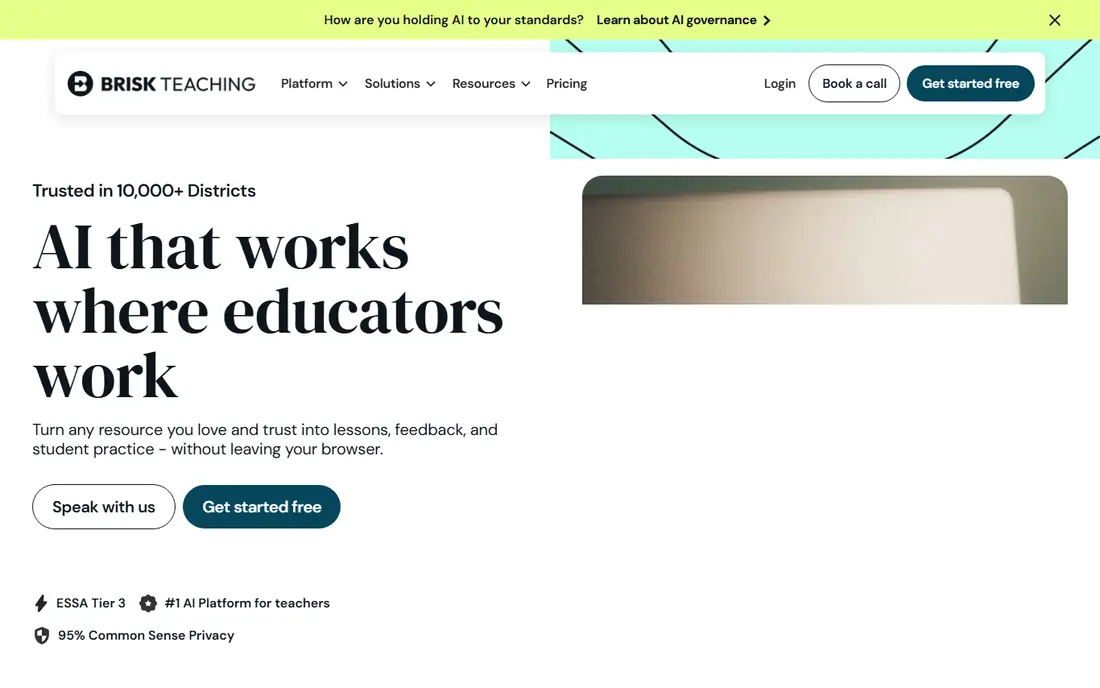
Brisk Teaching lives inside Google Docs and Chrome, which is a practical advantage. Instead of copying text into a new site, a teacher can generate questions, level a passage or create feedback from the document already open. That keeps worksheets close to the lesson material students are actually studying.
Schools outside Google Workspace will get less value, and paid features matter for heavier use. For Google schools, Brisk is one of the least disruptive AI tools to adopt. Start with one class, check student work for accuracy, and expand only if editing stays quick.
- Works where teachers already write
- Turns Docs and web pages into practice
- Feedback tools included
- Best for Google Workspace schools
- Some features need a paid plan
Twee focuses on language learning and English practice, with tools that turn videos, texts and topics into questions, dialogues and vocabulary work. Language teachers often need varied, level-appropriate practice fast, and Twee delivers that range without a lot of setup. Question types cover comprehension, grammar and speaking prompts.
Math and science teachers will find it thinner, since its strength is language, not problem sets with worked steps. Use Twee where language practice is the goal, and pair it with a subject tool for other areas. Always check generated language for natural phrasing and cultural accuracy.
- Strong for English language practice
- Video and text based exercises
- Varied question types
- Less depth for math and science worksheets
- Free plan is limited
Edcafe AI aims at the full lesson set: a worksheet, a quiz and supporting slides from the same topic. That helps when a teacher needs a complete revision pack rather than a single sheet. Sharing and export options keep the materials usable in print or in a classroom platform.
Because it is newer than some rivals, school buyers should check its privacy policy, data handling and support before a wide rollout. For an individual teacher trying AI worksheets, the free tier is a low-risk way to test quality. Review every answer key, since quiz and worksheet answers can disagree.
- Generates worksheets alongside slides and quizzes
- Clean sharing options
- Useful for quick revision sets
- Newer tool with a smaller track record
- Output needs careful checking
Monsha focuses on turning a topic or standard into classroom materials, including worksheets and lesson outlines. Teachers who plan by standard will like starting from that prompt rather than a blank page. The output is structured and easy to edit, which matters more than speed alone.
Subject quality is uneven, as with most generators. Math problems may need answer checking, and history passages may need source checks. Treat Monsha as a draft maker, not a final publisher. When the draft is close, it saves time. When it is off, editing can take longer than writing from scratch.
- Fast worksheet creation from topics or standards
- Lesson plan support
- Export for classroom use
- Limited public pricing detail
- Quality varies by subject
Curipod is less about a printed sheet and more about an interactive lesson that includes practice tasks. Students can respond to polls, draw, discuss and complete short activities in real time, and teachers see responses as they come in. That live feedback helps a teacher spot confusion before homework.
If you mainly need printable worksheets, Curipod may feel like extra machinery. If you teach live, hybrid or interactive sessions, its worksheet-style tasks inside a lesson are a strength. Check device access first, since interactive lessons assume students have a device or a shared screen.
- Interactive polls, drawing and discussion
- Worksheet-style tasks inside lessons
- Student engagement tools
- More lesson platform than worksheet maker
- Best with live class use
Quizizz is known for interactive quizzes, and its AI tools can turn a topic or uploaded document into practice questions and formative checks. Instant feedback helps students correct errors quickly, and teachers can see which questions a class missed. That makes it useful for revision and checks for understanding.
It is not a replacement for extended written worksheets, since the format favors short answers and choices. Use Quizizz for quick practice and retrieval, and use Diffit or MagicSchool for longer reading and writing tasks. Together they cover most classroom practice needs.
- Large practice library
- AI generation from topics or documents
- Instant feedback for students
- Quiz format may not suit long written practice
- School plans vary by district
How we picked these
We compared official product pages, free tier details, subject coverage and classroom workflows for worksheet generation. We favored tools that let teachers edit output, set reading levels or question types, and export or share materials for print or digital use. We did not claim classroom testing. School buyers should also review each vendor privacy policy and student data handling before student use.
How to use AI worksheets safely in class
AI worksheets work best as drafts. Set the topic, reading level and question type clearly, then edit the result before students see it. Check facts, numbers, names and answer keys, and remove any question that is vague, biased or beyond the lesson. A five-minute review prevents a lesson spent unteaching an error.
Differentiation without confusion
Use one topic at two or three levels, but keep the core questions comparable so class discussion still works. Label levels for the teacher, not for students, when that avoids stigma. Pair the worksheet with a short teacher explanation, since a sheet alone rarely teaches a new idea.
Privacy and school rules
Avoid entering student names, grades or personal details into a free AI tool. Use school-approved accounts where possible, and check whether student work is used to train models. When in doubt, generate materials with topic prompts only, and keep student data in your school system.
FAQ
What is the best ai worksheet software for classrooms for most teachers?
Diffit is a strong starting point for reading and levelled practice, while MagicSchool AI suits teachers who want many tools in one place. Brisk Teaching is best for Google Workspace schools. Try free tiers with a real lesson before choosing.
Can AI worksheets replace teacher-made worksheets?
No. AI tools draft practice quickly, but teachers must check facts, reading level, answer keys and fit to the lesson. The best use is draft plus teacher edit, not direct printing. Student learning still depends on teaching, feedback and discussion.
Are AI worksheet tools free for teachers?
Most tools in this list offer a free tier with limits on generations or features. Paid plans add more generations, school controls and premium tools. Check what the free tier actually includes, since limits vary and can change.
How do I check an AI worksheet for errors?
Read the passage and every answer, work any math yourself, and check dates and names against a trusted source. Ask whether questions match what you taught. If a question is unclear to you, it will be unclear to students, so rewrite or remove it.
Do students need accounts to use AI worksheets?
Not always. Many tools let teachers print worksheets or share a link without student accounts. Interactive tools such as Curipod and Quizizz may need student access on a device. Choose print options when accounts or devices are a barrier.