Best DBaaS Software for 2026: Our 6 Vetted Picks
Best DBaaS software, compared. 6 tools with published prices, free plans and limits. Price notes and drawbacks come with each one. Skim the table first.
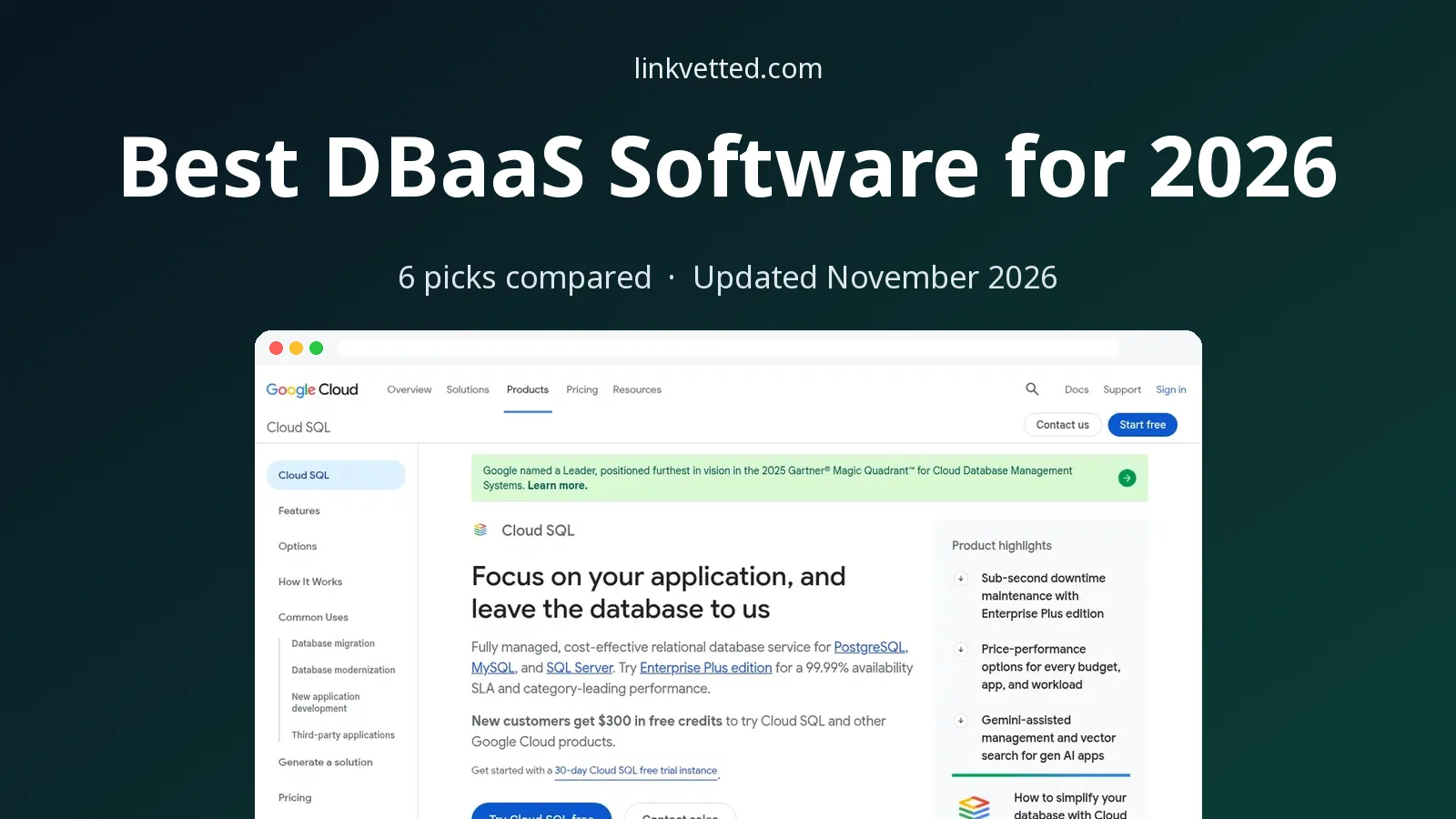
- Editor's choice
 Google Cloud SQL
Familiar MySQL, PostgreSQL, SQL Server
Starts atPricing on requestVisit cloud.google.comFull review - Great alternative
 Google Cloud Spanner
Always-on relational scale
Starts atPricing on requestVisit cloud.google.comFull review - Also considerAzure SQL Database
Managed SQL Server workloads on Azure
Starts atPricing on requestVisit azure.microsoft.comFull review
Direct answer
Start with Google Cloud SQL if you need familiar MySQL, PostgreSQL, SQL Server. Alternatives: Google Cloud Spanner for always-on relational scale, and Azure SQL Database for managed SQL Server workloads on Azure. Details and limits for the rest of the 6 tools are below. None of these vendors publish plan prices, so pricing is on request for every option.
TL;DR:
- Google Cloud SQL is the opening pick, best for familiar MySQL, PostgreSQL, SQL Server.
- One limit worth knowing about Google Cloud Spanner: more complicated than straightforward managed SQL.
- Google Cloud SQL, MongoDB Atlas and the 4 others all sell by quote; expect sales conversations before you see a price.
- MongoDB Atlas is the one to check for document and AI application workloads.
Last checked November 2026. Pricing on request: vendors did not publish plan prices when this guide was last checked (November 2026), so ask each vendor for a written quote.
Quick comparison
| Tool | Best for | Starts at | Free plan? | |
|---|---|---|---|---|
| Google Cloud SQL | Familiar MySQL, PostgreSQL, SQL Server | Pricing on request | Not stated | Visit |
| Google Cloud Spanner | Always-on relational scale | Pricing on request | Not stated | Visit |
| Azure SQL Database | Managed SQL Server workloads on Azure | Pricing on request | Not stated | Visit |
| Redis Cloud | Live caching and quick data | Pricing on request | Not stated | Visit |
 Amazon RDS | Multi-engine managed relational databases | Pricing on request | Yes | Visit |
 MongoDB Atlas | Document and AI application workloads | Pricing on request | Yes | Visit |
DBaaS Software compared in detail
LinkVetted put together this guide to DBaaS software for readers who want a clear shortlist without reading every vendor page. It compares 6 tools on starting price, free plans, who each one suits and where each one falls short.
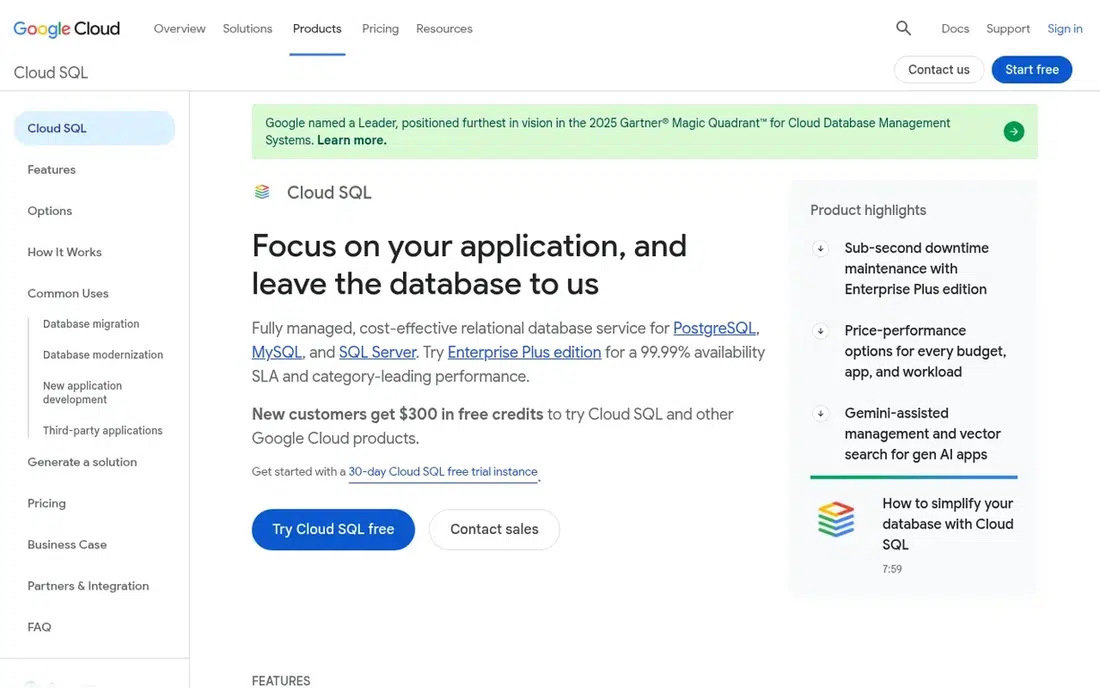
Pick Google Cloud SQL if this describes you: familiar MySQL, PostgreSQL, SQL Server. As for the details, consider a NoSQL choice when your schema is highly variable.
Trade-offs to know: Cross-cloud teams may prefer neutrality.
Beyond that, teams heavily invested in another cloud system may prefer that provider's native service. Google Cloud SQL shows no starting price here, so confirm the cost on the vendor site. Free access: Not stated.
- Supports three typical engines
- Suits standard application stacks
- Restricted to relational engines
In short, Google Cloud Spanner is for always-on relational scale. For straightforward relational needs, a lighter managed service is typically the better fit. Beyond that, Spanner's breadth and scale orientation make it more involved than a straightforward managed SQL instance, and smaller applications seldom need it.
Limits to weigh: More complicated than straightforward managed SQL.
For everyday use, teams building mission-critical services frequently evaluate it for that combination. On top of that, Spanner is described as an always-on database with virtually unlimited scale that merges relational, graph, key value, and search in a single system, with no maintenance windows. Check the vendor site for Google Cloud Spanner pricing; none is listed in this comparison. As for free access: Not stated.
- No maintenance windows
- Combines relational with graph
- Overkill for small applications
Azure SQL Database
Best for: Managed SQL Server workloads on Azure
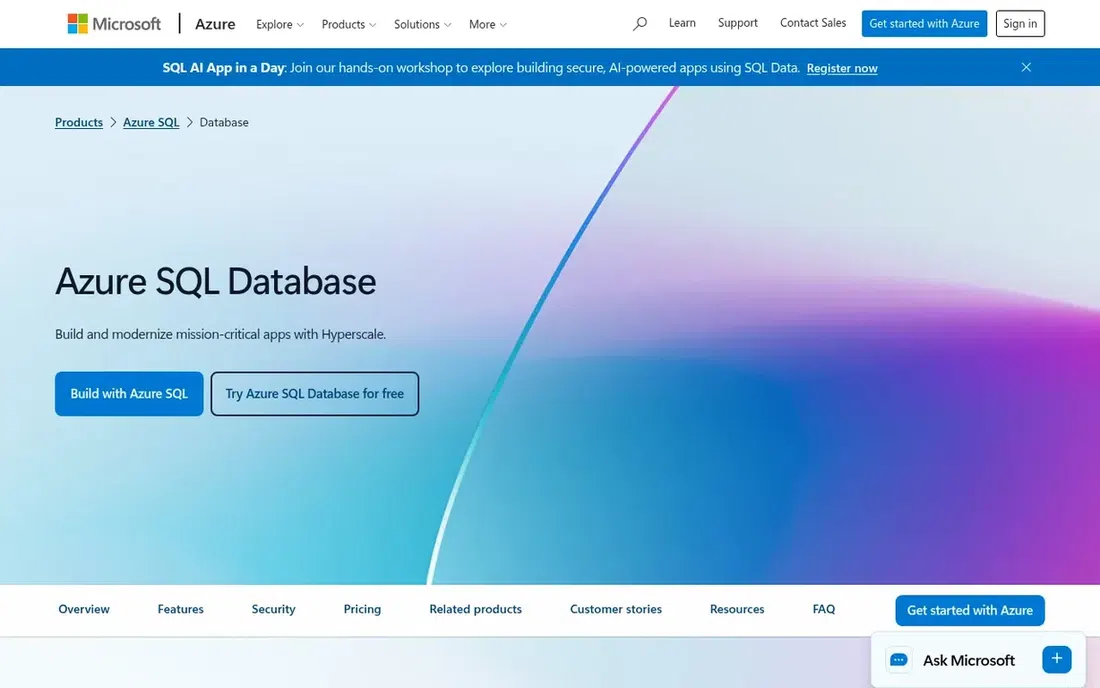
Azure SQL Database was built for managed SQL Server workloads on Azure. Azure SQL Database is a completely managed cloud relational database aimed at high performance and reliability, with automation for building and scaling applications.
In daily use, the service is relational and SQL-focused, so it is not the pick for document or wide-column models. Check the vendor site for Azure SQL Database pricing; none is listed in this comparison. Trial and free access: Not stated.
Points against: Less fit for non-relational data.
- Completely managed relational database
- Automation-friendly provisioning
- Centered on the SQL family
Redis Cloud
Best for: Live caching and quick data
Redis Cloud is a good fit for live caching and quick data. It suits teams that require caching, session keeps, queues, or other low-latency data patterns alongside a primary database.
Treat it as a complement to, not always a replacement for, your primary store. Pricing for Redis Cloud is not stated here, so ask the vendor for current figures. Free options: Not stated.
Watch-outs: In-memory focus shapes use cases.
- Designed for real-time experiences
- Quick in-memory data access
- Not a primary relational store
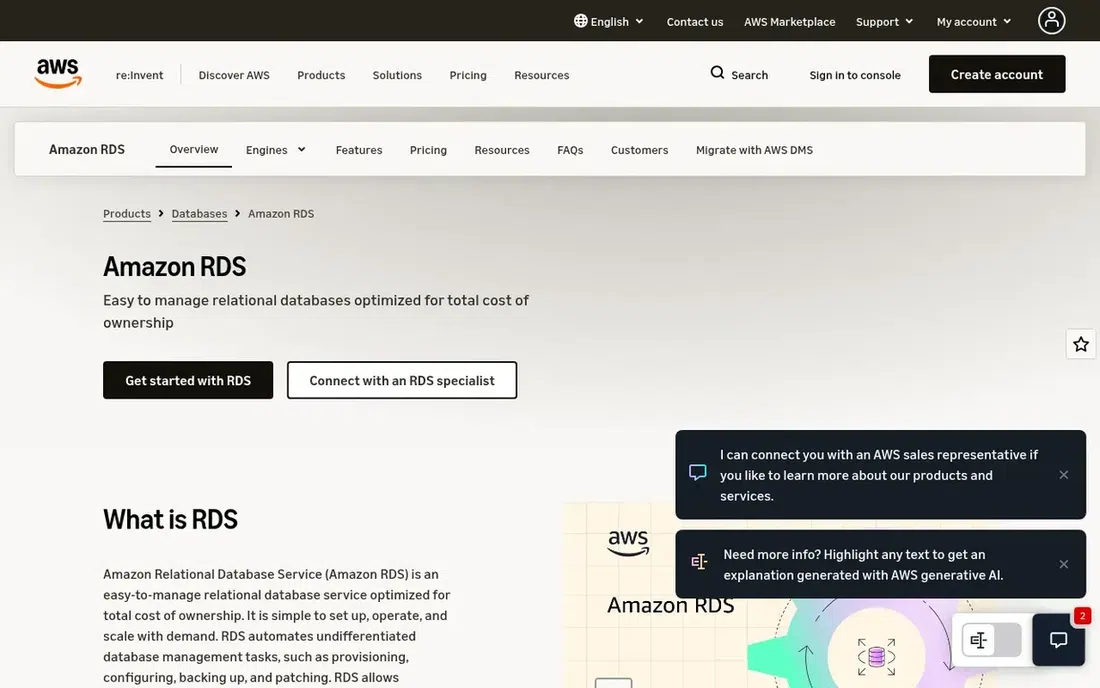
Where Amazon RDS fits: multi-engine managed relational databases. Amazon RDS is a completely managed relational database service that lets you run and scale a relational engine of your choice, including Amazon Aurora, PostgreSQL, MySQL, and SQL Server. For everyday use, organizations already building on AWS frequently find it the natural default for transactional applications.
What to check first: Engine choice layers on decision overhead.
Since RDS spans numerous engines, teams must still choose and tune the right one, and advanced configuration remains in your hands. It is relational by design, so document or key-value workloads may fit better elsewhere. Pricing for Amazon RDS is not stated here, so ask the vendor for current figures. A free plan is available with Amazon RDS.
- Scales with your relational workload
- Completely managed operations
- Deep tuning stays your responsibility
Think of MongoDB Atlas for document and AI application workloads. MongoDB Atlas is a managed data system built around the document model, positioned for AI applications and agents with live data, intelligent retrieval, and governed action. Pick a relational service when strict schemas and SQL analytics dominate your requirements.
Also, complicated multi-table joins are less natural here. As for the details, Atlas is not a drop-in replacement for relational reporting workloads. Teams have to think in documents instead of tables. From a buyer's view, developers building modern app backends often find the document approach a decent match. MongoDB Atlas shows no starting price here, so confirm the cost on the vendor site. A free plan is available with MongoDB Atlas.
Where it is weaker: Different model from relational SQL.
- Run-anywhere managed service
- Merges live data and retrieval
- Needs document schema thinking
How we built this list
LinkVetted looked at what each vendor publishes: pricing, plan limits, feature coverage for DBaaS software and stated drawbacks. No hands-on testing is claimed. Seat minimums, billing terms and add-ons can move the real cost, so the starting prices here are a guide and not a quote. The sequence is a judgement call: typical use case first, then pricing transparency, then free access. Use the profiles to check fit.
What to confirm before you sign up
- Request quotes from Google Cloud SQL, MongoDB Atlas and the others; the list shows no fixed prices.
- Read the fine print on the free plans from Amazon RDS and MongoDB Atlas; seat, project and feature caps differ.
- Read the limits listed for Google Cloud SQL first: restricted to relational engines.
- Test the integrations you rely on with Amazon RDS before committing; some connectors sit on upper tiers.
- Test how quickly Redis Cloud answers a pre-sales question; it hints at how support will feel later.
FAQ
How do I compare managed database services fairly?
Confirm current details on each vendor's site, since features change over time. Match the service to your workload instead of to marketing claims.
Can I try these options before paying?
Often, yes. Amazon RDS and MongoDB Atlas have a free plan. Use your own data and a real task during the test, and check what the free tier or trial limits before you rely on it.
Should I pick a relational or NoSQL managed database?
Choose relational services like Amazon RDS, Cloud SQL, Azure SQL Database, or Spanner when you need strict schemas and SQL queries. Choose document or NoSQL choices for example MongoDB Atlas or Cosmos DB when your data is adaptable or you need elastic scale.
Is Google Cloud SQL the right pick for everyone comparing DBaaS software?
No single tool suits every team. Google Cloud SQL comes first because it fits familiar MySQL, PostgreSQL, SQL Server, while Google Cloud Spanner suits always-on relational scale and Azure SQL Database suits managed SQL Server workloads on Azure. Match the tool to your own size, budget and workflow before deciding.
Can I use these services together?
Yes, it is typical to pair a primary relational or document database with a quick in-memory layer for example Redis Cloud for caching and live features. Mixing services lets each workload use the model that suits best. Plan integration and data consistency carefully.
How are the tools for DBaaS software ordered?
The order follows typical fit for DBaaS software, with Google Cloud SQL first and MongoDB Atlas last, then price clarity and free access. It is editorial judgement, not a score, so another team could rank the tools differently.
Sources
- https://cloud.google.com/sql
- https://cloud.google.com/spanner
- https://azure.microsoft.com/en-us/products/azure-sql/database
- https://redis.io/cloud
- https://aws.amazon.com/rds
- https://www.mongodb.com/atlas