Best Debrid Service Alternatives in 2026: 8 Legitimate Options Compared
Looking for the best debrid service? Compare legitimate download, streaming, and cloud storage services that cover fast downloads and licensed viewing instead.

- Editor's choice
 Google Drive
Everyday storage and sharing
Starts atFreeVisit drive.google.comFull review - Great alternative
 Dropbox
Reliable file sync and sharing
Starts atFreeVisit dropbox.comFull review - Also consider
 Microsoft OneDrive
Windows and Microsoft 365 users
Starts atFreeVisit onedrive.live.comFull review
TL;DR:
- Google Drive, Dropbox, and OneDrive cover large-file storage, sharing, and sync across devices.
- Netflix and similar licensed services cover legal streaming without grey-market download links.
- pCloud and MEGA add generous free tiers and options for large media libraries.
- Internet Download Manager helps with legitimate downloads from sites that allow downloading.
Quick comparison
| Tool | Best for | Starts at | Free plan? | |
|---|---|---|---|---|
| Google Drive | Everyday storage and sharing | Free | Yes | Visit |
| Dropbox | Reliable file sync and sharing | Free | Yes | Visit |
| Microsoft OneDrive | Windows and Microsoft 365 users | Free | Yes | Visit |
 pCloud | Pay-once media storage | Free | Yes | Visit |
 MEGA | Large free encrypted storage | Free | Yes | Visit |
 Netflix | Licensed streaming at home | See website | No | Visit |
 Internet Download Manager | Faster legitimate downloads | See website | Free trial | Visit |
 Sync.com | Encrypted client file sharing | Free | Yes | Visit |
The best legitimate alternatives to debrid services
We do not list piracy-adjacent debrid services in this article. Instead, the options below cover the same practical needs in a legitimate way: fast downloads of your own files, licensed streaming, and cloud storage you can access from any device. If your main need is watching shows, a licensed streaming service is the right pick, and if your main need is moving large files, a cloud drive or download manager is the right pick. Plain note: This article lists only legitimate services. It does not recommend debrid services tied to pirated content, and it does not provide links to such services.
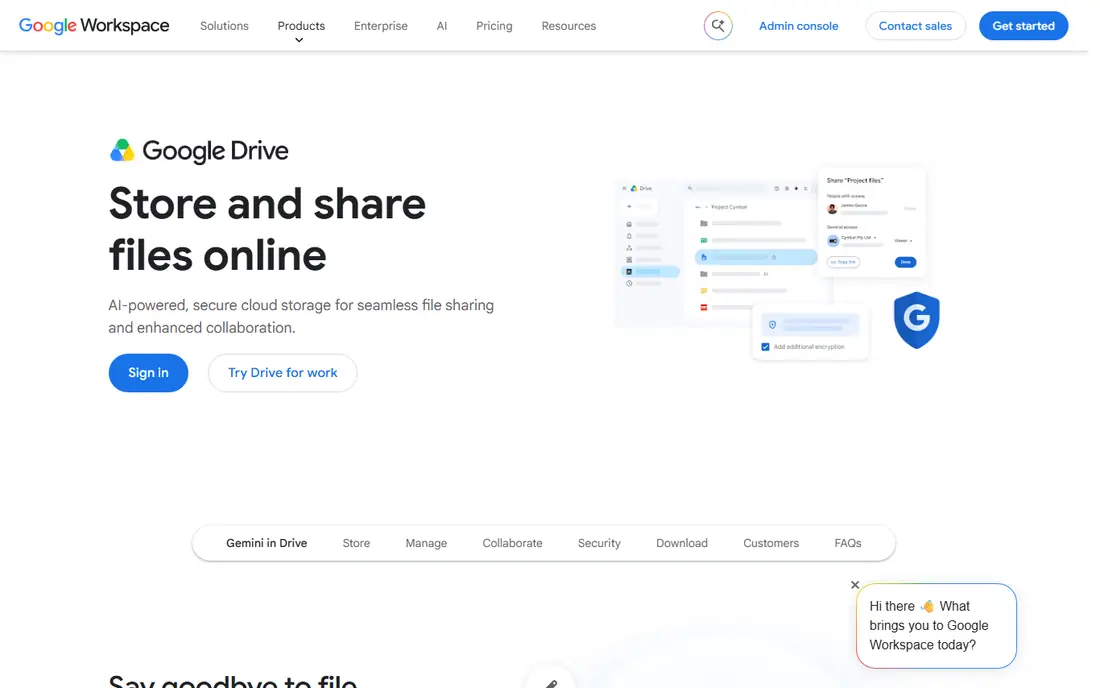
Google Drive fits most households and small teams well, and its generous free tier and Google app links gives it a clear reason to be on a shortlist. It also provides Docs, Sheets, sharing links, and mobile apps, which helps a busy team keep daily work in one place instead of juggling separate tools. If your main need is storage that works with tools you already use, start with a trial and test the exact workflow you will use most. The trade-off is heavy photo and mail users may outgrow the free tier quickly, so check that point against your own volume, team size, and budget before you commit. Pricing, limits, and contract terms can change, so confirm the current plan page and read the fine print on any usage meter. When the fit is right, Google Drive is a steady choice for storage that works with tools you already use without adding needless complexity.
- 15 GB free shared with Google apps
- Strong sharing and collaboration
- Storage is shared across Gmail and Photos, so it fills faster
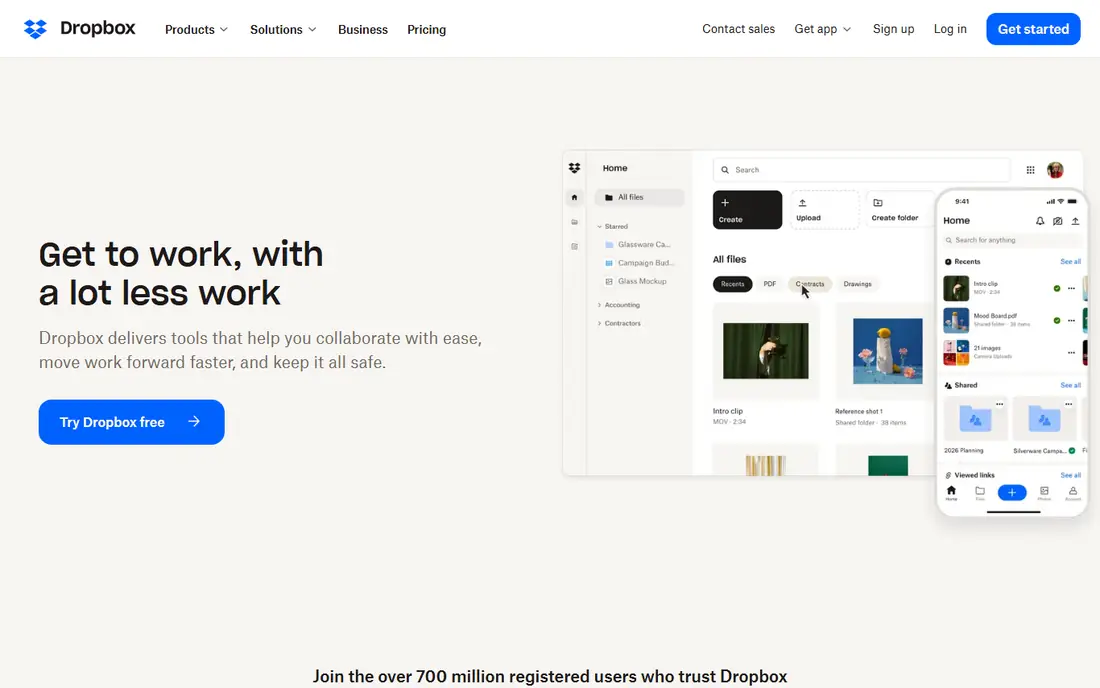
For freelancers and creative teams, Dropbox stands out because its reliable sync across devices. The addition of shared folders, file requests, and version history makes the day to day work feel more joined up, and it reduces the number of separate logins a team has to manage. Teams that care most about sync that rarely needs attention will usually know within a week if the fit is right. On the downside, the free plan is too small for large media libraries, which matters more as usage grows or as more people join. Read the pricing page closely, test support response times, and confirm how data can be exported later. If those checks pass, Dropbox can serve freelancers and creative teams well for sync that rarely needs attention over a longer period.
- Fast sync and simple sharing
- Wide app support
- Free tier is small at 2 GB
- Larger plans are paid
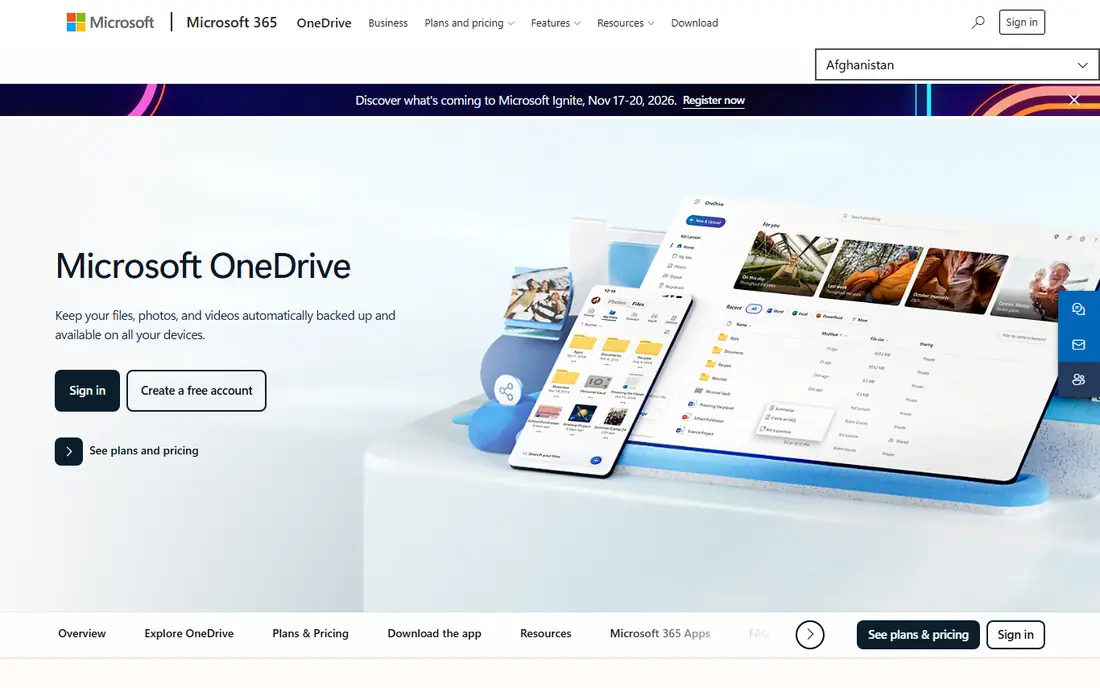
Microsoft OneDrive was built with Microsoft 365 households and offices in mind, and that focus shows in how its close link to Word, Excel, and Outlook is presented. With personal vault, sharing links, and PC backup included, it covers more of the routine work than a narrow single-purpose tool can cover. If storage inside a Microsoft workflow is high on your list, it deserves a serious look before you decide. That said, non-Microsoft users may prefer a standalone drive, so a short pilot with real data is worth more than a feature list alone. Compare the total monthly cost at your expected volume, not just the headline starting price. For Microsoft 365 households and offices, that pilot usually shows quickly if Microsoft OneDrive supports storage inside a Microsoft workflow in practice.
- Included with Microsoft 365
- Office app links
- Free tier is 5 GB
- Best value needs a Microsoft 365 plan
Among the options here, pCloud appeals most to media-heavy users who dislike subscriptions because its lifetime plan option for large libraries. It pairs that with music and video playback, sharing links, and backups, so setup and daily use stay practical rather than theoretical. For buyers who rank a one-time payment instead of monthly billing first, this is a sensible place to begin a comparison. In practice, encryption add-ons add cost for privacy-focused buyers is the main reason some buyers look elsewhere, and it is worth weighing honestly. Check renewal terms, support hours, and any add-on fees before signing up. If those terms suit you, pCloud remains a practical option for media-heavy users who dislike subscriptions focused on a one-time payment instead of monthly billing.
- Lifetime plan option
- Media playback in browser
- End-to-end encryption costs extra on some plans
MEGA fits privacy-minded users with large files well, and its large free tier with encryption gives it a clear reason to be on a shortlist. It also provides sync, sharing links, and chat tools, which helps a busy team keep daily work in one place instead of juggling separate tools. If your main need is encrypted storage at no starting cost, start with a trial and test the exact workflow you will use most. The trade-off is collaboration tools are lighter than Google or Microsoft, so check that point against your own volume, team size, and budget before you commit. Pricing, limits, and contract terms can change, so confirm the current plan page and read the fine print on any usage meter. When the fit is right, MEGA is a steady choice for encrypted storage at no starting cost without adding needless complexity.
- 20 GB free tier
- Encryption on every plan
- Paid plans are priced in euros for many buyers
For households wanting licensed streaming, Netflix stands out because its broad licensed catalog and app downloads. The addition of profiles, recommendations, and multi-device apps makes the day to day work feel more joined up, and it reduces the number of separate logins a team has to manage. Teams that care most about legal streaming without file-host links will usually know within a week if the fit is right. On the downside, the catalog changes, so a favorite title may leave, which matters more as usage grows or as more people join. Read the pricing page closely, test support response times, and confirm how data can be exported later. If those checks pass, Netflix can serve households wanting licensed streaming well for legal streaming without file-host links over a longer period.
- Large licensed catalog
- Offline downloads in the app for many titles
- Catalog varies by country
- No free plan
Internet Download Manager was built with Windows users downloading large allowed files in mind, and that focus shows in how its resume and scheduling for large downloads is presented. With browser integration and download queues included, it covers more of the routine work than a narrow single-purpose tool can cover. If faster downloads on slow connections is high on your list, it deserves a serious look before you decide. That said, Mac and mobile users need another tool, so a short pilot with real data is worth more than a feature list alone. Compare the total monthly cost at your expected volume, not just the headline starting price. For Windows users downloading large allowed files, that pilot usually shows quickly if Internet Download Manager supports faster downloads on slow connections in practice.
- Resume, scheduling, and browser integration for allowed downloads
- Windows only
- Paid after trial
Among the options here, Sync.com appeals most to professionals sharing client files because its encryption-first sharing model. It pairs that with team folders, link controls, and vault options, so setup and daily use stay practical rather than theoretical. For buyers who rank private sharing with clients first, this is a sensible place to begin a comparison. In practice, large media teams may need higher paid tiers is the main reason some buyers look elsewhere, and it is worth weighing honestly. Check renewal terms, support hours, and any add-on fees before signing up. If those terms suit you, Sync.com remains a practical option for professionals sharing client files focused on private sharing with clients.
- Encryption by default
- Client sharing tools
- Free tier is 5 GB
- Team plans cost more
How we picked these
We checked official feature pages, pricing pages, and app store listings, and we read privacy policies and public user reviews to see where each product helps and where it falls short. We favored products that are available in the United States in October 2026, that publish clear pricing or a clear way to get a quote, and that fit the topic without stretching the definition. Where a price could not be verified on the vendor site, we wrote See website rather than guessing. We also weighed who each product is really for, not just who it claims to serve. A low starting price means little if the plan you need costs far more, and a long feature list means little if daily use is slow or confusing. That is why each write-up names one honest weakness next to its strengths, and why the comparison table uses the same order as the list below.
How to choose a legitimate download or streaming service
Start with the need: storage and sharing, licensed viewing, or faster downloads of files you already have rights to use. Check file limits, sync speed, and device support before you pay for a large plan. For streaming, compare catalogs in your country, since licensed catalogs vary by region and change over time. For downloads, use only sources that allow downloading, and keep your own files backed up in more than one place.
FAQ
What is a debrid service?
The term usually refers to a service that downloads files from many file hosts through one account, often for streaming through third-party apps. Many such services are tied to pirated content, which is why this article does not recommend them. The legitimate alternatives here cover storage, licensed streaming, and downloads you have rights to use.
Why do you not list debrid services here?
Because the practical need behind most debrid searches can be met legally, and listing piracy-adjacent services would point readers toward copyright risk, malware risk, and unstable services. Licensed streaming, cloud storage, and download managers are safer, more stable, and easier to support when something breaks.
Can I download shows from Netflix or other streaming services?
Some licensed streaming apps allow offline downloads inside the app for personal viewing, subject to title availability and app rules. That is different from downloading a pirated copy from a file host. Check the app's download rules for the title you want before you travel or go offline.
What is the best option for sharing large files?
Cloud drives such as Google Drive, Dropbox, and OneDrive are built for sharing large files with links, permissions, and version history. For very large media libraries, check upload limits, link expiry, and whether recipients need an account. A download manager can help on slow connections, but it does not replace storage.
Is Internet Download Manager legal?
Yes, it is a legitimate download manager for files from sources that allow downloading, such as your own cloud files, public files, and software installers. It does not grant rights to copyrighted material, and it should not be used to download content you do not have permission to use.