Best Database Software in 2026: 8 Tools Compared
Best database software compared for teams and solo builders: PostgreSQL, MySQL, MongoDB, SQL Server, Oracle, Snowflake, Supabase and Airtable pricing.
- Editor's choice
 PostgreSQL
General relational work
Starts atFreeVisit postgresql.orgFull review - Great alternative
 MySQL
Web apps and content sites
Starts atFreeVisit mysql.comFull review - Also consider
 MongoDB
Flexible document data
Starts atFreeVisit mongodb.comFull review
TL;DR:
- PostgreSQL is our default pick for most new projects because it is free, capable and widely supported.
- MongoDB and Supabase suit teams that want to move fast, while Snowflake suits analytics at scale.
- Airtable is a database for non-technical teams, not a replacement for an application database.
- The cheapest database is often the one your team already knows how to run safely.
Quick comparison
| Tool | Best for | Starts at | Free plan? | |
|---|---|---|---|---|
| PostgreSQL | General relational work | Free | Yes | Visit |
| MySQL | Web apps and content sites | Free | Yes | Visit |
| MongoDB | Flexible document data | Free | Yes | Visit |
 Microsoft SQL Server | Microsoft and .NET shops | See website | Yes | Visit |
 Oracle Database | Mission-critical enterprise work | See website | Yes | Visit |
 Snowflake | Cloud analytics and data sharing | See website | Free trial | Visit |
 Supabase | Postgres plus app backend services | $25 per month | Yes | Visit |
 Airtable | Spreadsheet-style team databases | $20 per user per month | Yes | Visit |
The best database software
We compared official documentation, pricing pages and public feature lists to match each tool to a real job. A database choice affects performance, hiring, backups and cost for years, so fit matters more than a feature checklist alone.

PostgreSQL is the safest default for a team that needs a relational database and does not have a strong reason to choose something else. It handles transactions well, supports JSON alongside relational tables, and offers extensions for search, geospatial data and more. Because it is open source, a team can run it locally, on a server or through many managed hosts without paying a licence fee.
The honest catch is operations. A free database still needs backups, monitoring and updates, and those tasks fall on your team unless you pay a managed provider. PostgreSQL also rewards good schema design: a careless schema can still be slow, no matter how capable the engine is. For most web apps, internal tools and new products, those trade-offs are worth it.
- Open source and free
- Strong SQL, JSON and extension support
- Large community and hosting choice
- Needs tuning for very large analytics loads
- Managed hosting costs extra
- Some advanced features take time to learn
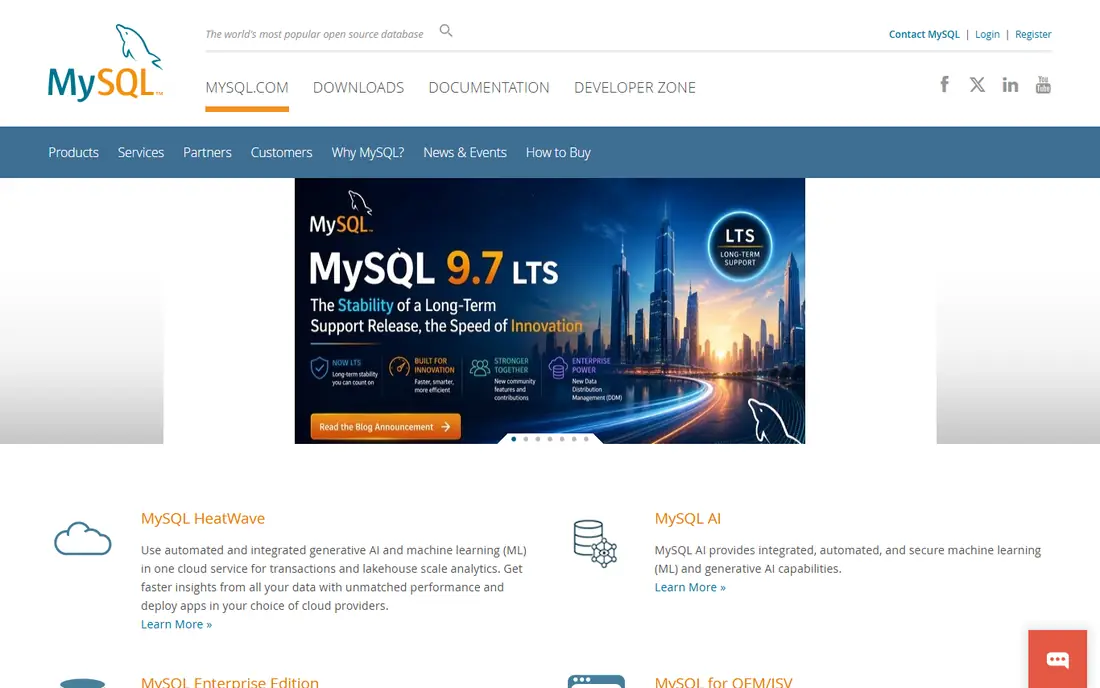
MySQL remains a practical pick for web applications, content sites and agencies that build many similar projects. Its Community Edition is free, hosting is widely available, and a large pool of developers already know it. For a standard app with users, orders and content, MySQL does the job with little fuss.
We would not pick MySQL just because it is familiar if the project needs advanced analytics, complex constraints or rich extension support, where PostgreSQL often fits better. MySQL also has a split between community and commercial editions, so check which features your project needs before you commit. For straightforward web work, though, it is a solid, low-drama choice.
- Community edition is free
- Huge deployment base
- Simple to run for common web workloads
- Some advanced features sit in paid editions
- Licensing history can confuse buyers
- Less rich than PostgreSQL for complex queries
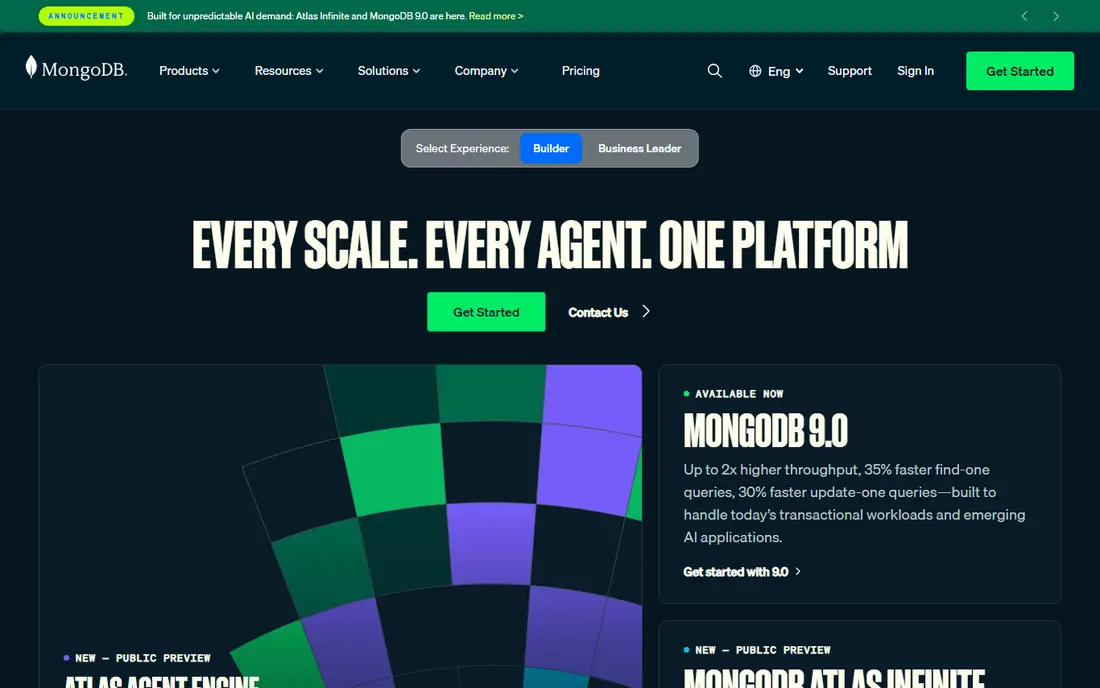
MongoDB suits product teams whose data changes shape often. A document model lets a team store a user profile, a product catalogue entry or an event record without redesigning tables for every new field. MongoDB Atlas adds a free tier, so a small project can start without a server, and paid clusters scale as usage grows.
The risk is discipline. Flexibility is helpful during early development, but a team that never settles a schema can end up with inconsistent fields and slow queries. MongoDB also handles relationships differently from a relational database, so reporting that joins many collections needs planning. Use it when documents match your data, not just because it feels modern.
- Flexible document model
- Atlas free tier for starting
- Strong tooling for app developers
- Schema freedom can lead to messy data
- Joins and transactions need care
- Costs rise with scale
SQL Server is the natural pick for a team already standardised on Microsoft products. It works well with .NET applications, Azure services and familiar reporting tools, and its Express and Developer editions let a small team or a single developer start without a licence fee. For an enterprise that already buys Microsoft licences, that integration can save real time.
The catch is cost and lock-in. Production licences and related tooling can become a major budget line as usage grows, so a team should model licence costs before choosing SQL Server for a new product. If your stack is not Microsoft-based, PostgreSQL or MySQL will usually be simpler and cheaper. Choose SQL Server for fit with your existing stack, not for a single feature.
- Deep integration with Microsoft tools
- Express and Developer editions for starting
- Strong enterprise tooling
- Licence costs can be high at scale
- Full use ties you to Microsoft tooling
- Linux support is narrower than Windows history
Oracle Database is built for large organisations with strict requirements for availability, compliance and scale. It offers a wide set of enterprise features, and a free edition lets developers learn the basics without a licence. For a bank, telecom or government system that already runs on Oracle, staying with Oracle may be the lowest-risk path.
For a startup or a small team, Oracle is usually the wrong starting point. Pricing requires careful planning, and the skills needed to run it well are specialist skills. A team should only pick Oracle when an existing system, a compliance rule or a vendor requirement makes it necessary, and even then, confirm the full licence cost in writing first.
- Long record in large enterprise systems
- Strong availability and security options
- Free edition for learning
- Pricing is complex and often high
- Specialist skills are needed
- Overkill for small apps
Snowflake is an analytics warehouse, not a database for everyday app transactions. It suits teams that load data from many sources, run large reports and share data sets with partners. Its separation of storage and compute lets a team scale a heavy report without paying for that power all the time, which is a real advantage for reporting workloads.
The catch is billing. Snowflake charges by usage, so a poorly written query or a forgotten warehouse can run up costs quickly. Teams need cost controls, query review and clear ownership of warehouses. If your main need is to store app data and serve user requests, pick a transaction database first and add Snowflake later for analytics.
- Separates storage and compute for analytics
- Easy data sharing
- Runs across major clouds
- Usage-based pricing can surprise teams
- Not an app transaction database
- Needs cost monitoring
Supabase is our pick for a small team that wants Postgres without building a whole backend from scratch. It gives you a real Postgres database plus authentication, file storage and realtime updates, and it generates APIs from your tables. That bundle can take a prototype to a working product much faster than wiring separate services together.
The trade-off is scope and billing. Paid plans are priced per project, so several projects can cost more than expected, and the bundled services may be overkill for a simple read-heavy site. Supabase is best when you actually need auth, storage and realtime together. If you only need a database, a plain managed Postgres host may be cheaper and simpler.
- Real Postgres database
- Auth, storage and realtime included
- Auto-generated APIs save backend work
- Per-project billing adds up
- Bundled services may be more than a simple app needs
- Free tier pauses after inactivity
Airtable is a database with a spreadsheet face, and that is exactly why non-technical teams like it. A team can build a tracker for projects, content, inventory or hiring, switch between grid, calendar and kanban views, and add forms and automations without writing code. Its free plan covers small personal use, and the Team plan is priced per user per month.
The honest limit is scale and role. Airtable is not a good primary database for a customer-facing app with heavy traffic, and its API rate limits rule it out as a backend for many products. It is best for internal workflows where people, not code, are the main users. If your team needs both, use Airtable for operations and a real database for the app itself.
- Easy for non-technical teams
- Views, forms and automations built in
- Free plan for small use
- Not suited as an app backend at scale
- API limits apply
- Per-user pricing grows with team size
How we picked these
We compared official documentation, pricing pages and public feature material, and we favoured tools with a clear use case, active maintenance and a realistic path from free start to production use. We gave weight to data model fit, operational burden and total cost, including hosting and licences, rather than raw feature counts. We did not claim hands-on testing, and we did not rank tools on marketing claims alone.
How to choose the right database for your project
Start with the shape of your data and the way it will be queried. Relational data with strict rules, such as orders and payments, fits a relational database. Document-shaped data that changes often fits MongoDB. Analytics over large historical data fits a warehouse such as Snowflake. A mismatch here will cost more than any licence saving.
Think about operations and cost
Ask who will back up the database, patch it and respond when it slows down. A managed service costs money but removes much of that burden, while a self-hosted free database shifts the burden to your team. Model costs at your expected scale, not just at launch, and include storage, compute, backups and licence fees in the same estimate.
Plan for change and exit
Check export options, backup formats and how hard it would be to move data out later. A database that is easy to leave is often easier to trust, because it forces the vendor to earn your continued use. Keep a simple backup and restore test in your routine, and document your schema so a new team member can understand it without asking the original author.
FAQ
What is the best database software for beginners?
PostgreSQL is a strong starting point because it is free, well documented and widely used. MySQL is also friendly for web projects, and Supabase adds helpful services on top of Postgres. Pick the one your learning material and hosting provider support best.
What is the best rated database software for large companies?
Large companies often use Oracle Database, Microsoft SQL Server or Snowflake, depending on whether the job is transactions or analytics. The best choice depends on existing systems, compliance needs and budget. A large company rarely picks one database for every job.
What is the best software for database work on a small team?
Supabase or a managed Postgres host suits many small teams, because they reduce backend work. Airtable suits internal tracking without code. For a simple app, a single well-designed Postgres or MySQL database is often enough.
Is PostgreSQL really free?
Yes, PostgreSQL itself is open source and free to use. You may still pay for managed hosting, backups, support or the servers it runs on. Those costs are separate from the database licence, which is why a free database is not the same as a free system.
What is the difference between a database platform and a database system?
In practice, people use the terms loosely. A database system usually means the engine that stores and queries data, while a platform may add hosting, APIs, auth or analytics around it. Supabase and Snowflake are platforms built around a database engine, while PostgreSQL and MySQL are engines you can run anywhere.
Should I use a NoSQL database or a relational database?
Use a relational database when your data has clear relationships and strict rules, such as orders, users and payments. Use a document database when records vary in shape and change often. Many teams use both: a relational database for core transactions and a document or warehouse store for other jobs.