Best Database Software Pricing Options in 2026: 8 Tools Compared
Compare the best database software pricing options, from free open source to pay-as-you-go cloud plans. We review 8 databases on total cost, scale and fit.
- Editor's choice
 PostgreSQL
Free open source relational
Starts atFreeVisit postgresql.orgFull review - Great alternative
 MySQL
Free open source relational
Starts atFreeVisit mysql.comFull review - Also consider
 MongoDB Atlas
Document database in cloud
Starts atFreeVisit mongodb.comFull review
TL;DR:
- PostgreSQL and MySQL offer free open source databases with no license cost, though hosting and support still cost money.
- MongoDB Atlas, Supabase and PlanetScale offer free tiers and usage pricing that suit startups and small apps.
- Snowflake and Microsoft SQL Server suit larger teams that need scale, governance and enterprise support, with quoted or usage pricing.
- Firebase suits mobile and web apps that need a hosted backend, but costs rise with reads, writes and users.
- Estimate cost with real data size, queries and traffic, since free tiers end quickly for busy apps.
Quick comparison
| Tool | Best for | Starts at | Free plan? | |
|---|---|---|---|---|
| PostgreSQL | Free open source relational | Free | Yes | Visit |
| MySQL | Free open source relational | Free | Yes | Visit |
| MongoDB Atlas | Document database in cloud | Free | Yes | Visit |
 Supabase | Postgres plus hosted backend | Free | Yes | Visit |
 Firebase | Mobile and web app backend | Free | Yes | Visit |
 Snowflake | Cloud data warehouse | See website | Free trial | Visit |
 Microsoft SQL Server | Enterprise relational | See website | Free trial | Visit |
 PlanetScale | Serverless MySQL platform | Free | Yes | Visit |
The best database software pricing options
Database pricing is confusing because vendors mix licenses, hosting, storage, compute and support. Some databases are free to download, others charge by usage, and enterprise tools quote by core or by capacity. This list compares the pricing models themselves, so you can match cost to workload rather than to a headline price.
PostgreSQL is a free, open source relational database with a long record in production apps, analytics and enterprise systems. The license costs nothing, which makes it attractive for startups, agencies and teams that want a standard SQL database without vendor lock-in. Extensions add search, geospatial and other features.
Free does not mean zero cost. You still pay for servers or managed hosting, storage, backups, monitoring and staff time. Managed Postgres from cloud providers adds a monthly bill but removes much of that work. For teams that value openness and SQL strength, PostgreSQL is the default free choice.
- No license cost
- Strong SQL and extension support
- Runs anywhere
- You pay for hosting, backups and operations
- Support is separate unless you buy it
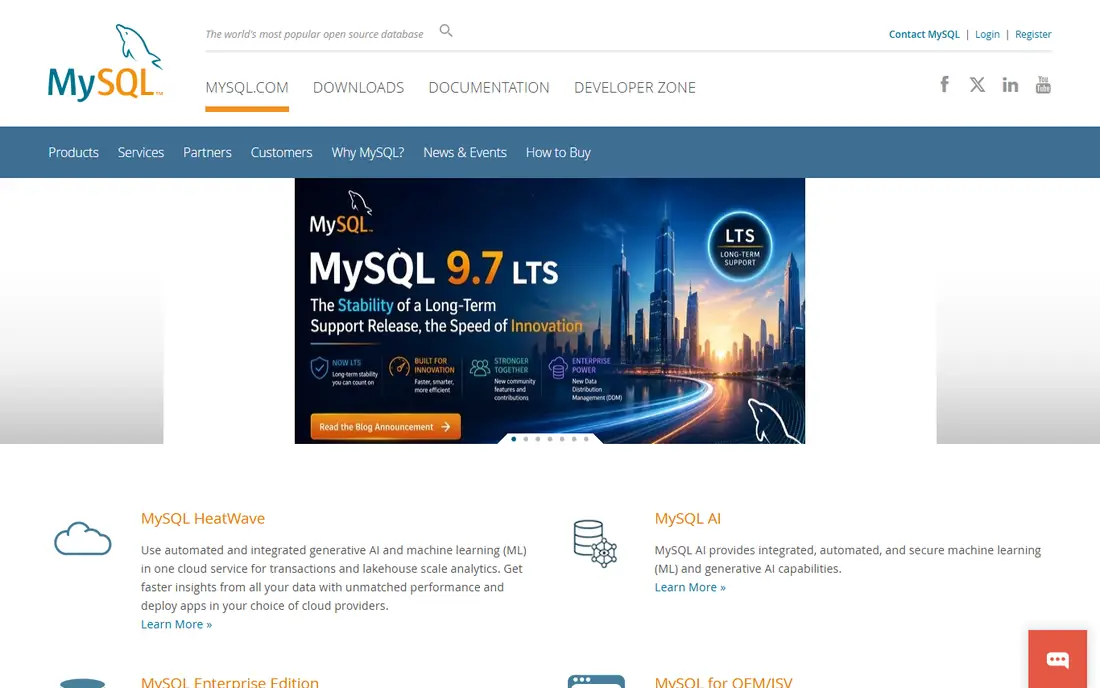
MySQL Community Edition is free and open source, and it powers a huge number of websites and apps. Hosting providers, frameworks and tools support it widely, so a new project can start fast and cheap. That familiarity is a real advantage for small teams and agencies.
Oracle sells commercial MySQL editions and support for enterprises that need advanced features, monitoring and legal cover. Managed MySQL in the cloud also costs by instance size and storage. For most web apps, the free edition plus managed hosting is a low-cost, proven path.
- No license cost for community edition
- Widely supported by hosts and tools
- Simple to start
- Enterprise features and support cost extra
- Managed hosting adds a bill
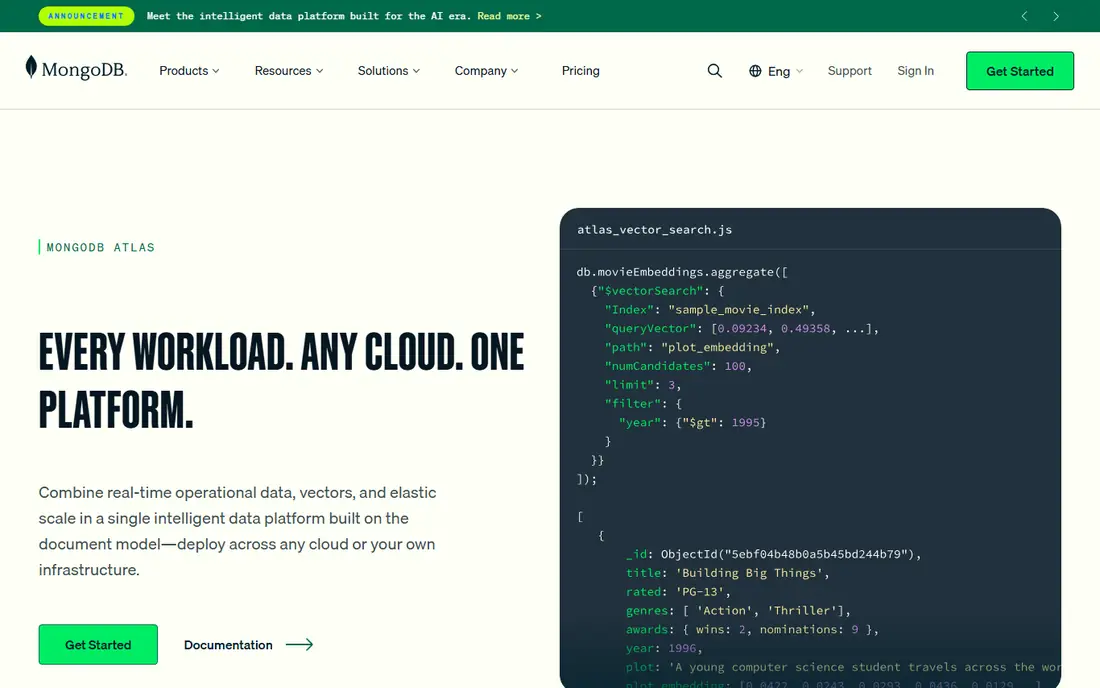
MongoDB Atlas is the managed cloud version of MongoDB, a document database that stores JSON-like records. The free tier suits learning, prototypes and small apps, while paid clusters scale by storage, compute and region. Teams that need flexible schemas for changing app data often prefer documents to rigid tables.
Usage pricing needs monitoring. A busy app with heavy reads and writes can move from free to a meaningful monthly bill quickly. Atlas tools help track usage, but teams should set alerts. For document data with managed hosting, Atlas is a leading option.
- Free tier for learning and small apps
- Flexible document model
- Managed scaling
- Costs rise with data and traffic
- Document design needs care
Supabase builds a hosted backend on PostgreSQL, adding authentication, file storage, real-time features and auto-generated APIs. That bundle suits web and mobile teams that want Postgres without building a full backend from scratch. The free tier covers small projects, and paid plans scale by usage.
As with other usage models, database size, bandwidth and auth users affect the bill, so check current limits and pricing tiers. Supabase is open source and can be self-hosted, which gives an exit path. For Postgres teams that want a fast backend, it is a strong modern choice.
- Free tier on Postgres
- Auth, storage and APIs included
- Open source core
- Costs rise with usage and add-ons
- Young platform compared with older clouds
Firebase, from Google, offers Firestore and Realtime Database plus auth, hosting, functions and analytics for mobile and web apps. The free Spark plan suits prototypes and small apps, while the pay-as-you-go Blaze plan scales with reads, writes, storage and bandwidth. Real-time sync is a core strength for chat, collaboration and live apps.
Pricing surprises are the main risk. A viral launch or an inefficient query pattern can raise reads and writes fast, so set budgets and alerts in Google Cloud. Firebase suits apps built around its document and real-time model, less so teams that need complex SQL joins.
- Free tier for small apps
- Real-time database and Firestore
- Auth and hosting included
- Usage pricing can spike with traffic
- Query model differs from SQL
Snowflake is a cloud data warehouse, not a transactional app database, and its pricing reflects that role. Storage is charged separately from compute, and compute is charged by warehouse size and run time, with auto-suspend to stop idle costs. Analytics teams value the ability to scale compute up for a report and down after.
That flexibility requires discipline. Large warehouses left running, heavy queries and many users can raise bills quickly. Snowflake offers credits and a trial to test costs, but teams should set budgets and monitor usage. For analytics at scale, Snowflake is a leading pricing model to compare.
- Separates storage and compute pricing
- Scales for analytics
- Strong data sharing
- Costs depend on warehouse size and run time
- Needs cost monitoring
Microsoft SQL Server is an enterprise relational database widely used in Windows and Microsoft-centric organizations. SQL Server Express is free for small apps, while Standard and Enterprise editions are licensed by core or by server plus client access, with costs that vary by use. Azure SQL options add pay-as-you-go cloud pricing.
Licensing complexity is the main drawback. Teams should get a clear quote for their core count, edition and high-availability needs before budgeting. For Microsoft shops that need integration with Azure, Power BI and .NET tools, SQL Server remains a strong enterprise choice.
- Deep enterprise and Microsoft ecosystem fit
- Strong tooling
- Express edition is free
- Licensing is complex
- Enterprise costs can be high
PlanetScale offers a serverless MySQL platform with database branching, a feature that lets teams test schema changes like code branches. The free tier suits small projects and learning, while paid plans scale by usage, storage and reads. Teams that want MySQL without managing servers often shortlist it.
It is MySQL only, so Postgres or document teams should look elsewhere. Usage costs depend on traffic and storage, so estimate with real query patterns. For MySQL apps that want modern branching and managed hosting, PlanetScale is a useful option.
- Free tier for small projects
- Serverless MySQL with branching
- Managed scaling
- MySQL-only focus
- Usage pricing needs traffic estimates
How we picked these
We compared official pricing pages, free tiers, licensing models and hosting options for databases that exist today. We favored tools with clear free, trial or open source entry points and a range of pricing models, from license-free to usage-based to enterprise quoted. We did not claim hands-on testing. Cloud prices change often, so check the vendor pricing page for your region and workload.
How to estimate database cost before you commit
Start with data size, query count and traffic, not with a vendor calculator alone. A small app with a few thousand rows costs little on almost any platform, while a busy app with millions of reads needs usage estimates. Use a free tier with a realistic load test, then check the bill or usage dashboard before launch.
License, hosting and hidden costs
Separate license cost from hosting, storage, compute, backups and support. Open source databases save license fees but add operations work. Managed services charge for convenience but reduce staffing needs. Add backup storage, data transfer, monitoring and support to any total, since those lines often surprise buyers.
Scaling and exit plan
Check how pricing changes when data doubles or traffic spikes, and whether you can export data in full. A database that is cheap at launch but costly at scale, or hard to leave, can trap a growing app. Choose standard formats such as SQL or common document exports, and keep backups you control.
FAQ
What is the best database software pricing option for a startup?
PostgreSQL or MySQL with managed hosting, or a free tier from Supabase, MongoDB Atlas or PlanetScale, usually suit startups. Free tiers cover small apps, while usage pricing scales with growth. Set usage alerts so a traffic spike does not surprise you.
Is open source database software really free?
The license is free for PostgreSQL and MySQL Community Edition, but hosting, storage, backups, monitoring and support still cost money. Self-hosting adds staff time, while managed hosting adds a monthly bill. Total cost, not license cost, is the right comparison.
What is the difference between usage pricing and licensed pricing?
Usage pricing charges by storage, compute, reads or traffic, and scales with demand. Licensed pricing charges by server, core or user, often with an upfront or annual fee. Usage suits variable workloads, while licensing suits steady enterprise workloads with predictable capacity.
How do I avoid a surprise database bill?
Set budgets and alerts, use auto-suspend or auto-scaling limits where offered, and test with realistic traffic. Review query patterns, since inefficient queries raise compute and read costs. Check usage dashboards weekly during launch and growth phases.
Can I switch databases later if pricing changes?
Yes, but migration takes work, especially between SQL and document models or between vendors with different features. Export data regularly, avoid proprietary-only features where possible, and plan a migration window. Standard SQL databases tend to move more easily than proprietary platforms.