Best Data Platform in 2026: 9 Platforms Compared
We compared all warehouses, lakehouses and analytics engines to find the best data platform for your team, workload, reporting needs and budget in 2026.

- Editor's choice
 Snowflake
Multi cloud analytics and sharing
Starts atSee websiteVisit snowflake.comFull review - Great alternative
 Databricks
Lakehouse and data science teams
Starts atSee websiteVisit databricks.comFull review - Also consider
 Google BigQuery
Serverless analytics on Google Cloud
Starts atSee websiteVisit cloud.google.comFull review
TL;DR:
- The best data platform is usually the one closest to your existing cloud, team skills and business intelligence tools.
- Usage based pricing can stay cheap or grow fast, so cost governance matters as much as the headline rate.
- Lakehouses suit teams that mix analytics with data science, while warehouses suit teams focused on reporting and dashboards.
- Free tiers and trials are useful for testing, but run a realistic workload before you commit to a platform.
Quick comparison
| Tool | Best for | Starts at | Free plan? | |
|---|---|---|---|---|
| Snowflake | Multi cloud analytics and sharing | See website | Free trial | Visit |
| Databricks | Lakehouse and data science teams | See website | Free trial | Visit |
| Google BigQuery | Serverless analytics on Google Cloud | See website | Yes | Visit |
 Amazon Redshift | AWS native analytics | See website | Free trial | Visit |
 Microsoft Fabric | Microsoft and Power BI teams | See website | Free trial | Visit |
 ClickHouse Cloud | Real time analytics | See website | Free trial | Visit |
 Teradata VantageCloud | Large enterprise estates | See website | Free trial | Visit |
 Dremio | Open lakehouse querying | See website | Yes | Visit |
 SingleStore | Fast transactional and analytical work | See website | Free trial | Visit |
The best data platform
We compared data platforms on query performance, scaling, governance, ecosystem fit and pricing models, using vendor pricing pages, published benchmarks and public documentation.
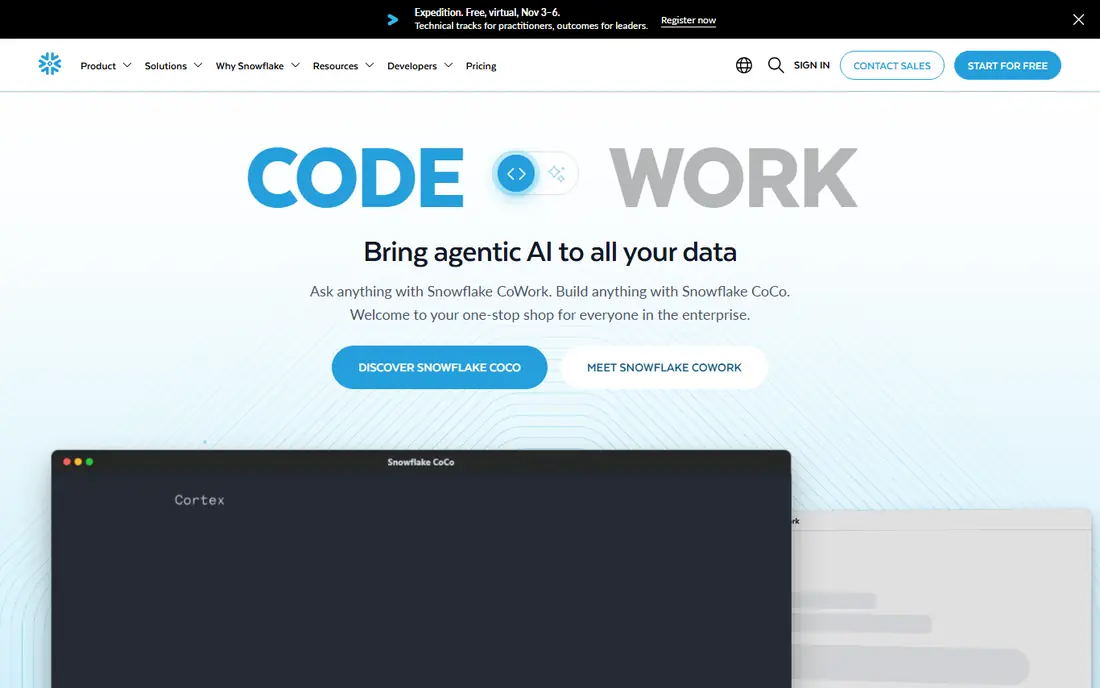
Snowflake remains the default choice for many analytics teams because it separates storage from compute and runs consistently across the three major clouds. Warehouses can scale up, scale out or suspend automatically, which helps teams with spiky reporting loads. Its data sharing features let companies share live data with partners without copying files around, a real advantage for joint reporting.
The pricing model needs care. Standard credits are listed around 2 dollars per credit, with storage around 23 dollars per terabyte per month on AWS in US regions, and oversized warehouses or runaway queries can push bills up quickly. Set up cost alerts, auto suspend and query timeouts from day one. For a multi cloud analytics team that values sharing and clean separation of workloads, Snowflake is a strong pick.
- Runs on AWS, Azure and Google Cloud
- Strong data sharing
- Auto scaling warehouses
- Credits can add up on poorly tuned queries
- Storage and compute billed separately
Databricks built its name on Apache Spark and now positions its lakehouse as one home for warehousing, engineering and machine learning. SQL users get Databricks SQL, while data scientists can work on the same data with notebooks and ML tools, without moving data between systems. Unity Catalog adds governance, lineage and access control across that shared data.
Pricing uses Databricks units, which vary by workload type, and cloud infrastructure costs often sit on top, so total cost needs a worked example rather than a single rate. Serverless SQL is listed around 0.70 dollars per unit, with Classic and Pro tiers lower. For teams that mix analytics with data science and engineering, Databricks is the most complete lakehouse option.
- One platform for SQL, streaming and machine learning
- Strong Spark foundation
- Unity Catalog governance
- Databricks units plus cloud costs can confuse budgets
- Cluster sprawl is a risk
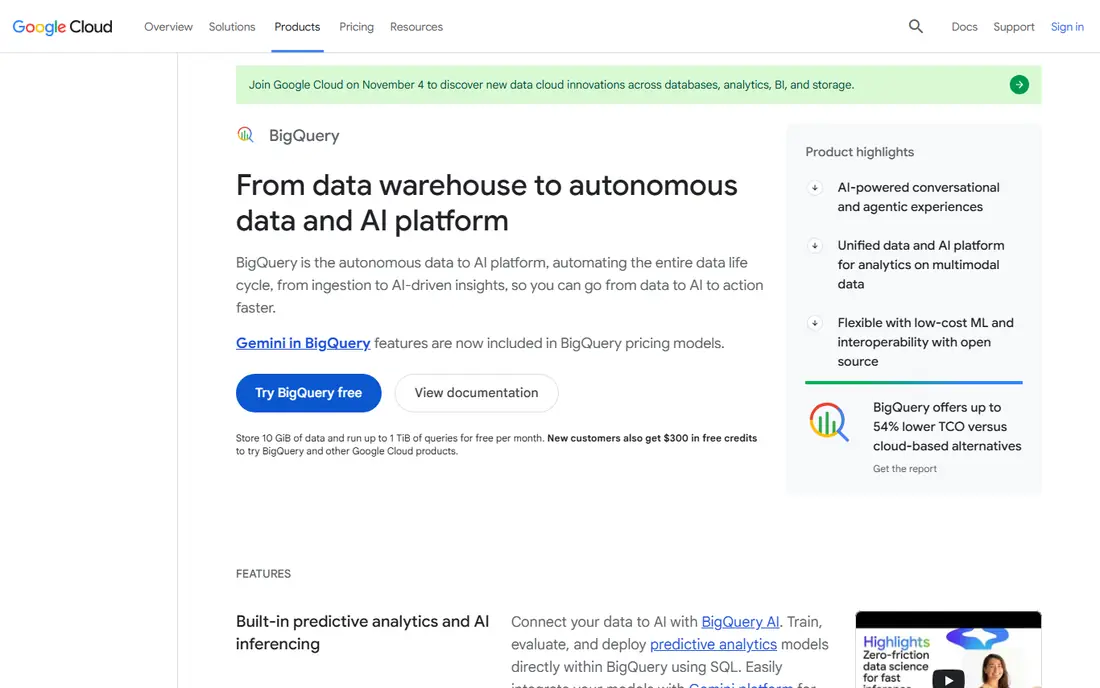
BigQuery appeals to teams that want analytics without managing clusters. You point it at data, write SQL, and Google handles scaling. On demand pricing is around 6.25 dollars per terabyte scanned, with a free tier that includes the first terabyte of queries and 10 gibibytes of storage each month. That makes it easy to start and to test ideas quickly.
The risk is unpartitioned tables and broad scans, which can scan far more data than expected. Partitioning, clustering and slot based capacity pricing help once usage grows. If your team already uses Google Cloud and wants serverless analytics with a low barrier to entry, BigQuery is an excellent fit.
- No servers to manage
- Generous free tier
- Strong for ad hoc analysis
- On demand scan costs can surprise
- Best inside Google Cloud
Redshift is the natural warehouse for AWS heavy companies, integrating with S3, Glue, Kinesis and other AWS services. Serverless mode charges by RPU hour, listed from around 0.375 dollars per RPU hour in published comparisons, while provisioned clusters suit steady, predictable workloads. It has handled very large analytics estates for years, and its tooling is mature.
Redshift rewards good workload management and punishes neglect, since poorly tuned queries and oversized clusters waste money. Teams that already run on AWS and want a warehouse close to their data pipelines will find Redshift a practical and proven choice.
- Deep AWS integration
- Serverless option
- Proven at large scale
- Workload management matters
- Provisioned clusters need sizing care
Microsoft Fabric brings data engineering, warehousing, real time analytics and Power BI together under one SaaS platform, with OneLake as shared storage. A single capacity model covers many workloads, which simplifies buying compared with separate tools, and Power BI users get a familiar path from data to dashboards. Published workload comparisons have put Fabric among the cheaper options for a typical BI workload.
The catch is capacity planning. Choosing the right capacity size and understanding how workloads consume it takes some learning, and Fabric is clearly strongest for Microsoft centric companies. If your reporting already lives in Power BI, Fabric is the most coherent platform choice.
- One capacity meter across workloads
- OneLake shared storage
- Power BI built in
- Capacity sizing can confuse
- Best inside the Microsoft ecosystem
ClickHouse is known for fast analytical queries over large datasets, and ClickHouse Cloud turns that engine into a managed service with separate compute and storage billing. It suits real time dashboards, log analytics and product analytics where query speed matters more than broad enterprise features. The open source version is free to self manage, and the cloud service offers a trial with credits.
ClickHouse rewards careful table design and partitioning, and it is less of a general purpose enterprise warehouse than Snowflake or Databricks. For teams with speed sensitive analytics and the modeling skills to match, it offers strong value.
- Very fast analytical queries
- Open source core
- 30 day trial with credits
- Needs good data modeling
- Smaller ecosystem than the big warehouses
Teradata has served the largest analytics estates for decades, and VantageCloud brings that platform to AWS, Azure and Google Cloud, plus customer cloud and on premises options. Storage is listed from around 23 dollars per terabyte per month, with the rest priced by quote under a consumption model. Its strengths are scale, reliability and governance for companies with strict enterprise requirements.
Smaller teams will find it heavy and expensive to evaluate, and contracts can be complex. For a large enterprise with huge data volumes and a long Teradata history, VantageCloud remains a serious platform.
- Proven at very large scale
- Strong enterprise governance
- Runs across clouds
- Quote based pricing
- Contract complexity
Dremio takes a different approach, letting teams query data in open lakehouse formats such as Apache Iceberg without first loading it into a proprietary warehouse. That reduces copying and keeps data in formats other tools can also read. A free open source edition exists alongside the cloud service, which helps teams that want control over deployment.
Dremio is not a drop in replacement for a full enterprise warehouse for every team, and it works best where data engineering skills are already present. For companies building an open lakehouse and wary of lock in, Dremio is a smart addition to the shortlist.
- Queries data where it sits
- Open lakehouse formats
- Free open source edition
- Less of a full warehouse replacement
- Needs data engineering skills
SingleStore combines transactional and analytical workloads in one distributed SQL engine, which suits applications that need fast reads and writes together, such as real time dashboards fed by live transactions. It offers cloud and self managed deployment, and a free trial for evaluation. Teams building customer facing analytics or operational reporting often value its low latency.
Its community and third party ecosystem are smaller than Snowflake, Databricks or BigQuery, so check integration coverage for your BI and pipeline tools. If your workload mixes live transactions with analytics, SingleStore is worth testing alongside a traditional warehouse.
- Handles transactions and analytics in one engine
- Low latency queries
- Cloud and self managed options
- Smaller community than the big platforms
- Pricing needs a quote for scale
How we picked these
We compared platforms that are actively developed, used at scale in 2026, and cover the main data platform patterns: warehouse, lakehouse and real time analytics. We weighed performance, scaling, governance, ecosystem fit and pricing transparency, using vendor pricing pages and published pricing comparisons. Because most enterprise pricing is usage based or quote based, we marked those as See website rather than inventing a monthly figure. We kept the list to platforms a team can realistically evaluate, not every database on the market.
How to choose a data platform for your workload
Start with your workload, not the vendor. Reporting teams need fast, governed SQL and strong BI integration, while data science teams need notebooks, streaming and ML tooling on the same data. List your must have integrations, your cloud provider, your data residency rules and your expected data volume, then shortlist two platforms that fit all four.
Test with a realistic workload, not a demo dataset. Load a sample of your real tables, run your ten most common queries, and measure both speed and cost. Set cost alerts and workload limits during the trial, and check how the platform handles concurrency when many users query at once. The cheapest platform on paper can become the most expensive if queries are hard to govern.
Cost traps to watch
Watch for idle compute, unpartitioned scans, cluster sprawl and egress fees. Auto suspend, partitioning, query timeouts and named workload owners prevent most surprises. Review the bill weekly during the first month, and treat any query that costs far more than expected as a modeling problem to fix, not a price to accept.
FAQ
What is the best data platform?
The best data platform depends on your cloud, team and workload. Snowflake suits multi cloud analytics, Databricks suits lakehouse and data science teams, BigQuery suits Google Cloud serverless work, Redshift suits AWS teams, and Fabric suits Power BI teams. Match the platform to your existing stack first.
What are the best data platforms for small teams?
Small teams often do best with a serverless option such as BigQuery or ClickHouse Cloud, or with Dremio on an open lakehouse, since these reduce infrastructure work. Start with the free tier or trial, prove the workload, and only then commit to capacity or reserved pricing.
How much does a data platform cost?
Most data platforms charge by usage, such as credits, units, terabytes scanned or capacity hours, so costs vary with workload. Snowflake Standard credits are listed around 2 dollars per credit, BigQuery on demand is around 6.25 dollars per terabyte scanned, and Redshift serverless is listed from around 0.375 dollars per RPU hour. Always test with your own queries.
What is the difference between a data warehouse and a data lakehouse?
A warehouse stores structured data optimized for SQL analytics and reporting. A lakehouse adds warehouse features such as governance and performance to data lake storage, so teams can run analytics, streaming and machine learning on the same data. Many modern platforms blend both patterns.
Do I need a data platform if I already use a BI tool?
A BI tool visualizes data, but it still needs somewhere clean, governed and fast to query. A data platform provides that layer, along with ingestion, transformation and access control. Small teams can start with a simple warehouse and add complexity only when reporting slows down or data quality becomes a problem.