Best Data Preparation Software for Remote Teams for 2026: Our 6 Vetted Picks
Best data preparation software for remote teams in 2026: 6 contenders with entry costs and free tiers. Limits and pricing notes included. See which fits.
- Editor's choice
 Talend Data Preparation
Integration with Qlik Talend Cloud
Starts atSee websiteVisit talend.comFull review - Great alternativeDatameer
Snowflake-native data transformation
Starts atSee websiteVisit datameer.comFull review - Also consider
 Tableau Prep
No-code data cleaning and shaping
Starts at$15 per user per monthVisit tableau.comFull review
Direct answer
Talend Data Preparation comes first here, mainly for integration with Qlik Talend Cloud. Listed starting prices: Tableau Prep from $15 per user per month, Trifacta from $250 per user a month and Alteryx Designer from $250 per user a month. If your case is different, Datameer suits Snowflake-native data transformation and Tableau Prep suits no-code data cleaning and shaping. Prices, free plans and limits for all 6 tools follow.
TL;DR:
- Talend Data Preparation is the opening pick, best for integration with Qlik Talend Cloud.
- Microsoft Power Query suits Microsoft ecosystem data transformation.
- For the cheapest start, look at Tableau Prep: $15 per user per month.
- Just one of the 6 tools, Tableau Prep, has a free plan.
- Talend Data Preparation comes with a trade-off: transition to Qlik may affect existing users.
Last checked November 2026. Prices and plan details were read from the vendors' own pages in November 2026; vendors change plans often, so confirm the current price on the vendor site before you buy.
Quick comparison
| Tool | Best for | Starts at | Free plan? | |
|---|---|---|---|---|
| Talend Data Preparation | Integration with Qlik Talend Cloud | See website | Not stated | Visit |
| Datameer | Snowflake-native data transformation | See website | Not stated | Visit |
| Tableau Prep | No-code data cleaning and shaping | $15 per user per month | Yes | Visit |
| Trifacta | Alteryx Designer Cloud users | $250 per user a month | Free trial | Visit |
| Alteryx Designer | Automatic data workflows and integrations | $250 per user a month | Free trial | Visit |
| Microsoft Power Query | Microsoft ecosystem data transformation | See website | Not stated | Visit |
Data Preparation Software for Remote Teams, one by one
This LinkVetted guide covers 6 data preparation software for remote teams. Each profile lists a starting price, free plan details, strengths and drawbacks, so you can drop poor fits quickly.
In short, Talend Data Preparation is for integration with Qlik Talend Cloud. Talend Data Preparation is now part of Qlik Talend Cloud, offering data integration, transformation, and governance across environments. It is made for teams that require trusted data for AI and analytics.
Where it falls short: Transition to Qlik may affect existing users.
Teams looking for a standalone data preparation tool might explore Tableau Prep or Trifacta instead. Since Talend is now part of Qlik, users may face a ramp-up time during the transition. This comparison lists no price for Talend Data Preparation; ask the vendor. Free plan details: Not stated.
- Part of Qlik Talend Cloud for smooth integration
- Designed for AI and analytics
- Documentation may be evolving
Datameer
Best for: Snowflake-native data transformation
For Snowflake-native data transformation, Datameer is a natural candidate. It is well suited to remote teams that use Snowflake as their primary data warehouse and need a simplified, low-code option for data preparation.
Points against: May not suit teams without Snowflake.
Beyond that, Datameer is specifically aimed at Snowflake, so it may not be a good match for teams using other data systems. Datameer does not show a starting price in this comparison, so check the vendor site for current pricing. As for free access: Not stated.
- Automates data transformation
- Built natively for Snowflake
- Restricted to Snowflake environments
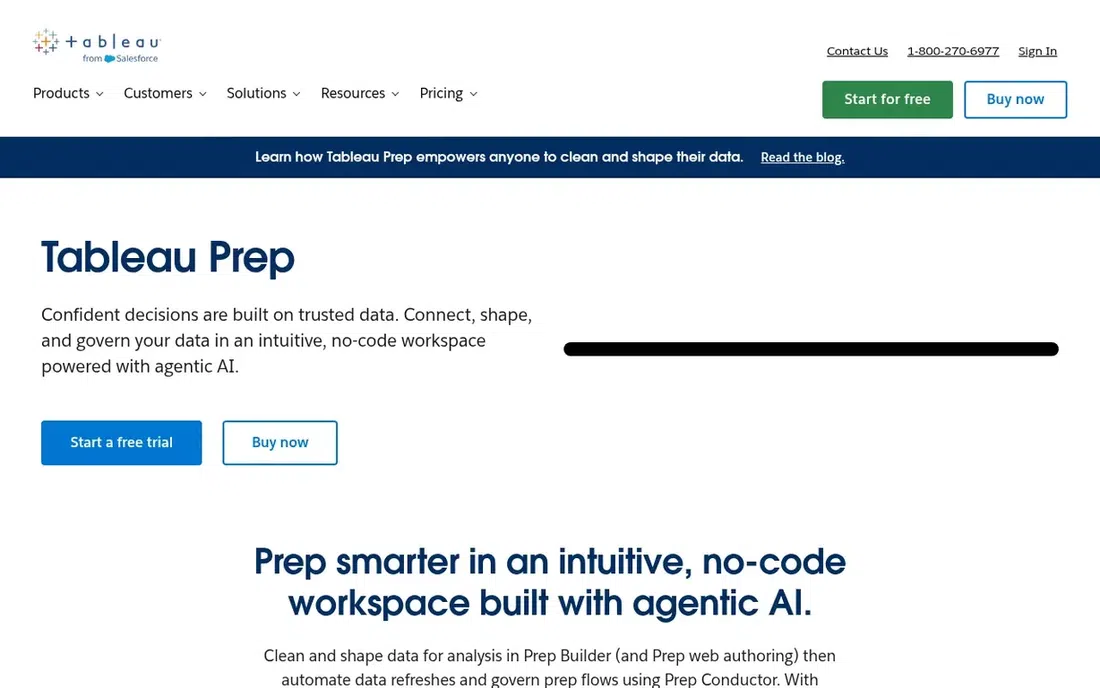
Tableau Prep is designed for no-code data cleaning and shaping. Tableau Prep supplies an easy-to-learn, no-code workspace with agentic AI built in, helping analysts clean and shape data visually. It is a strong match for remote teams that prefer a practical, visual approach to data preparation without writing code.
Trade-offs to know: May need Tableau ecosystem for full value.
The tool plugs into Tableau's analytics product, making it a natural fit for teams already using Tableau. Whereas Tableau Prep eases data cleaning, it may lack advanced customization choices for complicated transformations. Tableau Prep pricing: $15 per user per month. Tableau Prep has a free plan.
- Visual interface for data transformation
- Easy-to-learn no-code workspace
- Restricted advanced customization
Trifacta
Best for: Alteryx Designer Cloud users
Trifacta makes the most sense for Alteryx Designer Cloud users. Trifacta is now Alteryx Designer Cloud, joining Alteryx to help customers and partners bring more value to their companies through data analytic insights. It supplies cloud-based data preparation capabilities right for remote teams that require to collaborate on data transformation projects.
In practice, the tool concentrates on making data preparation more accessible and efficient. Teams looking for a stable, standalone data preparation tool might explore Tableau Prep or Talend Data Preparation. From a buyer's view, as Trifacta transitions to Alteryx Designer Cloud, users may encounter changes in features and support. The starting price for Trifacta: $250 per user per month. Trial and free access: Free trial.
Where it is weaker: Brand transition may cause confusion.
- Now part of Alteryx Designer Cloud
- Breakthrough data analytic insights
- Limited standalone information
Alteryx Designer
Best for: Automatic data workflows and integrations

Alteryx Designer is a good fit for automatic data workflows and integrations. Teams seeking a more straightforward, no-code tool might consider Tableau Prep or Microsoft Power Query instead.
Beyond that, the product may have a ramp-up time for beginners and could demand significant computing resources for complicated workflows. The starting price for Alteryx Designer: $250 per user per month. On free options: Free trial.
Honest limits: Can be resource-intensive for large datasets.
- Automates data workflows to cut manual work
- BI tools
- May need training for advanced use
Microsoft Power Query
Best for: Microsoft ecosystem data transformation
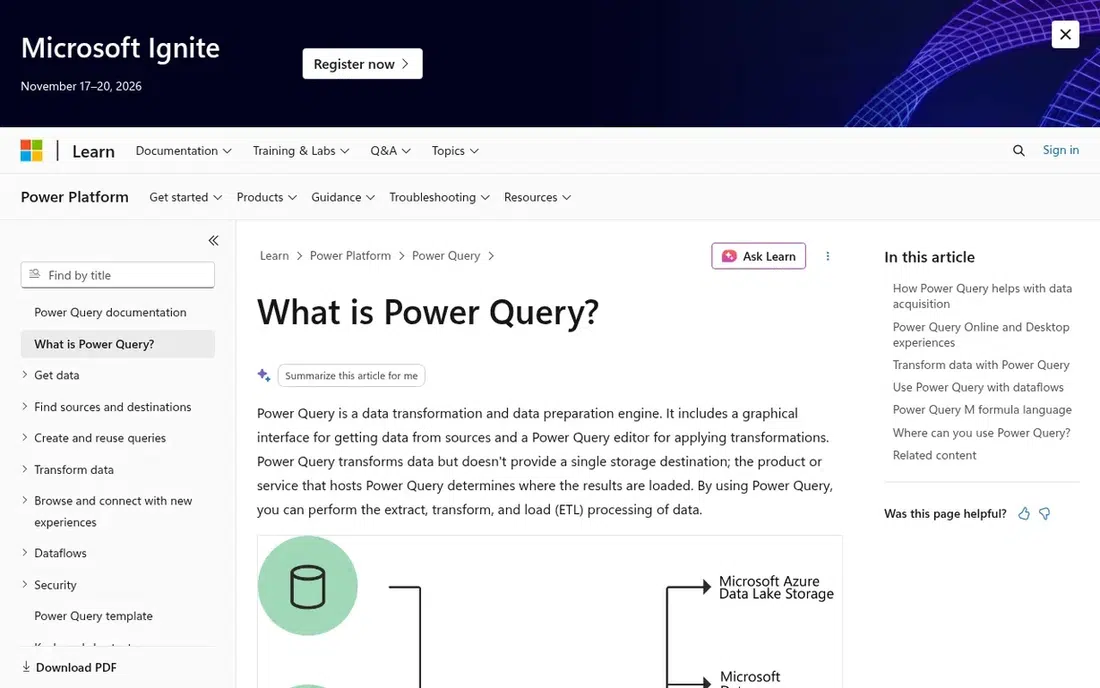
Pick Microsoft Power Query if this describes you: Microsoft ecosystem data transformation. Microsoft Power Query is a data transformation tool that helps users get and transform data within the Microsoft ecosystem. It is well-suited for remote teams already using Microsoft tools like Excel and Power BI, offering a familiar interface for data preparation tasks.
Limits to weigh: May have limitations with non-Microsoft data sources.
On top of that, teams with diverse data stacks might need a more platform-agnostic option like Alteryx Designer or Datameer. In daily use, Power Query makes it possible for users to clean and shape data efficiently without broad coding. Microsoft Power Query shows no starting price here, so confirm the cost on the vendor site. Free access: Not stated.
- Approachable interface for data transformation
- Smooth integration with Microsoft products
- A good match for Microsoft-centric environments
How these tools were picked
LinkVetted looked at what each vendor publishes: pricing, plan limits, feature coverage for data preparation software for remote teams and stated drawbacks. No hands-on testing is claimed. Where a price is missing, the vendor does not list one publicly or ties it to a quote. Always confirm before budgeting. The ranking is editorial: typical fit first, then clear pricing, then free access. If your needs are unusual, read the profiles rather than relying on position.
What to confirm before you sign up
- Confirm the entry price on the vendor page. For Talend Data Preparation, Datameer and Microsoft Power Query that means a quote rather than a fixed price.
- Test the free plan from Tableau Prep against your real workload before relying on it.
- Run a trial of Trifacta and Alteryx Designer with real work before paying for a year; your own workflow is the best test.
- Before choosing Talend Data Preparation, weigh its main limit: transition to Qlik may affect existing users.
- Ask Talend Data Preparation whether prices are locked for the first term and what happens at renewal.
- Ask whether Alteryx Designer integrates with your current software, and whether that comes standard or as an add-on.
FAQ
How are the tools for data preparation software for remote teams ordered?
Talend Data Preparation sits first and Microsoft Power Query last because the order follows typical fit for data preparation software for remote teams, then price clarity and free access. It is a judgement call, so read each profile for fit and limits.
Can Datameer be used by teams not on Snowflake?
Datameer is built natively for Snowflake, so it is not aimed at teams using other data systems. Teams without Snowflake should consider alternatives like Tableau Prep or Microsoft Power Query that support a wider range of data sources.
Is Talend Data Preparation the right pick for everyone comparing data preparation software for remote teams?
No single tool suits every team. Talend Data Preparation comes first because it fits integration with Qlik Talend Cloud, while Datameer suits Snowflake-native data transformation and Tableau Prep suits no-code data cleaning and shaping. Match the tool to your own size, budget and workflow before deciding.
Can I try these tools before paying?
Often, yes. Tableau Prep has a free plan and Trifacta and Alteryx Designer offer a free trial. Use your own data and a real task during the test, and check what the free tier or trial limits before you rely on it. For the full picture, the cards above cover all 6 entries of this data preparation software for remote teams list, including price, free plan and limits.
What is the cheapest option for data preparation software for remote teams in this list?
On published monthly entry prices, Tableau Prep is the lowest here at $15 per user per month. Entry price is only part of the cost, because seats, add-ons and billing terms can change the total. Prices, free plan details and limits for all 6 tools in this data preparation software for remote teams roundup sit on the individual cards above.
Is Microsoft Power Query a good match for remote teams using non-Microsoft tools?
Microsoft Power Query performs best within the Microsoft ecosystem and may have limitations with non-Microsoft data sources. Remote teams using a mix of products might need a more agnostic tool like Alteryx Designer or Datameer for smooth integration.
Sources
- https://www.talend.com
- https://www.datameer.com
- https://www.tableau.com/products/prep
- https://www.trifacta.com
- https://www.alteryx.com
- https://powerquery.microsoft.com