Best Data Pipeline Software in 2026: 9 Tools Compared
Compare the best data pipeline software for 2026, from open source orchestration to managed ELT, with current pricing, strengths and honest limits. today.
- Editor's choice
 Apache Airflow
Custom orchestration at scale
Starts atFreeVisit airflow.apache.orgFull review - Great alternative
 Fivetran
Hands off managed ELT
Starts atSee websiteVisit fivetran.comFull review - Also consider
 Airbyte
Open source ELT with a cloud option
Starts at$20 per monthVisit airbyte.comFull review
TL;DR:
- Managed ELT tools such as Fivetran and Airbyte move data with far less upkeep than a hand built pipeline.
- Apache Airflow remains the standard choice when a team wants full control over scheduling and custom logic.
- dbt Cloud fits teams that already store data in a warehouse and want tested, documented transformations.
- Pricing models differ a lot, so compare monthly active rows, data volume and compute before you commit.
Quick comparison
| Tool | Best for | Starts at | Free plan? | |
|---|---|---|---|---|
| Apache Airflow | Custom orchestration at scale | Free | Yes | Visit |
| Fivetran | Hands off managed ELT | See website | Yes | Visit |
| Airbyte | Open source ELT with a cloud option | $20 per month | Yes | Visit |
 dbt Cloud | Transformations inside the warehouse | See website | Yes | Visit |
 Qlik Talend Cloud | Enterprise data integration | See website | No | Visit |
 Informatica | Large enterprise pipelines | See website | No | Visit |
 AWS Glue | Teams already on AWS | See website | No | Visit |
 Azure Data Factory | Teams already on Microsoft Azure | See website | No | Visit |
 Hevo Data | Small teams that need quick ELT | See website | Yes | Visit |
The best data pipeline software
We compared official feature pages, pricing pages, connector lists and documentation for these tools. Our pick for most small and mid sized teams is a managed ELT tool, while larger teams with complex logic may still prefer Airflow plus dbt.
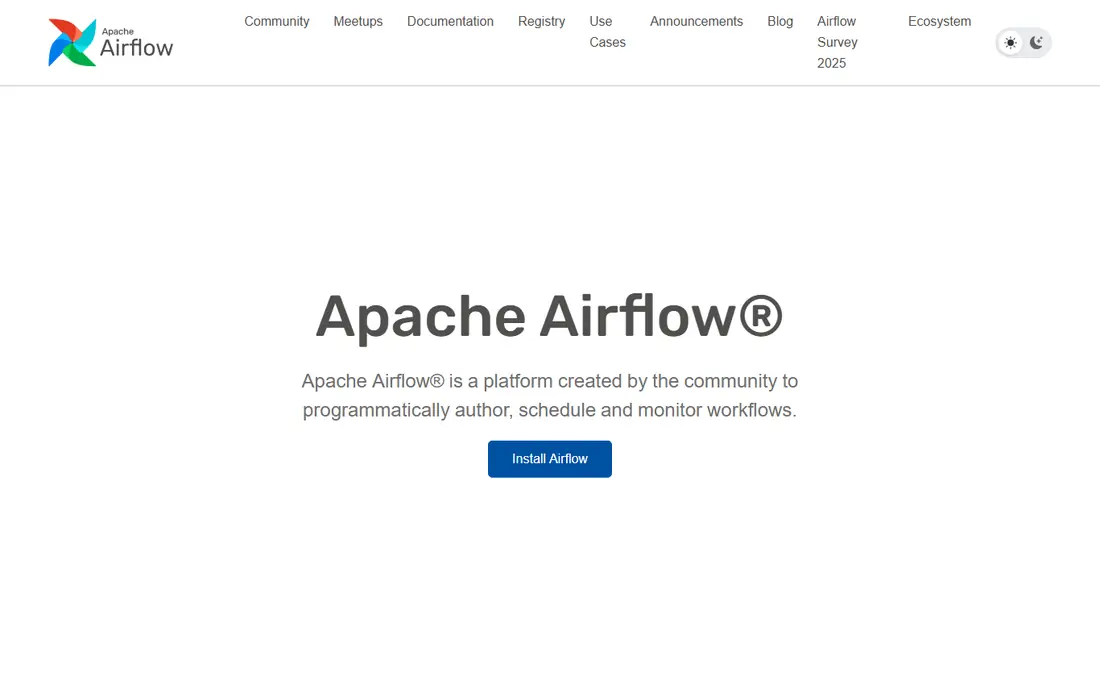
Airflow suits teams that need to schedule, retry and monitor many jobs in one place. You define workflows as code, which makes review, version control and testing much easier than clicking through a visual tool. The operator library covers common databases, cloud services and file stores, and the community keeps it current.
The honest catch is ownership. Airflow itself is free, but you still pay for servers or a managed service, and someone has to maintain upgrades, security and monitoring. It also does not ship with hundreds of ready made source connectors in the way a managed ELT tool does. Choose it when orchestration matters more than ready made ingestion.
- Open source and widely supported
- Flexible scheduling with Python
- Large operator library
- Needs engineering time to run
- No managed connectors out of the box
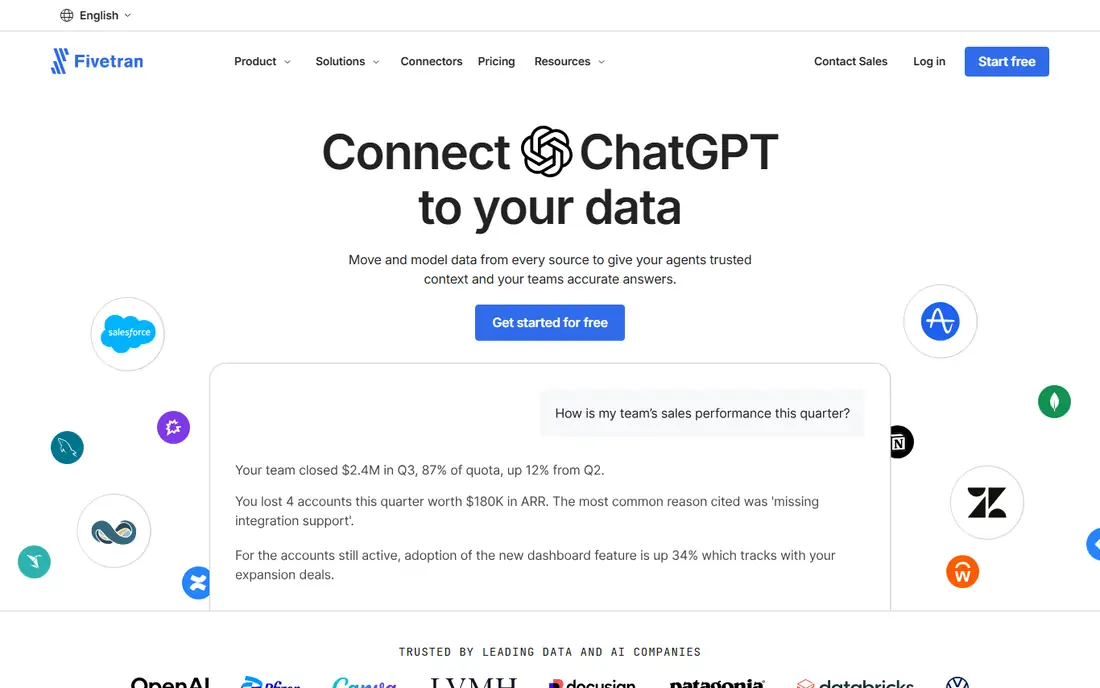
Fivetran is built for teams that want data in the warehouse without building connectors. It handles schema drift, incremental syncs and retries, and it publishes a wide range of sources from common SaaS tools to databases. For a small analytics team, that saves weeks of maintenance work.
Pricing is the main thing to watch. Fivetran charges by monthly active rows, and that cost rises with change heavy sources. A free plan covers limited volume, which is useful for a trial, but a busy production workload needs a careful estimate. Check the pricing page with your real row counts before you sign.
- Large connector library
- Automated schema changes
- Strong compliance coverage
- Usage based pricing can grow fast
- Less control over custom logic
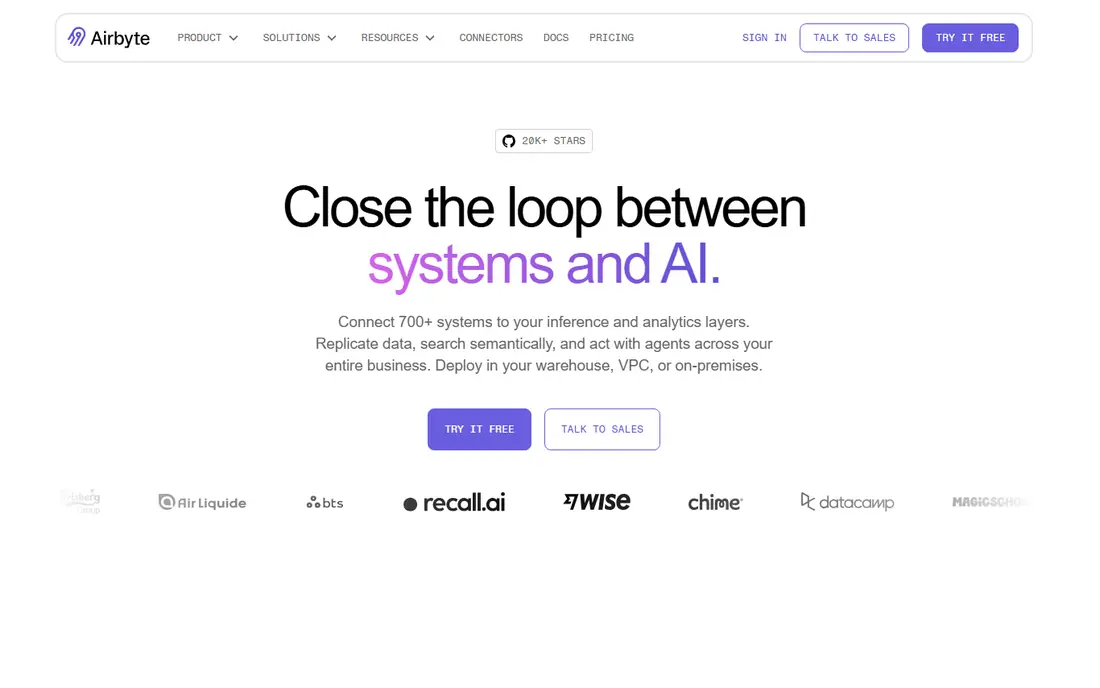
Airbyte gives teams a middle path between fully managed and fully custom. The open source core can run on your own infrastructure, while Airbyte Cloud removes that work for a volume based fee. Its connector builder also helps when a source is missing, which is a real advantage for teams with unusual internal tools.
The trade off is complexity. Self hosting means you own upgrades and scaling, and cloud pricing is based on credits and capacity, so it takes a short trial to learn your true cost. Still, for teams that value openness and portability, Airbyte is a strong and current choice.
- Open source core you can self host
- Large connector catalog
- No charge per row on cloud plans
- Self hosting needs effort
- Some advanced features sit on paid tiers
dbt Cloud is not a replacement for Fivetran or Airbyte. It takes over after data lands in the warehouse, turning raw tables into clean, tested models with SQL. That separation keeps logic readable, and its tests catch broken joins and missing values before reports go out.
Teams that like this approach pair dbt Cloud with an ingestion tool, which is now simpler since Fivetran and dbt Labs joined in 2026. The catch is scope. If you need to move data from apps into the warehouse, you still need another tool, and dbt works best when your team is comfortable with SQL and version control.
- SQL based models with tests
- Clear lineage and docs
- Strong warehouse support
- Not an ingestion tool on its own
- Needs a warehouse to run
Qlik Talend Cloud suits larger firms that need integration, transformation and data quality in one platform. Its visual designer helps data engineers build jobs without writing every step by hand, while code based options remain for complex cases. Hybrid deployment also helps firms that keep some systems on site.
The downside is weight. Pricing is quote based, setup takes longer than a managed ELT tool, and small teams may find the feature set larger than they need. It earns its place when governance, quality checks and many source systems matter more than speed of setup.
- Broad integration and data quality tools
- Visual and code based design
- Hybrid deployment
- Quote only pricing
- Heavier setup than a simple ELT tool
Informatica has served large data teams for years, and its cloud platform now covers ingestion, integration and governance in one place. For regulated firms, its lineage, masking and catalog features carry real weight. It also handles high volume workloads that smaller tools may struggle with.
New users should expect a learning curve and a sales led purchase. Pricing is not published as a simple monthly plan, so budget talks take time. It fits best when an enterprise already runs complex data programs and needs one vendor for many jobs.
- Mature integration catalog
- Strong governance
- Cloud and on site options
- Enterprise pricing
- Steep learning curve for new users
AWS Glue fits teams that already store data in S3, Redshift or other AWS services. It runs Spark jobs without servers to manage, and it can crawl data stores to build a catalog. For AWS shops, that closeness to storage and compute keeps latency and data movement low.
The catch is scope and skill. Glue is most natural inside AWS, and tuning Spark jobs still takes experience. Costs follow job runtime and capacity, so a poorly tuned job can cost more than expected. Use it when AWS is already your home, not as a general tool for every cloud.
- Serverless Spark based ETL
- Tight AWS integration
- Pay as you go billing
- AWS centric
- Job tuning takes skill
Azure Data Factory is the natural pipeline tool for Microsoft shops. Its visual designer makes it easy to copy data between Azure SQL, Blob Storage, Synapse and many outside sources, and it supports scheduled and event driven runs. Teams that use Power BI also gain a clear path from pipeline to report.
As with Glue, the fit narrows outside its home cloud. Pricing depends on pipeline runs, data movement and integration runtime use, so a quote needs a realistic workload. It is a strong pick for Azure teams and a weaker one for teams that need a cloud neutral tool.
- Visual pipeline designer
- Broad Azure integration
- Serverless option
- Microsoft centric
- Pricing has many moving parts
Hevo Data aims at teams that want a working pipeline in a day, not a month. Setup is guided, common SaaS and database sources are covered, and a free tier lets a small team test a real workload. Paid plans add faster syncs and larger event volumes.
Watch the event meter. Every record write can count, so sources that update often will cost more than a quiet source. For a startup or a small analytics team with a clear set of sources, Hevo is a practical and affordable way to start, with room to move to a larger tool later.
- Simple setup
- Many common connectors
- Real time options on paid plans
- Event based pricing can rise with busy sources
- Smaller catalog than leaders
How we picked these
We compared official pricing pages, connector catalogs, documentation and support pages for tools that are live in October 2026. We favored tools with a clear deployment path, current documentation and a real user base, and we included both managed and open source options so different team sizes can find a fit.
We did not run hands on load tests for this roundup. Our comparison rests on published features, pricing models and public reviews, and we note where pricing is quote based so you can budget with a sales call rather than a guess.
What to check before you buy
Start with the workload, not the tool
List your sources, destinations, sync frequency and row or event volume first. A tool that is cheap for a nightly batch can be costly for near real time syncs, and a tool built for one cloud may add friction elsewhere.
Test with a real source
Run a trial on one busy source and one awkward source, such as a custom API or a database with frequent schema changes. Watch for failed syncs, late data and how clear the error messages are. That trial tells you more than a feature list.
Plan for failures and changes
Ask how the tool handles retries, backfills and schema drift, and who gets alerted when a job fails. A pipeline that quietly stops is worse than one that fails loudly, because reports go stale without warning.
FAQ
What is the best data pipeline software for a small team?
A managed ELT tool such as Fivetran, Airbyte Cloud or Hevo Data is usually best for a small team. You get ready made connectors and monitoring without hiring a dedicated data engineer, and you can add dbt later for transformations.
Is Apache Airflow still worth using in 2026?
Yes, when you need custom orchestration, complex dependencies or full control over code. Airflow is not the fastest way to ingest SaaS data, but it remains a strong scheduler for teams that already write Python.
What is the difference between ETL and ELT?
ETL transforms data before it loads into the warehouse, while ELT loads raw data first and transforms it inside the warehouse. ELT suits cloud warehouses because they can scale compute for transformations, and tools such as dbt make that work readable.
How much does data pipeline software cost?
Costs vary by model, from free open source software to usage based cloud plans and quote based enterprise contracts. Always estimate with your real row, event or data volume, and check whether deletes and updates count toward billing.
Do I need dbt if I use Fivetran or Airbyte?
Not at first, but most teams add it as reporting grows. Ingestion tools move data, while dbt turns raw tables into tested models that analysts can trust, so the two roles fit together well.