Choosing Cybersecurity Software for Remote Workers in 2026: 5 Options Compared
5 best cybersecurity software for remote workers, compared on pricing, free plans and best-fit use. Includes honest limits for each tool. Pick by budget.
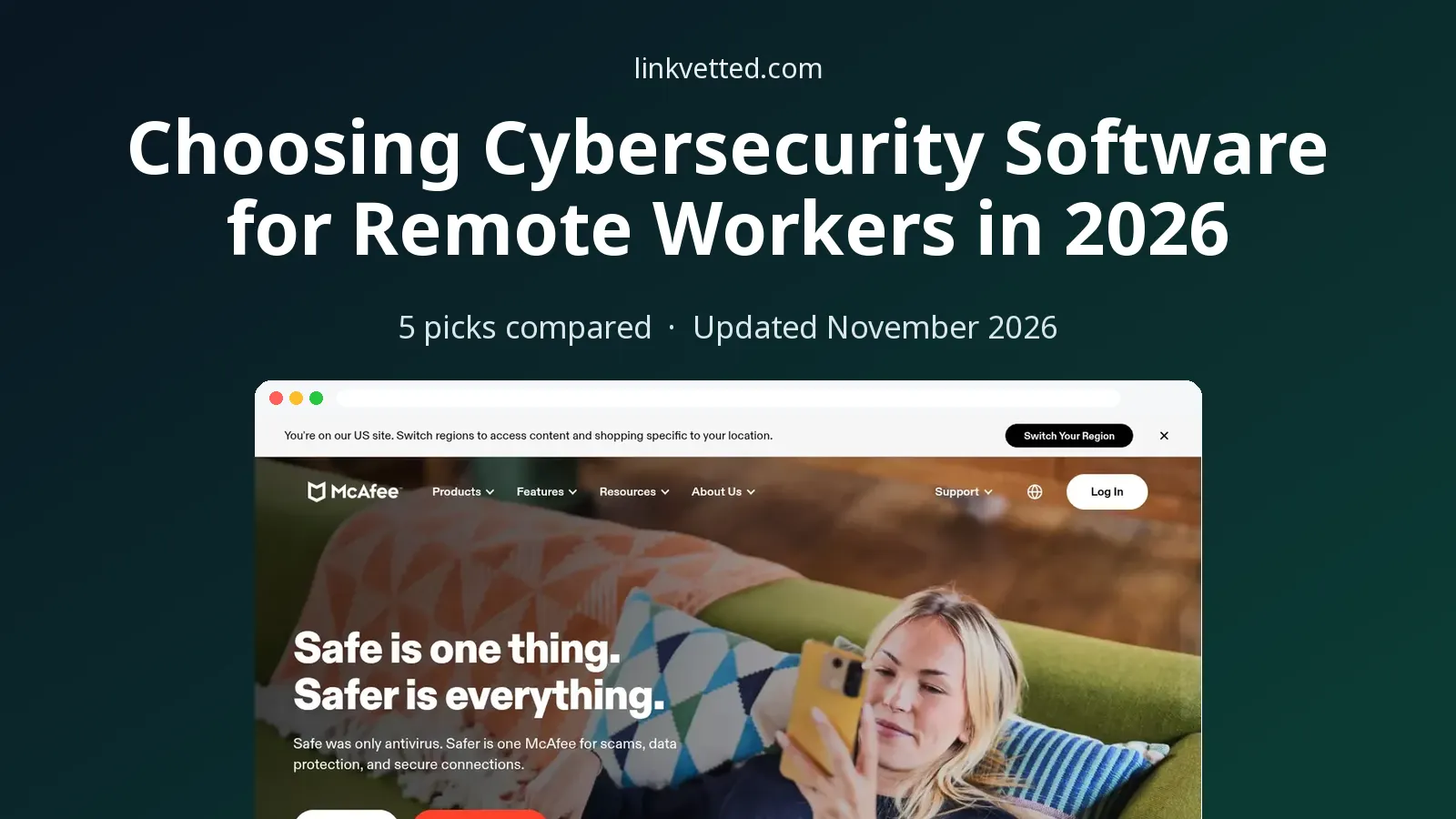
- Editor's choice
 McAfee Total Protection
AI-powered antivirus with identity and privacy tools
Starts atSee websiteVisit mcafee.comFull review - Great alternative
 1Password
Password and secrets management for teams
Starts atSee websiteVisit 1password.comFull review - Also consider
 Norton 360
All-in-one protection with identity theft monitoring
Starts atSee websiteVisit us.norton.comFull review
Direct answer
For AI-powered antivirus with identity and privacy tools, McAfee Total Protection is where this list starts. Listed starting prices: Dashlane from $4 per user per month. 1Password is the stronger choice for password and secrets management for teams, while Norton 360 suits all-in-one protection with identity theft monitoring. The other 2 tools in the list cover narrower or pricier cases.
TL;DR:
- This list starts with McAfee Total Protection, which is built for AI-powered antivirus with identity and privacy tools.
- Dashlane fits credential security and password management.
- Dashlane is the lowest-priced starter here at $4 per user per month.
- McAfee Total Protection, Dashlane and the 3 others all need a premium plan or a trial, since no free plan is listed.
Last checked November 2026. Prices and plan details were read from the vendors' own pages in November 2026; vendors change plans often, so confirm the current price on the vendor site before you buy.
Quick comparison
| Tool | Best for | Starts at | Free plan? | |
|---|---|---|---|---|
| McAfee Total Protection | AI-powered antivirus with identity and privacy tools | See website | Not stated | Visit |
| 1Password | Password and secrets management for teams | See website | Not stated | Visit |
| Norton 360 | All-in-one protection with identity theft monitoring | See website | Not stated | Visit |
 Bitdefender Total Security | Advanced malware protection with minimal performance impact | See website | Not stated | Visit |
 Dashlane | Credential security and password management | $4 per user per month | Free trial | Visit |
Cybersecurity Software for Remote Workers compared in detail
LinkVetted compared 5 cybersecurity software for remote workers. The goal is a practical shortlist: published prices, free plan facts, best-fit use cases and honest limits for every entry.
McAfee Total Protection
Best for: AI-powered antivirus with identity and privacy tools

McAfee Total Protection works best for AI-powered antivirus with identity and privacy tools. Remote workers who want a single package handling device security, identity, and privacy may find it a convenient fit, especially those who on a regular basis deal with email and collaboration tools.
Where it is weaker: Can be resource-intensive on older devices.
In practice, the suite bundles plenty of features, which can overlap with tools you already use. It may be heavier on system resources. Check the vendor site for McAfee Total Protection pricing; none is listed in this comparison. On free options: Not stated.
- Bundles identity theft and privacy options
- Guards against scams
- Bundled features may overlap with other tools
1Password serves password and secrets management for teams. Remote workers who require to run many credentials, share access with colleagues, or secure sensitive project secrets will find it a good fit, notably in distributed teams.
This comparison lists no price for 1Password; ask the vendor. On free options: Not stated.
Where it falls short: Not a full antivirus replacement.
- Scales from expanding teams to enterprise
- Secures passwords and secrets
- Needs disciplined use across all accounts
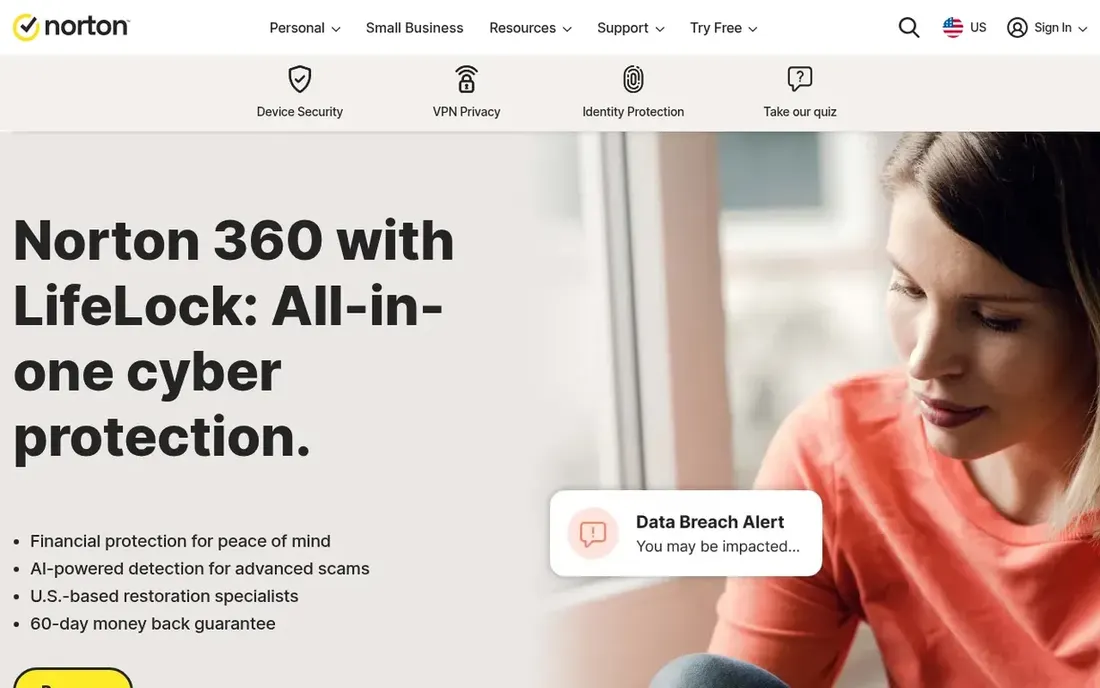
In short, Norton 360 is for all-in-one protection with identity theft monitoring. Norton 360 with LifeLock is a security suite that pairs antivirus with identity theft protection. It draws on one of the world's largest civilian cyber intelligence networks to help detect threats.
Points against: May bundle features some remote workers do not need.
This makes it a fit for remote workers who want a single subscription that covers both device security and identity monitoring, notably those who deal with sensitive personal or client data from home. Also, if you prefer standalone tools or already have identity monitoring elsewhere, a more straightforward antivirus or password manager could be a better fit. Norton 360 shows no starting price here, so confirm the cost on the vendor site. Free access: Not stated.
- Merges antivirus with LifeLock identity theft protection
- Backed by a large civilian cyber intelligence network
- Needs trust in a single vendor for several safeguards
Bitdefender Total Security
Best for: Advanced malware protection with minimal performance impact
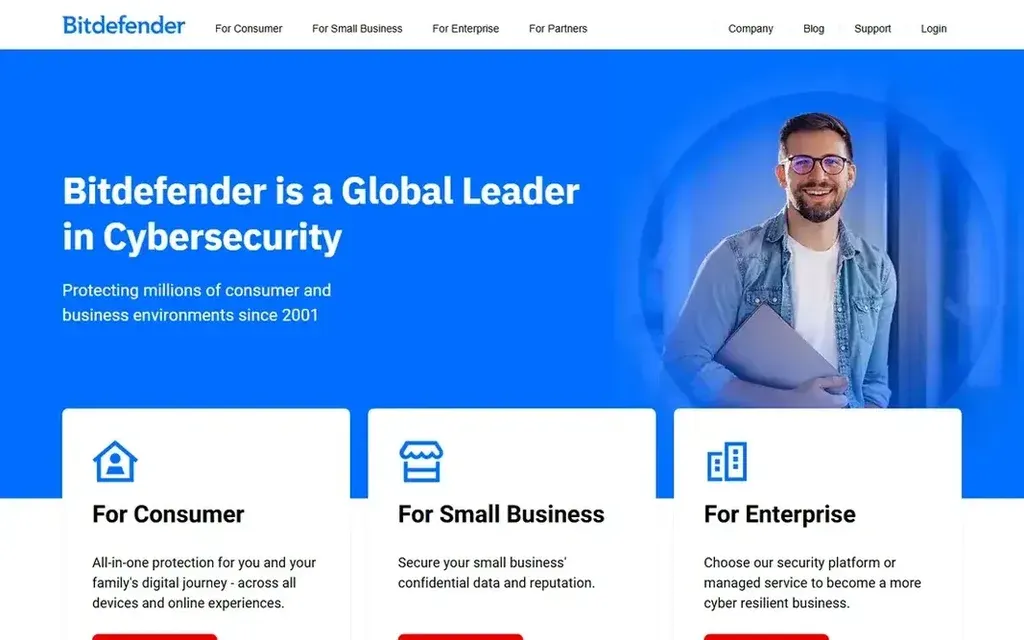
Bitdefender Total Security is aimed squarely at advanced malware protection with minimal performance impact. The feature set can be overwhelming if you only need entry-level antivirus, and the interface may take time to learn.
Bitdefender Total Security shows no starting price here, so confirm the cost on the vendor site. As for free access: Not stated.
Points against: Interface may feel complicated for entry-level users.
- Handles several devices in one option
- Provides solid protection against advanced malware
- Some features are geared toward bigger households
Dashlane is a good fit for credential security and password management. Dashlane is not an antivirus or endpoint security tool, so it must be paired with other defenses.
As for the details, if you need a single suite that comes with malware protection, a broader security product might be more appropriate, but for credential-focused security, Dashlane is a solid choice. Starting cost for Dashlane: $4 per user per month. On free options: Free trial.
Drawbacks to consider: Advanced features may need onboarding.
- Top-rated password management
- Credential protection for individuals and firms
- Does not contain antivirus protection
How we built this list
What to check before you buy
- Confirm the entry price on the vendor page. For McAfee Total Protection, 1Password, Norton 360 and Bitdefender Total Security that means a quote rather than a fixed price.
- Use real work to test the free trial from Dashlane, rather than a demo project.
- Before choosing McAfee Total Protection, weigh its main limit: bundled features may overlap with other tools.
- Let daily users try McAfee Total Protection on real work; their feedback beats any feature checklist.
- Map your must-have features to a specific 1Password plan before you compare prices.
FAQ
Does any tool for cybersecurity software for remote workers here have a free plan?
No tool in this list, McAfee Total Protection and Dashlane included, has a permanent free plan. Dashlane offer a trial. Trials and quotes are the usual route, so plan a short evaluation period.
Can I try these tools before paying?
Often, yes. Dashlane offers a free trial. Use your own data and a real task during the test, and check what the free tier or trial limits before you rely on it.
Is McAfee Total Protection the right pick for everyone comparing cybersecurity software for remote workers?
No single tool suits every team. McAfee Total Protection comes first because it fits AI-powered antivirus with identity and privacy tools, while 1Password suits password and secrets management for teams and Norton 360 suits all-in-one protection with identity theft monitoring. Match the tool to your own size, budget and workflow before deciding.
Is a password manager enough for remote work security?
A password manager like 1Password or Dashlane is essential for credential hygiene but does not replace antivirus or secure access tools. A layered approach combining password management, endpoint protection, and secure connectivity is more solid.
What is the cheapest option for cybersecurity software for remote workers in this list?
On published monthly entry prices, Dashlane is the lowest here at $4 per user per month. Entry price is only part of the cost, because seats, add-ons and billing terms can change the total.
Do remote workers need antivirus software?
Yes, antivirus remains a baseline defense against malware, ransomware, and phishing downloads. Remote workers frequently lack corporate network protections, so endpoint security like Norton 360 or Bitdefender Total Security helps fill that gap.
Sources
- https://www.mcafee.com/consumer/en-us/store/m0/catalog/mtp_/mcafee-total-protection.html
- https://1password.com
- https://us.norton.com/products/norton-360
- https://www.bitdefender.com/solutions/total-security.html
- https://www.dashlane.com